Exclusive to Android, Google Maps with Navigation is a thorn under the toenail of the sat-nav industry. Why? Because it's free and quite brilliant. So long as you're on an Android phone, that is. Google hasn't extended the sat-nav skills to the iPhone edition of Google Maps.

Google Maps with Navigation – searching
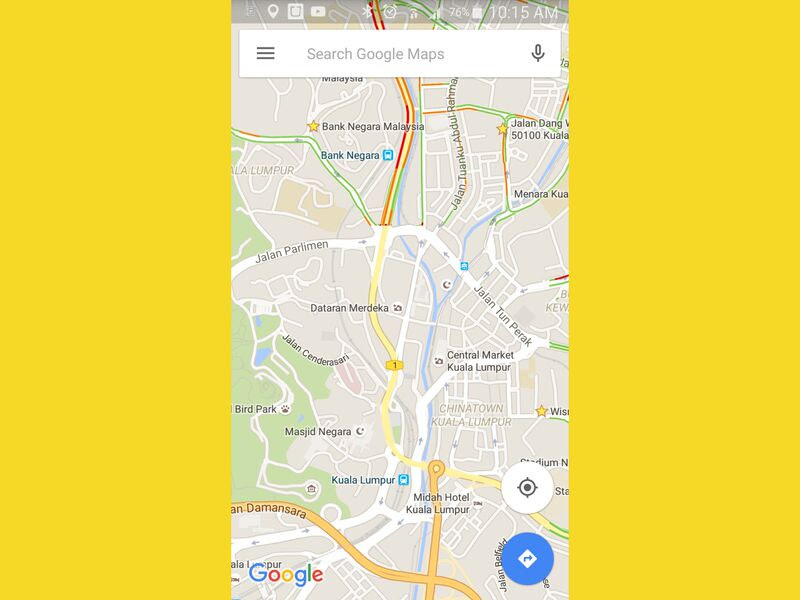
It gets off to a flying start, powered by the world’s best search engine. You can enter postcodes, street names, towns, businesses, landmarks or a general search term… just about anything you like, as you would in Google. The app is reliant on a data connection for its maps but can cache all it needs for your route before you set off.

Google Maps with Navigation – satellite view
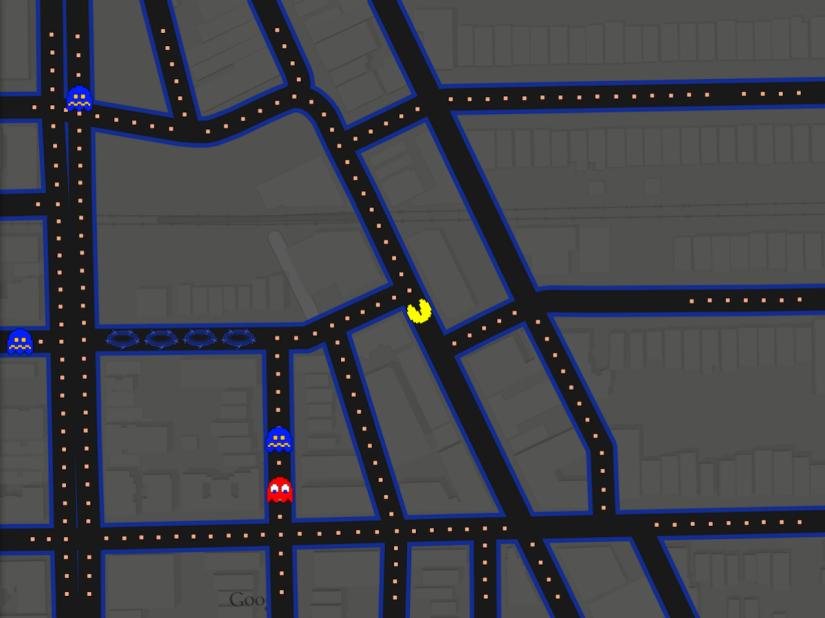
The star of the show is the Google Earth-style satellite view option, and it's not just a gimmick. This makes it much more like using a proper paper map (in a good way), because you can instantly see rivers, parks, train lines, major buildings and natural landscape features around you and get a sense of what's beyond the next street.

Google Maps with Navigation – traffic info
By collating realtime data on the positions and movements of other phones on the road (and hence other cars) Google Nav is able to feed back accurate info on traffic levels around you, and it does this by colouring roads on the map accordingly: red for a snarl up, yellow for fairly busy and green for a free run. It's so simple and works so well. If you're stuck in a queue you can pinch-zoom the map out and instantly get an idea of how serious it might be, and also check out alternative routes or shortcuts.

Google Maps with Navigation – voice control
Reliable voice recognition makes it easy to use in-car, and Google Nav's search skills are phenomenal. You’ll never want to enter a postcode again. Routing is as intelligent as any rival, with alternatives on hand if you don't like the first suggestion. You’re guided by a text-to-speech robot which is sufficient but not ideal, especially if you're relying on the audio rather than looking at the display.

Google Maps with Navigation – data charges
The snag with Google Nav has always been the need for a data connection, and that's still the case. The Google Maps side of the app will allow you to cache selected areas of the globe, but these can't be used for navigation, and until the navigation end can pre-load entire country maps you’ll still incur big roaming charges if you use it abroad.
So, not a good choice for your European tour, but for UK-based driving this is way out in front.
Latest Apps and Games reviews
-
Metro: Last Light
We take a nerve-jangling ride on the irradiated Moscow underground with Metro: Last Light
-
Far Cry 3: Blood Dragon
A glorious, ass-kickingly unashamed celebration of 80s action movie tropes – and a pretty brilliant game to boot
-
Dead Island: Riptide
-
Injustice: Gods Among Us
Holy smoke, Batman! DC Comics and Mortal Kombat have had a baby and called it Injustice: Gods Among Us
-
Tiger Woods PGA Tour 14
Tiger Woods PGA Tour 14 ups its game – but is it an eagle or a bogey?
-
Bioshock Infinite
The brainiest shooter series around goes beyond the sea and heads for heavens with Bioshock Infinite.
Apps and Games news
-
Xbox One – the games
With fifteen games due out this year – we take a look at those revealed so far
-
New Xbox reveal - games we expect to see
With hours to go until the big Xbox reveal, we take a look at the games we expect to see strutting their stuff on Microsoft's big green stage
-
Best iPhone and iPad apps this week
From gazing at the stars to gazing into a glass of gin, this week's pick of the best iOS apps cover every eventuality
-
Batman: Arkham Origins trailer released
The Dark Knight takes on Deathstroke in a five-minute smackdown
-
Nintendo reveals upcoming games ahead of E3
With no big press conference at this year’s E3, Nintendo announces a collection of new titles via video
-
Inside the real Google I/O
Think Google I/O is all about swanky hardware launches? Think again. Swiftkey's Joe Braidwood takes a look at the event from the developer's point of view


Comments