I spent a week using Apple’s MacBook Neo – here are my honest thoughts
I’ve now spent over a week testing and using the Apple MacBook Neo as my everyday laptop and here are some observations


I’ve now spent over a week testing and using the Apple MacBook Neo as my everyday laptop and here are some of my honest thoughts to go alongside my full Apple MacBook Neo review.
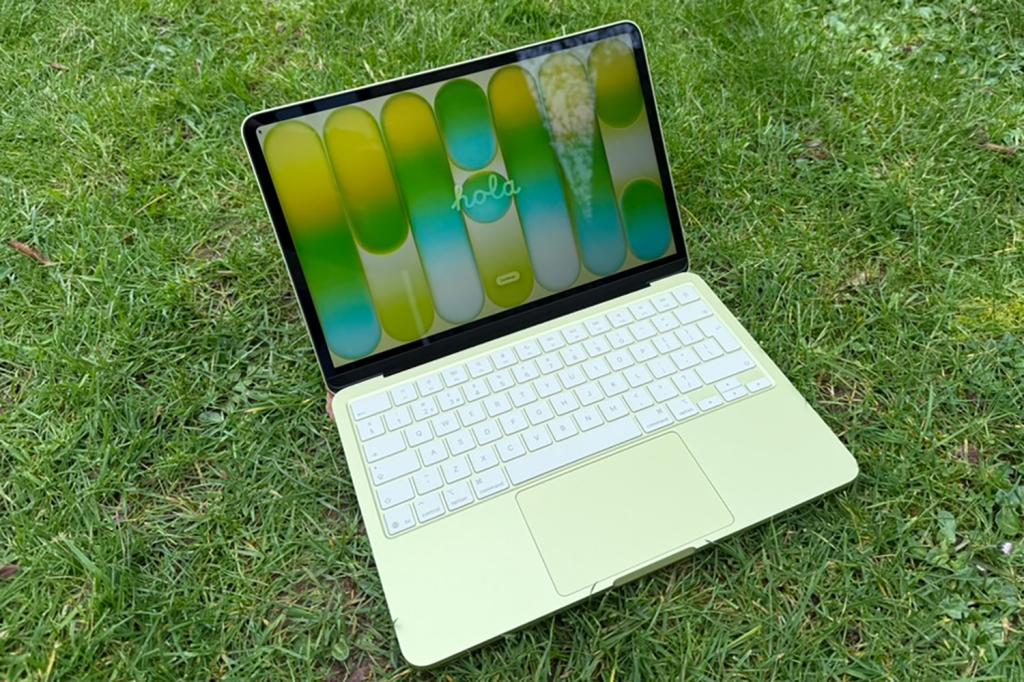
There’s no doubt this is a stupendous laptop for $599/£599. As you get it out of the box, you see it’s fantastically compact and well put together for the money. There are build compromises, but they are minor. Wider bezels around the display, for example, or the lack of a backlit keyboard.
On Day 1, I transferred a lot of files and folders across with an external SSD but didn’t set up the device to transfer content my existing MacBook Pro on purpose, primarily because the amount of apps and other data would have maxxed out the 256GB drive on the Neo – I have around 500GB used on my Pro currently.
As I said in my review, if you can afford the 512GB model and plan to store a lot of photos or video, I’d recommend it. But as noted elsewhere, the lack of Touch ID hasn’t been the wrench I thought it would be simply because I also wear an Apple Watch and as with any modern Mac – and not so modern Mac! – you can auto-unlock the device if you’re wearing an unlocked watch close by.
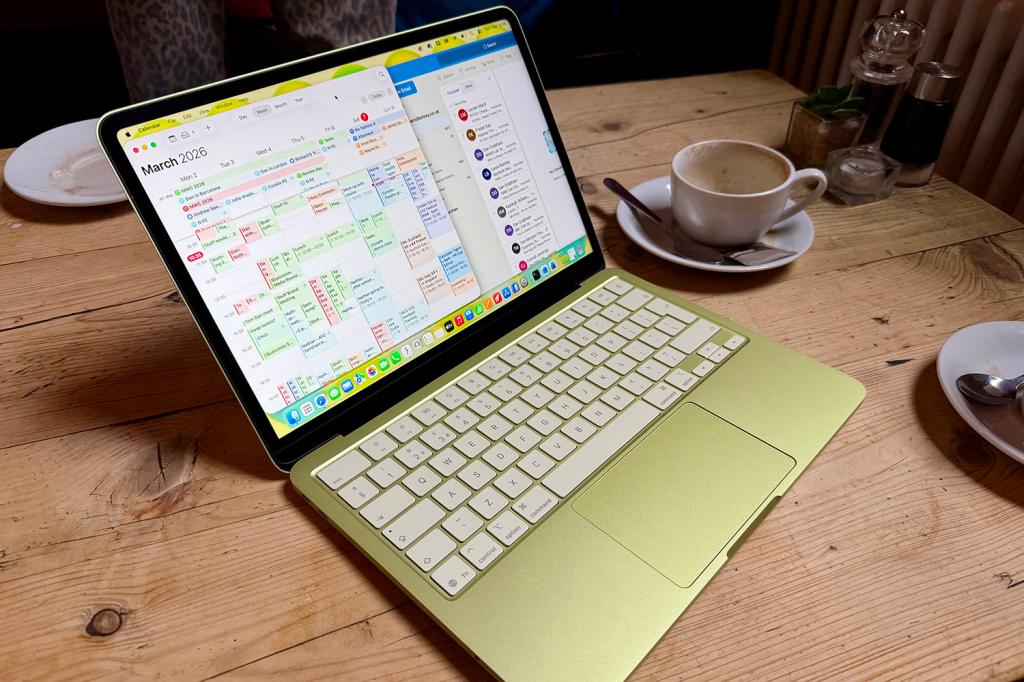
On Day 2 I took the Neo out and about. It’s a fantastically portable machine and it will become a regular site in coffee shops and co-working places. However, I also noticed a few issues as I tried to work normally. I don’t use really intense apps usually but I am a big multitasker. And that did cause the Neo a slight issue with its 8GB of memory.
Day 3 was benchmark day. As others found, the A18 Pro is exceptional on single core performance (compared with, say, Apple M1, so-so on multi-core performance but struggles a little under sustained load. That’s bad news for those who need to edit and encode video and this isn’t the machine for you if you often work with video.
The Neo advantage
After Day 4 I really felt though that although I wasn’t the ideal audience for Neo, it is the kind of computer that most people need. A lot of people who were buying iPads as cheap consumption devices but who also send emails, interact with AI apps and so on… well they’ll also now be considering the Neo.
Some of that is because we all need to work with files from time to time and, well, file management on the iPad remains sub-par. Here you’re getting a machine that’s 90 percent of the way to a fully featured laptop that costs several thousand dollars. Let’s not forget that official iPad keyboards are often ridiculously expensive, so you are getting a huge amount for the price of the Neo.
By Day 5 I was fully comfortable in the Neo and I wasn’t thinking about returning to a more powerful Mac at all. The dual USB-C ports are welcome, especially as you need to use one to charge. But the fact they’re not the same is real curiosity and appears to be a limitation of the Apple A18 Pro, which in turn is used here presumably on the grounds of cost.
It’s very rare for an Apple product to be designed to a price point, but that has clearly been the case here as Apple seeks to target a new market. There have, of course, been compromises.
Using the A18 Pro is clearly a choice, as is only including 8GB of memory. Then there’s the lower-quality display. But it’s very much the case that this Mac has Apple-levels of quality in its build and as I mentioned above, any design compromises are really minor and on Day 6 I get some admiring glances as I work on the train from people who are clearly interested in what the Neo is like.
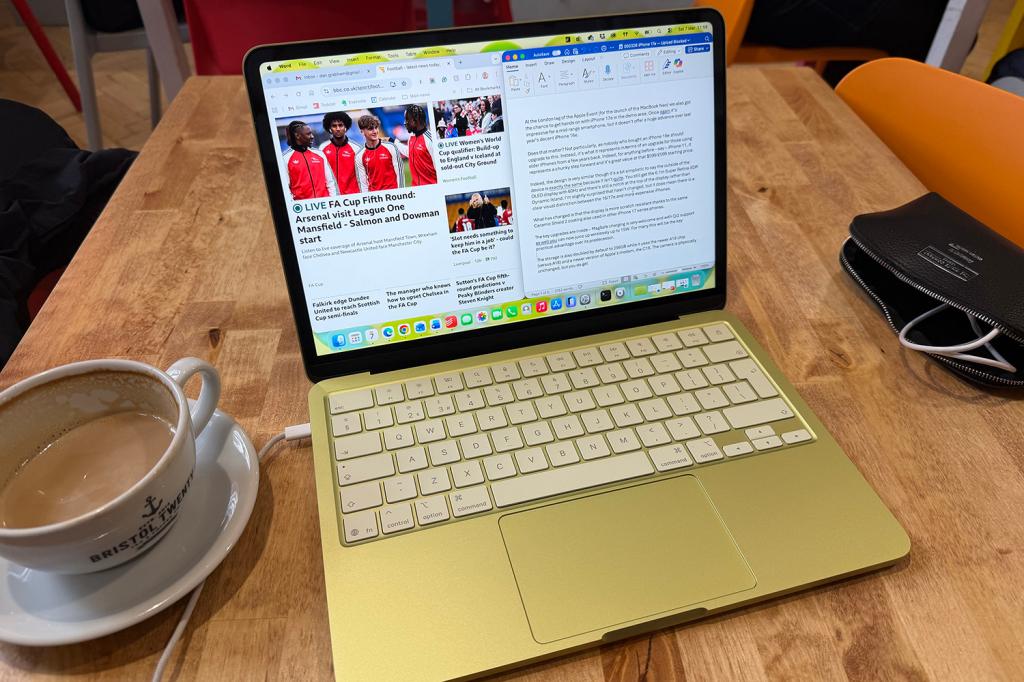
So as I enter Day 7 and a full week living in the Neo. I go to a breakfast event and it just so happens to be in my bag, I’m asked about it and again, it’s a talking point as some friends look it over. It’s certainly been a product that a lot of people have genuinely been interested in this week – I always know when a tech launch has seemed genuinely exciting, as I am asked about it by people who aren’t necessarily interested in
Tomorrow, I’m moving back to my MacBook Pro with M4 Pro for work. My needs mean that a lot of stuff I’ve been doing on the Neo is slower and the 8GB is a serious limitation for me. But as I said in my review, that certainly won’t be the case for the huge majority of people who buy this laptop. And Neo will remain in my everyday bag – when I need a computer for personal stuff like email and other admin, I’d much rather use it than an iPad.


 Dan Grabham
Editor-in-Chief
Dan Grabham
Editor-in-Chief