How owning an Apple Watch could save you money on the new MacBook Neo
Considering whether to buy the more expensive Touch ID MacBook Neo model? Consider this Apple Watch workaround first

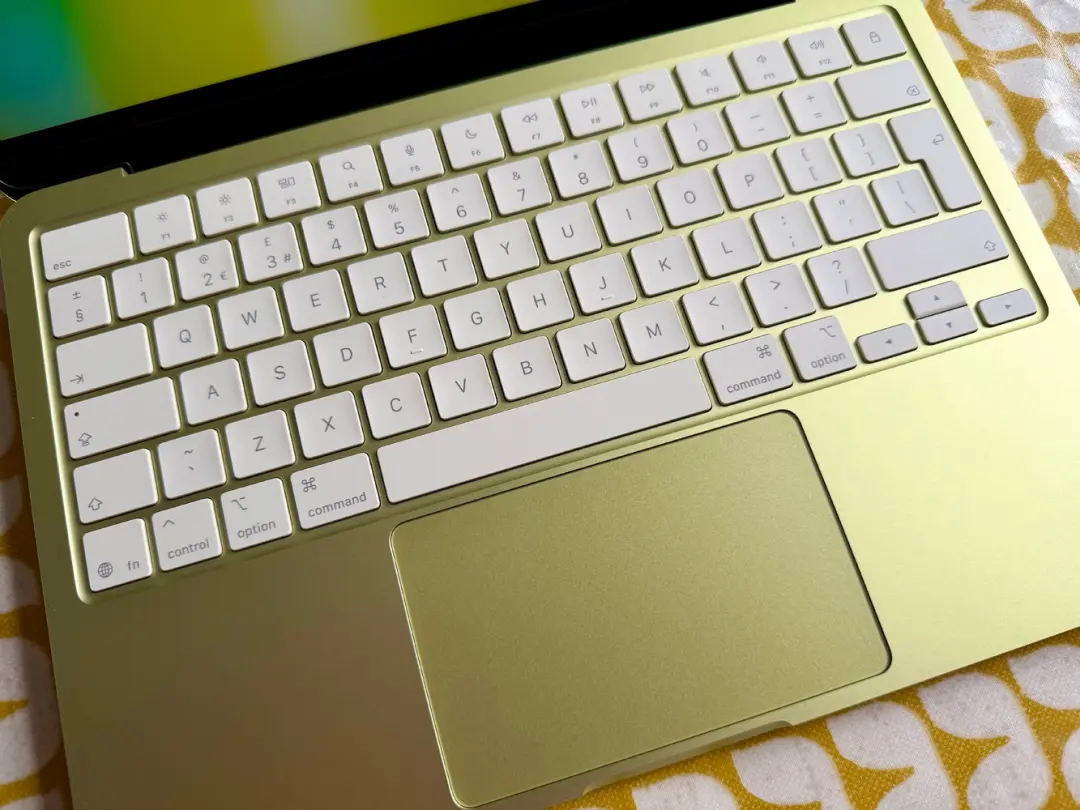
If you’re looking at the base MacBook Neo 256GB at the low, low price of $599/£599 then the idea of losing the Touch ID button on the keyboard is a serious consideration.
The 512GB configuration costs an extra $100/£100, but includes a Touch ID button enabling easy access to the computer, app and website log-ins and Apple Pay authentication.
If you don’t care about the extra storage, the extra C-note is a little bit of a tough ask just for the fingerprint sensor. However, if you’re a currently sporting an Apple Watch this might make the decision a little easier. As MacWorld points out, wearing an Apple Watch can take care of a few functions in stead of a Touch ID sensor. The site writes:
“Let me set the scene. You wake up in the morning and put on your Apple Watch. Do you need to use the passcode to unlock it? No! Just look at your iPhone, and Face ID will unlock both at once. Then you open your MacBook and prepare to begin work. Do you need to enter your password? No! The proximity of an unlocked, authenticated Apple Watch will do that for you. You’ve now got three devices unlocked without having to input a single password, and only one of them needed to have any biometric features.”
That might only save you a few seconds of having to type in the passcode on your Mac, but over the course of the days, weeks and months the time saved will add up. Especially, when you consider being able to handle your stored passwords, securely checkout any web-based Apple Pay transactions with a double click of the side buttons on the Apple Watch.
If you already own an Apple Watch this might be the deciding factor for you. If you don’t own one yet, just consider the saved expenditure on the laptop as $100/£100 off the Apple Watch SE 3, which starts at $249/£219. And that’s just the regular RRP. Go on… save yourself a few bob!


 Chris Smith