Apple’s new MacBook Neo has two USB-C ports – but they’re not quite the same
Only one USB-C port runs at full speed and supports external displays

Apple’s newly announced MacBook Neo looks like a very tidy deal on paper, and a contender for our list of the best laptops. But dig into the specs, and there’s a slightly odd limitation hiding in plain sight (beyond the paltry 8GB of RAM).
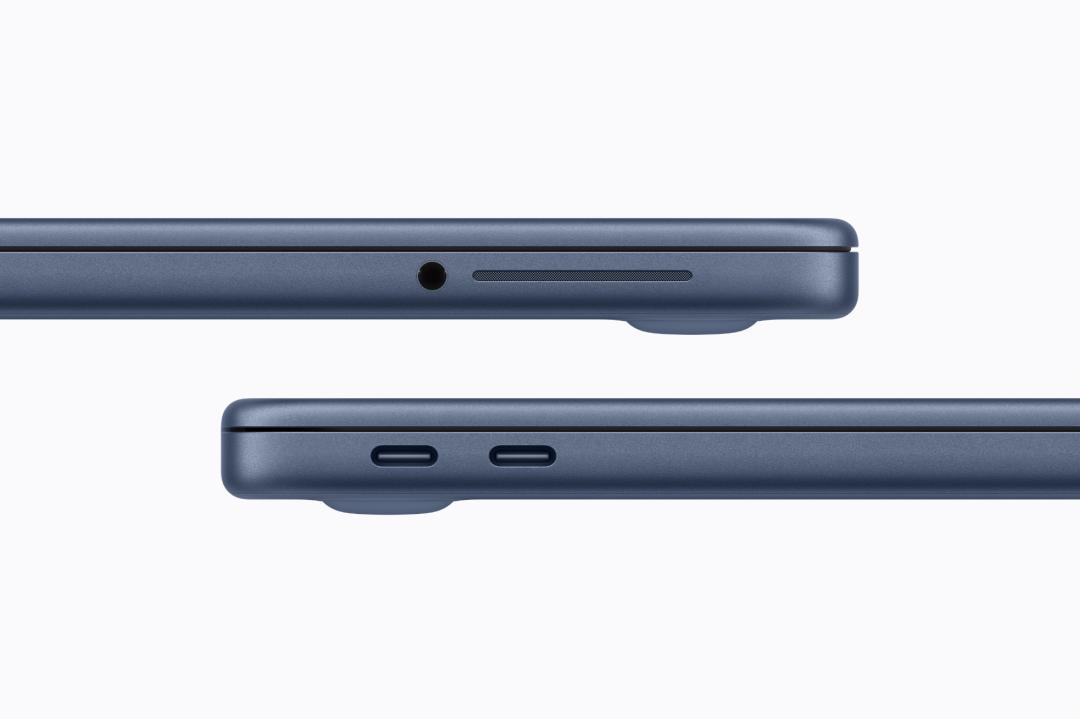
As for the limitation? It’s pretty simple – the MacBook Neo has two USB-C ports, but they’re not created equal. According to Apple’s specs, the left-hand port supports USB 3 speeds of up to 10Gb/s, while the right-hand port is limited to USB 2 speeds of just 480Mb/s – roughly twenty times slower.
Transfer speeds aside, that difference also affects what you can plug into each port. External displays, for example, only work when connected to the faster left-hand port, meaning the right-hand one is effectively reserved for slower accessories like mice, keyboards or basic storage.
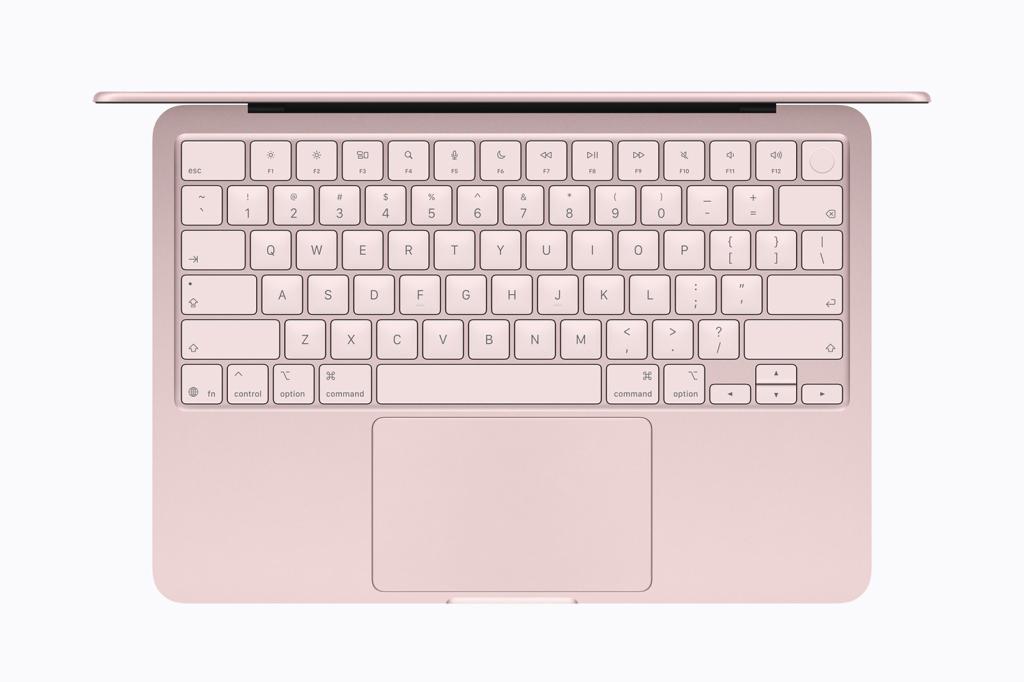
The slightly awkward part is that the ports themselves aren’t labelled, so there’s nothing on the hardware to indicate which one does what. Plug your monitor into the wrong side, and nothing will happen. Given that there are only two ports though, once you know which is which, it won’t be hard to remember.
Fortunately, macOS appears to step in to help. According to Daring Fireball’s John Gruber (via MacRumors), the system will display a warning telling you to switch to the other port if you try connecting a display to the slower USB 2 port.
The MacBook Neo still supports one external display at up to 4K resolution and 60Hz, provided it’s connected to the correct side, and for the target market it’s aiming for, that’s perfectly fine.
Given the Neo’s aggressive price – it starts at $599 / £599 – it’s clearly one of the compromises Apple made to hit that entry point, and there are plenty of other MacBooks in the range for those looking for something beefier.
- Read more: I’ve used the MacBook Neo, Apple’s new $600 laptop – here’s why it could be a game changer


 Esat Dedezade
Contributor
Esat Dedezade
Contributor