The Razer Kishi V3 Pro turned my phone into a dedicated Destiny Rising handheld
This comfy controller isn't short on inputs

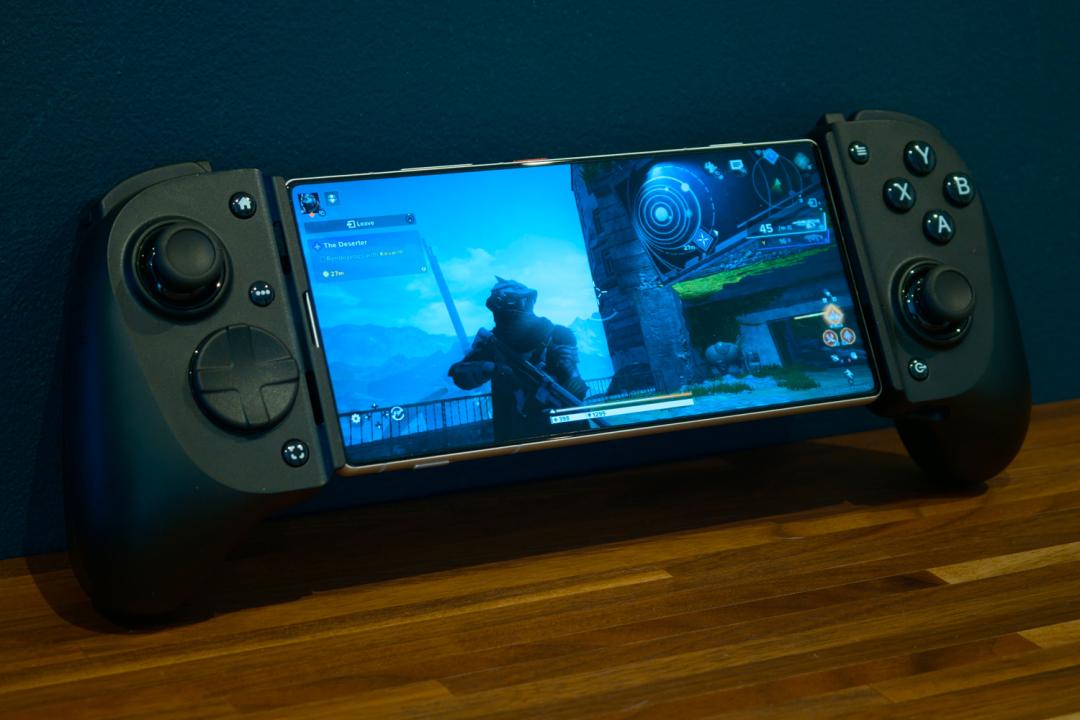
Stuff Verdict
An undeniably slick telescopic mobile controller that gets impressively close to console-grade performance and comfort. The Kishi V3 Pro will set you back more than most rivals, though.
Pros
- Customisable buttons and swappable sticks let you dial in the comfort
- Multiple sizes for tablet gamers
- Haptic vibration adds welcome extra immersion
Cons
- No battery or Bluetooth for standalone gaming
- Not as travel-friendly as some mobile controllers
Introduction
With the latest crop of flagship smartphones packing more power than ever – and developers actually giving them a workout with titles that have console-quality graphics – a mobile controller has become almost indispensable for gamers on the go. We’re long past the days of tiddly triggers and half-size thumbsticks, too: todays controllers rival Microsoft and Sony’s first-party console pads for comfort and ability.
Razer’s latest effort, the Kishi V3 Pro, even has them beat with fancy-sounding Tunneling Magnetoresistance (TMR) thumbsticks. Measuring electrical resistance using magnets gives them almost supernatural sensitivity, zero dead zone, and no stick stick drift, while also being more efficient than the Hall Effect tech you’ll find elsewhere.
At $150/£150 it slightly undercuts the Backbone Pro, but also goes without Bluetooth or a built-in battery. And with plenty of more affordable alternatives from the likes of GameSir, 8BitDo and SCUF, is this one case where the Razer tax isn’t worth paying?
How we test gaming hardware
All games consoles and gaming hardware tested on Stuff are put through their paces with days’ worth of play time. We use our years of testing experience to judge areas such as build quality, software experience, battery life and other features. Manufacturers have no visibility on reviews before they appear online, and we never accept payment to feature products.
Find out more about how we test and rate products.
Design & features: console-grade comfort
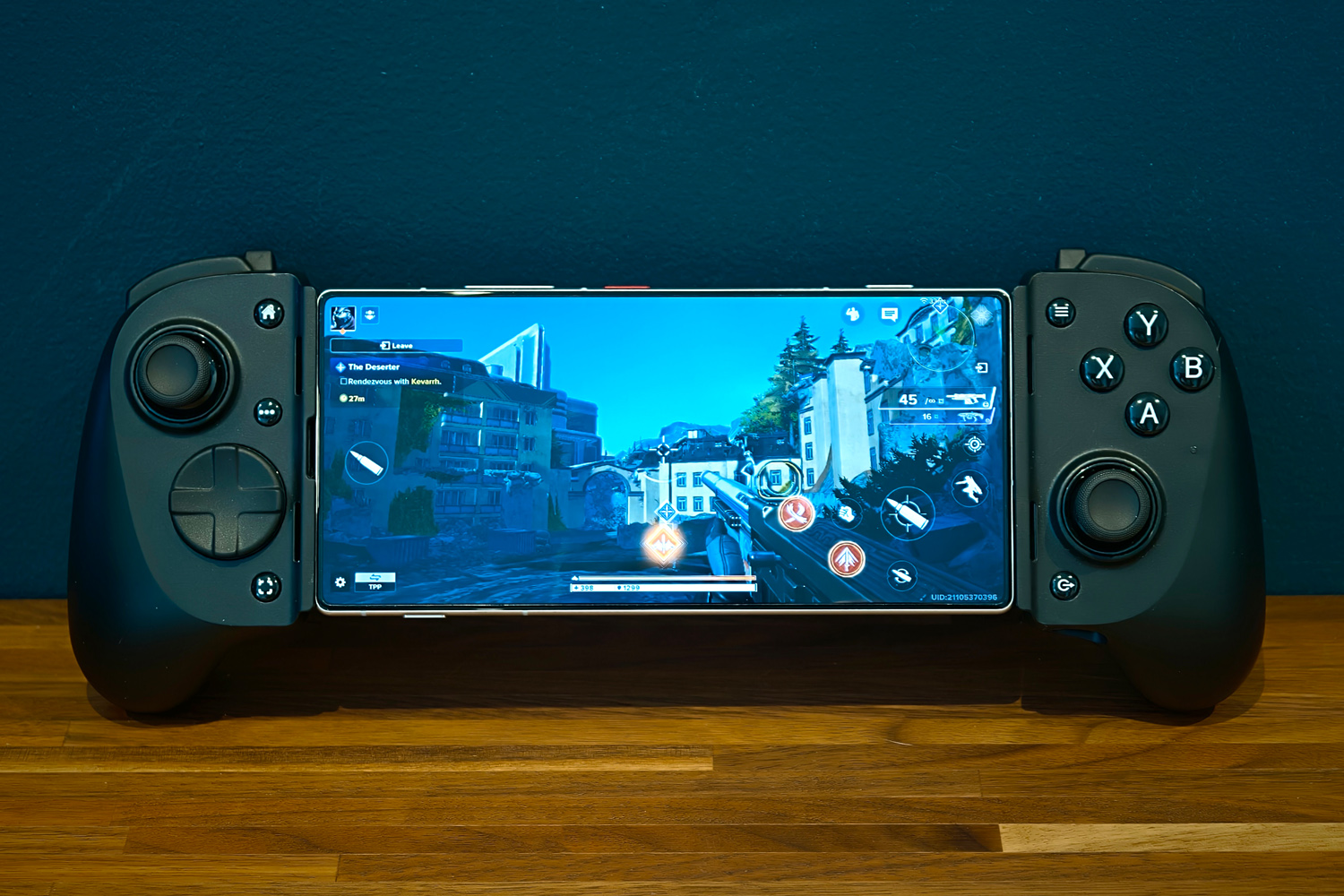
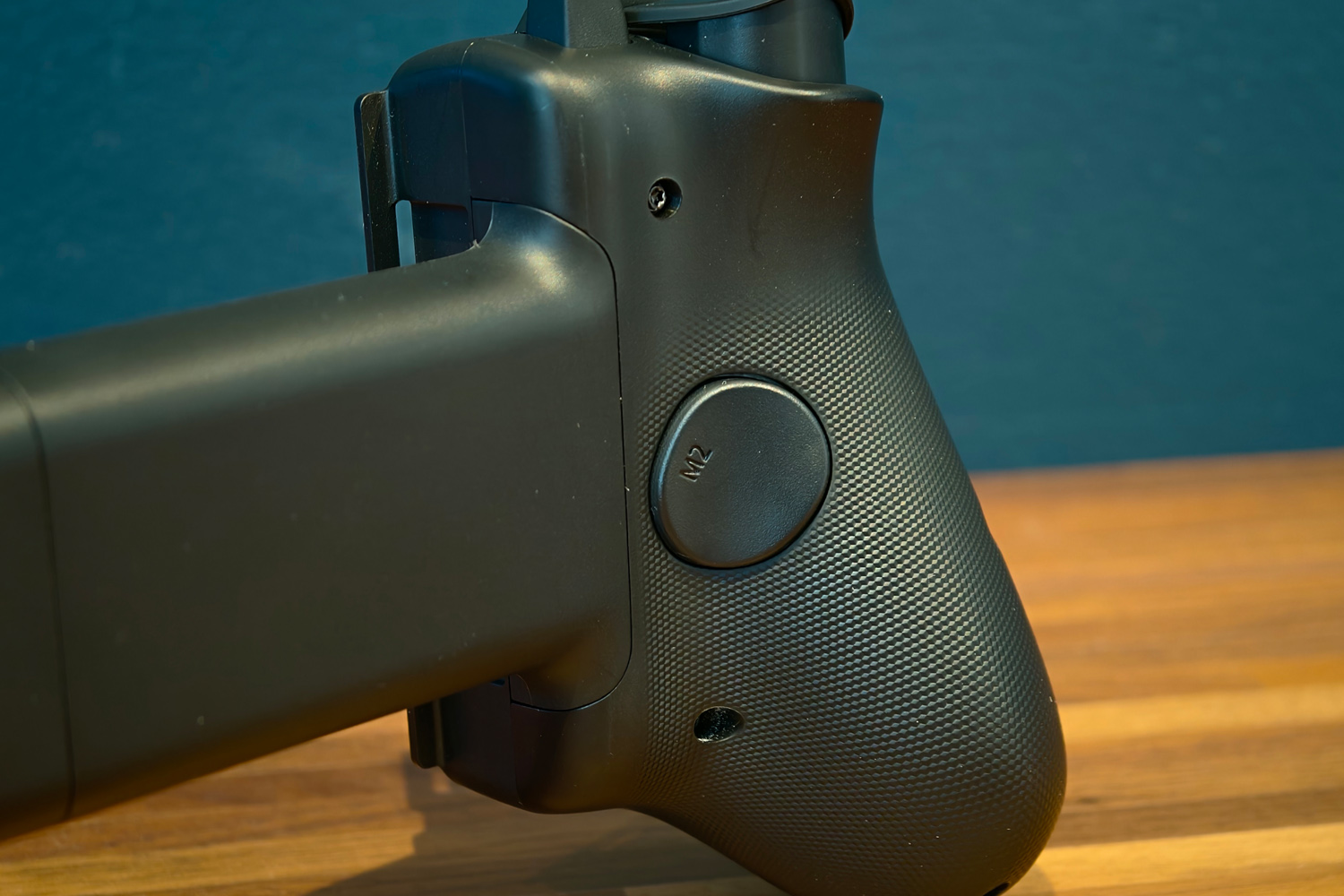
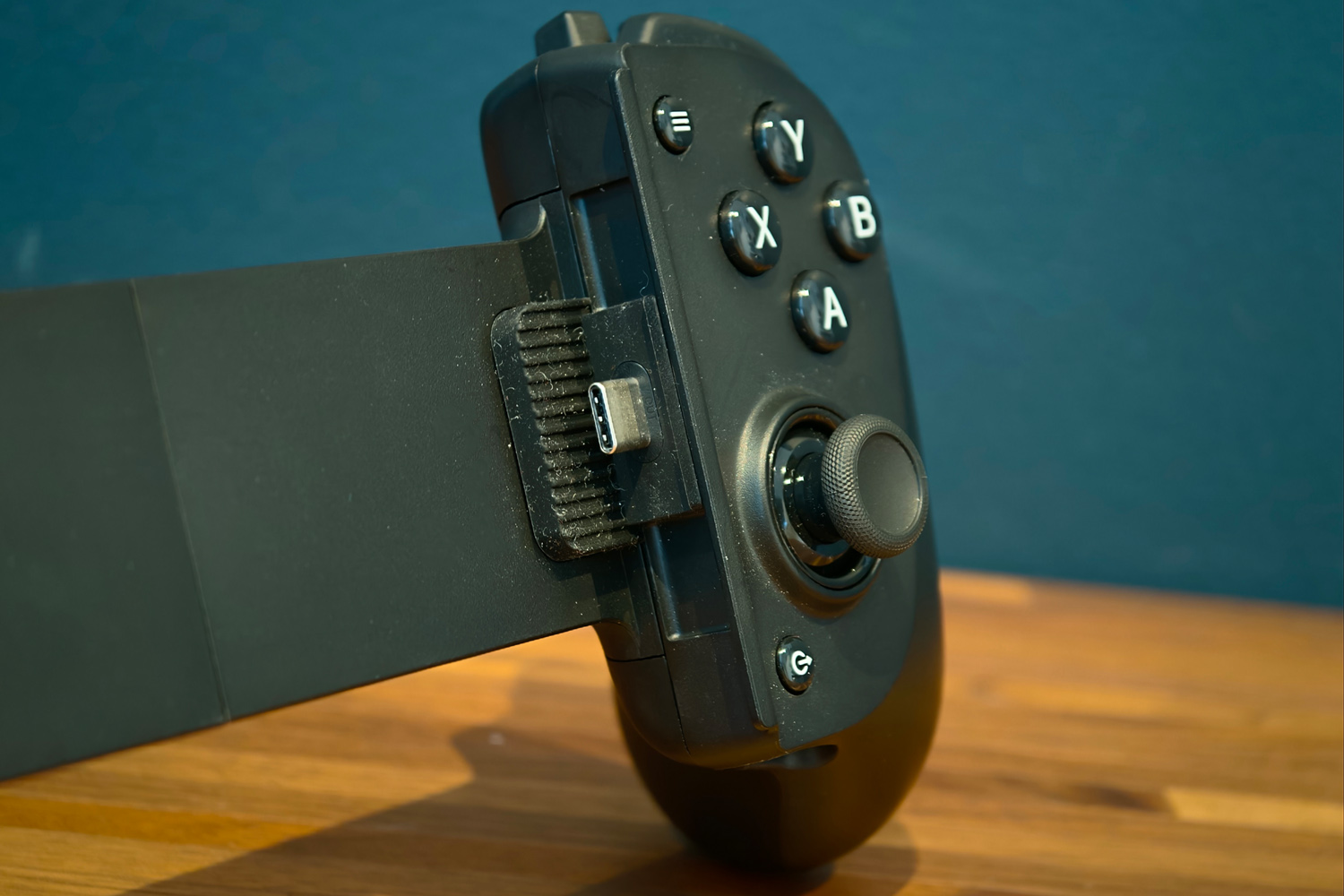

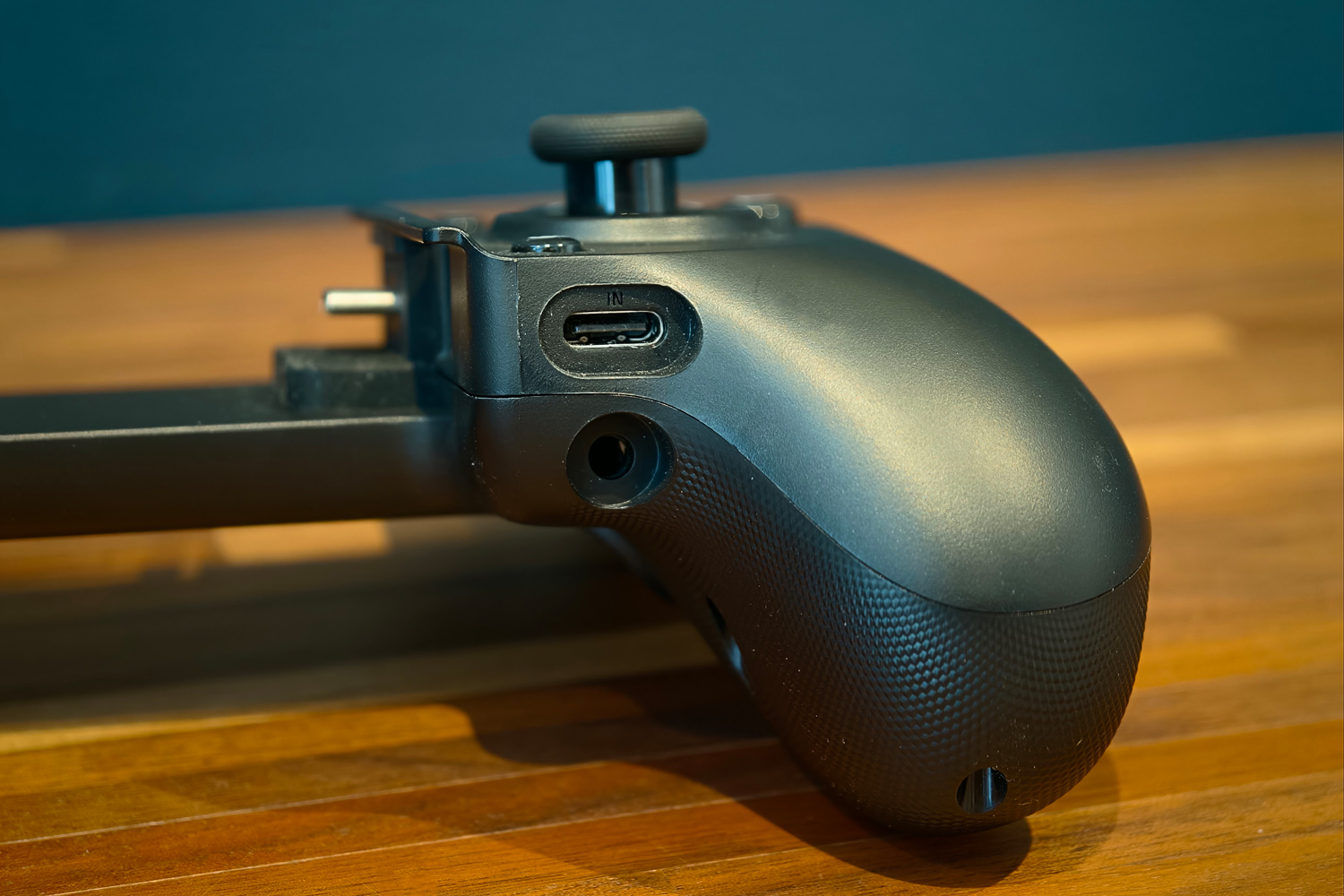
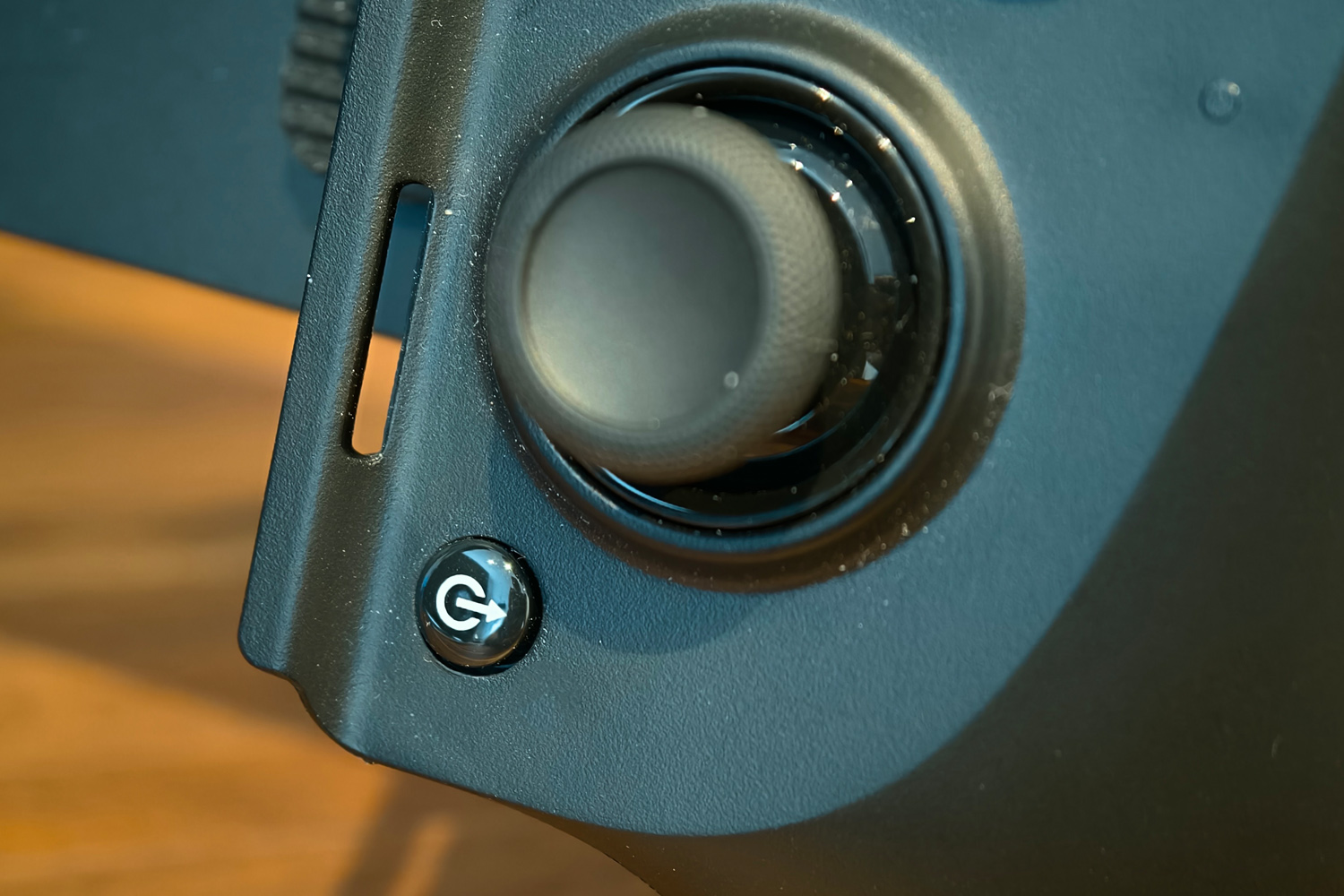
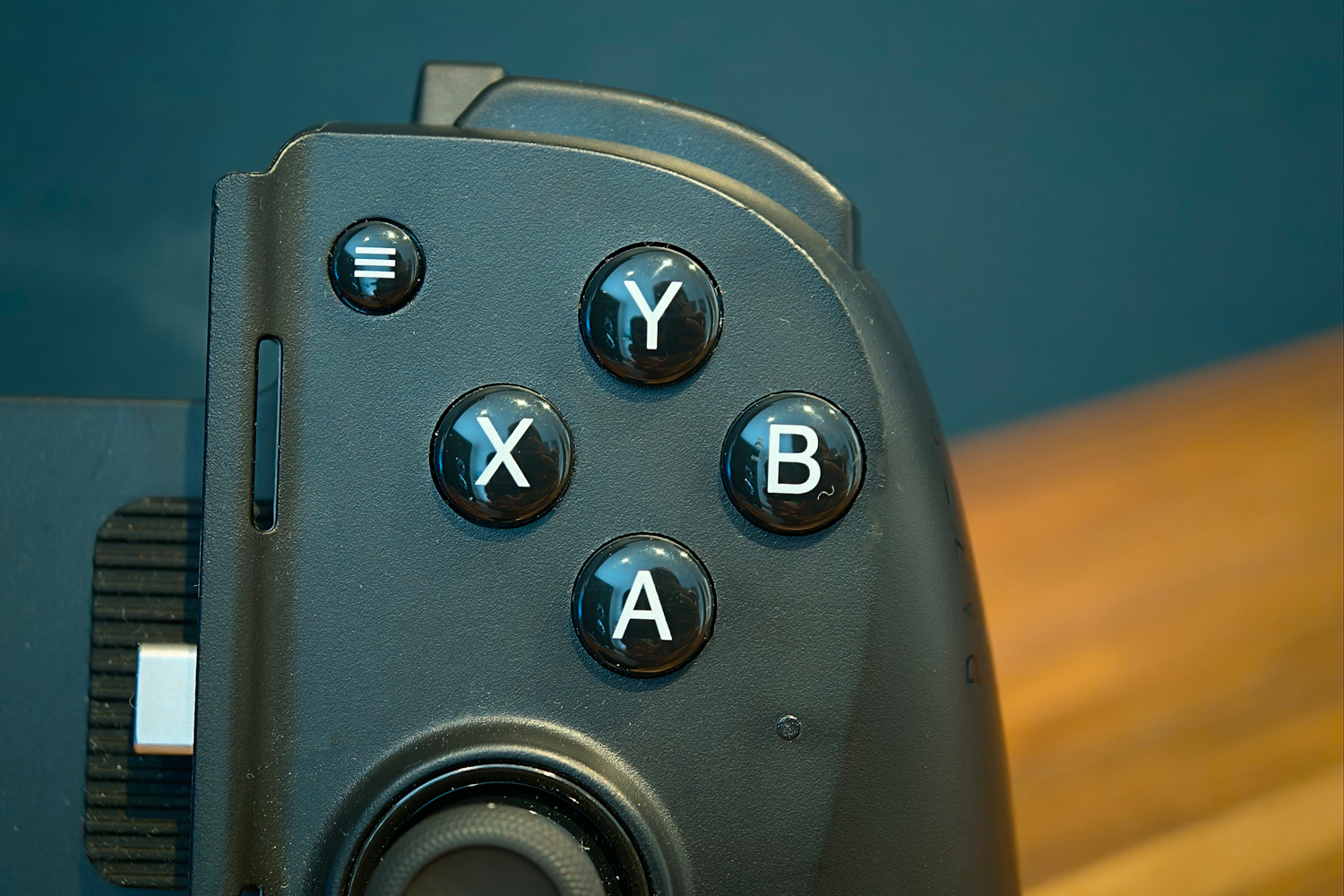
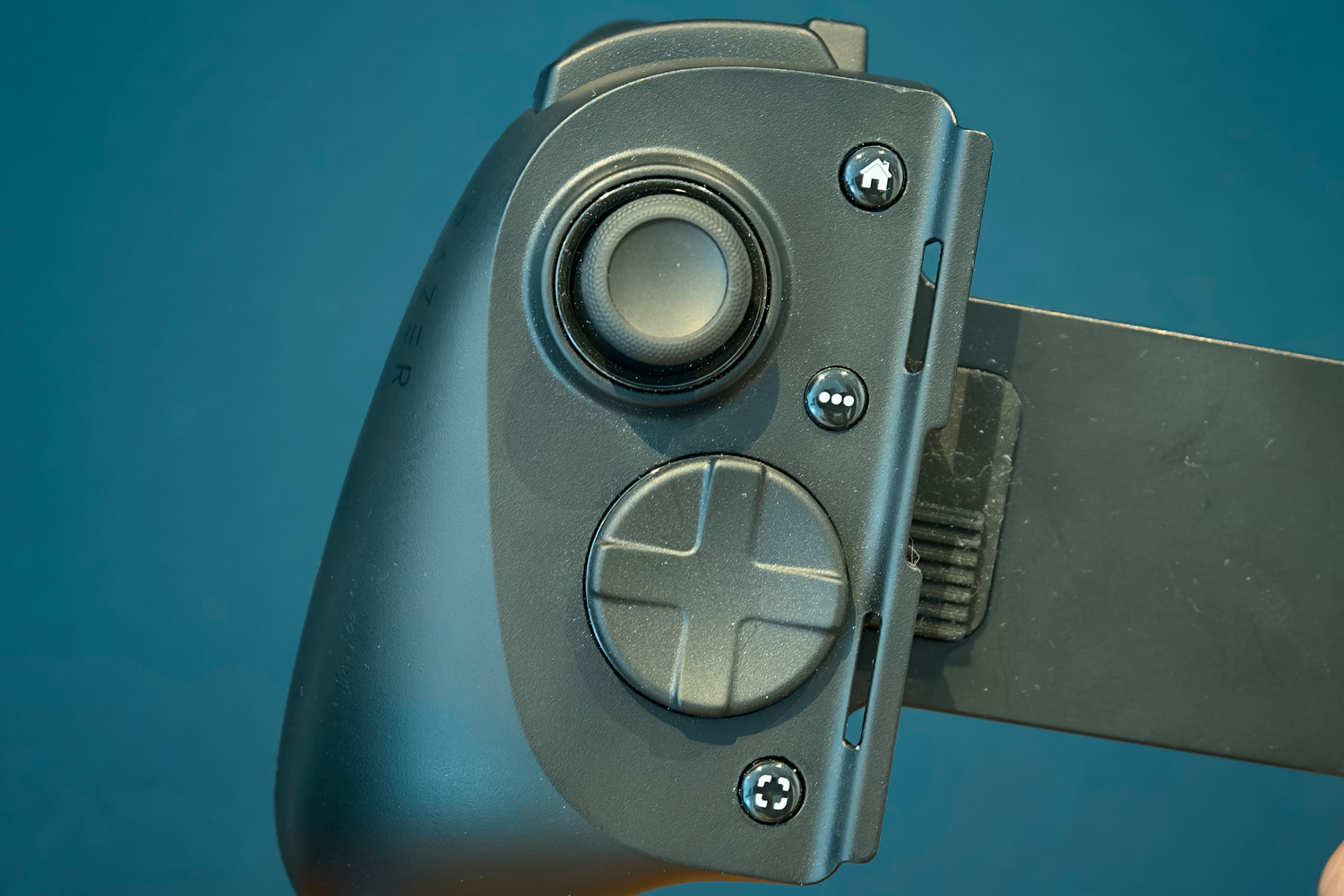
The Kishi V3 Pro doesn’t break the mobile controller mould, using the same telescopic mechanism to swallow your smartphone as the outgoing Kishi Ultra. It’s just that everything has been scaled up a bit, with bigger buttons and far chunkier claw grip bumpers to help it feel a lot more like a regular console gamepad.
It’ll fit with any Android or iPhone with a USB-C connection, and can handle up to 8in tablets too. There’s an XL model if you’re looking to slot home an iPad or Android tablet, though it won’t play nicely with phones. The telescoping section always leaves a 4in gap between the two halves, and the longer, thicker grips mean this isn’t as travel-friendly as some mobile controllers, but I’ll happily make that trade-off for greater comfort while playing.
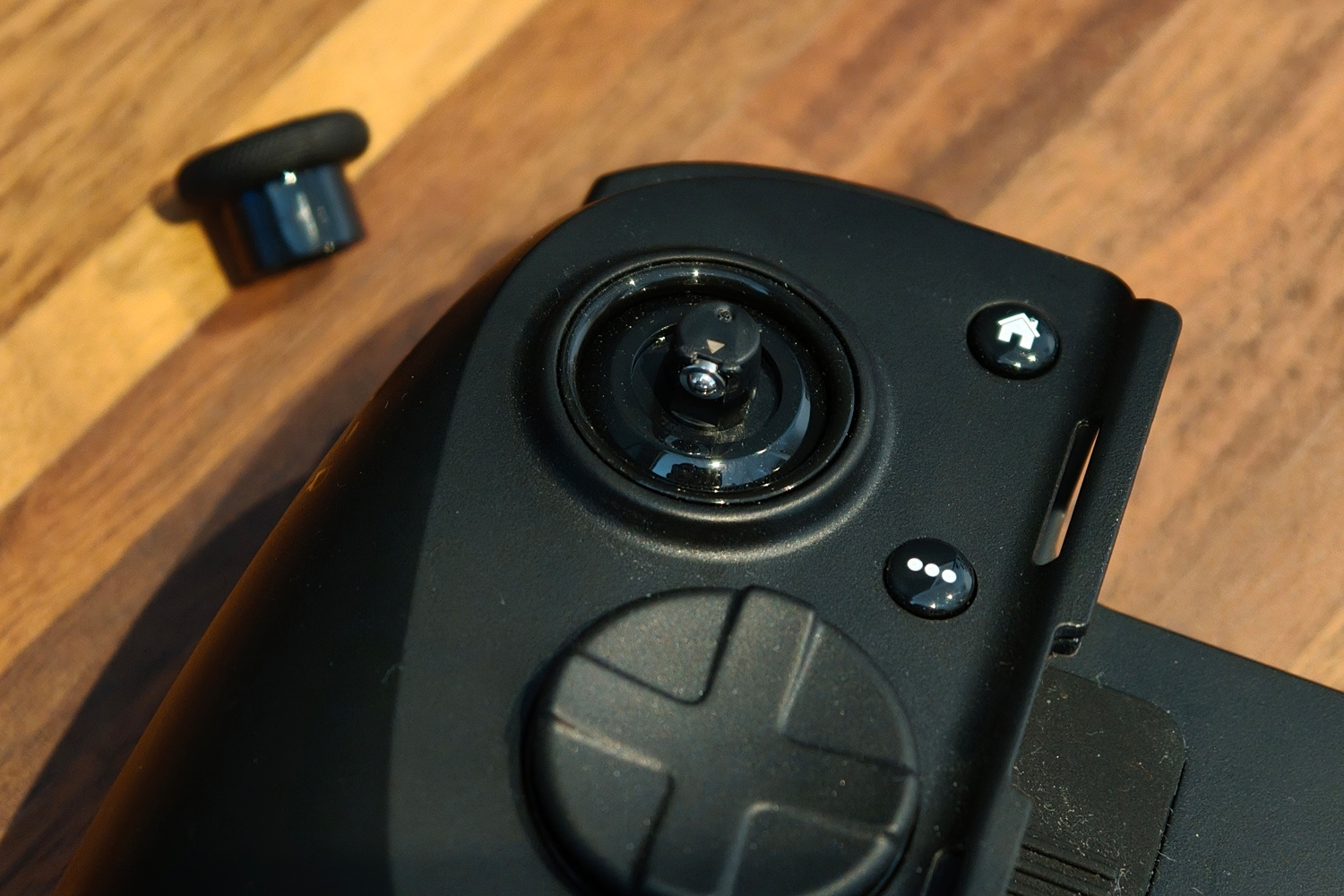
The asymmetric thumbstick layout favours Xbox gamers over PlayStation owners, but being able to swap the left stick out for the domed and taller versions included in the box lets you dial in the feel that bit better than simpler rivals.
As well as a pair of springy triggers and clicky shoulder buttons, Razer has squeezed in the same extra set of bumper buttons as the Wolverine V3 Pro. There are also two more buttons on the rear for good measure, meaning you have as many physical inputs as an Xbox Elite or PS5 Dualsense Edge pad.
RGB illumination has been dropped for 2025, which I can’t say I’m too cut up about. I put battery life first when mobile gaming, and extra LEDs just cut down on play time. The USB-C and 3.5mm audio ports stick around though. The former can supply passthrough charging to your phone, or let you use the Kishi V3 Pro as a PC controller. I still think rivals with Bluetooth built-in are more convenient for gaming on other devices, though.
Software experience: enter the nexus



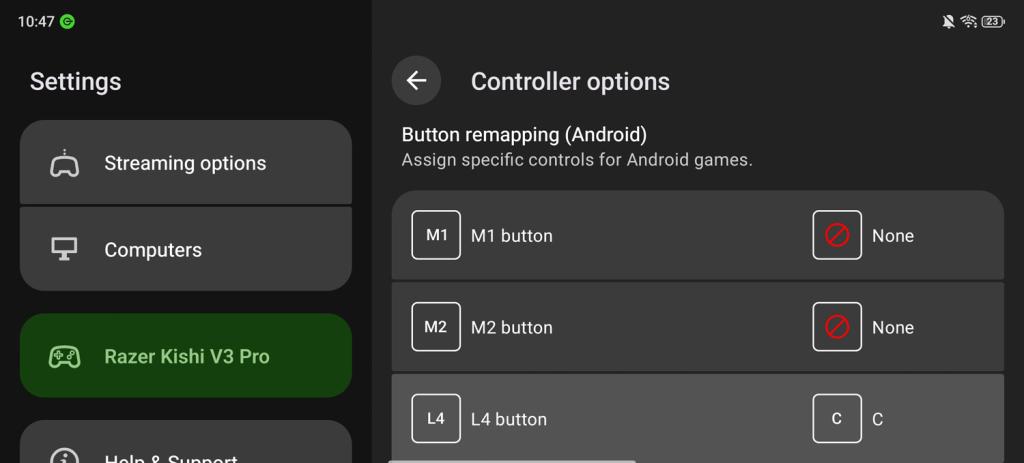
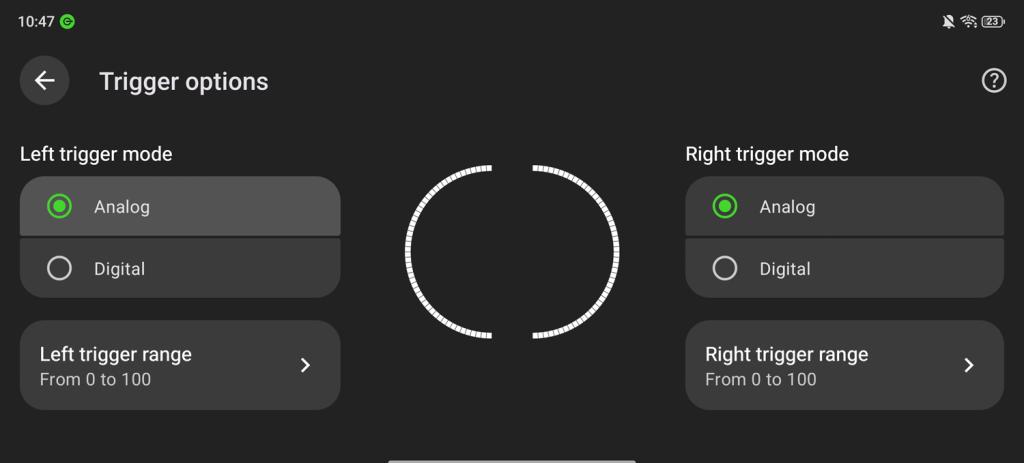
Razer’s Nexus companion app, available for both iOS and Android, is unsurprisingly polished. It covers all the basics like button customisation and virtual controls (for games that don’t officially support external controllers), though I like that holding down the Nexus button lets you remap the back buttons specifically on the fly.
It also acts as a one-stop shop for all the games you have installed on your phone, recommend others, and direct you to the relevant app stores. It can record gameplay clips and share ’em to social media, and even remote play PC games from a connected computer, as long as your Wi-Fi is good enough. With sufficient signal it can rival a PlayStation Portal for input latency and visual fidelity.
Even better, Razer doesn’t demand a subscription for any of these features. Backbone is really in the minority here.
Performance: grips on tight
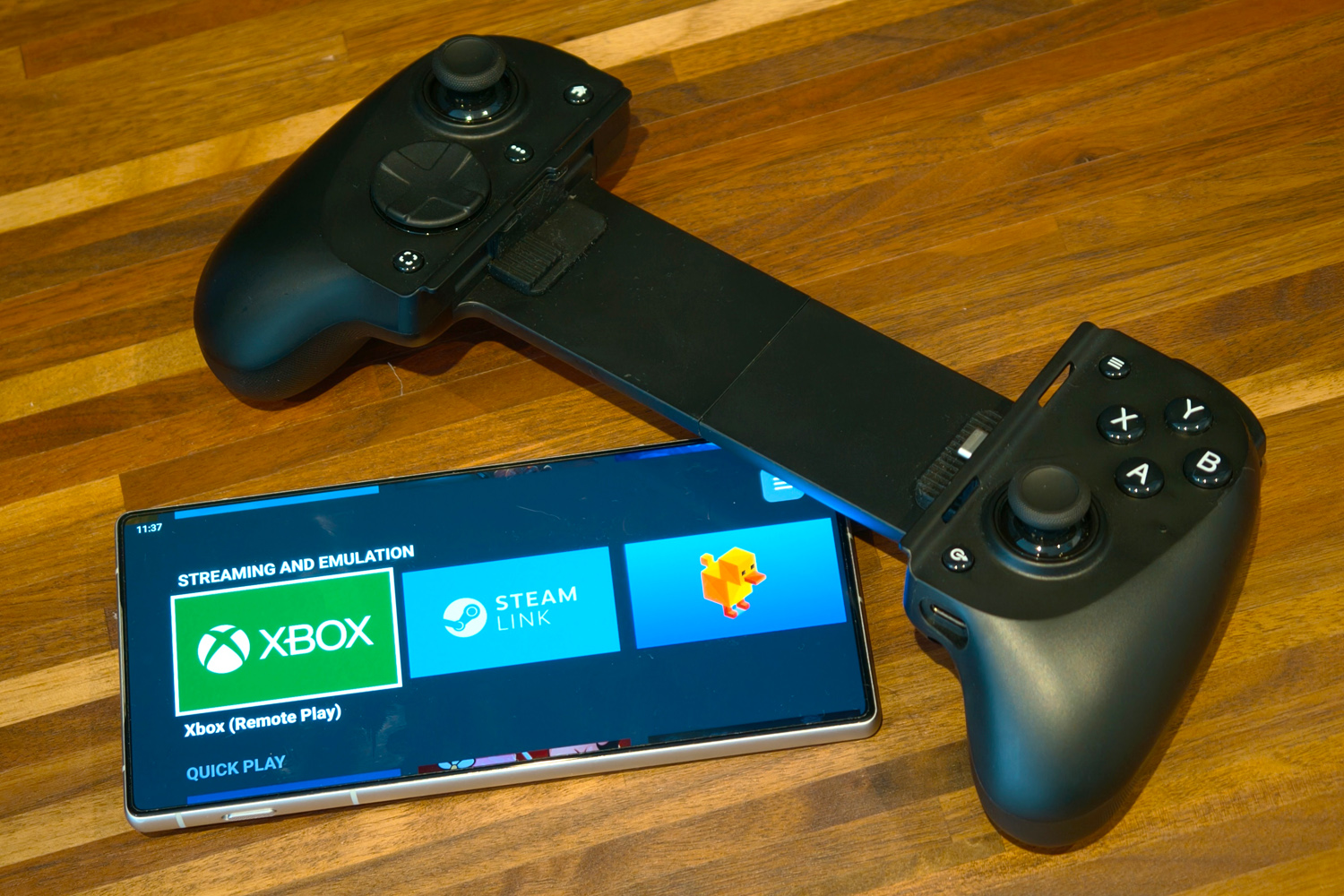
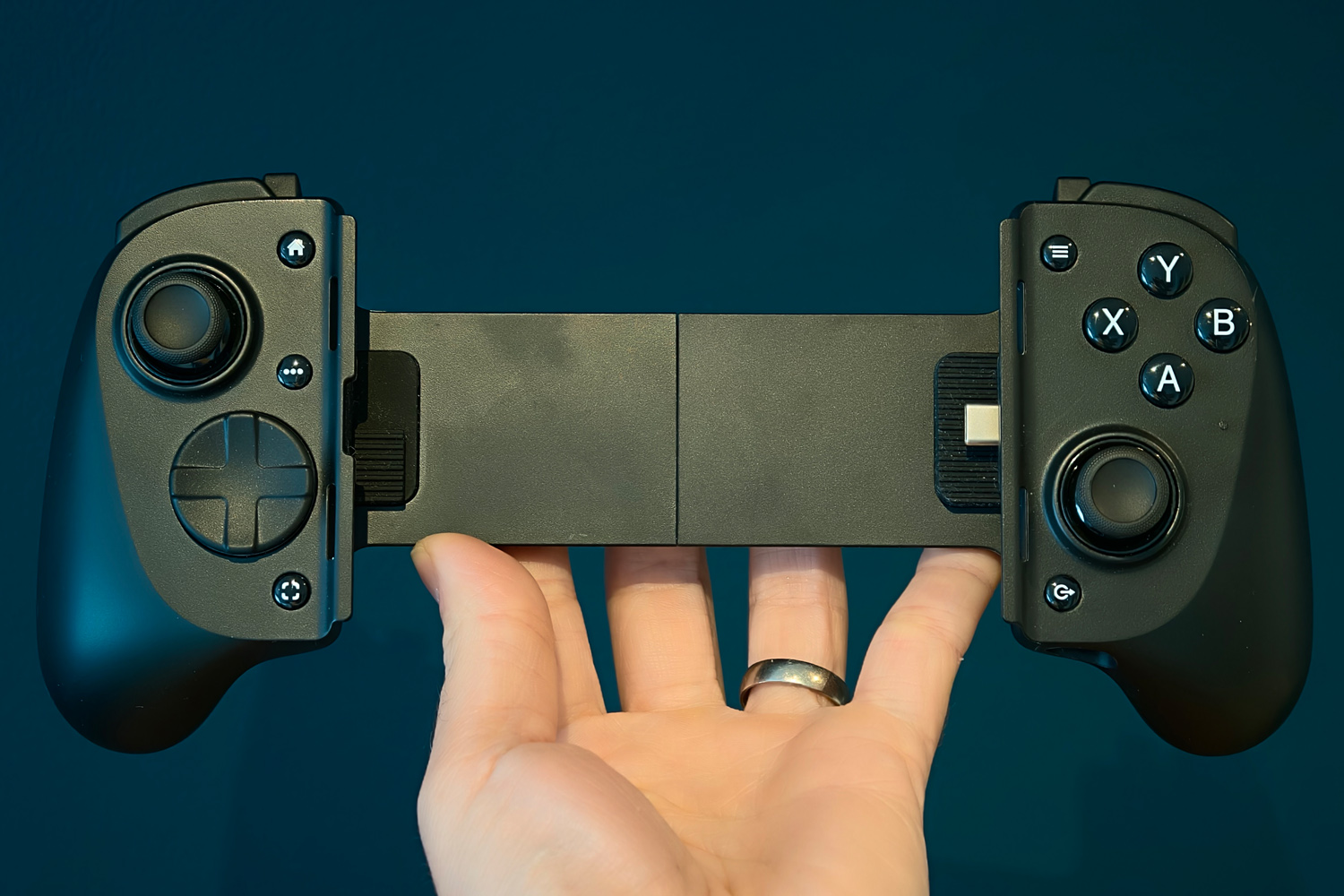
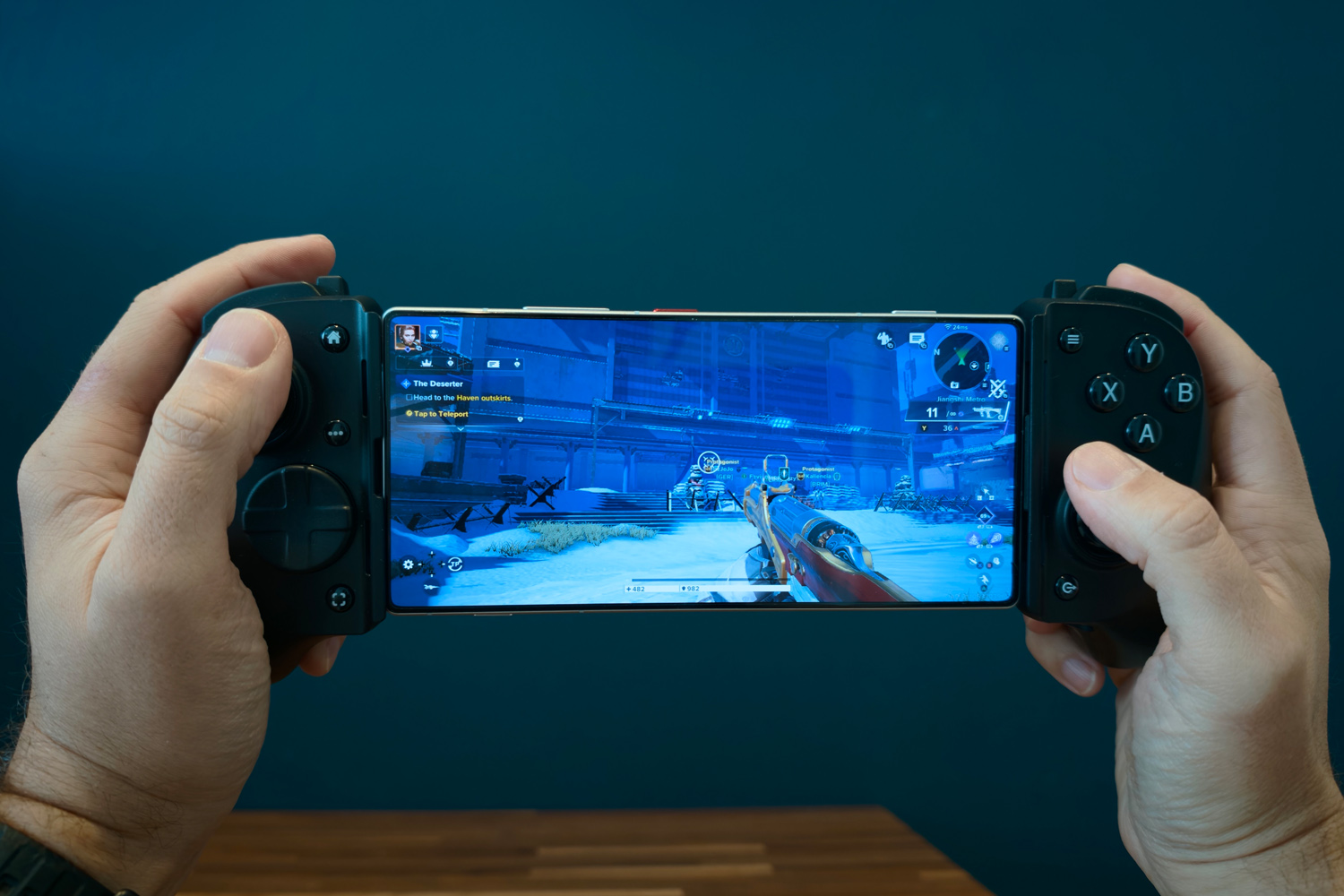
Razer has absolutely nailed the shape of the Kishi V3 Pro. It feels so natural in my hands, the grips sitting comfortably in my palms and all the face buttons being in easy reach. I did find I was using the lower part of my thumb to move the right analogue stick, rather than the tip, but it was still a lot more comfortable than other mobile controllers I’ve tried. Using it as a PC controller isn’t quite the same as a traditional gamepad, on account of the huge gap between the two halves.
The clicky face buttons are oh-so-satisfying to prod, and the triggers are almost on the level of a PS5 controller for springiness. There aren’t too many 3D games on mobile I’m invested in enough to need all four extra shoulder and rear buttons mapped, but they’re great to have when streaming games from my PC. Haptics also add another level of immersion missing from rival mobile controllers.
It’s the thumbsticks that put the Kishi V3 Pro onto another level, though. There’s a level of precision and sensitivity you just don’t get on mobile controllers. I’d put them up there with the best console gamepads. Size-wise they’re pretty much perfect, too. With older, smaller controllers I’d usually throw in the towel after half an hour of play, but I’ve lost entire evenings to Destiny Rising and Diablo Immortal on this.
Razer Kishi V3 Pro verdict
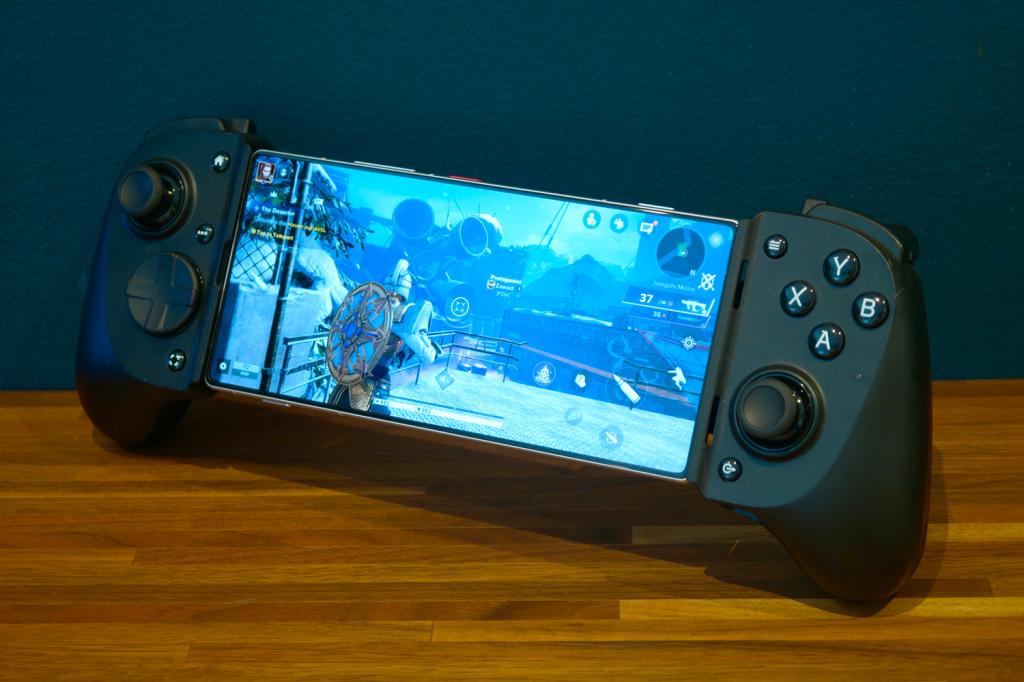
Functionally, the Kishi V3 Pro is fantastic. It’s comfortable to play with for hours at a time, the customisable buttons are up there with pro-grade console gamepads, and the haptics add an extra level of immersion to games. If you don’t plan on playing across multiple devices – or don’t mind doing it over a USB cable – it’s an easy pick over the Backbone Pro.
Razer is rarely the affordable option, though. You can snap up a GameSir G8 Plus for almost half the price, and while its software isn’t as slick, does come with Bluetooth built-in. If you spot one on sale at a discount, the Kishi suddenly becomes a lot easier to recommend.
Stuff Says…
An undeniably slick telescopic mobile controller that gets impressively close to console-grade performance and comfort. The Kishi V3 Pro will set you back more than most rivals, though.
Pros
Customisable buttons and swappable sticks let you dial in the comfort
Multiple sizes for tablet gamers
Haptic vibration adds welcome extra immersion
Cons
No battery or Bluetooth for standalone gaming
Not as travel-friendly as some mobile controllers
Razer Kishi V3 Pro technical specifications
| Compatibility | Android, iOS |
| Connectivity | USB-C |
| Battery | N/A |
| Dimensions | 245x111x64mm, 268g |


 Tom Morgan-Freelander
Deputy Editor
Tom Morgan-Freelander
Deputy Editor