Motorola Razr Fold review: depending where you live, this could be the book-style foldable to beat
A huge battery, slick multitasking and an official US release? Sign us up


Stuff Verdict
An impressively well-rounded first try foldable phone. The Motorola Razr Fold lasts ages and has two punchy displays, but it’s not a performance champ and its cameras can’t quite match the class best
Pros
- Sharp, vibrant screens with stylus support
- Long-lasting battery and fast charging
- Clean, multitasking-friendly OS with long software support
Cons
- Expensive, even among book-style foldables
- Step-down chipset and camera trio that can’t match class leaders
- Screen crease more noticeable than rivals’
Introduction
Motorola is no stranger to foldables. The Razr is arguably the best of the clamshell class, schooling even Samsung on how to best use a flip phone’s outer display – yet the firm has never felt the need to turn its hand to a book-style device. Until now, that is.
The $1900/£1800 Motorola Razr Fold is very much a first attempt: it’s not trying to be the thinnest, most powerful, or best equipped on the camera front. But as all-rounders go, there’s an awful lot to like. That’s doubly true for US phone fans, who until now have only had the Samsung Galaxy Z Fold7 and Google Pixel 10 Pro Fold to choose between.
Europe has more variety – the Honor Magic V6 is due imminently at the time of writing – and Asia already has the fantastic Oppo Find N6. By casting its net wide, has Motorola done enough to take on firms that have multiple years of foldable experience at the very first time of asking?
How we test smartphones
Every phone reviewed on Stuff is used as our main device throughout the testing process. We use industry standard benchmarks and tests, as well as our own years of experience, to judge general performance, battery life, display, sound and camera image quality. Manufacturers have no visibility on reviews before they appear online, and we never accept payment to feature products.
Find out more about how we test and rate products.
What stands out about the Morotola Razr Fold’s design?
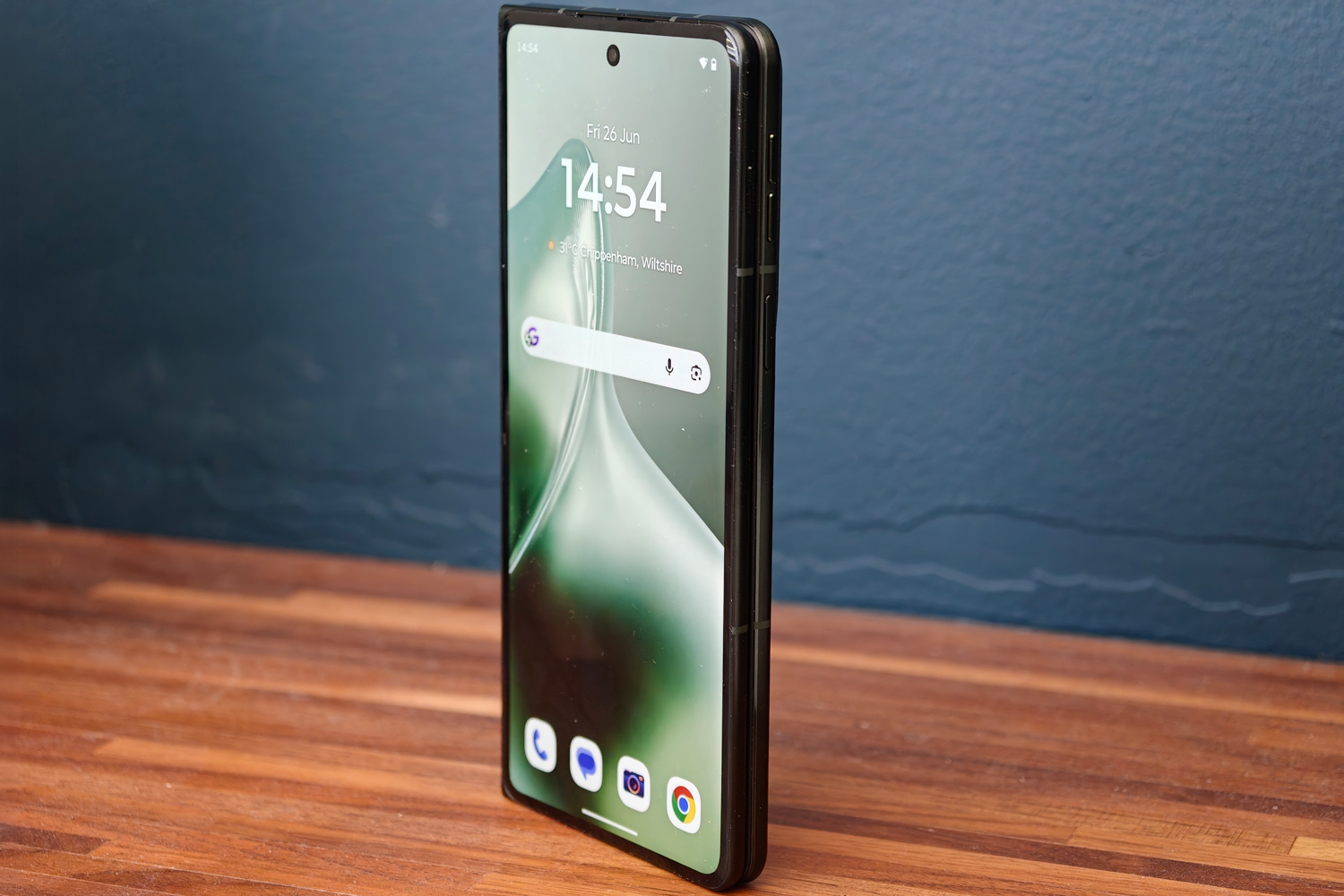
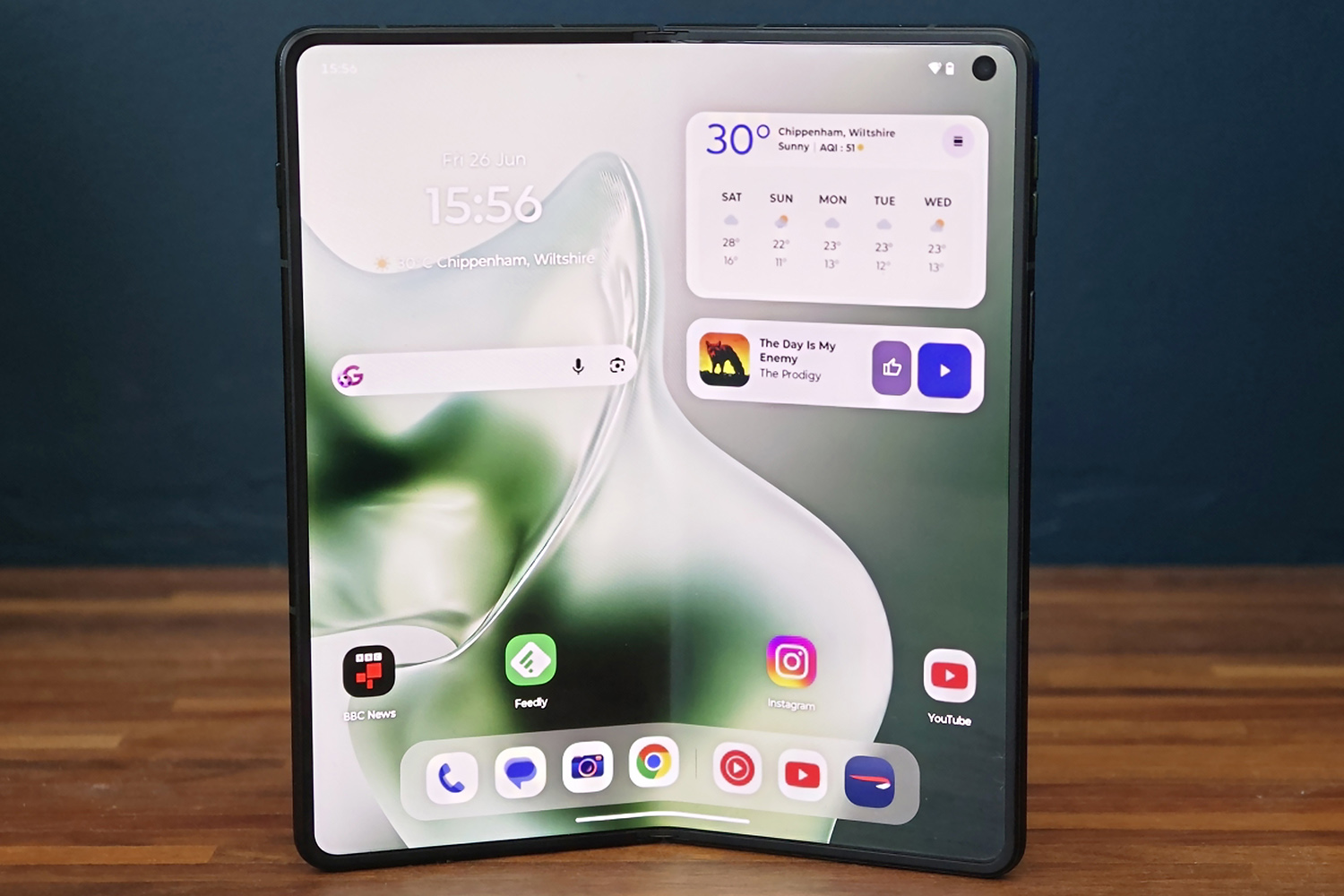
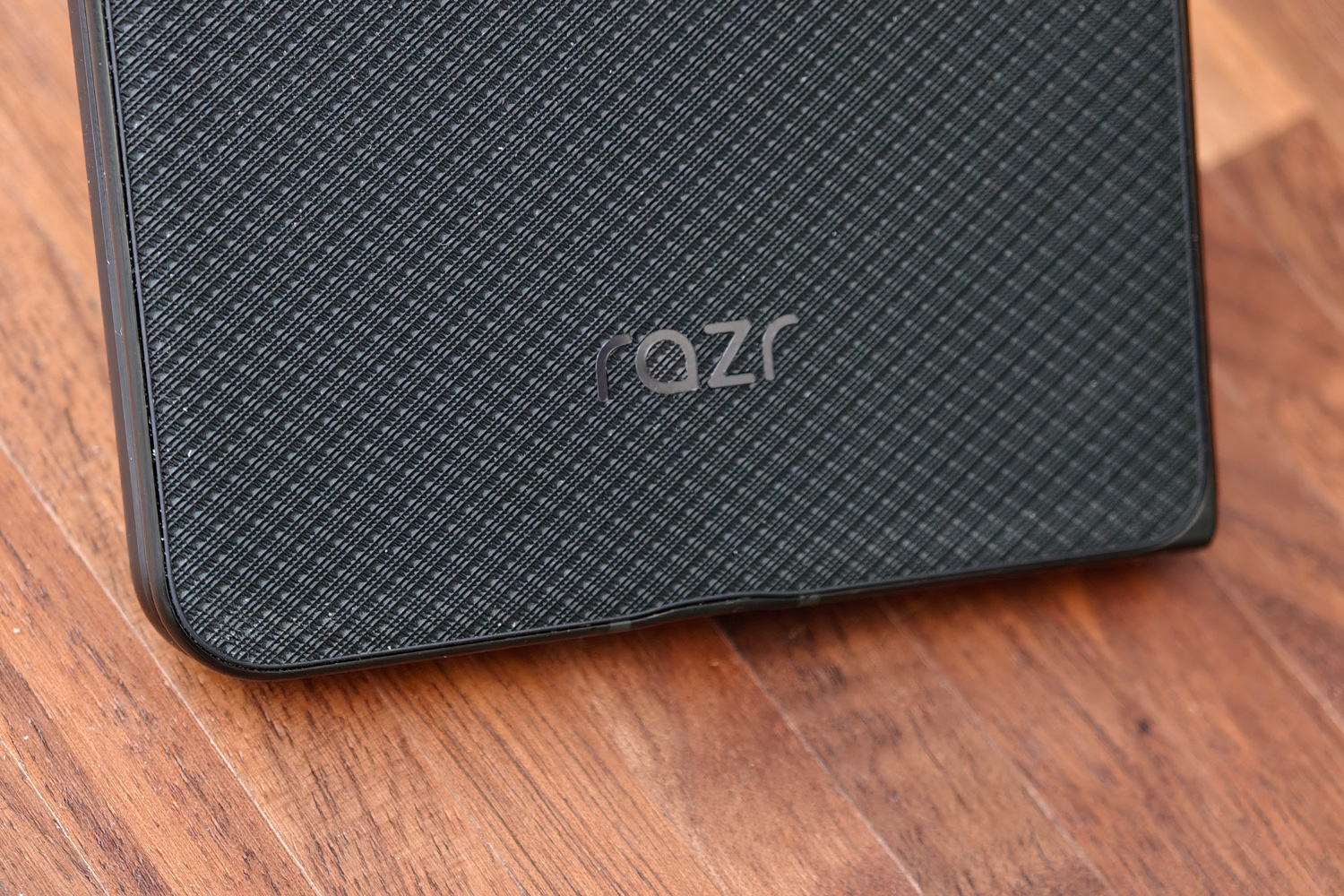
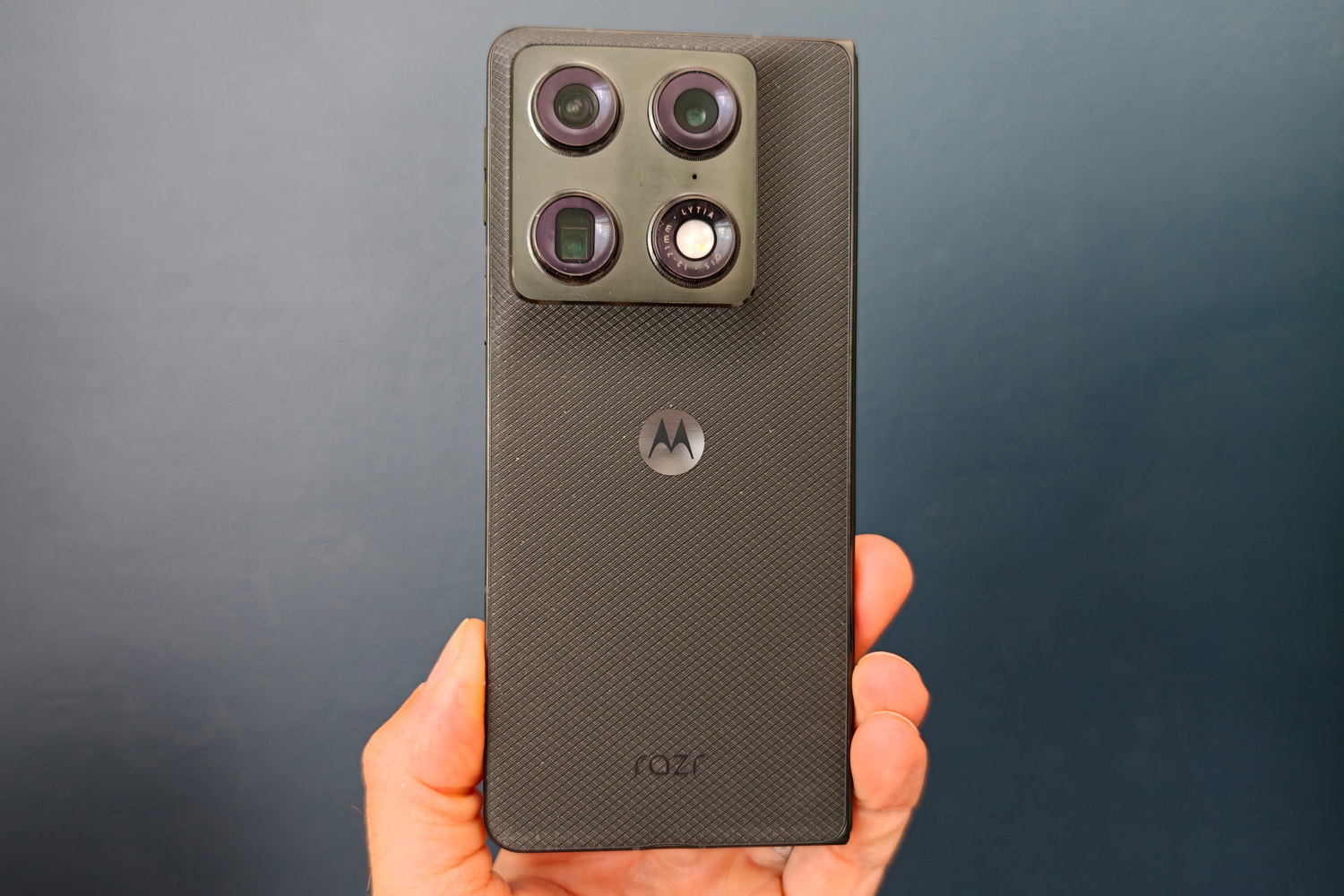
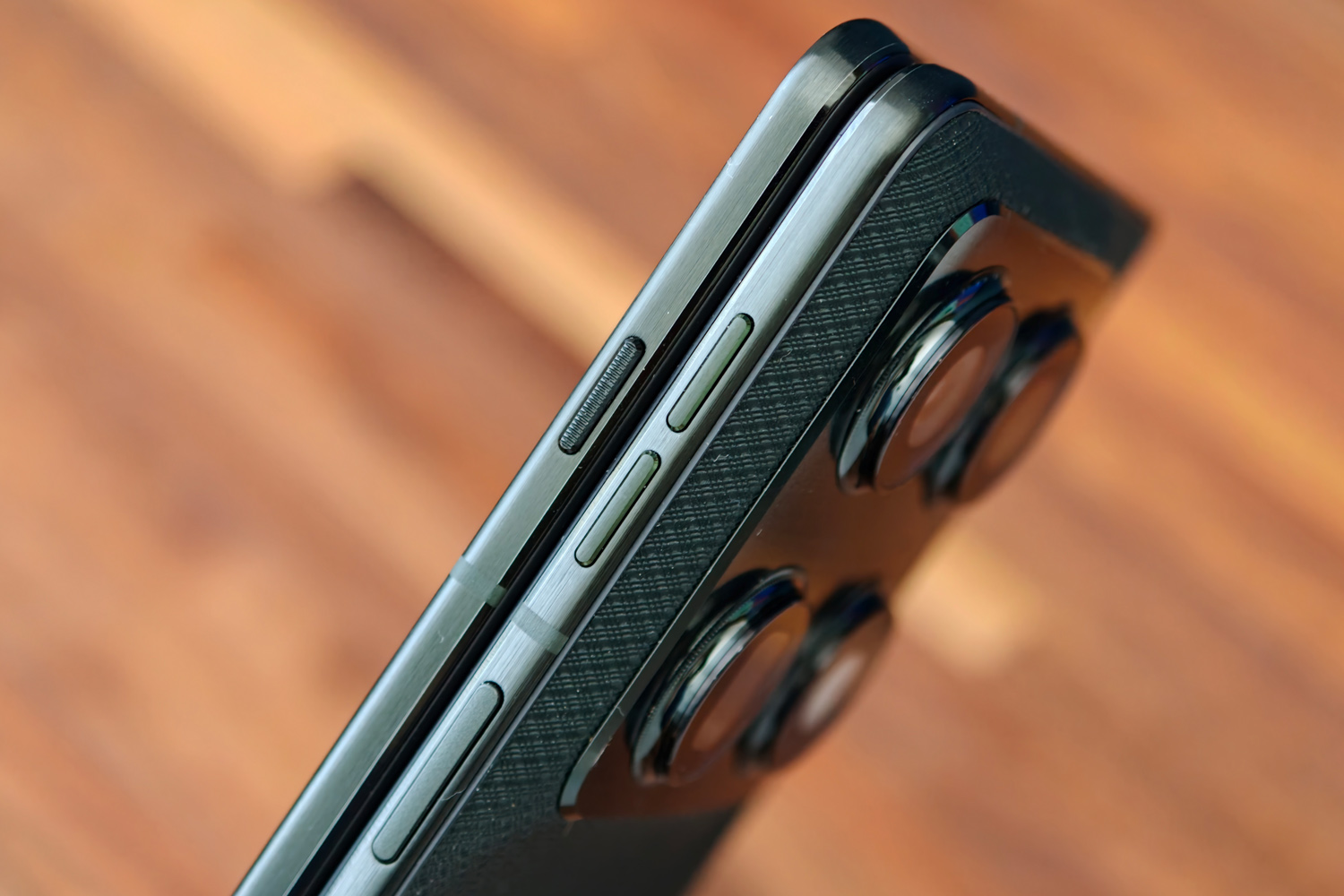
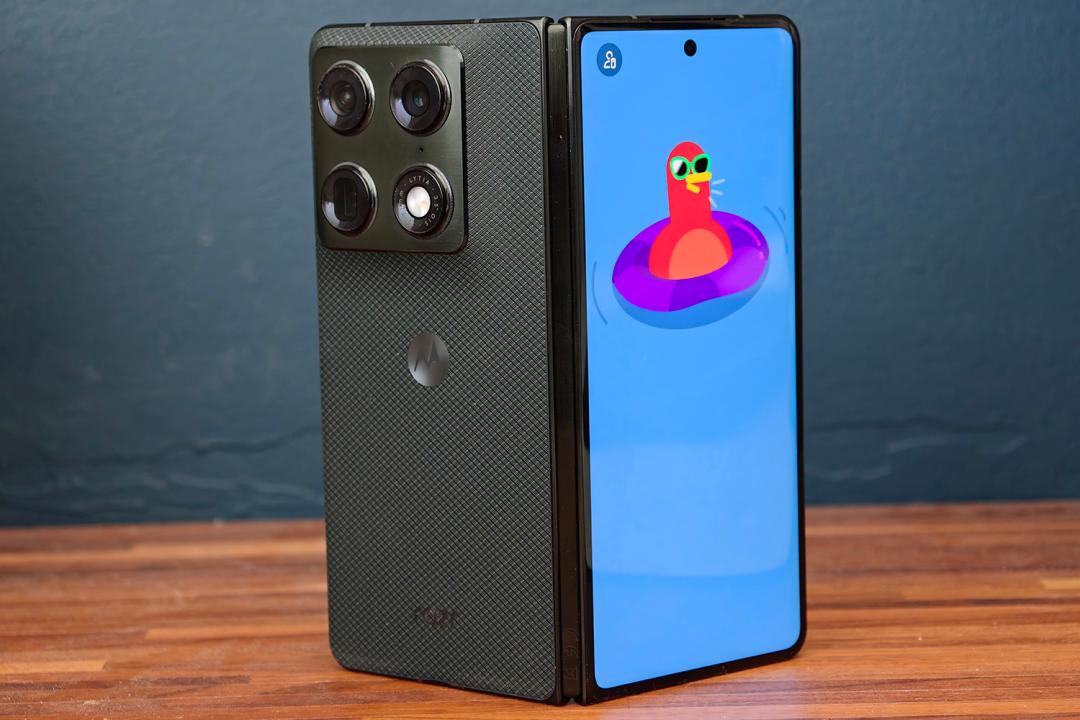
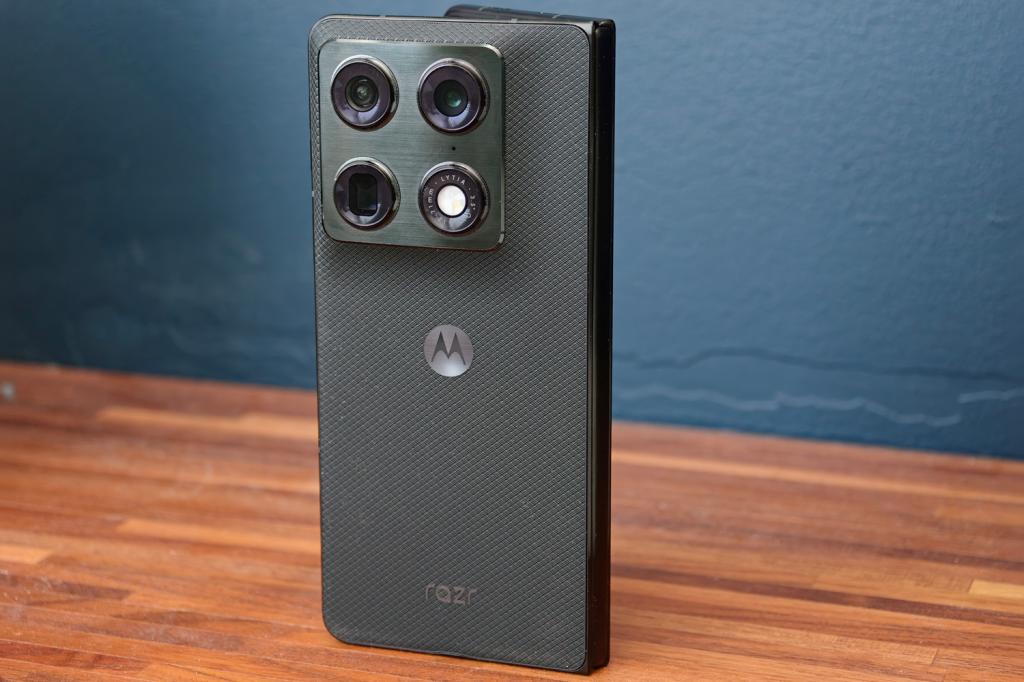
When lined up next to Moto’s non-folding flagship efforts, not a whole lot. The Razr Fold sticks to the same styling beats as the Motorola Signature, from the offset square camera island that softly bulges out from the body of the phone to the subtle curved-edge outer display.
The faux woven texture on my Pantone-approved Blackened Blue review unit felt a little plasticky but provides plenty of grip – something you want as much of as possible in a phone that costs as much as this does. I also found the metal frame’s slightly rounded edges made the phone easier to open than the squared-off Galaxy Z Fold7.
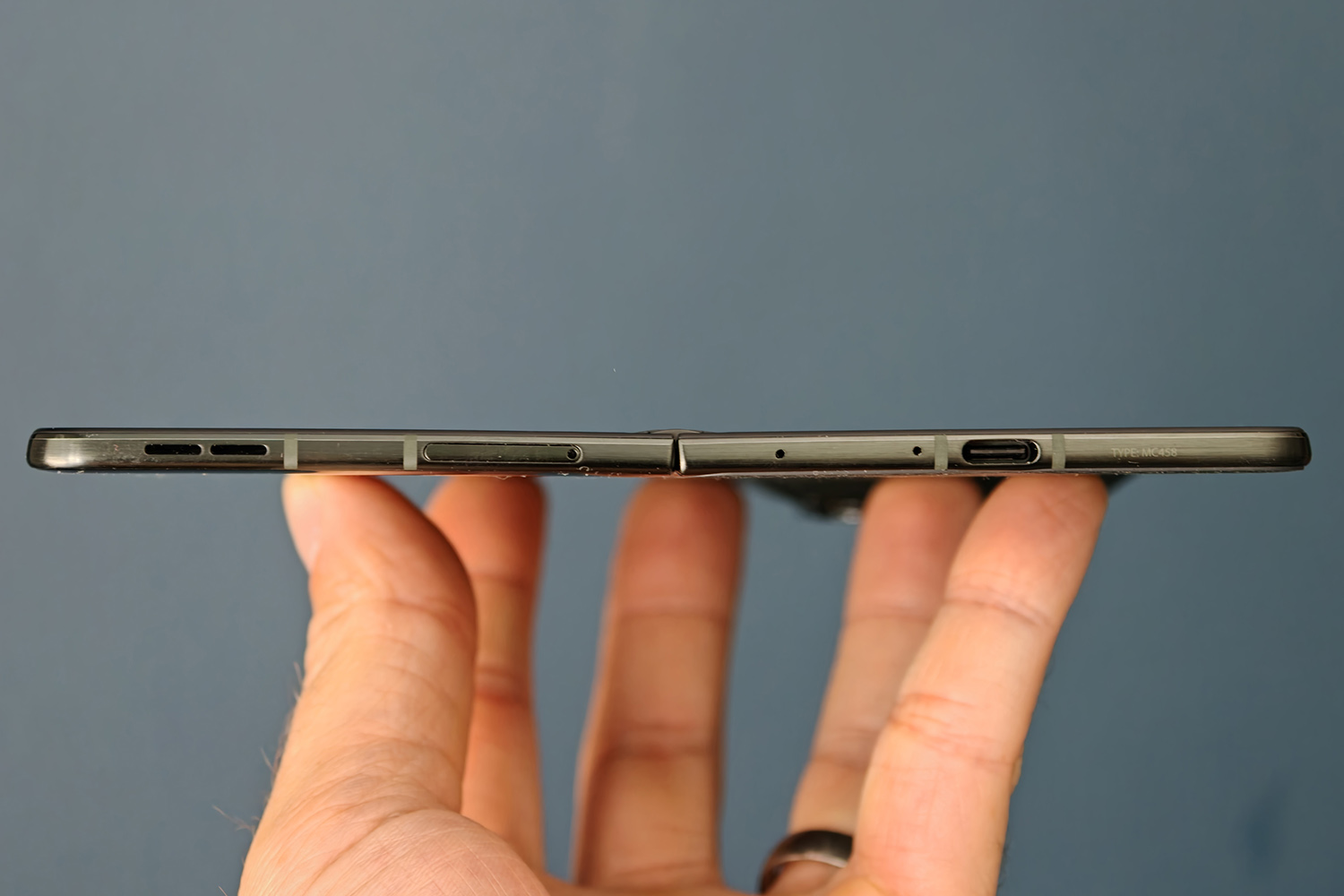
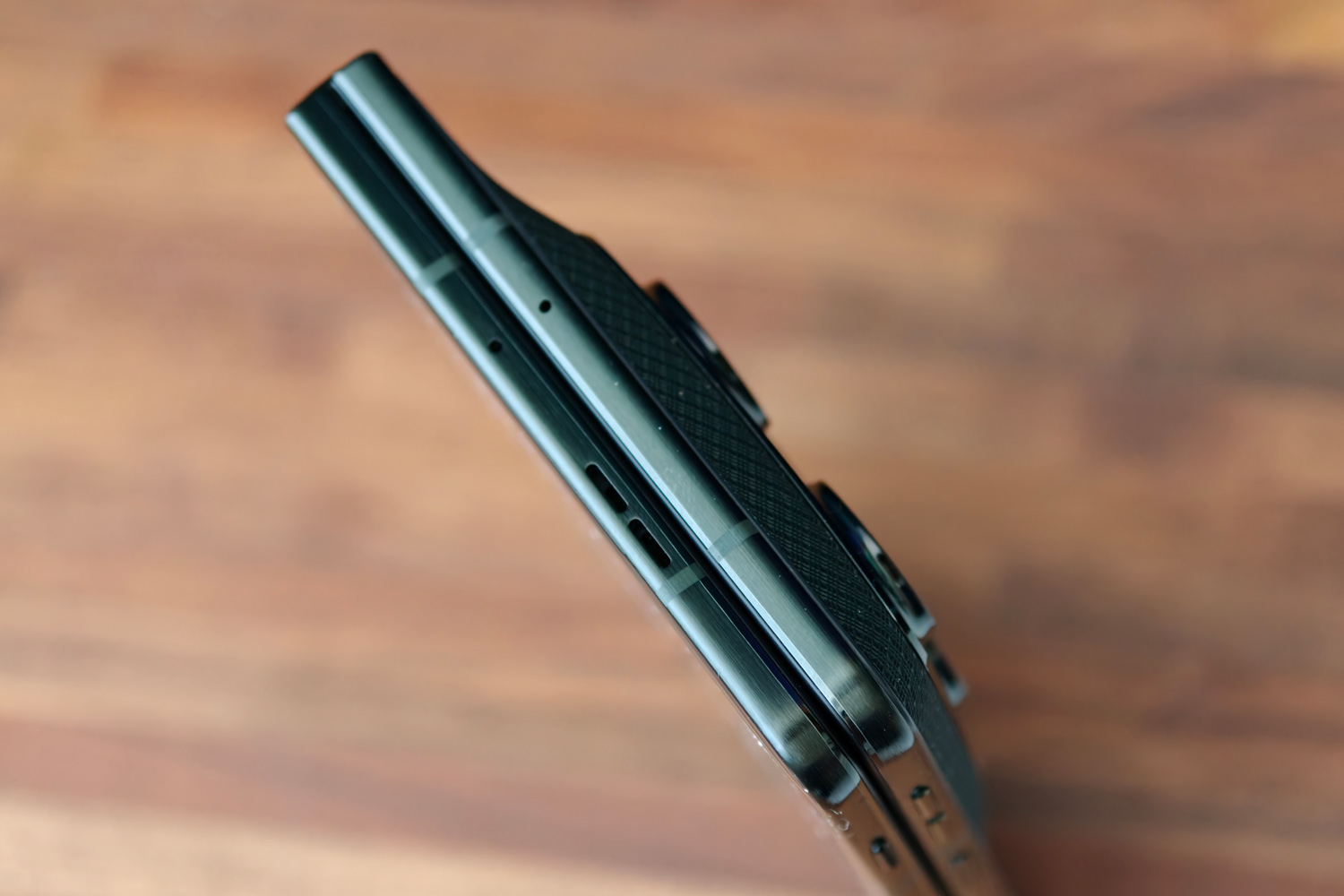
The hinge is sturdy but opens smoothly and stays in place at most angles to use the phone in its tent or laptop-style modes. It’s likely the reason this phone is IP49 rated, putting it behind class leaders like the Honor Magic V6. Still, it’ll survive a sudden rain shower – just keep it close while at the beach.
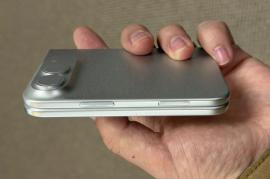
At 9.9mm while folded and 4.6mm open it doesn’t set any records for slimness, but it’s skinny enough to feel like a regular handset while in your pocket. It’s a bit of a heavyweight at 243g, but the 21:9 aspect ratio makes it a bit easier to hold one-handed than the wider Pixel 10 Pro Fold.
I had no complaints about the speed or accuracy of the fingerprint-sensing power button that’s seemingly now the norm for almost every book-style foldable. It’s also worth hunting in the settings menus for the handy option that reveals the notification tray by sliding a finger down the sensor surface. Add it to the list of Motorola gesture controls I wish other firms would copy, like the double judo chop to activate the torch.
Whether the dedicated shortcut key on the other half of the phone will be as useful depends on how big a fan you are of Moto AI. Its double-tap and press-to-hold gestures can’t be rebound to do anything unrelated to Motorola’s artificial intelligence toolkit (more on that later). I triggered it accidentally multiple times while reaching for the volume buttons.
Is the Moto Pen Ultra a Razr Fold must-have?
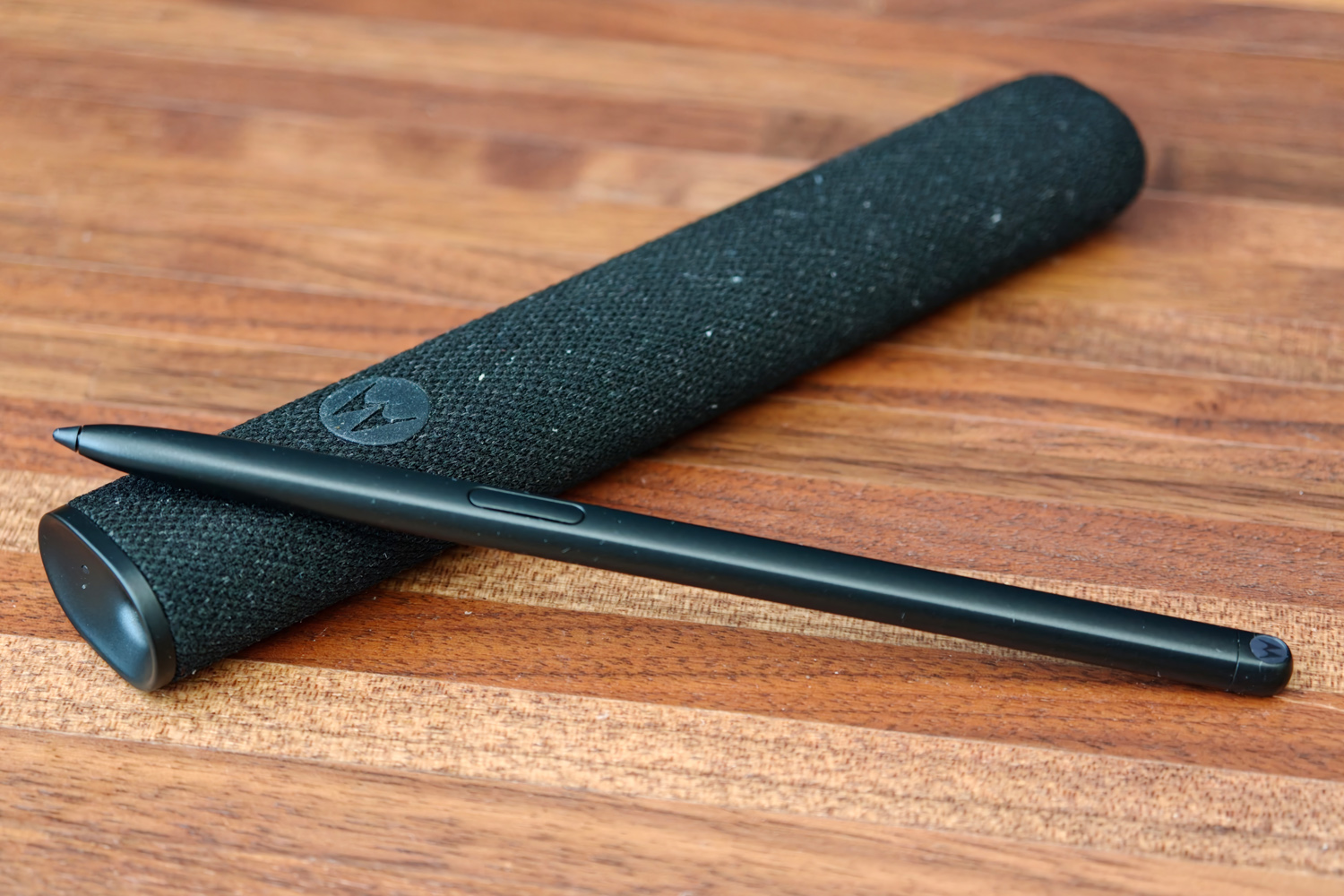
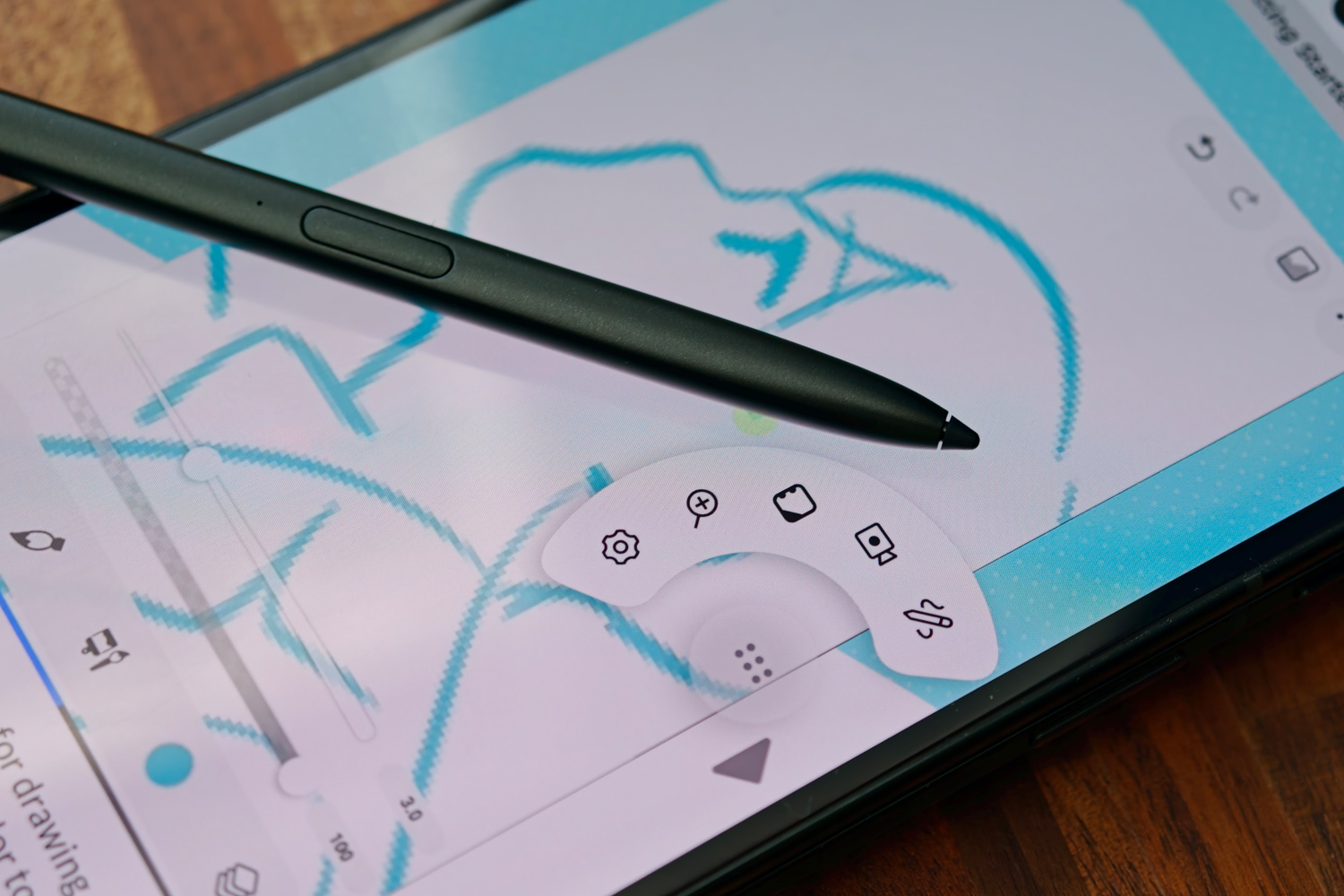
If Samsung abandoning S Pen support was enough to put you off the Galaxy Z Fold7, then absolutely. Motorola’s equivalent works across both the outer and inner screens, has thousands of levels of pressure sensitivity, and recognises tilt angle, so feels a lot like a regular pencil when writing or drawing in compatible apps.
Pressing the Moto Pen Ultra’s one button wakes a customisable shortcut bar for quick access to notes, screenshot annotations, screen recording and a magnifying tool. Open the camera app and it also doubles as a remote shutter button. Once paired it connects to the phone instantly when unsheathed from its fabric-wrapped USB-C charging case. In my testing I’ve only needed to charge it once.
The case is one more thing to carry around, though, as there’s nowhere inside the phone to store the Pen. Motorola doesn’t sell any official case accessories with somewhere to stow it either.
If you make a lot of notes or like to doodle, it’s worth the $100 cost of admission in North America, but if you’ve lived without a stylus up to now you’re not hugely missing out. UK shoppers have a better deal, with Motorola bundling the Moto Pen Ultra in with the phone.
Are the Razr Fold’s screens as bright as Moto claims?
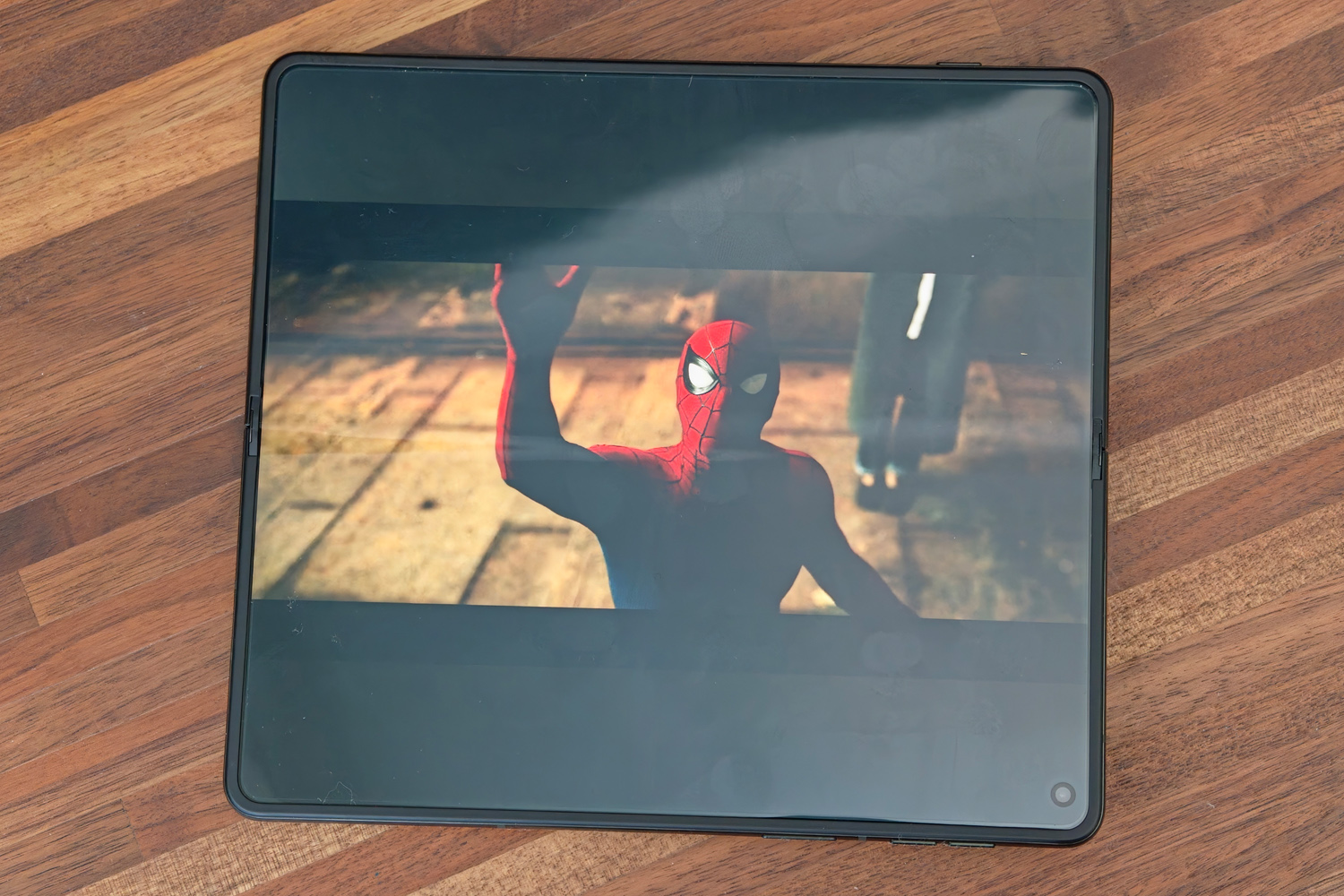
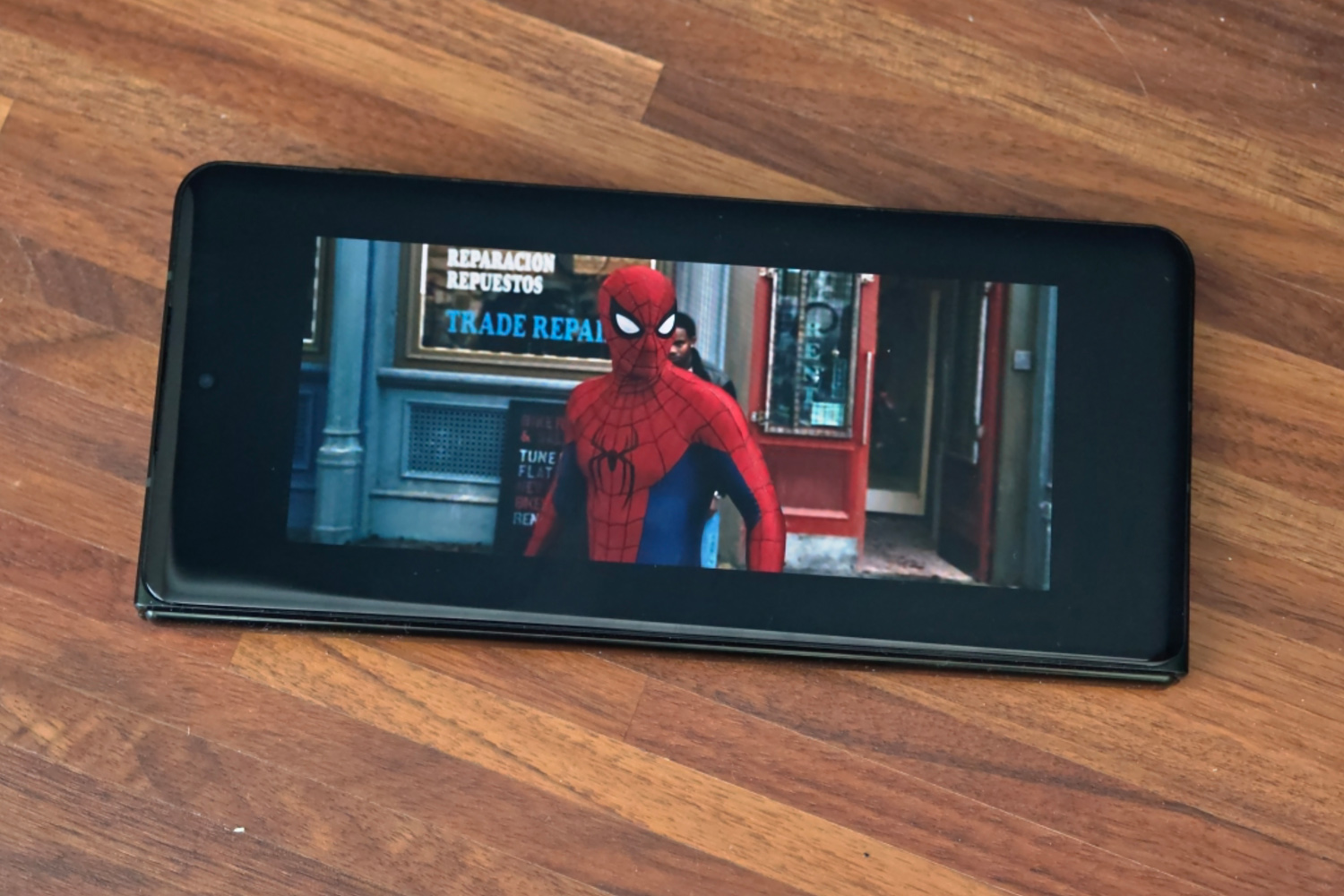
That depends. While I don’t doubt a tiny portion of each display is able to hit the ludicrously bright 6000+ nits Motorola lists while playing HDR content, real-world results are nowhere near as luminous. That said, they both do a fantastic job outdoors, with great visibility even in strong direct sunlight.
It’s the 8.1in inner display that takes the lead here, but only just. The plastic OLED panel also has a satisfyingly sharp 2484×2232 resolution, smooth LTPO 1-120Hz refresh rate and excellent viewing angles. The 8:7.2 aspect ratio is ideal for side-by-side multitasking, but less so for multimedia, with thick letterboxing no matter which way you rotate the phone. I thought the screen crease was more noticeable than on the best book-style foldables, though not by a huge margin.
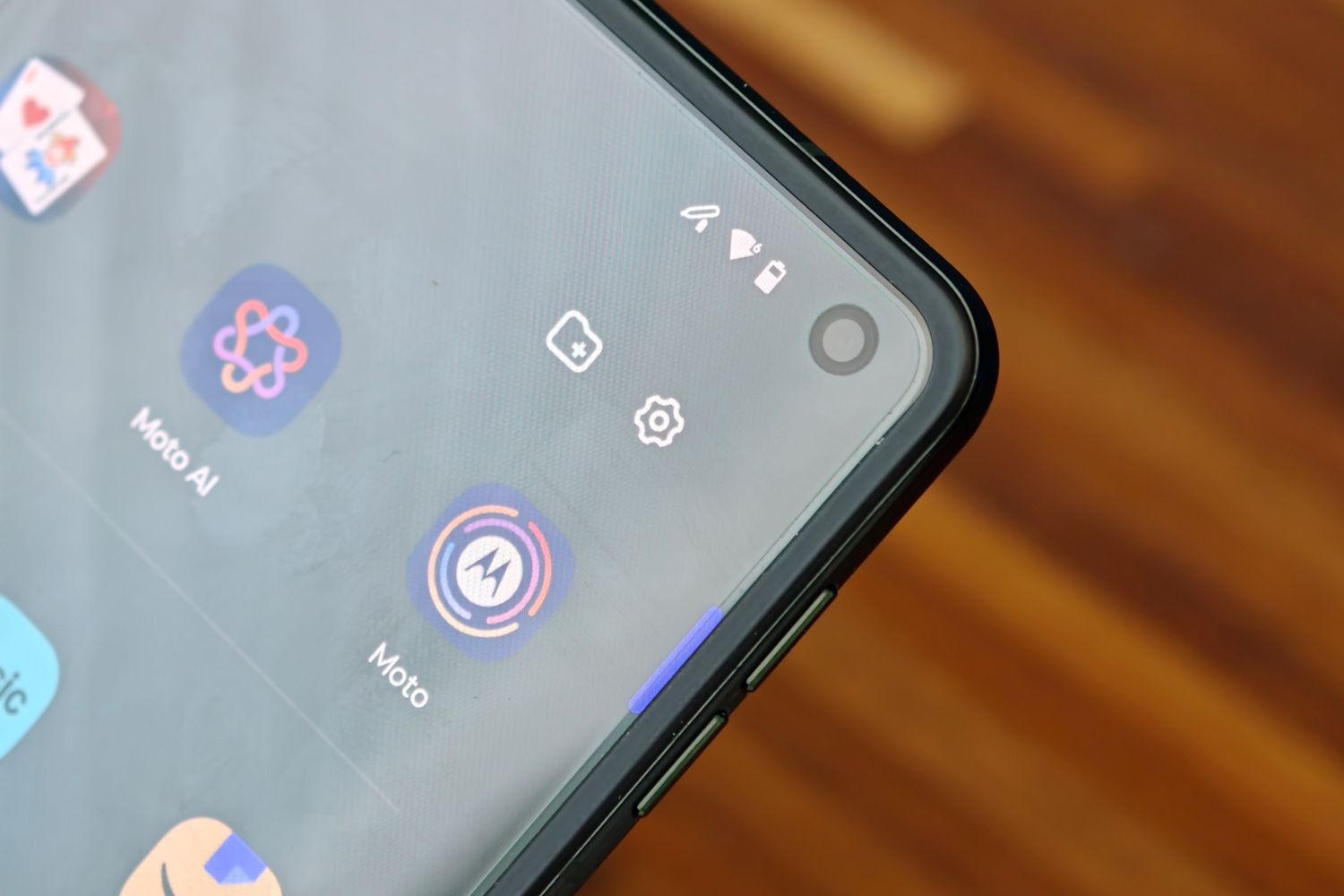
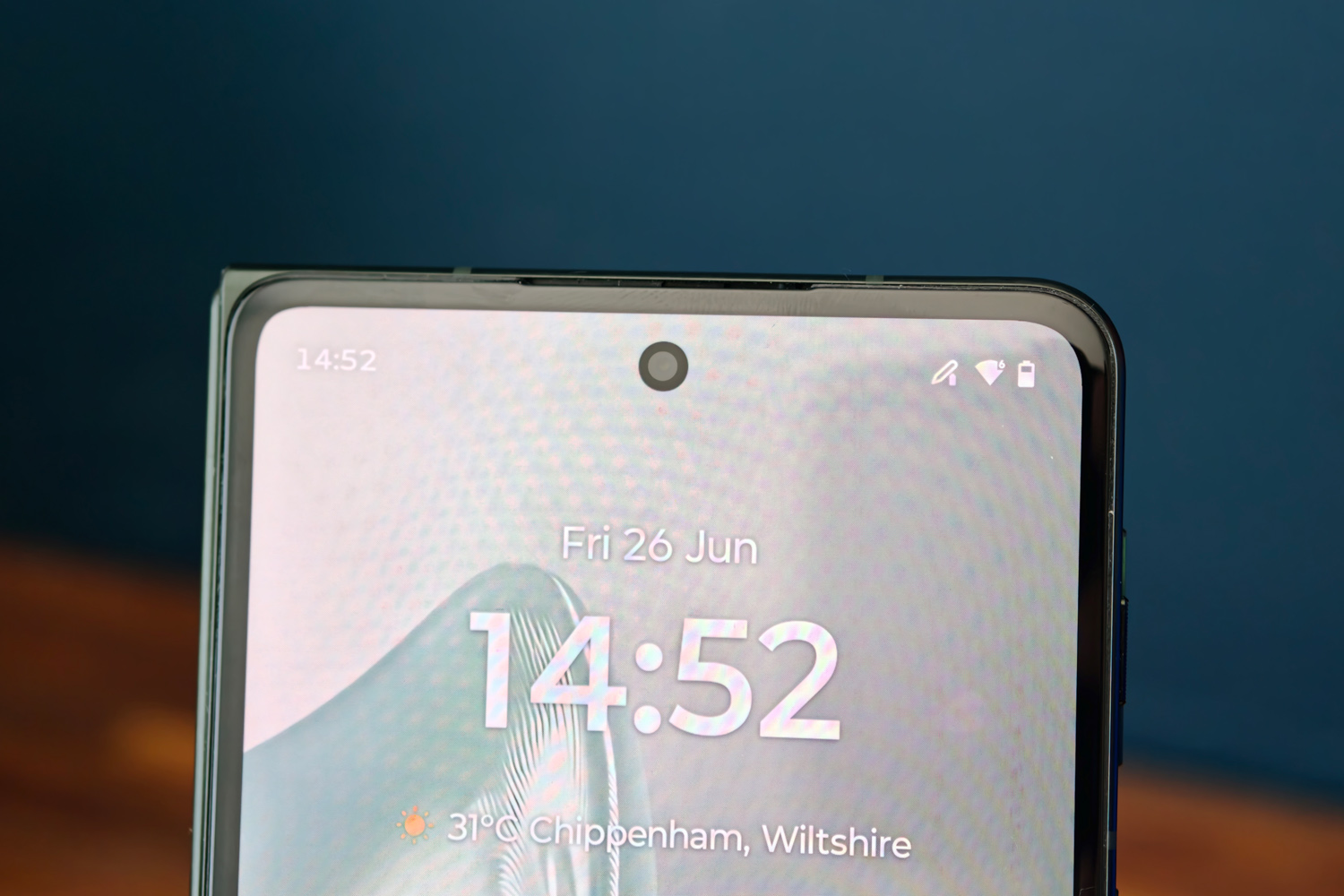
The 6.6in outer panel’s waterfall glass also kicks up more reflections than a flat panel would, but they never proved overly distracting. It looks just as crisp at 2520×1080 and can hit an even speedier 165Hz, though mainly while in compatible games. I saw 120Hz for the most part, with it reacting instantly to scrolling or onscreen motion.
Both screens have the sort of dynamic colours, exceptional contrast and deep, inky blacks you’d expect from a flagship OLED. If anything Moto’s hues are a little punchier than the competition, which are a little more true to life, but you can dial them back through the Settings menus.
The Razr Fold’s stereo speakers are built into the cover screen side of the device. They get impressively loud, but can’t quite deliver the tonal balance of a Z Fold 7. Mids and highs take priority over the low end, leaving things sounding a little thin.
How do the Razr Fold’s cameras compete with other foldables?
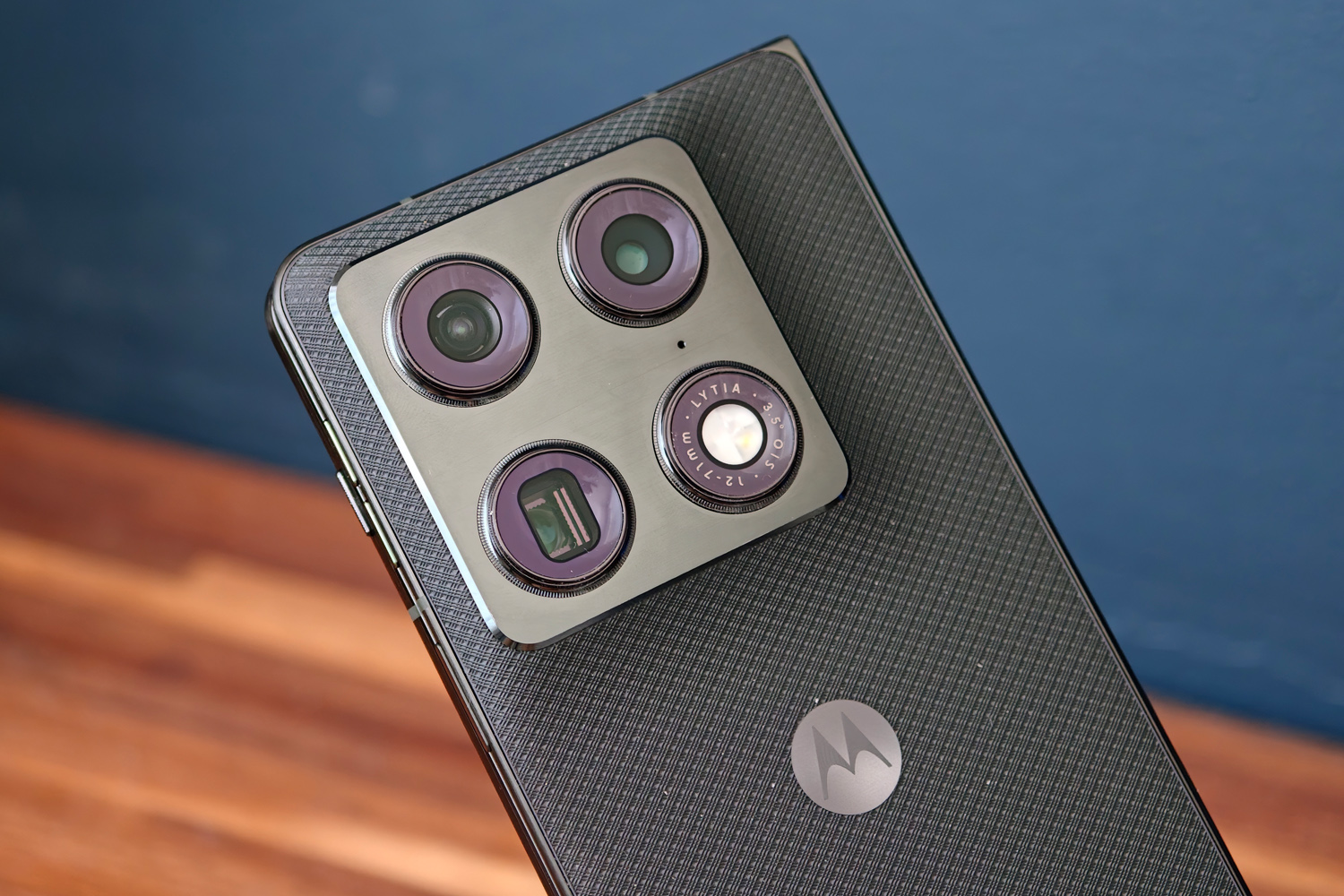
If you like ultra-vivid colours and sharp details, you’ll be very happy with dramatic-looking snaps captured from the three 50MP rear snappers. These are the same rich and highly saturated hues I’ve seen on many a recent Motorola phone – and that’s while using the Natural tone preset. Vivid dials things up even further.
I personally prefer a more natural presentation, and while the Signature style claims to use AI to copy the brightness and saturation edits you make to photos taken on the phone, I’d rather have the option to dial things in by hand. There are plenty of filters to pick from but they’re all a bit heavy-handed and Instagram-like for my taste.
The lead lens gives a great impression of detail, closely followed by the 3x telephoto. The image processing does use a lot of sharpening to achieve it, though, with some shots not holding up as well once you start peeping at pixels. Shadow details are prioritised at the expense of highlights, which can lead to blowouts in some brightly lit scenes, but I can’t deny they make for more distinctive snaps than the Pixel 10 Pro Fold’s flatter style.
The ultrawide the weakest of the three for sheer detail captured, but colour and exposure consistency is rather good. It looks very soft in low light, and needs a much steadier hand than the other two lenses.
3x optical zoom from the telephoto isn’t huge, with some rivals offering a native 5x. Sensor cropping, digital zoom and AI processing let you go all the way to 100x, but Motorola really should’ve put the brakes on around 30x. Everything looks very over-processed past that point. Stick to 10x or below and the results are impressively crisp.



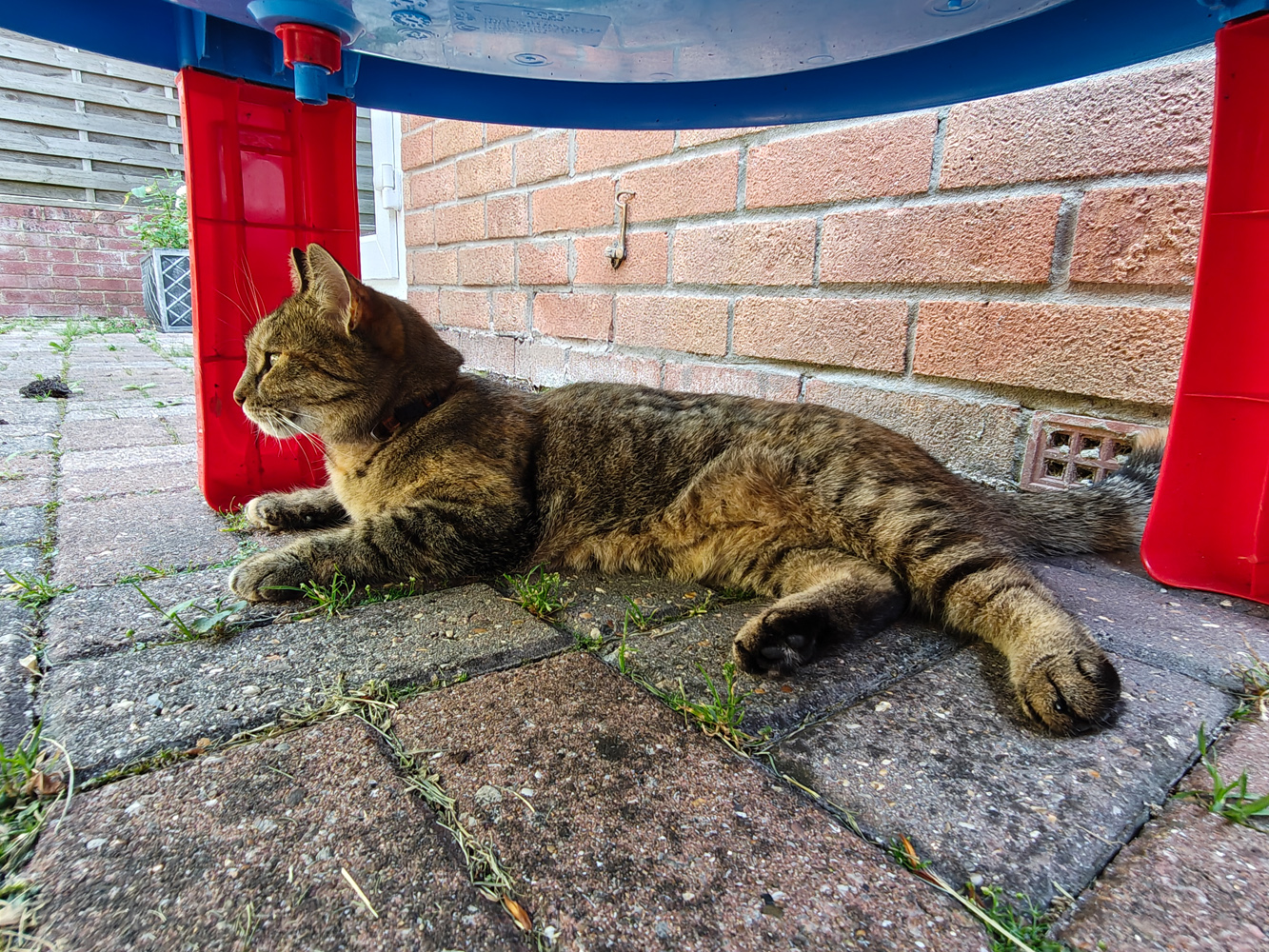

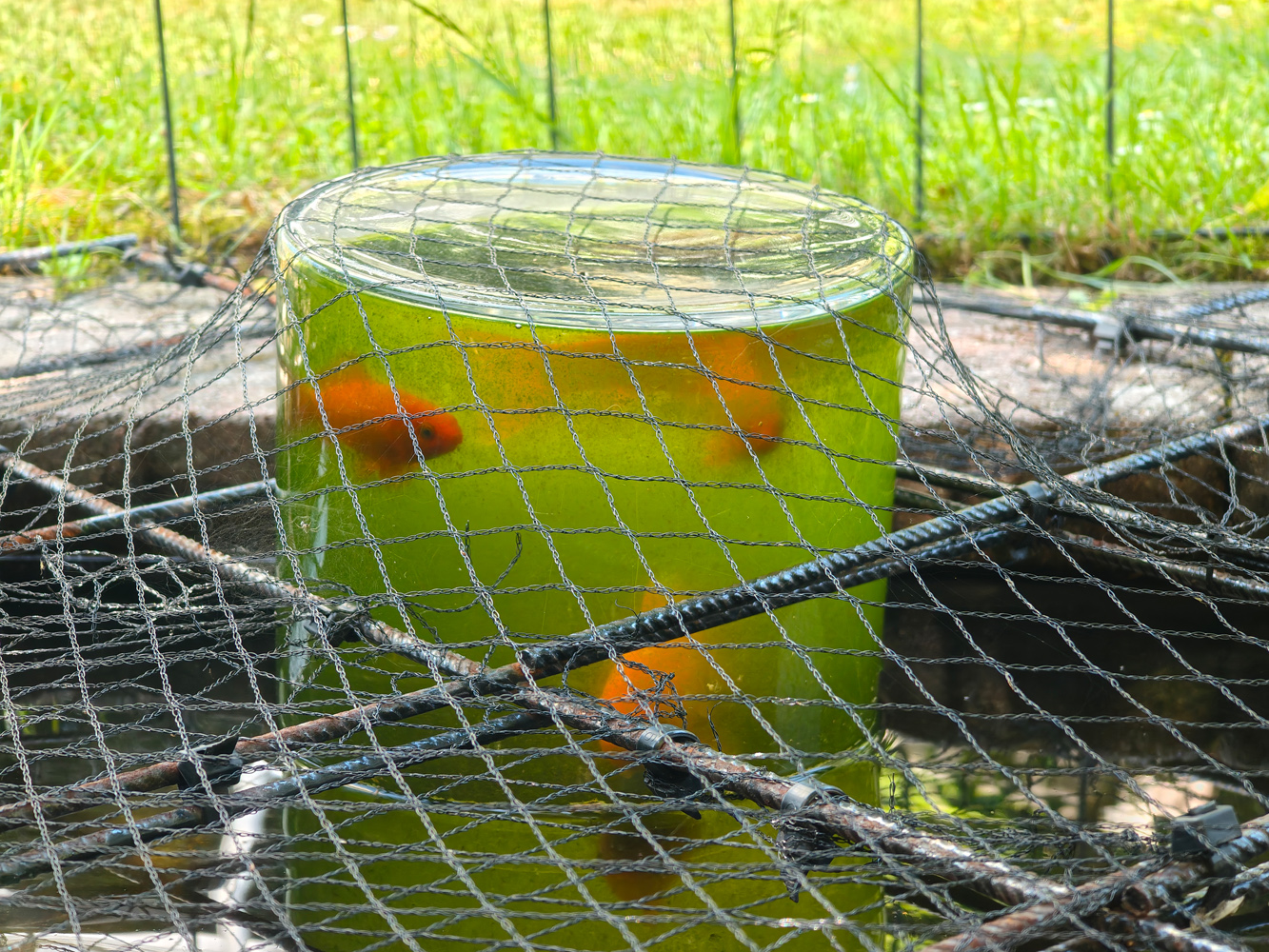




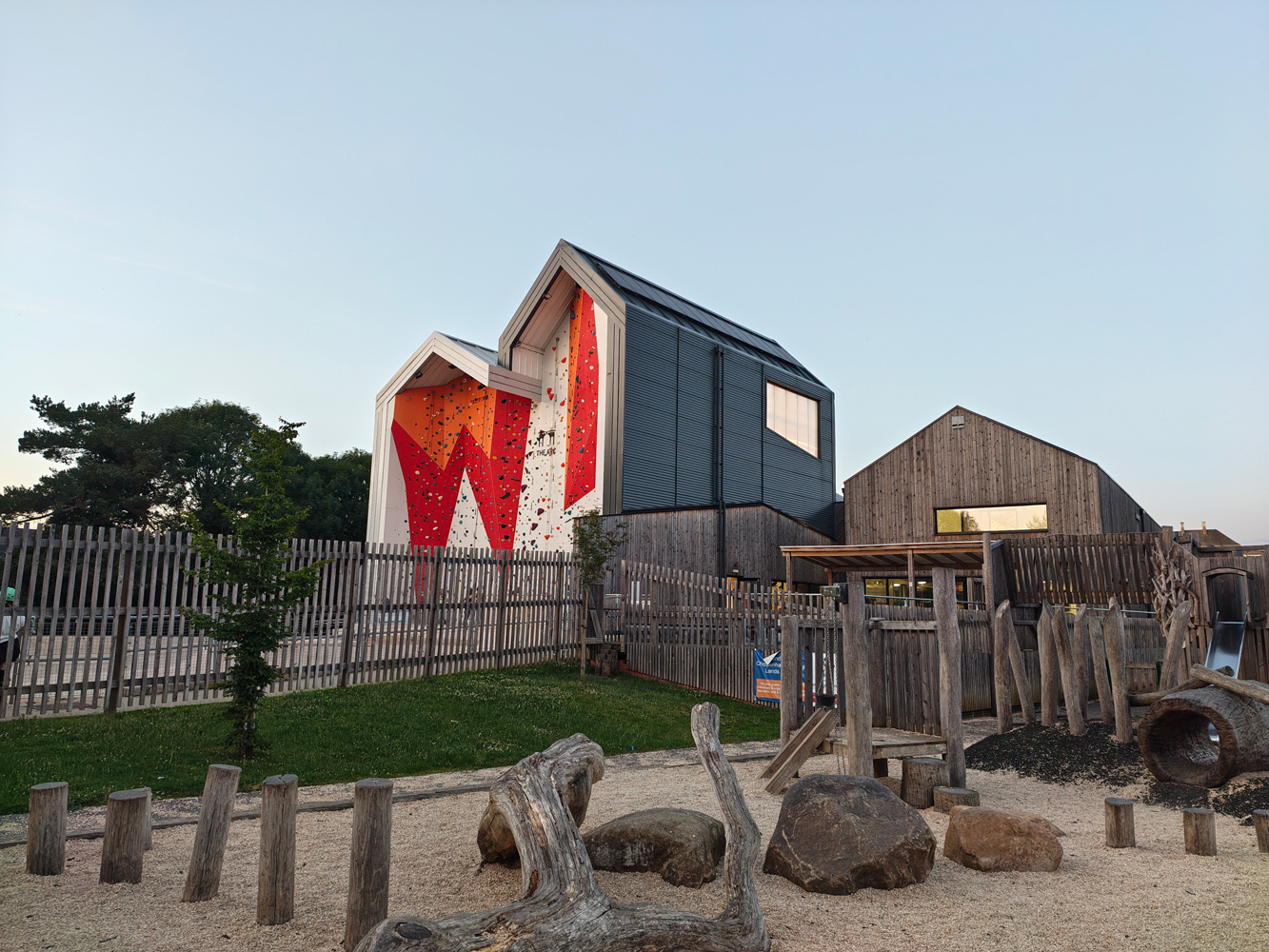










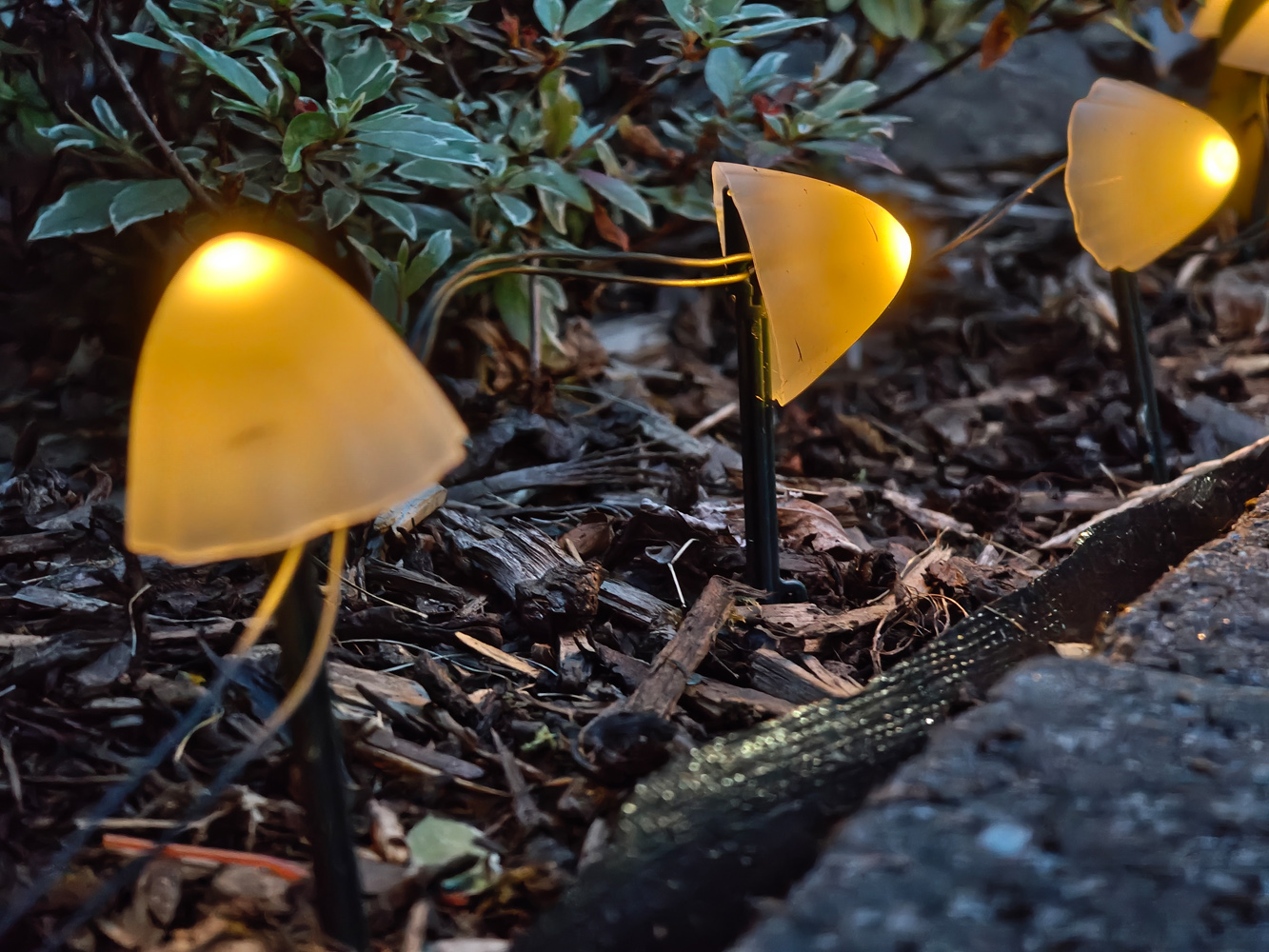
While it has a wider aperture than either Samsung or Google’s book-style handsets, I thought low light performance was merely OK. A more mature pixel pipeline would have helped preserve more details in the darkest of night shots, which often come across as murky. Oppo remains my foldable photography pick overall and Samsung stays a close second, but Motorola has by no means let the side down.
There’s also a pair of punch-hole webcams: a 32MP unit in the top-right corner of the inner screen and a 20MP one in the top-middle of the cover display. As with any foldable, though, you’re going to want to use the main cameras for selfies as the quality difference is stark.
Does the Razr Fold’s software make good use of the foldable form factor?
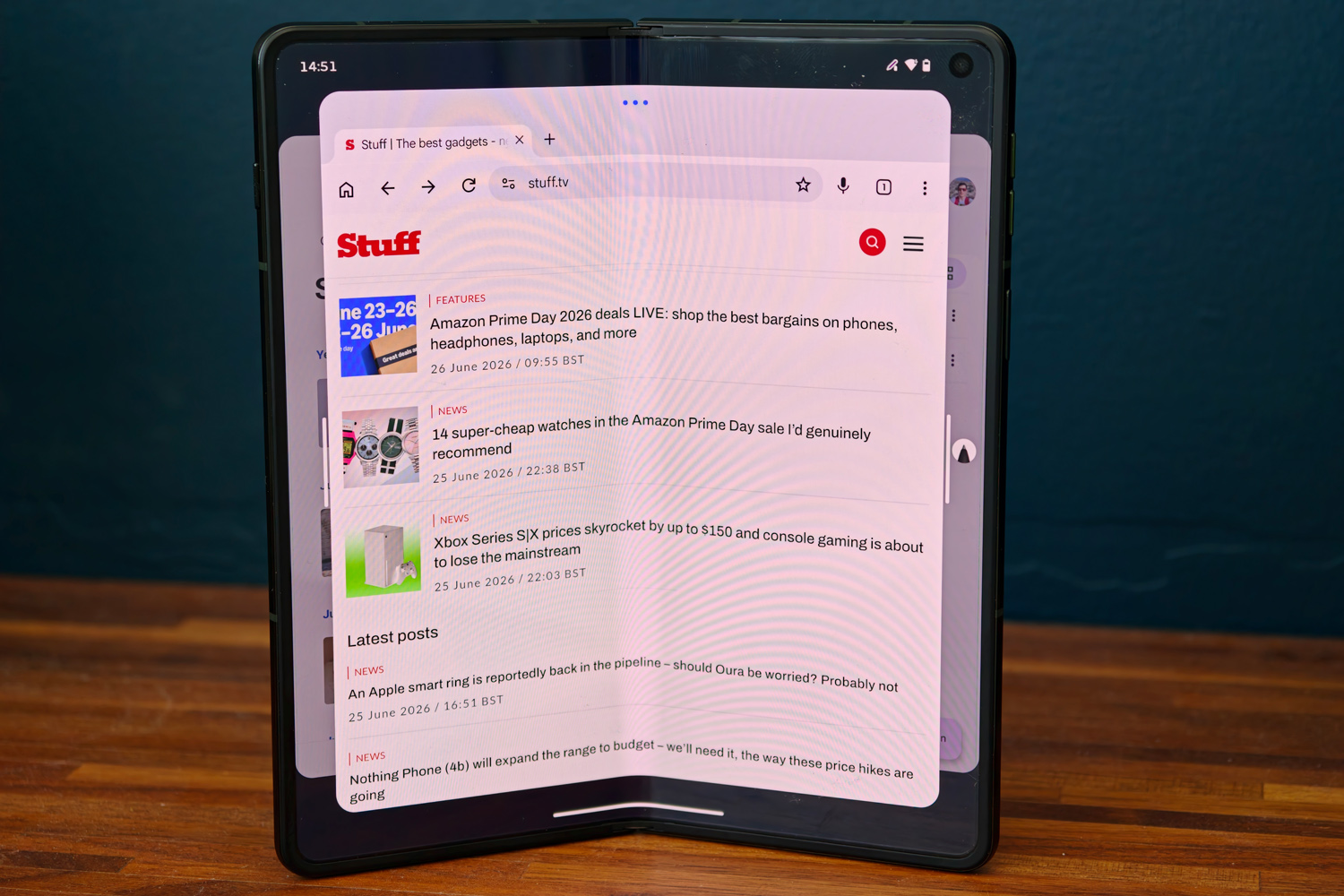
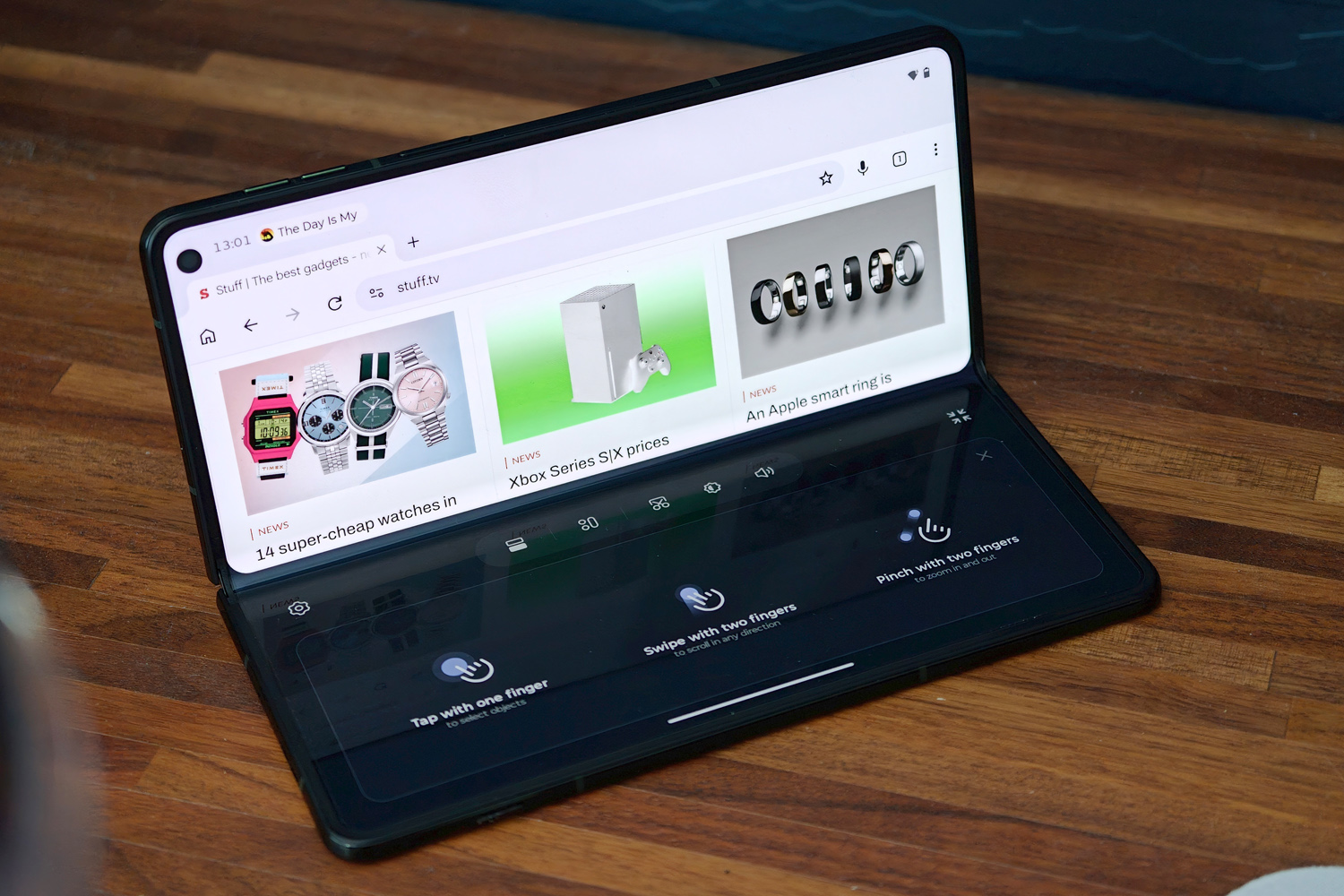
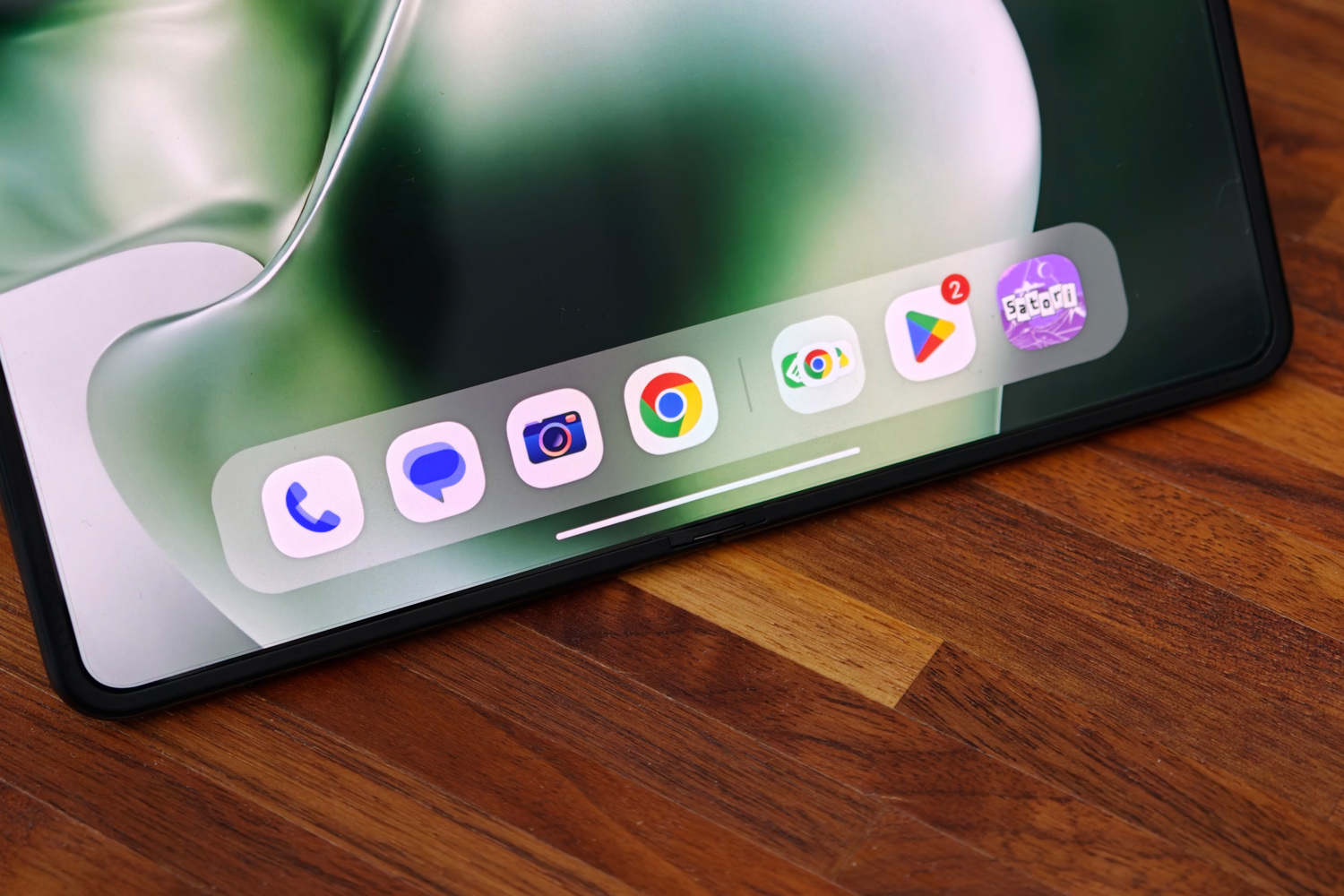
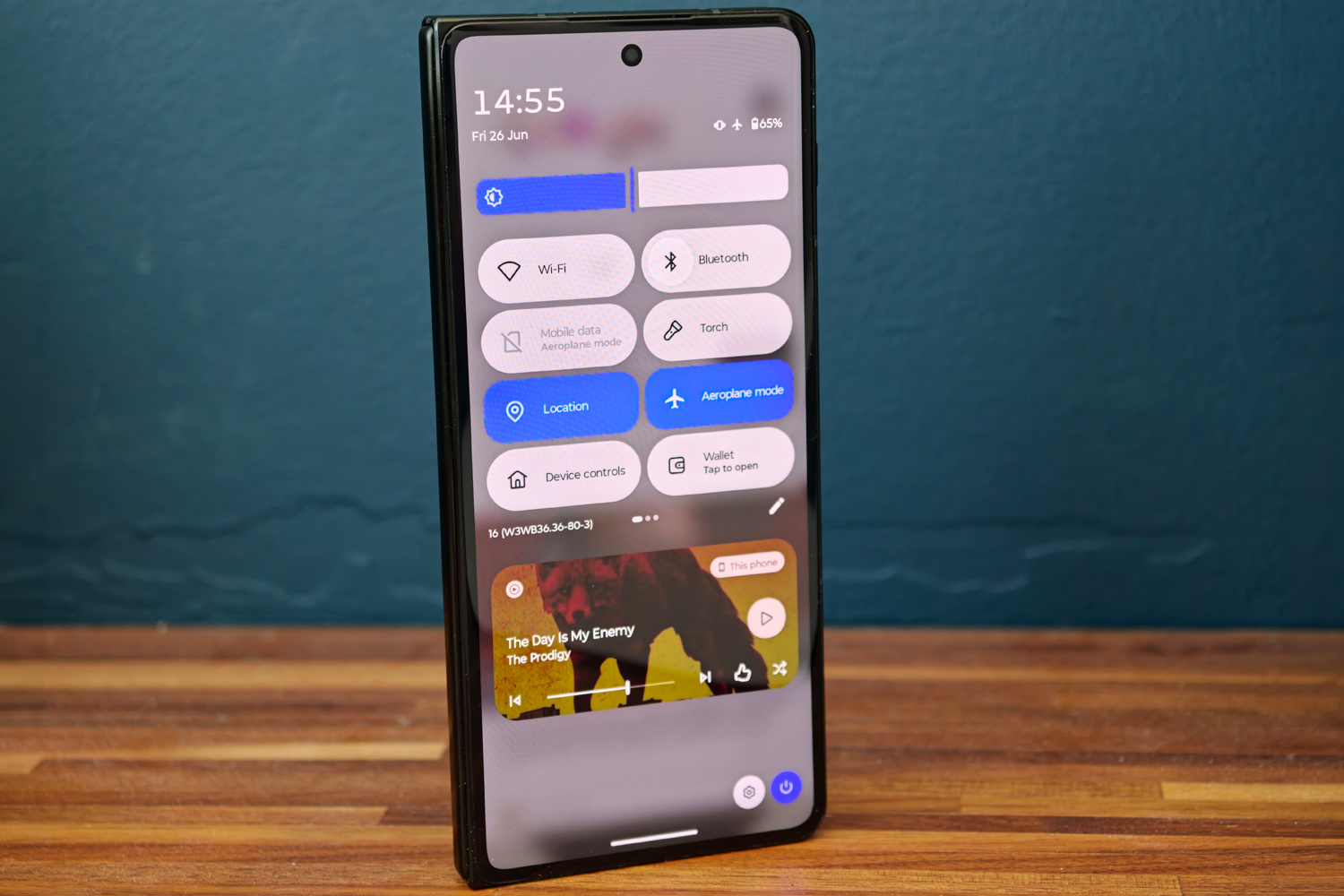
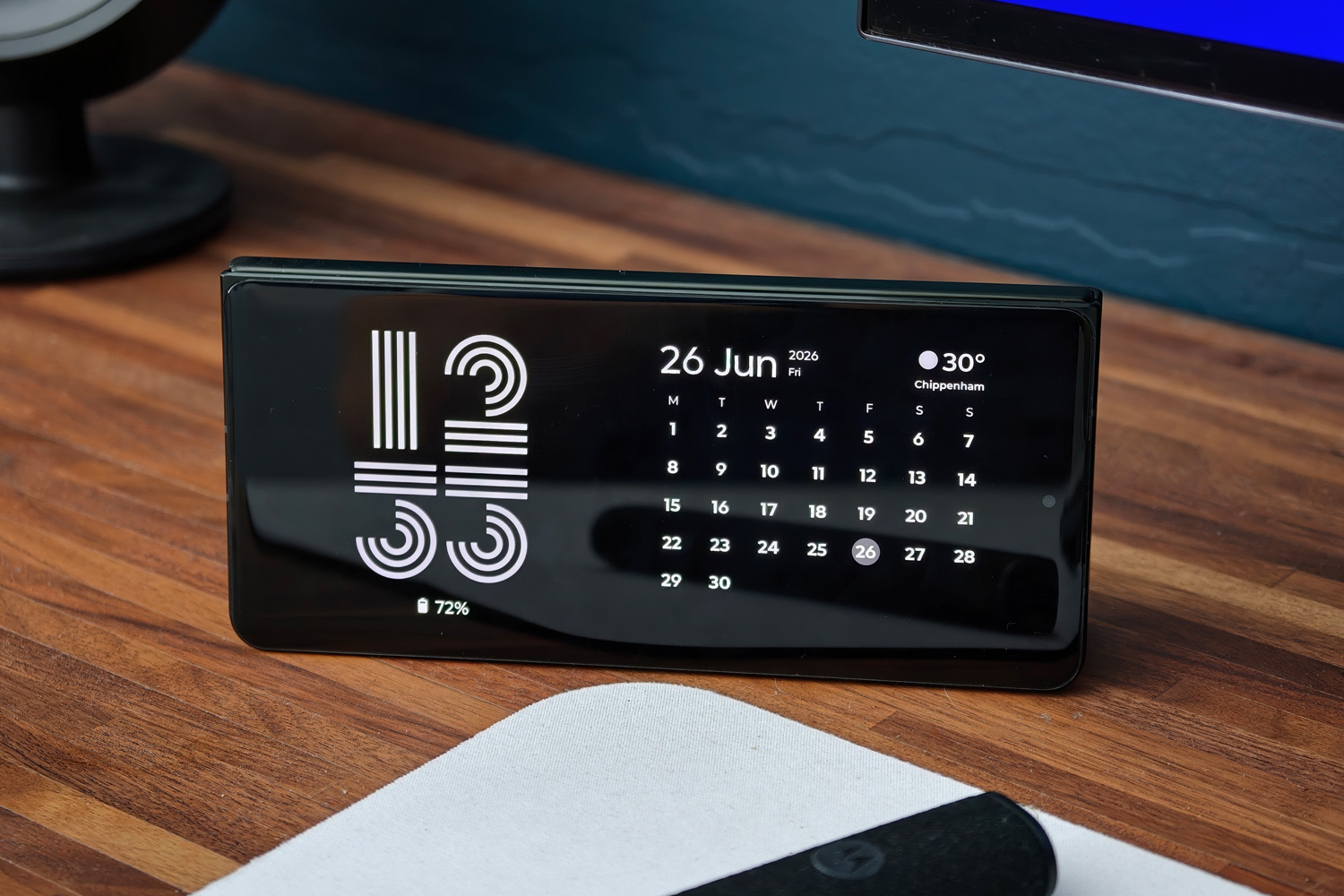
Absolutely it does. Moto’s software division seems to have borrowed some knowhow from the Razr clamshell line, with multiple ways to put the Fold’s two screens to use.
Tent display is one of my favourites. It turns the phone into a smart screen when placed partly open on a desk, showing the time, a calendar and the current temperature; while music is playing you get the album art and playback controls. Laptop mode, which uses the bottom half of the inner display like a touchpad, proved less useful; apps look rather small, the split keyboard is a chore to tap away at, and the rear camera island made it prone to toppling over.
Using the expansive inner screen fully open is a much better experience. Moto’s take on Android 16, Hello UX, lets you have up to three apps open side-by-side, with the edges spilling out into virtual space. You can then expand the view so a single app fills most of the screen, but the other two are still only a tap away. Gestures quickly divide the screen and you can have a floating window on top. It’s up there with OnePlus and Oppo for the best multitasking implementation I’ve tried on a foldable. I particularly like how many apps treat the inner display like a tablet, giving extra columns and expanded views, but then return to the usual phone layout when switching to the outer screen.
Elsewhere Hello UX feels very familiar, with a growing selection of pre-installed apps but the majority still being left to Google’s defaults. There’s a lot of customisation on offer, both visually and through Moto’s many gesture shortcuts.
Moto AI is the biggest new addition, having only been doing the rounds for a year on Moto’s other phones. It’s partly a set of home-grown tools that can summarise notifications, record and transcribe voice notes, and remember things for later, along with a shortcut to third-party offerings including Copilot, Perplexity and Gemini. An image studio can generate pics from a text prompt and it can generate music playlists, but only for Amazon Music subscribers. Generally I got better search results and more useful responses to questions by using Gemini. There’s little here I’d actively buy the phone to use, but at least it’s not as in-yer-face and Samsung’s Galaxy AI.
Motorola does get a big thumbs up for its promise of seven years of new Android generations, plus seven of security updates. This is as good as it gets from Motorola and on par with the class best for long-term software support.
Is the Motorola Razr Fold a class leader for performance and battery life?
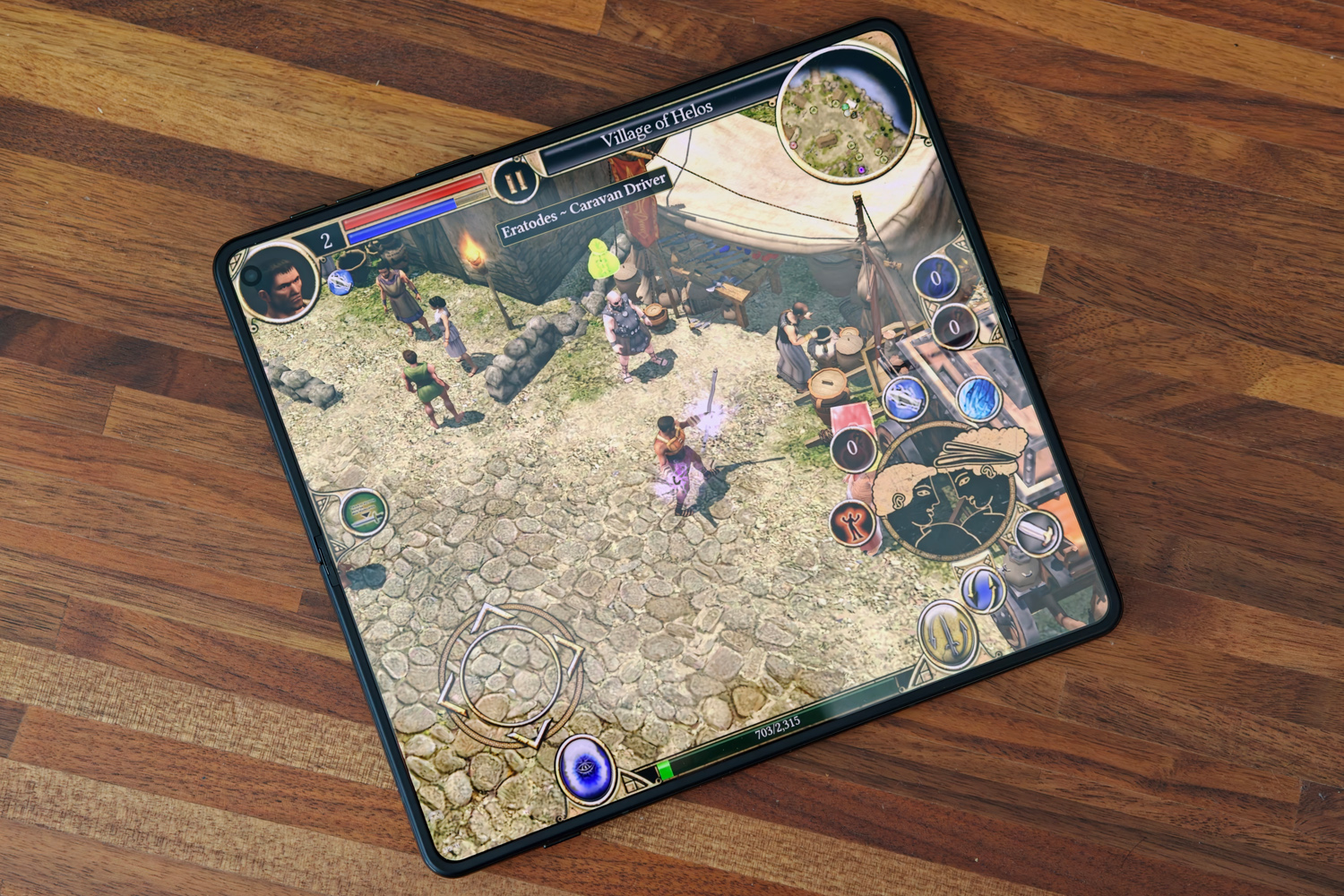
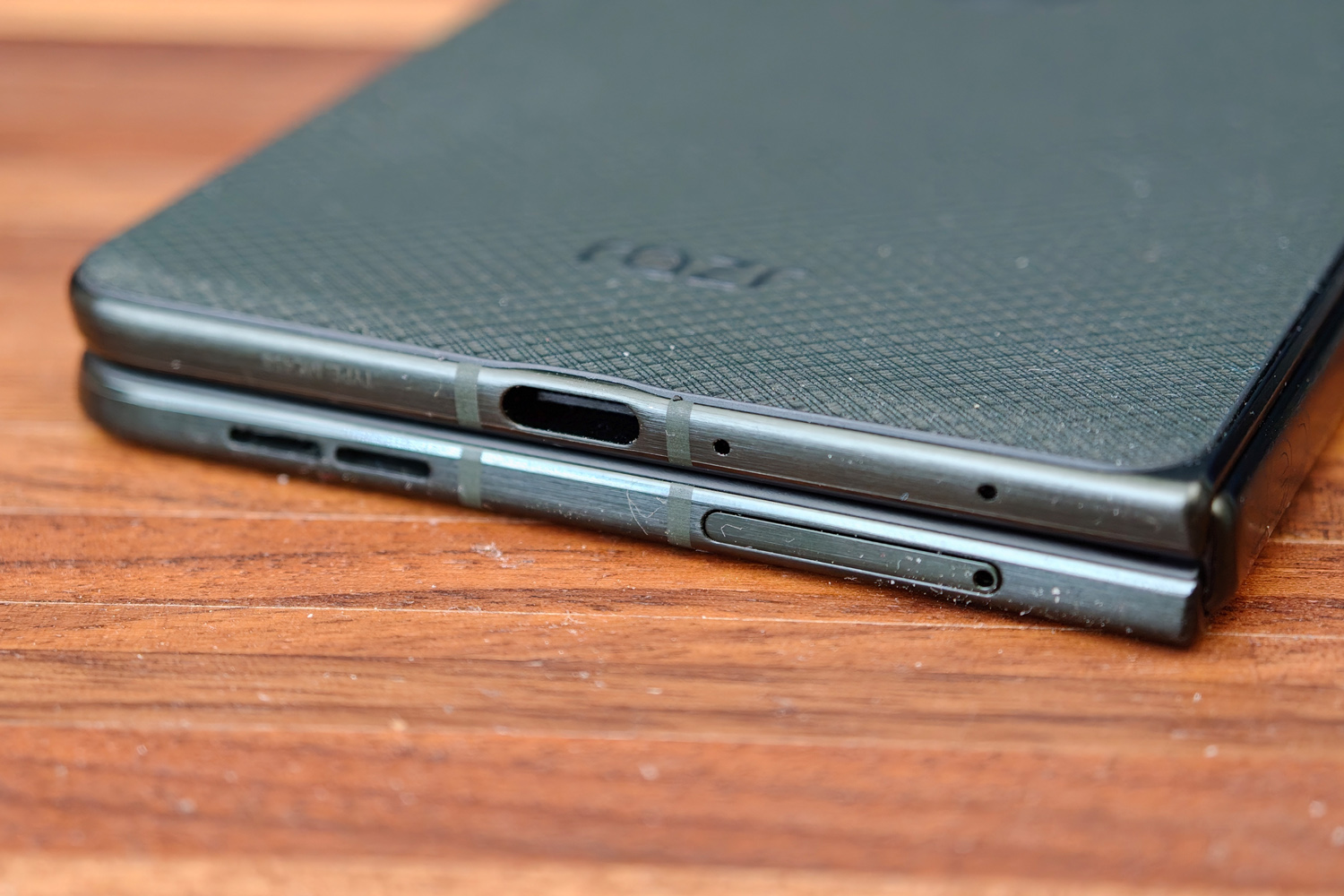
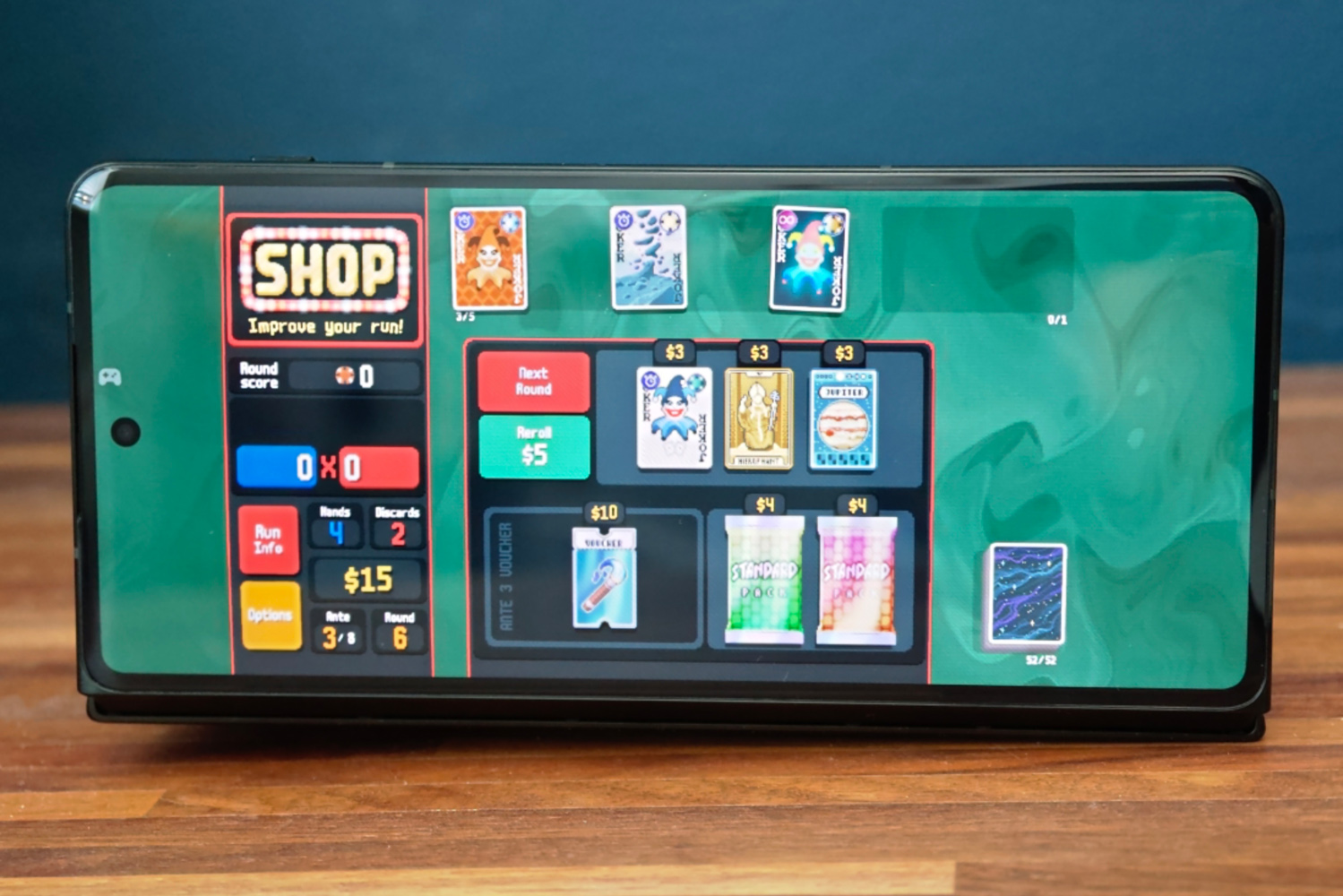
Definitely not on the performance front, because Motorola has opted for Qualcomm’s step-down Snapdragon 8 Gen 5 chipset rather than the more potent Elite variant seen in recent rivals. Even paired with a healthy 16GB of RAM, it delivers synthetic benchmark scores notably lower than the competition; PCmark was the only standout, with all of my other tests handing the win to the Find N6 – which has one fewer CPU cores than the Honor Magic V6. There’s also no performance profile, so what you see is very much what you get.
This doesn’t make much difference to everyday use, where there’s still plenty of grunt for demanding apps. Multitasking never felt like a slog, with apps responding instantly to taps and swipes. There was never any point in my testing where I felt it needed more power, at least for creative and productivity-minded tasks.
Gaming was hardly a slog either. Everything I tried ran smoothly on both the inner and outer displays, at medium graphics settings or higher. Temperatures never felt extreme either.
| Motorola Razr Fold benchmark scores | |
| Geekbench 6 single-core | 2582 |
| Geekbench 6 multi-core | 8697 |
| Speedometer 3.1 | 14.8 |
| Geekbench AI | 3543 |
| PCmark Android | 20,735 |
| 3DMark Wild Life Extreme | 5014 |
Battery life is a different matter. With a 6000mAh cell it has a higher capacity by far of any book-style foldable in the US, and isn’t too far short of the Asian class leaders. Combined with the less power hungry CPU, this is a phone that goes and goes between trips to the plug socket. In general use, I was making it into a second day before having to plug in. Only extensive use of the larger screen in battery-draining apps or games required a refuel in the first day.
The Find N6 goes for even longer, but the gap isn’t as wide as you’d think given Oppo’s phone has an extra 600mah of capacity. Motorola has Samsung and Google beaten soundly here.
Charging speeds are also as good as it gets for American shoppers, with 80W wired refuels able to get the phone back up to full in less than an hour. 50W wireless topups follow closely behind, albeit only with a compatible pad. There’s no Qi2 magnets here like you’ll find in the Pixel 10 Pro Fold.
Should you buy the Motorola Razr Fold in 2026?
For a first try, the Razr Fold gets plenty right. Motorola’s book style foldable definitely has the battery life to compete for class honours, along with gorgeous screens and cameras that are capable enough. The stylus is useful, the software isn’t as overbearing as some, and performance is respectable too. In the US it’s the biggest contender for Samsung’s book-style foldable crown, besting the Google Pixel 10 Pro Fold in several key areas.
There’s a bit more competition in Europe, though – and a lot more in Asia. The Oppo Find N6 remains my top pick for a photography-focused foldable if you live in one of the few places it’s sold officially, while the Honor Magic V6 will almost certainly undercut Motorola’s high asking price. And ultimately while the Galaxy Z Fold7 may be almost a year old it’s still arguably the best all-rounder foldable out there, especially now it can often be found at a tidy reduction.
That makes the Razr Fold the more left-field option, then – but one that’s perfect for productivity.
Stuff Says…
An impressively well-rounded foldable phone for a first attempt. The Motorola Razr Fold lasts ages and has two punchy displays, but it’s not a performance champ and its cameras can’t quite match the class best
Pros
Sharp, vibrant screens with stylus support
Long-lasting battery and fast charging
Clean, multitasking-friendly OS with long software support
Cons
Expensive, even among book-style foldables
Step-down chipset and camera trio that can’t match class leaders
Screen crease more noticeable than rivals’
What are the Motorola Razr Fold’s technical specifications?
| Specifications | Motorola Razr Fold |
|---|---|
| Screen | 6.6in, 2520×1080, 165Hz OLED (outer) + 8.1in, 2484×2232, 120Hz OLED (inner) |
| CPU | Qualcomm Snapdragon 8 Gen 5 |
| Memory | 12/16GB RAM |
| Cameras | 50MP + 50MP telephoto (3x) + 50MP ultrawide rear, 20MP cover, 32MP inner |
| Storage | 256GB/512GB/1TB |
| Operating system | Android 16 w/ Hello UI |
| Battery | 6000mAh w/ 80W wired, 50W wireless charging |
| Dimensions | 160x145x4.7mm (unfolded) / 160x74x10.1mm (folded), 243g |


 Tom Morgan-Freelander
Deputy Editor
Tom Morgan-Freelander
Deputy Editor