The refreshed Asus Zephyrus G14 blew me away – but not for the reason you’d expect
A CPU switch sounds like a small tweak, but it means big things for battery life


Stuff Verdict
Unavoidable price rises aside, the 2026 Zephyrus G14 is a simply excellent small-scale gaming laptop. New Intel internals in particular bring a considerable battery boost
Pros
- Still one of the sharpest looking 14in gaming laptops
- Extra wattage uncorks RTX 5070Ti gaming performance
- Gorgeous display is now even brighter
Cons
- Huge price jump from last year’s model
Introduction
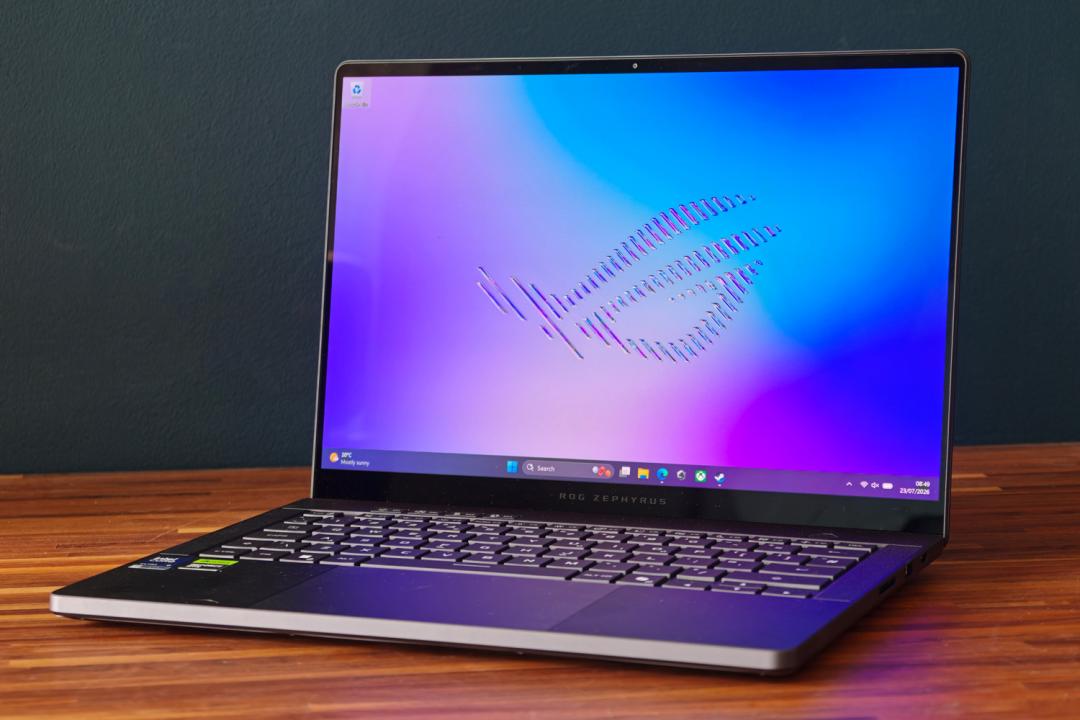
Compact gaming laptops that don’t compromise performance in the name of portability are my jam, and Asus been making my favourite flavour for multiple generations now. The ROG Zephyrus G14 blends a tiny footprint and MacBook-baiting chassis with high grade graphics that can tackle modern titles.
The latest iteration doesn’t look all that different from the outside, but underneath Asus has swapped from AMD to Intel silicon. How much difference could that make in a single processor generation? A lot, it turns out. The Zephyrus G14 has such a mighty impressive lifespan away from the mains that I’d almost take it over any traditional, non-gaming ultraportable. A higher GPU power limit, brighter OLED display and refined cooling system are also welcome additions for 2026.
But its not all plain sailing: an already spicy asking price is now approaching vindaloo levels of heat, largely thanks to the ongoing industry-wide component shortages. The model tested here will set you back $3600/£3300, a near $1000/£1000 hike over the equivalent outgoing model. Ouch. Can it still be the best choice for gamers on the go?
How we test laptops
Every laptop reviewed on Stuff is tested using industry standard benchmarks and apps to assess performance and battery life. We use our years of experience to judge display, sound and general usability. Manufacturers have no visibility on reviews before they appear online, and we never accept payment to feature products.
Find out more about how we test and rate products.
Has the ROG Zephyrus G14’s styling changed between generations?
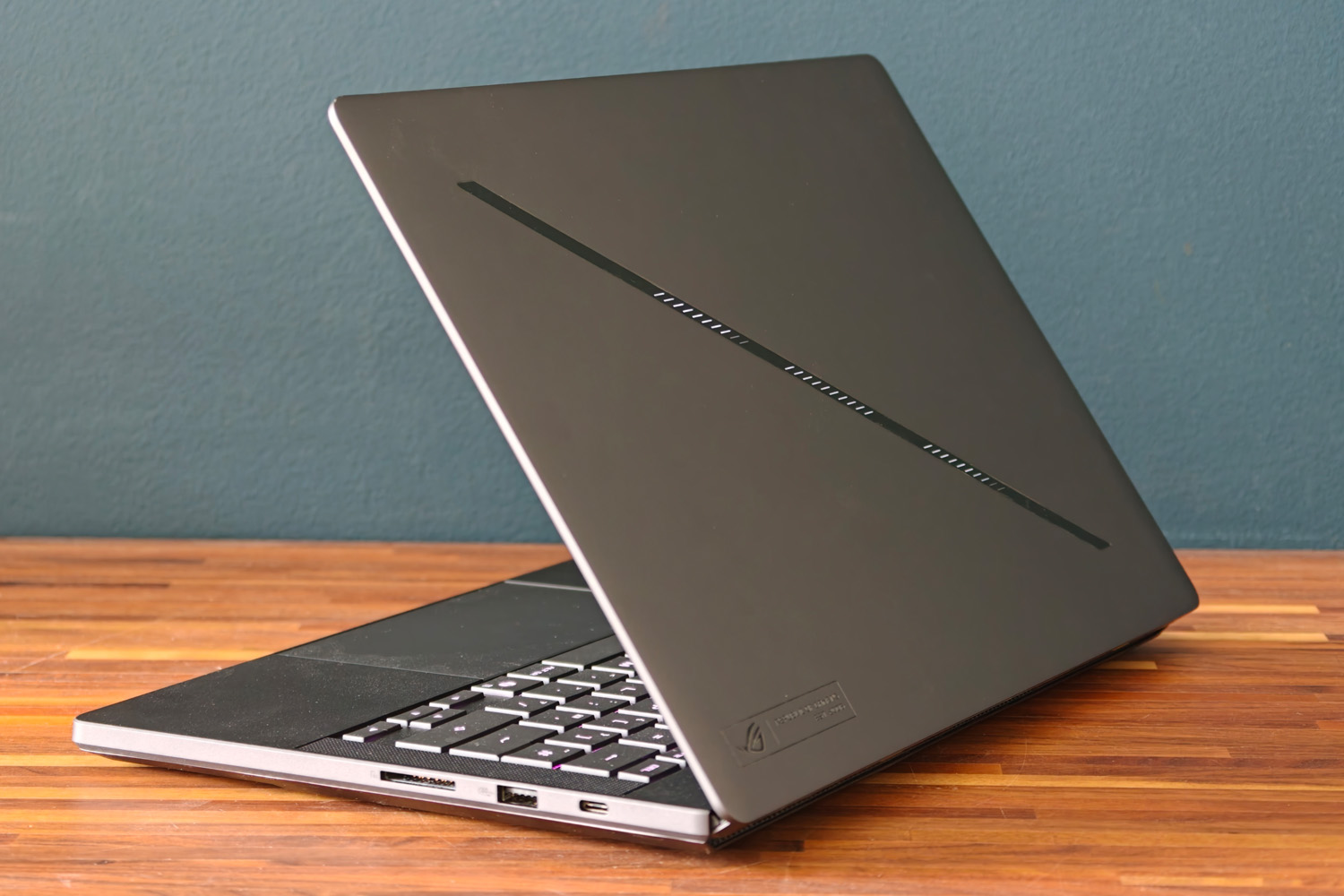
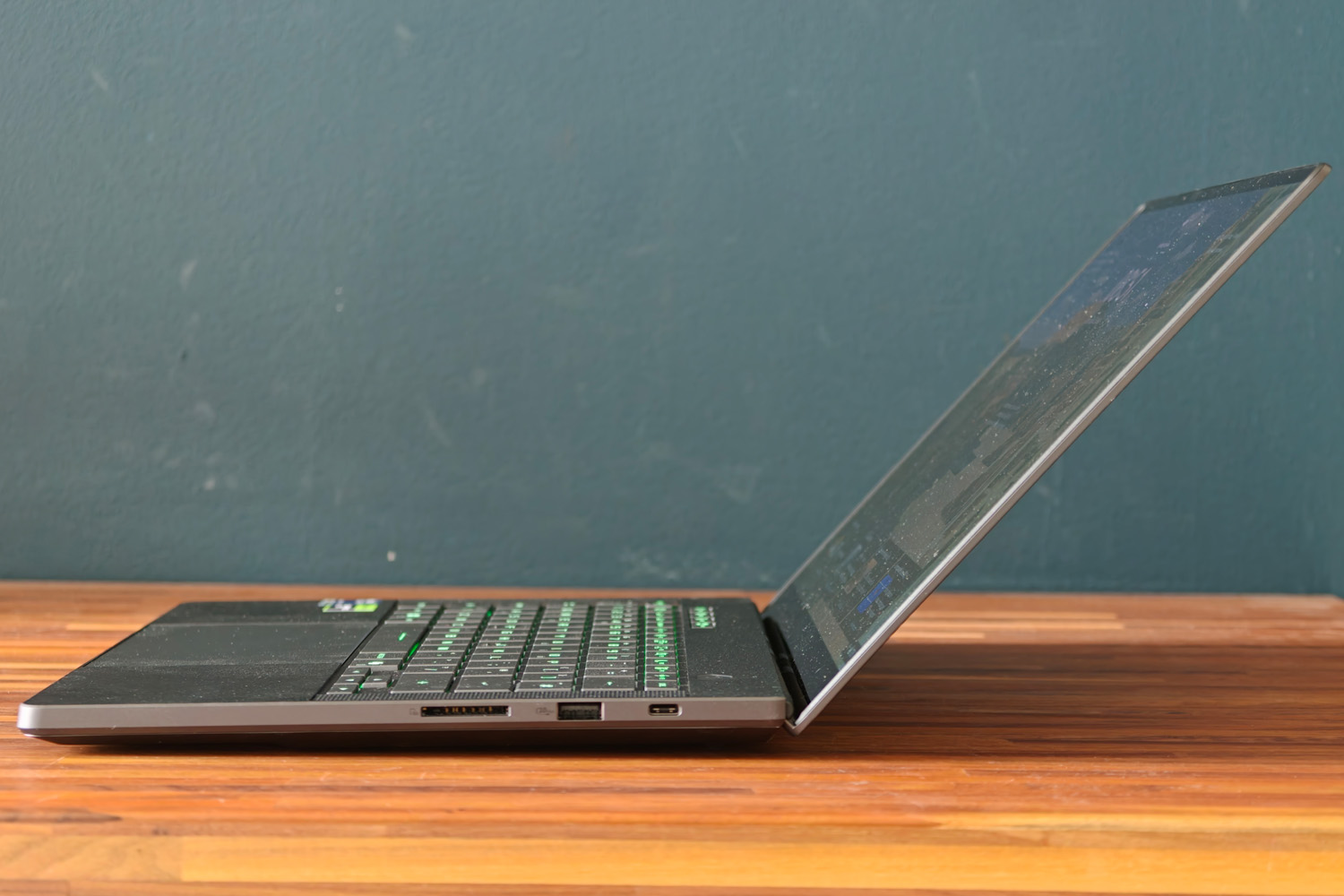
With its sharp-looking, CNC-milled aluminium chassis and customisable LED ‘slash’ lighting, the last-gen Zephyrus G14 gave strong ‘gamer in work clothes’ vibes. I’m happy to see the new version sticks to the same formula; it’s the sort of laptop you can work on in public without everyone assuming you’re trying to sneak in a multiplayer match between conference calls.
I’m glad Asus has stuck with the more mature illuminations rather than return to the old AniMe matrix display. The latest revision stays exclusively with white light but has 35 separate zones; the Armory Crate software gives you fine-grain control over the effect and, crucially, disables it automatically while on battery power. I was never worried I was flashing the entire coffee shop while working remotely.
My Eclipse Grey review unit remains my pick of the two colour options – it looks that bit more luxurious than the Platinum White version and has so far managed to resist accumulating fingerprint smudges.
The subtle wedge shape means the Zephyrus is only 18.3mm at its widest. That’s impressively close to a modern MacBook Air, despite having to make room for a dedicated graphics card. While not as featherlike as a non-gaming ultraportable, 1.5kg is still well within my “daily commute” ballpark.
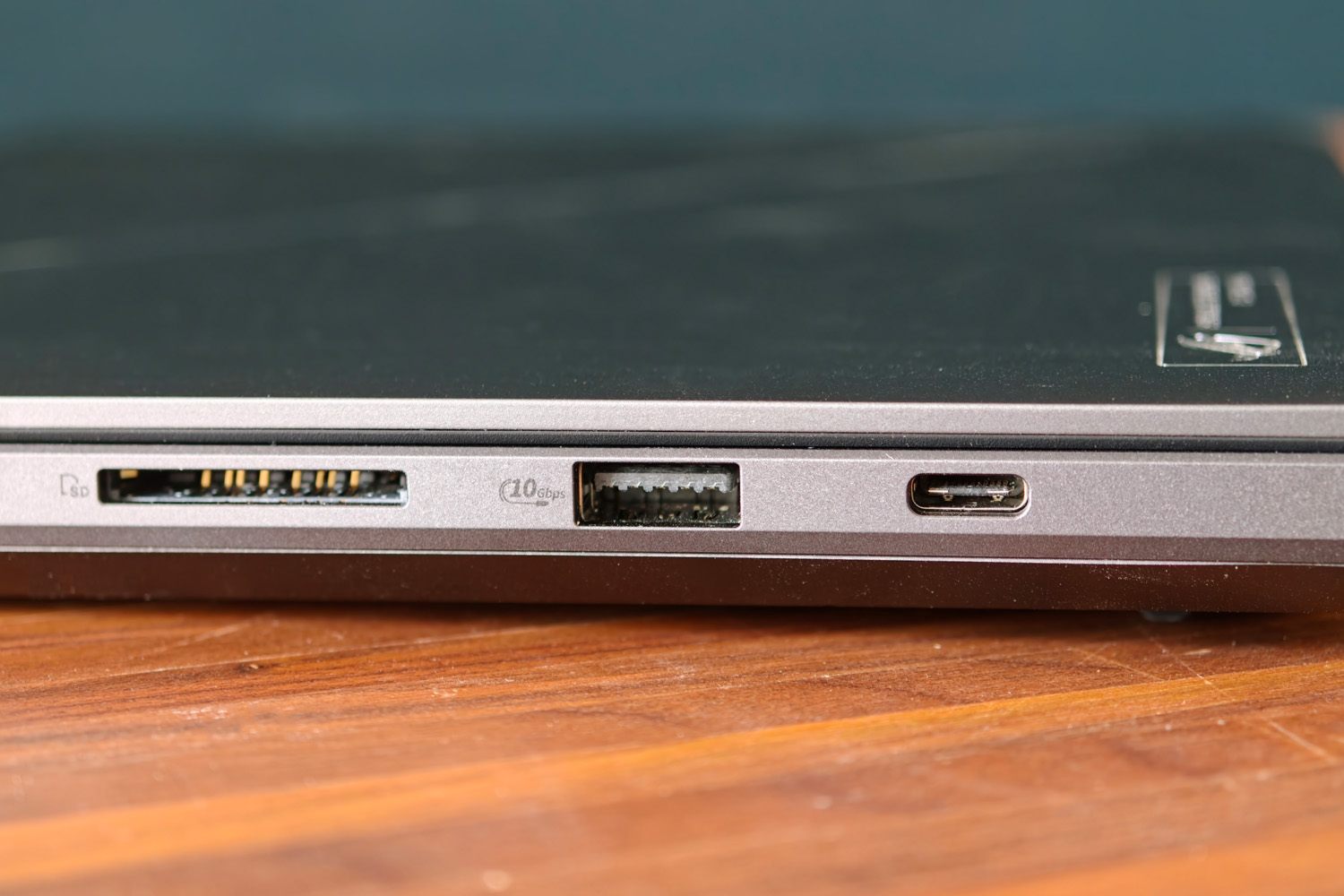
It’s great to see Asus swap the old model’s microSD card reader (which I rarely found all that useful) for a full-size SD card slot. Copying photos from my digital camera is a whole lot easier here, and SD to microSD adapters cost pennies should you ever need to pop in the smaller storage medium.
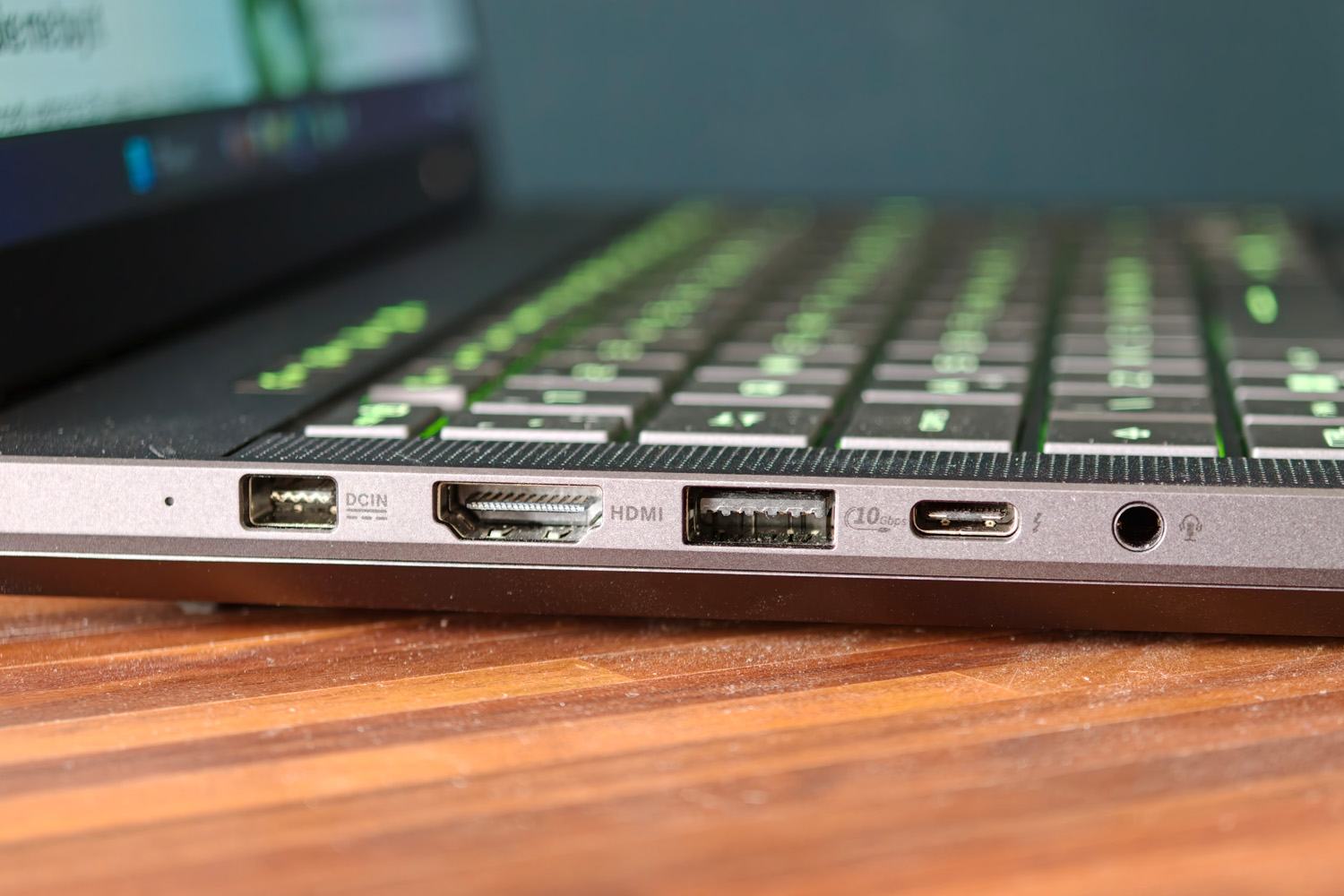
Other ports are plentiful, with dual USB-Cs (one of which doubles as speedy Thunderbolt 4), twin USB-As, an HDMI 2.1 video out and a 3.5mm combo audio port. Asus has also kept the proprietary power jack. It’s reversible just like USB-C, making it easier to plug in than some rival gaming laptops I’ve used recently.
Are the ROG Zephyrus G14’s keyboard and touchpad comfortable to use?
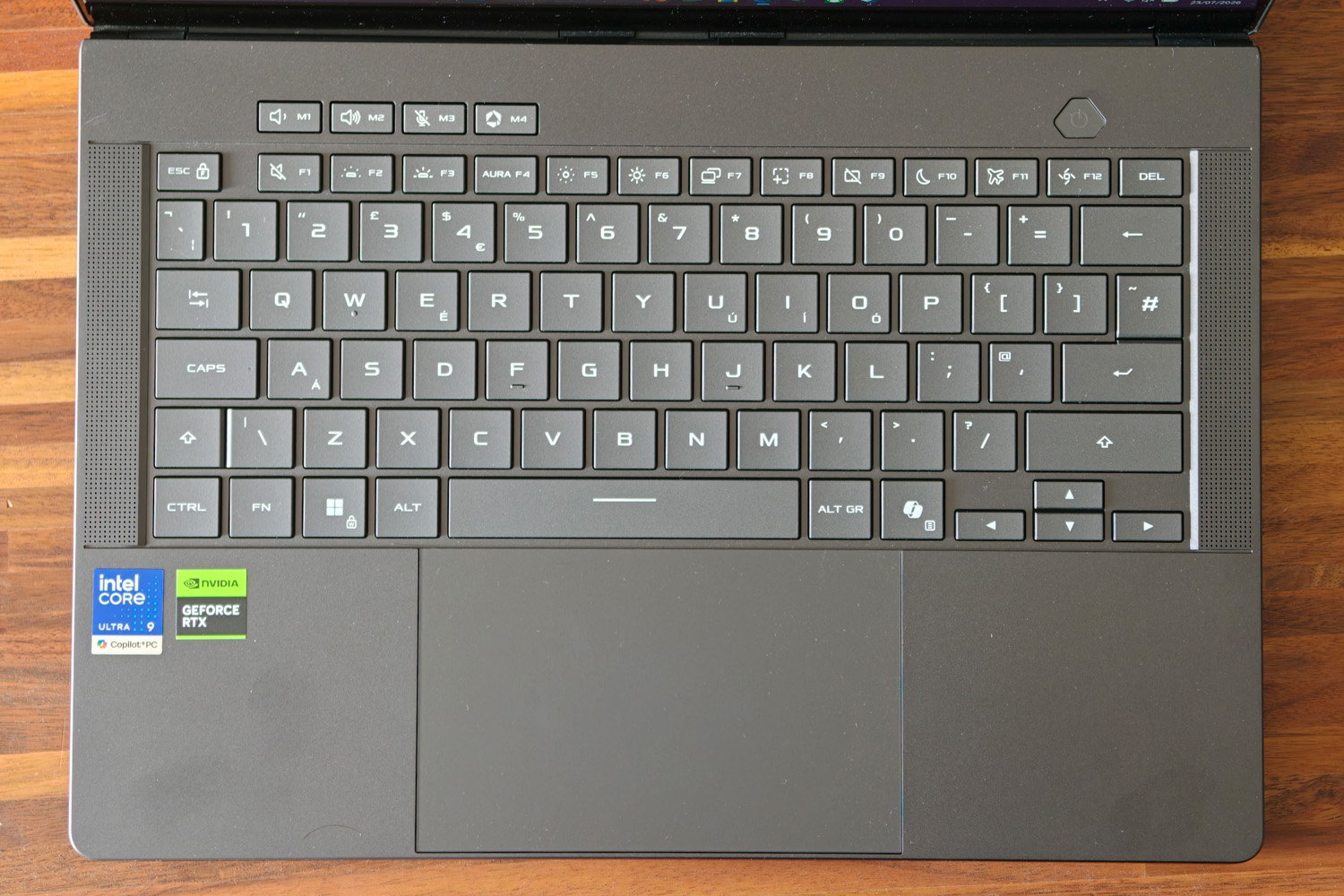
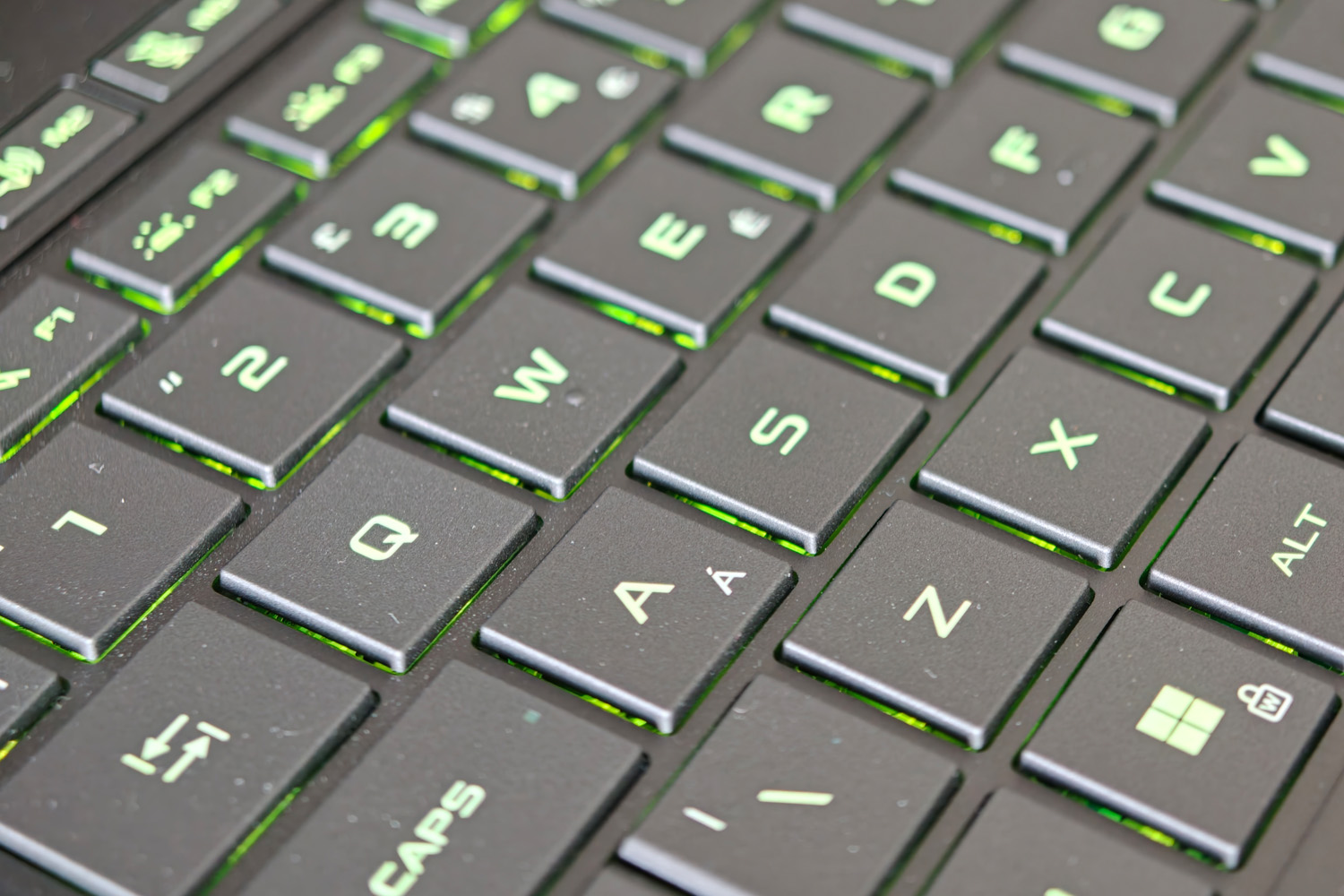
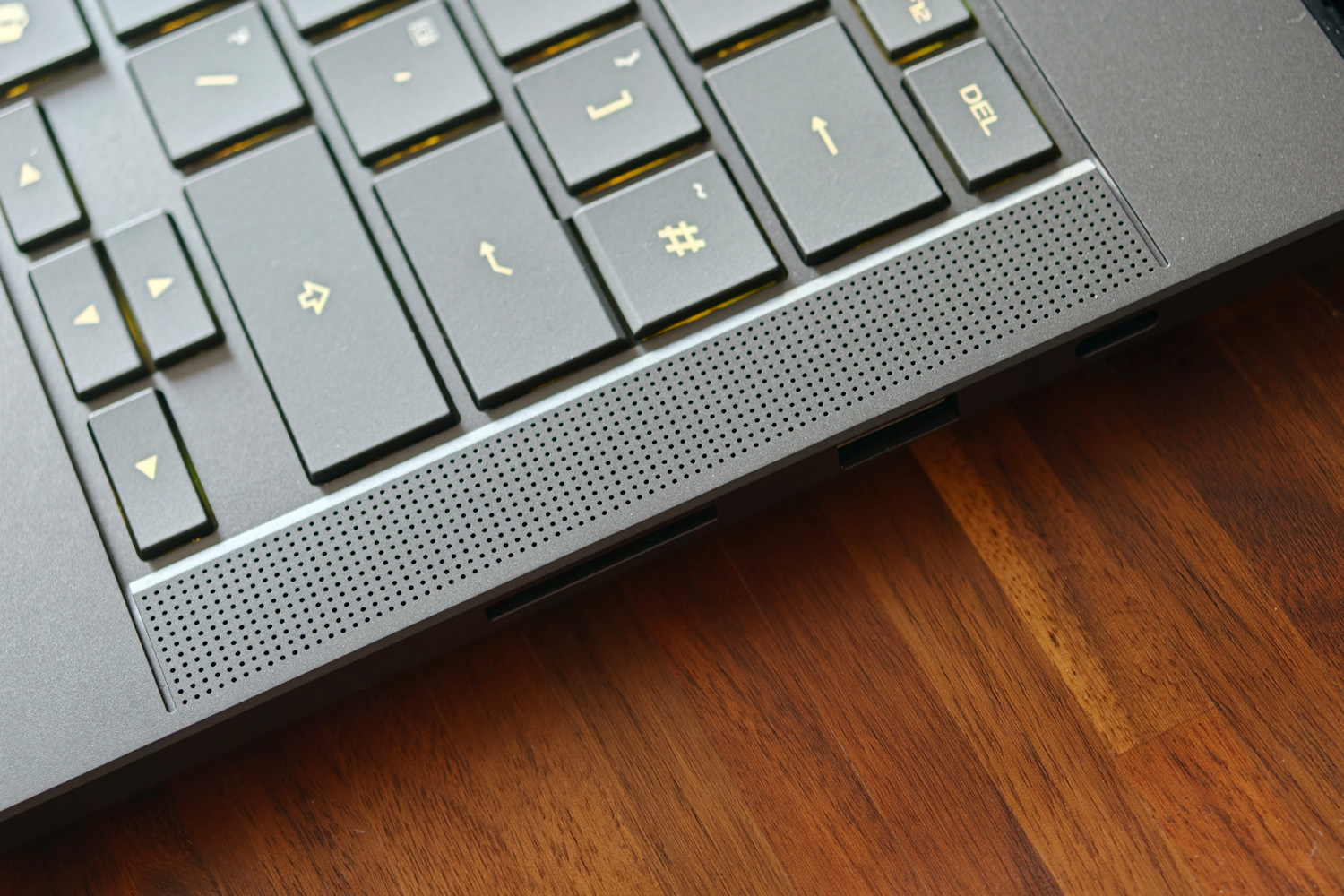
The “don’t mess with a good thing” approach continues with the island-style keyboard and sizeable glass touchpad. They’re just as comfy and responsive to use as they were last year. Asus hasn’t tried to shoehorn in a number pad, meaning there’s plenty of space between each key – but not so much it impacted my typing speed – and room for up-firing speakers either side of the keyboard tray.
There are six in total: four woofers and three tweeters. They’re just as impactful as the previous generation, with a confident tonal balance that has just enough low end to suit music and streaming video. Volume isn’t in short supply either. I still rate them among the best Windows laptops at this size, but would always reach for my headphones while gaming for more accurate positional audio.
A set of half-height arrow keys and a US-style enter key were the only concessions to an otherwise excellent typing experience. The majority of keys are a generous size, with a good amount of travel for a slim machine and plenty of bounce. I also found the darker keycaps a better fit for the RGB backlighting, being being legible during the day as well as at night; the old model’s white-on-white look could be tricky to read at times. It’s still single zone, so you pick one colour rather than customise each key, but Armory Crate still has a bunch of effects to pick from.
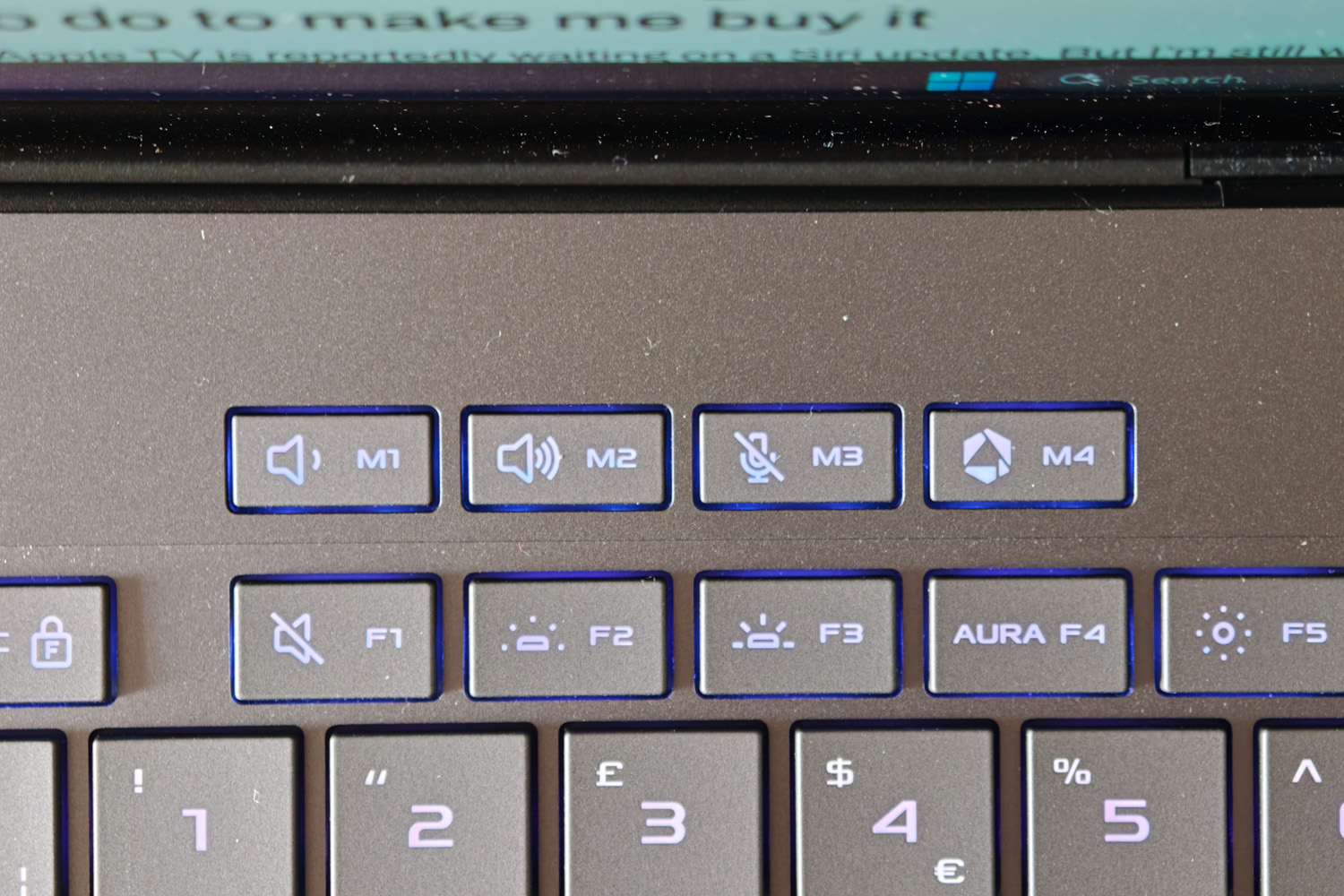
I’m glad Asus kept the volume and microphone mute shortcut keys above the function row, as they’re easier to find than scanning the function key icons. If the power button also doubled as a fingerprint sensor it’d be almost perfect, but instead it’s Windows Hello facial recognition via the webcam.
The 16:10 aspect touchpad beneath the keyboard perfectly matches the display and is as smooth as you like in use. It’s a physical click rather than a haptic one, but doesn’t feel at all mushy.
Has the ROG Zephyrus G14’s display seen any meaningful upgrades?
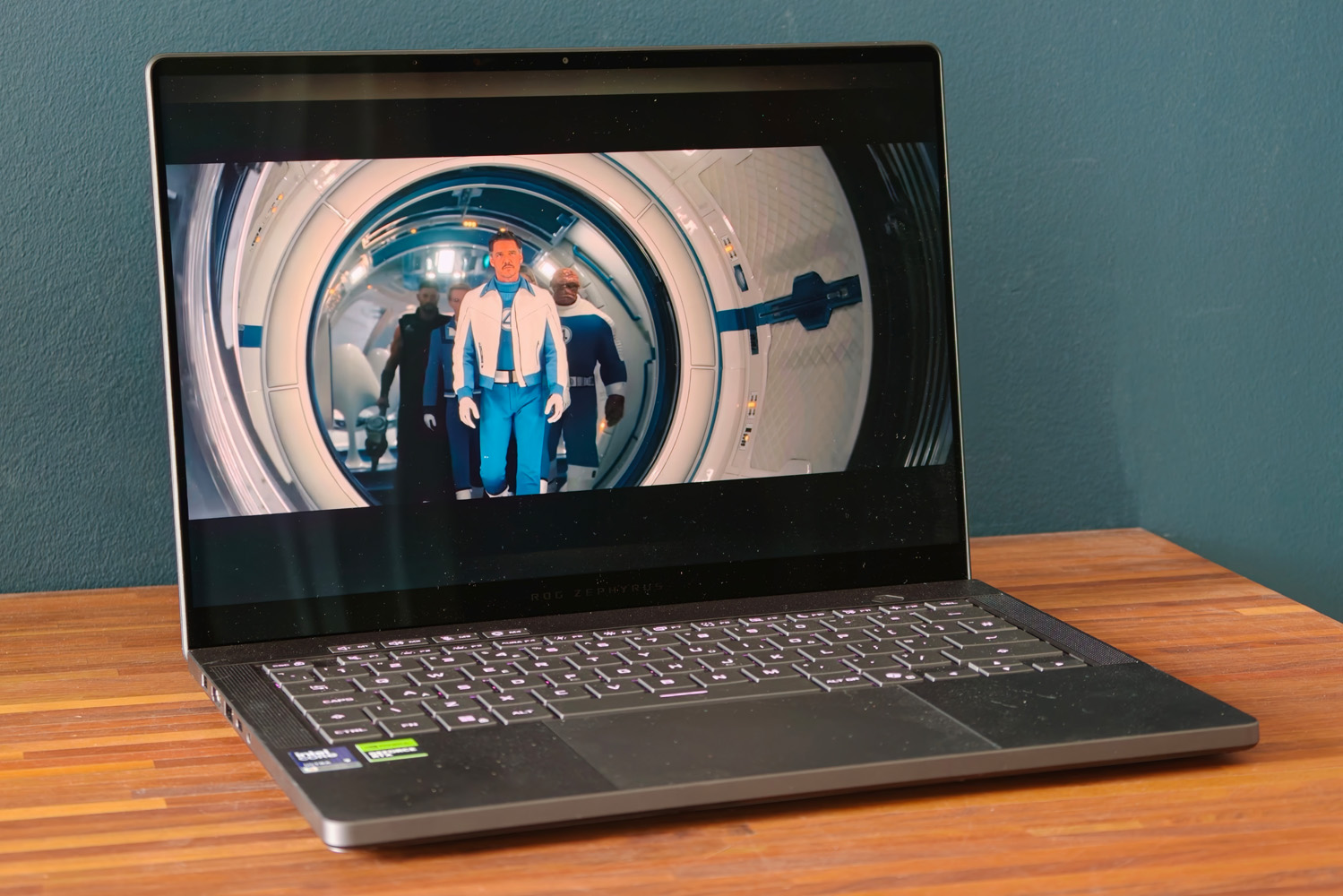
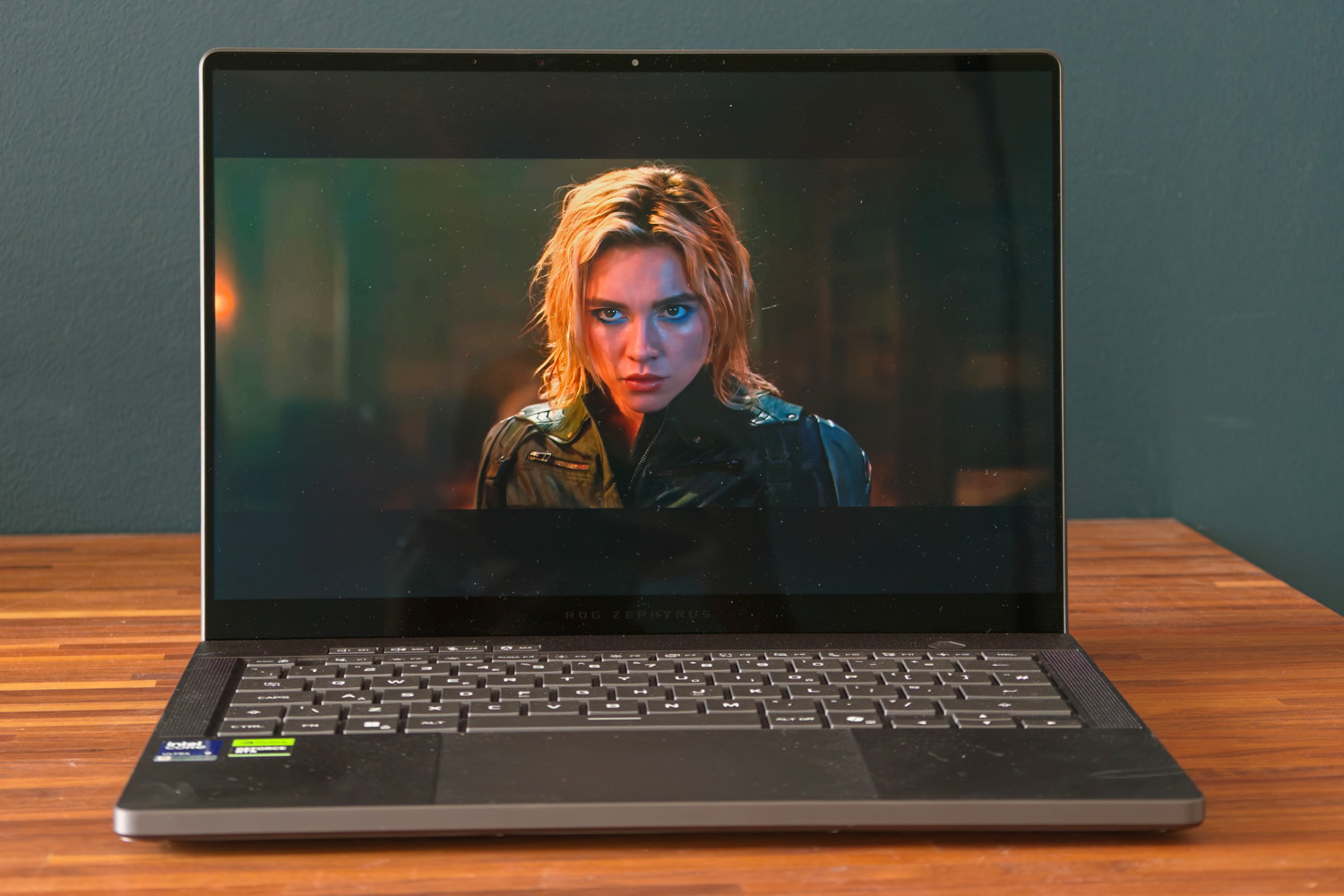
The outgoing G14’s speedy, high resolution, Nebula OLED display was already a stunner, so Asus really didn’t need to do much to stay among the class leaders for clarity. You’re still getting a 2880×1800 panel that looks tack-sharp, with skinny bezels and fantastic viewing angles. There’s also a decent amount of tilt and a Gorilla Glass coating to help counter glare from the very glossy finish. It’s not perfect, but meant I could comfortably work next to an open window without reflections proving too distracting.
Refresh rates still max out at 120Hz, leaving the larger G16 and its 240Hz panel to appeal to hardcore multiplayer gamers, but G-Sync variable refresh remains on board to cut down on screen tearing. Response times are lightning fast on account of the OLED tech, so in-game ghosting was never an issue.
OLED also brings a near-infinite contrast ratio, wonderfully deep blacks and rich, dramatic colours. You get full DCI-P3 gamut coverage and a very low Delta E, meaning this laptop is a fantastic choice for creatives as well as gamers. Whether I was zooming through Tokyo in Forza Horizon 6, catching up on streaming shows or editing photos for work, it all looked gorgeous.
While I wouldn’t say that brightness was the old model’s weak point, it wasn’t exactly a highlight either. That’s all changed for 2026, with HDR content now able to hit a retina-singeing 1100 nits peak, which is enough to earn a DisplayHDR True Black 1000 rating and bring even more punch to supported games. Lasers, explosions and fire in Doom: The Dark Ages almost jump off the screen now.
Finally, an ambient lighting sensor that adjusts brightness based on your surroundings isn’t always a given on gaming laptops, and with the higher available brightness I was very glad to see Asus keep one here.
What has the switch from AMD to Intel done for the Zephyrus G14’s performance?
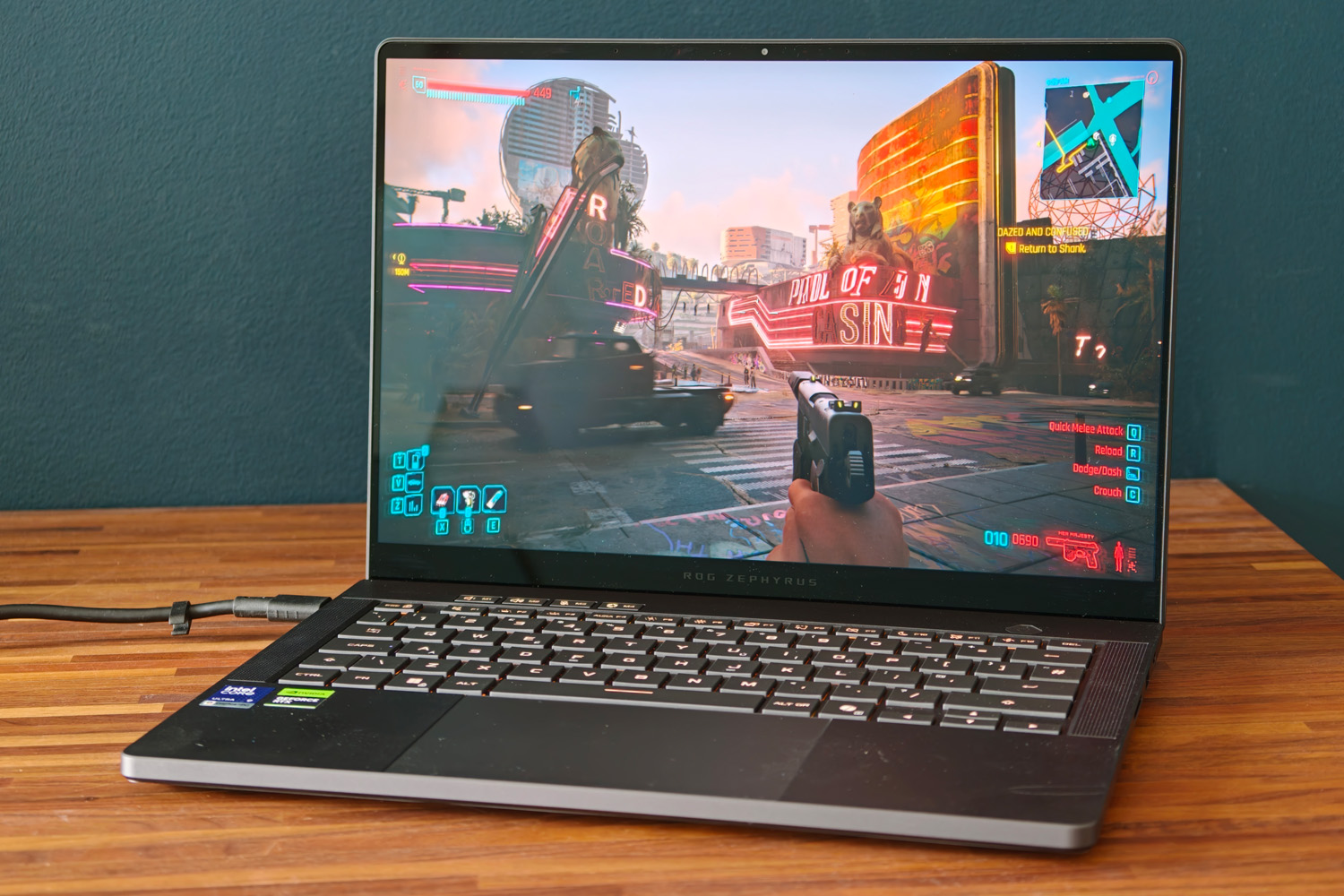
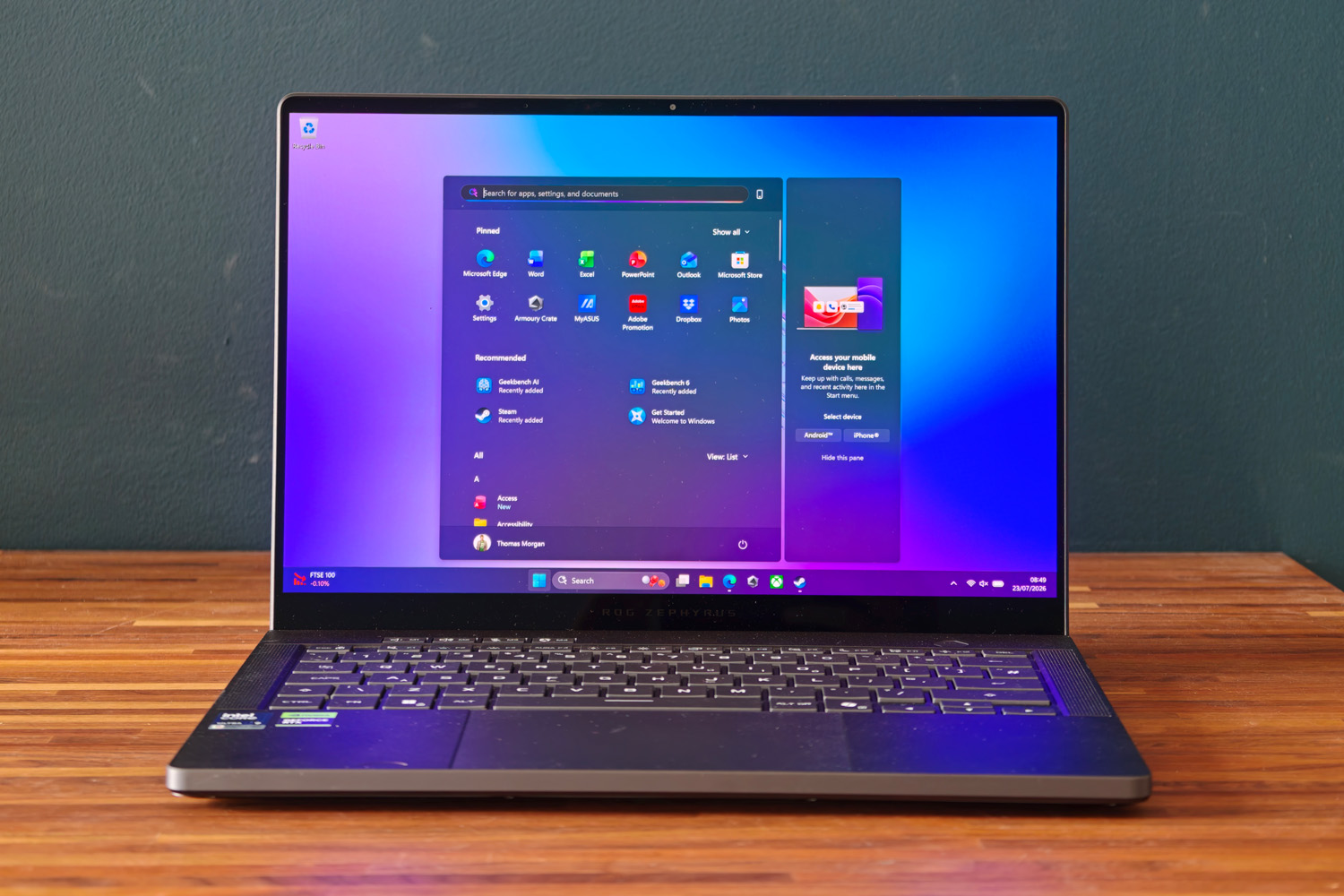
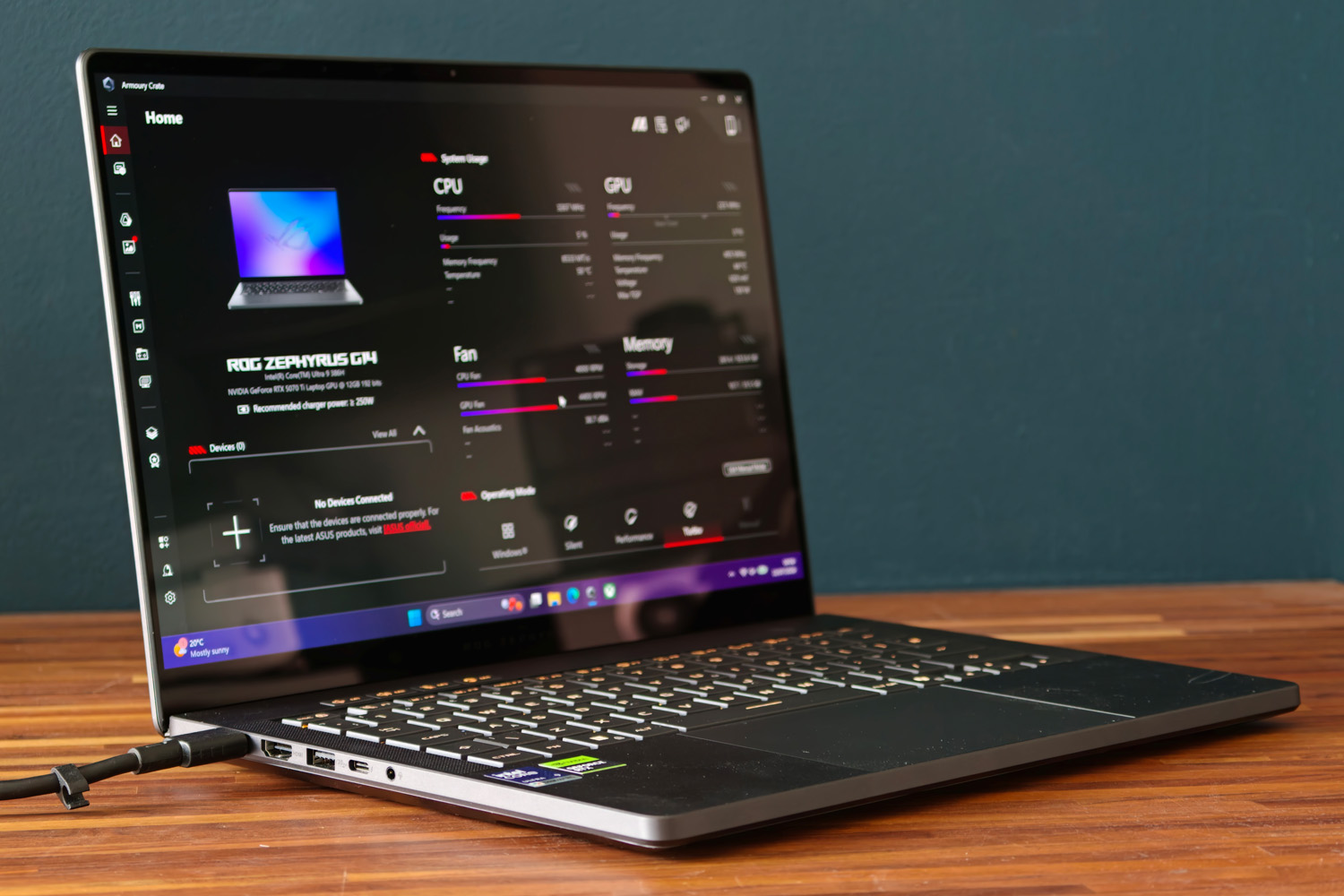
Asus hasnt entirely turned its back on AMD this year – the entry-grade Zephyrus G14 can still be had with a Ryzen chip – but the tastier versions get Intel’s new Series 3 Core Ultra hardware. The ‘Panther Lake’ Ultra 9 386H combines four high performance cores, eight efficiency cores and four low power efficiency cores for the best blend of performance and power savings.
In a benchmark drag race single-core grunt isn’t quite as confident as the outgoing AMD version, but theres not an awful lot in it. Multi-core tests give the new laptop a slight lead, though. For most people, that means the Intel machine will churn through tasks that bit faster. I was able to breeze through my work day without twiddling thumbs to the same extend I could on any Panther Lake-powered ultraportable, gaming or otherwise.
| Medion Beast 18 productivity benchmarks | |
| Geekbench 6 single-core | 2849 |
| Geekbench 6 multi-core | 16966 |
| Geekbench AI | 8518 |
| Speedometer 3.1 | 26.4 |
The dedicated RTX 5070Ti graphics chip is identical to the one offered on the old G14, which could also be optioned with a more potent RTX 5080. The only difference is that Asus has uncorked the wattage a little, letting it draw a maximum 130W instead of the 110W before. In my tests, that was enough to give this new laptop almost the same kind of pep as the older version, which should be more powerful on paper.
Essentially you don’t need to feel bad about not getting a 5080 here – most games will put in a very similar performance despite the GPU being a rung further down the ladder. There’s also a significant gain over rivals with vanilla 5070 graphics. Video memory is only slightly down on the 5080; that may impact newer titles with absolutely huge textures, but all the games i tested still managed impressively playable frame rates.
Only path-traced lighting at native resolution proved a challenge, with Cyberpunk 2077 dipping into unplayable territory – but then Nvidia’s DLSS upscaling and frame generation comes to the rescue. At 4x frame gen frame rates were unbelievably high. Unless you plan on plugging into a 4K monitor, there’s loads of gaming performance here for something so portable.
| Medion Beast 18 gaming benchmarks | 1920×1080 | Native rendering (2880×1800) | DLSS Upscaling |
| Gears Tactics | 158.3fps | 87.4fps | N/A |
| Shadow of the Tomb Raider (RT off) | 173fps | 106fps | 152fps |
| Shadow of the Tomb Raider (RT on) | 131fps | 68fps | 116fps |
| Cyberpunk 2077 (Ultra, RT off) | 111fps | 53fps | 232fps (4x frame gen) |
| Cyberpunk 2077 (RT Overdrive) | 29fps | 12fps | 102fps (4x frame gen) |
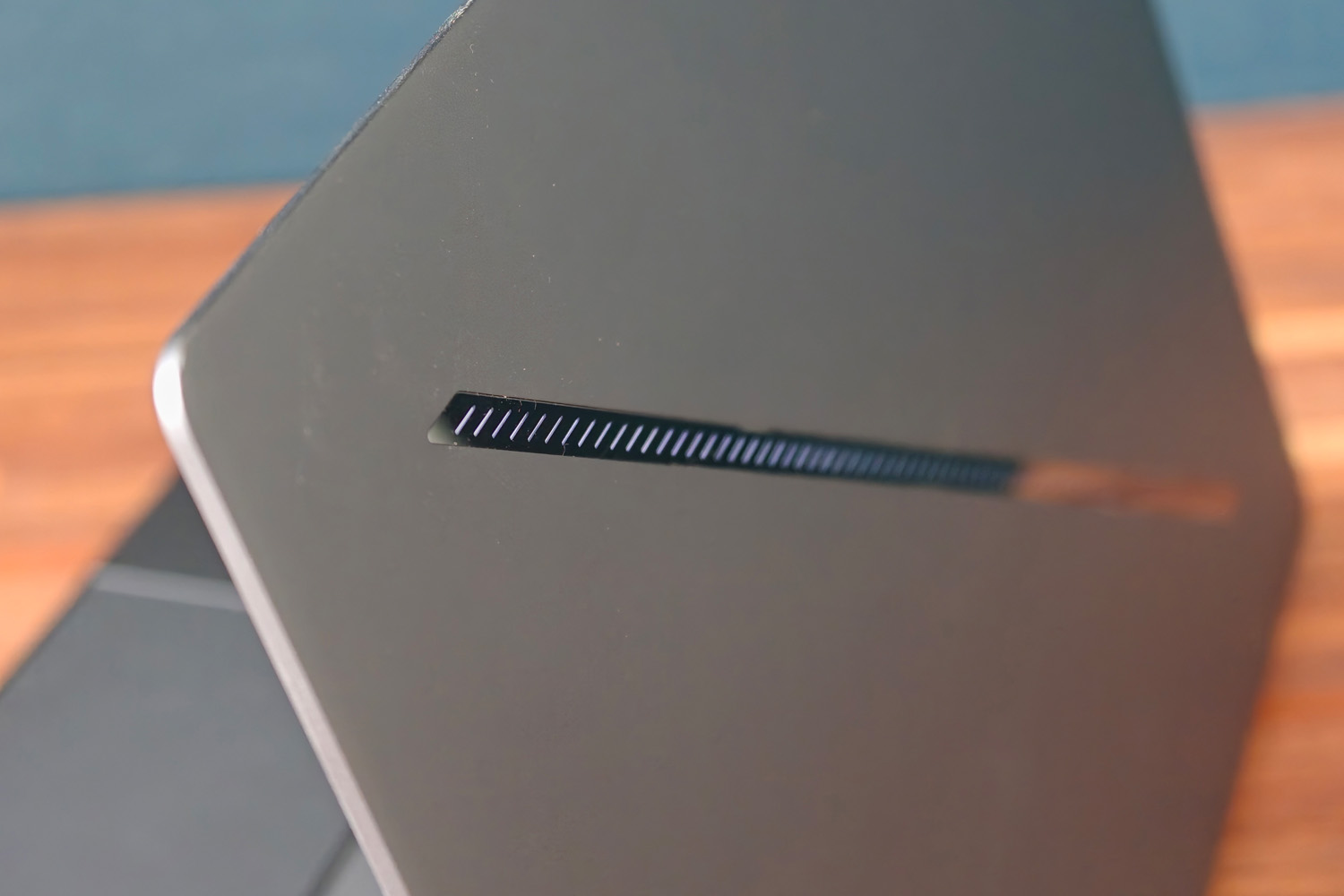
The Zephyrus G14 doesn’t need to get offensively loud to keep its hardware cool either. A redesigned bottom panel with improved ventilation and an optimised exhaust vent meant the top face never got uncomfortably hot. The fans certainly spin up to noticeable volume levels while gaming, but not to the point they drowned out the speakers.
How good is the ROG Zephyrus G14’s battery life?
With the same 73Whr cell showing up in both the outgoing G14 and this new one, I wasn’t expecting transformative performance away from the mains, but the switch from AMD to Intel has brought major power efficiency gains. This is now a wonderfully capable laptop when not plugged in.
While I eked around 11 hours of video playback from the previous model at 50% brightness, I saw a smidge over 16 hours here. That can translate to eight plus hours of desktop use, so long as you aren’t asking too much from the CPU or playing games. It’s enough of a boost from the old G14 that I could get through a full work day without having to reach for the power brick.
If you need a machine that can both game and travel with you everywhere, yet don’t also want to lug a bulky charging adapter around, it’s an excellent choice.
Should you buy the Asus ROG Zephyrus G14 in 2026?
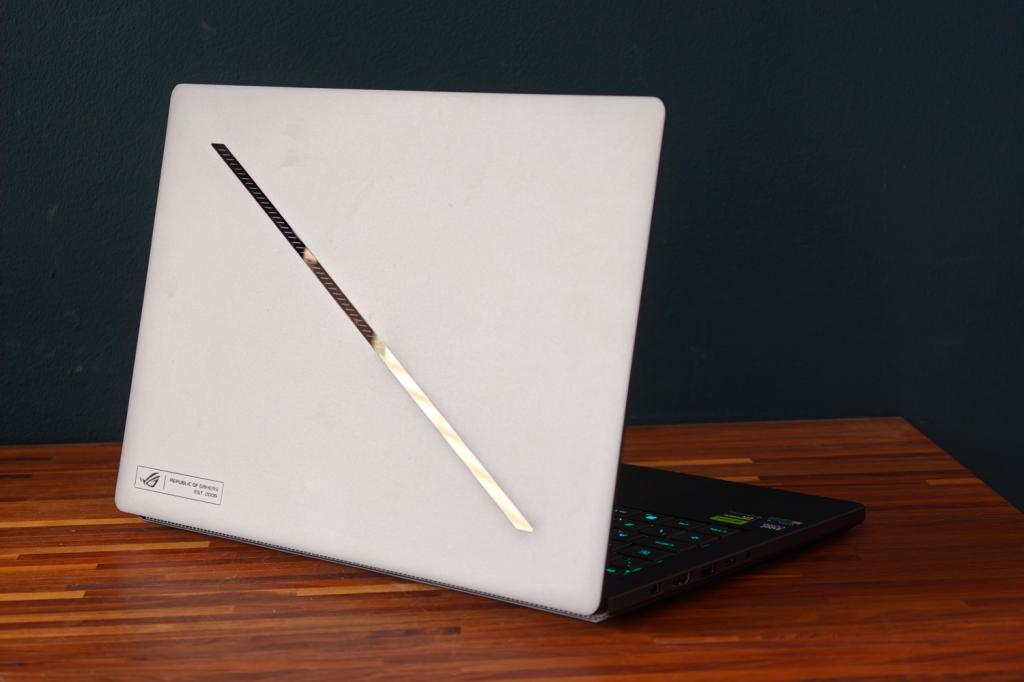
The G14 was already a fantastic gaming laptop and the 2026 changes only improve it further. The higher brightness OLED ramps up the visual allure and the refined cooling keeps fan volume in check. It still looks the part, brings great connectivity and has a productivity-friendly keyboard but battery life is the star now, with properly impressive desktop longevity.
Some extra wattage has also brought the sort of performance you’d only get by stepping up to the 5080 model a year ago. That’s a very good thing considering the price has jumped so much. Asus isn’t immune from the ongoing memory price crisis, which unfortunately means the last-gen model remains much better value unless you absolutely must have the best battery life possible.
Once that stock runs dry, though? This will be my first choice ultraportable gaming machine.
Stuff Says…
Unavoidable price rises aside, the 2026 Zephyrus G14 is a welcome step up from its predecessor. New Intel internals bring a big battery boost and gaming really benefits from the extra watts afforded to the GPU. It’s simply a fantastic portable gaming laptop.
Pros
Still one of the sharpest looking 14in gaming laptops
Extra wattage uncorks RTX 5070Ti gaming performance
Gorgeous display is now even brighter
Cons
Huge price jump from last year’s model
What are the Asus ROG Zephyrus G14’s technical specifications?
| Specifications | Asus ROG Zephyrus G14 |
|---|---|
| Screen | 14in, 2880×1800, 120Hz OLED |
| Processor | Intel Core Ultra 9 386H |
| Memory | 32GB RAM |
| Graphics | Nvidia GeForce RTX 5070Ti |
| Storage | 2TB |
| Operating system | Windows 11 |
| Connectivity | HDMI 2.1, 2x USB 3.2 Gen 2 Type-A, 1x USB 3.2 Gen 2 Type-C, 1x Thunderbolt 4 Type-C, HDMI 2.1, 3.5mm combo audio port, SD card reader |
| Battery | 73Whr |
| Dimensions | 311x220x15.9~18.3mm, 1.58kg |


 Tom Morgan-Freelander
Deputy Editor
Tom Morgan-Freelander
Deputy Editor