Samsung’s superb all-in-one soundbar has convinced me to ditch the subwoofer. Here’s why
The HW-QS90H brings 7.1.2-channel Atmos audio and impressive bass for a solo soundbar

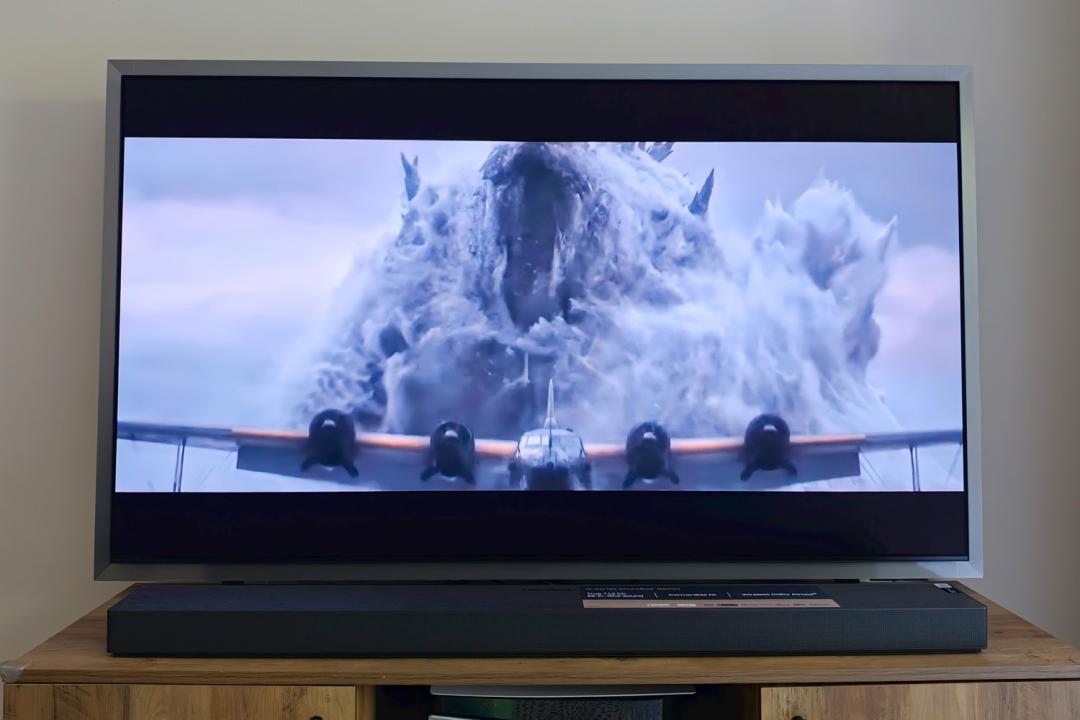

When soundbars first showed up, they were the no-nonsense alternative to full surround sound systems: one box solutions that upgraded your TV’s audio, without the need for separate satellites or subwoofers. They’re a lot more complex today – but don’t have to be. The Samsung HW-QS90H is an all-in-one that can still rattle the furniture, and do a convincing job with Dolby Atmos positional audio.
The 7.1.2-channel bar is also designed to recalibrate its audio based on whether you stick it on a TV stand or mount it to the wall. Factor in the abundance of wireless connectivity, cable-free cleverness when paired to a Samsung TV, and a keen $1000/£850 asking price, and it should give soundbar heavyweights like the Sonos Arc Ultra some serious competition.
After living with the HW-QS90H for the last few weeks, testing it with a non-stop parade of movies, games and music, I’m convinced I no longer need to sacrifice a corner of my living room to a subwoofer.
What the Samsung HW-QS90H does well


The HW-QS90H is a sharp-looking soundbar from almost every angle – which is useful, given it’s equally at home mounted to a wall as it is sitting flat on a TV stand.
The slatted top is made from hard black plastic but with a textured finish that almost looks like wood from a distance. The perforated grille around the front and sides is a more premium-feeling metal. It’s a natural fit for any of Samsung’s recent TV models. You can only have one in black. Size-wise it fits most comfortably beneath a 65in screen, but won’t look out of place if you have a smaller 55in set.
Wall-mounting means turning the whole thing upside down, with a gyroscope inside automatically switching the up-firing speakers with the the left and right channels. It then sits more flush to the wall than a lot of rivals that were mainly meant for table-top use. Recessed power and HDMI ports and some dual-orientation cable channels help keep wires hidden no matter which way round to place it.
It doesn’t have the widest selection of physical ports, but the HW-QS90H has plenty of wireless connection options. There’s Spotify Connect and Tidal Connect, Google Cast, Apple AirPlay, and it’s Roon Ready to boot. Audio formats are equally wide-ranging, with Dolby Atmos, DTS:X and the open-source Eclipsa Audio format Samsung co-developed with Google. The latter is largely the reserve of select YouTube videos right now though.
On-device buttons are limited to volume, input select, and muting of the built-in voice command microphone. The bundled remote control is similarly basic, but I never really used it: Samsung’s smartphone companion app is fully featured, and because I’d paired it to a Samsung TV the television remote could handle everything else. The app walks you through the setup process very quickly as well.
How does the Samsung HW-QS90H sound?
With no external subwoofer, I was keeping my expectations in check before powering up the HW-QS90H for the first time. I needn’t have worried: the four dedicated bass woofers deliver some of the deepest and most powerful low-ends of any one-box soundbar I’ve tried. Even better, it stayed composed until I’d cranked the volume to a level that would surely annoy the neighbours. Bass doesn’t sound contained to one part of the soundbar, filling my modest living room but without swamping the rest of the sound mix.
The nine wide-range drivers – split between. left, right, centre, sides and up-firing – are still able to do their own thing, with convincing directional audio, great vocal clarity and an expansive soundstage. They’re impressively well balanced right out of the box, whether you’re using the soundbar for movies or music.
In a table-top position I didn’t need to use the Elevate mode, which lifts dialogue vertically to make it sound more convincing when there’s a lot of space between soundbar and screen. When placed vertically I thought positioning and bass presence were reduced a tad, but not so much I’d forgo wall mounting altogether. My only other negatives were some instances of speech and high-frequency effects coming across overly sibilant, but they were rare.
What the Samsung HW-QS90H gets wrong


Considering this is a top-tier soundbar, I was a little disappointed Samsung had ditched the single-line LCD display seen on the HW-Q990F in favour of a more basic set of five LEDs to show what the active input is. Sure, it also announces the input through the speakers as you change it, but I liked the more informative approach of the old model, which made it obvious when receiving an Atmos signal.
Gamers expecting effortless connectivity might be irked that the HDMI input and eARC passthrough can’t handle 4K/120Hz HDR signals. You’ll either have to drop to 60Hz, or accept 1440p resolution and stick to SDR. That’s only an issue if you can’t connect a console directly to the TV, of course.
My biggest grumble was more of a technical hiccup which could be exclusive to the S99H OLED TV I tested the HW-QS90H with. Samsung’s Q-Symphony Wireless lets you pair the soundbar without a physical connection to the TV, then adds the TV’s speakers into the surround mix for more immersion. It’s great when it works, but often I’d turn the TV on and the two wouldn’t automatically re-pair with each other. Eventually the TV stopped recognising that the soundbar was on my Wi-Fi network at all; I had to factory rest both, losing all my streaming service login info in the process, before they’d talk to each other again.
Lastly, if you want genuine surround sound that comes from behind as well as in front of you, no amount of virtual upmixing can replace a set of rear satellite speakers. Samsung’s SWA-9500S wireless pair will set you back an extra $300/£249. You could add as many as four Music Studio speakers instead, though each one is $300/£299.
Should you buy the Samsung HW-QS90H in 2026?
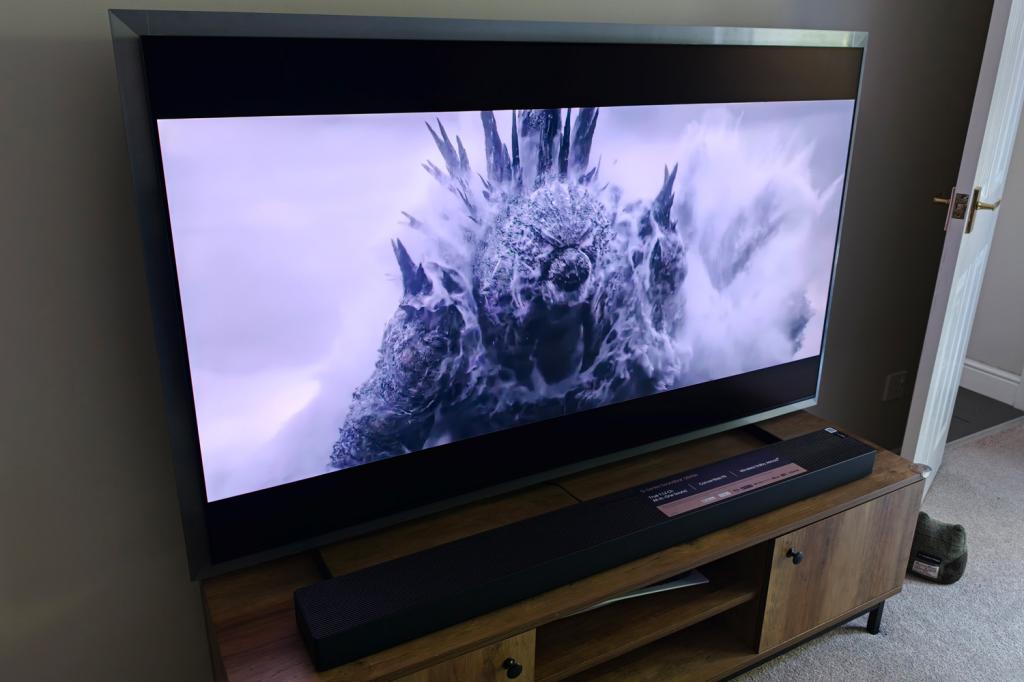
If you’re in two minds as to whether to wall mount your soundbar, then absolutely. The HW-QS90H sounds just as engrossing on a TV stand as it does when placed vertically. For all but the most ardent home cinema fans – for whom a soundbar probably won’t have the immersion of a dedicated surround sound system anyway – there’s more than enough bass and volume to make for engaging movie nights.
Hardcore gamers might be a little miffed at the high resolution and refresh rate restriction, and anyone hoping for convincing spatial sound behind as as well as in front will have to admit defeat and add a set of rear satellites. Owners of recent Samsung TVs will benefit most from things like wireless Q-Symphony, but everyone else will still appreciate the excellent all-round audio.
Stuff Says…
An impressively powerful yet relatively svelte one-box soundbar that doesn’t need a sub to rattle your bones. The HW-QS90H is also versatile when it comes to placement and integrates neatly with Samsung’s latest TVs.
Pros
Serious home cinema sound from a single speaker, with plenty of bass
Convertible design suits both TV stands and wall-mounting
Cons
Wireless Q-Symphony can be flakey and HDMI passthrough has limitations for gamers
Audio may be immersive, but only in front of you – unless you add optional rear speakers
What are the Samsung HW-QS90H’s technical specifications?
| Specifications | Samsung HW-QS90H |
|---|---|
| Drivers | 13 |
| Connectivity | 1x HDMI in, 1x HDMI out, digital optical |
| Streaming support | Wi-Fi, Bluetooth, Google Cast, Apple AirPlay, Spotify Connect, Tidal Connect, Roon ready, |
| Format support | Dolby Atmos, Dolby 5.1, Dolby Digital Plus, Dolby True HD |
| Dimensions | 1245x69x125mm, 6.7kg |


 Tom Morgan-Freelander
Deputy Editor
Tom Morgan-Freelander
Deputy Editor