Can the Apple Watch Ultra 3 actually make you fitter? I wore one for a month to find out
I strapped on Apple’s smartwatch for a month to find that out. Here’s how things went down…

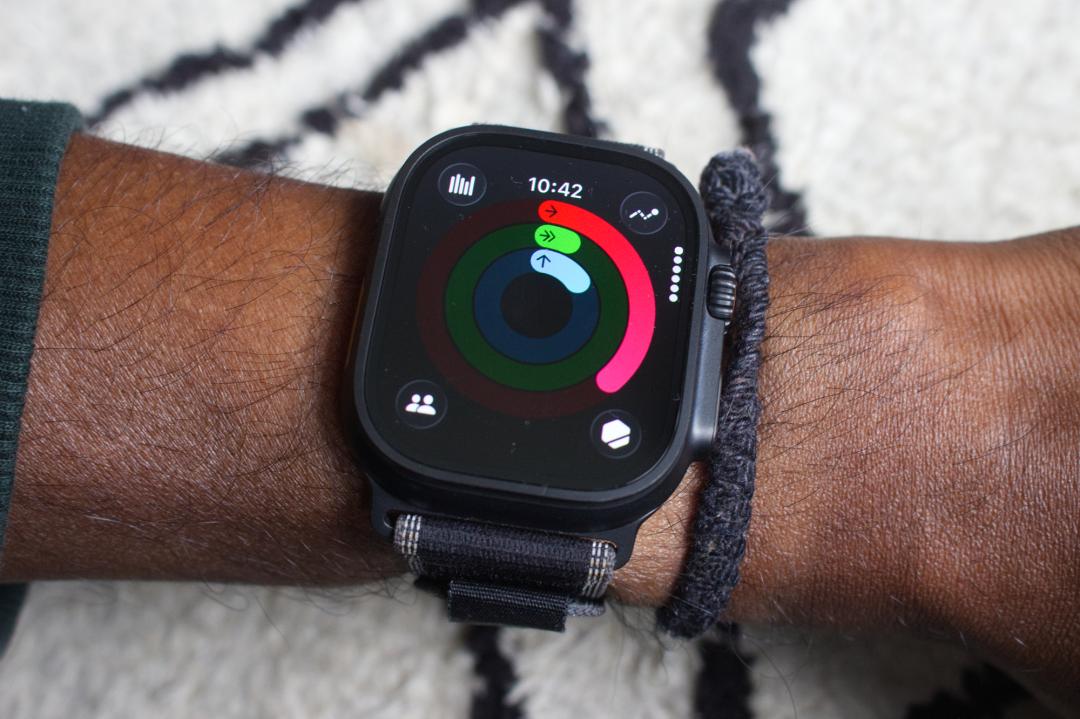
The Apple Watch Ultra 3 is well stocked with the sort of smarts that let you pretty effortlessly track a workout, tell you how hard you’ve been working out and even push you to make the most of that time you’ve managed to free up to exercise.
Like other smartwatches, it’s not going to walk you to the gym or do that running on the treadmill for you. What it can do is give you the tools to motivate you to get out the door and keep on track of crushing your fitness goals. Or at least give it a good go.
I wanted to see what would happen if I left that job entirely to the Apple Watch Ultra 3 to keep me in shape and make sure I was still putting in the training time. After a month of handing over the fitness reins to Apple’s most feature-packed smartwatch, here’s what I found out:
Apple Watch apps offer a helping hand
One of the most appealing aspects of wearing the Ultra and other Apple Watches over most other smartwatches is that you don’t just have to rely on the software that’s available out of the box to cover your fitness tracking.
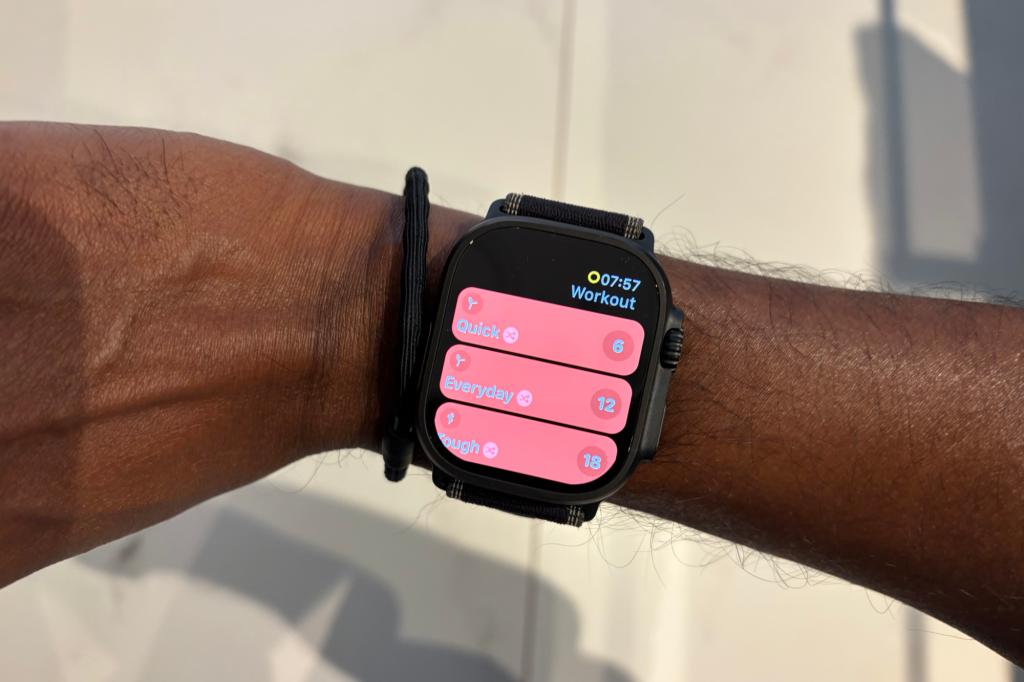
You can download apps and there’s a lot of them. There’s some great standalone fitness ones, which mean you don’t have to have your phone in view to work out. The apps I leaned into most were the ones when I was pressed for time to exercise. Like Streaks Workouts, which serves up bitesized workouts that can last for as little as six minutes but puts you to work for those six minutes.
There were aspects where having my iPhone nearby was worthwhile. Like being able to track heart rate from my workout. On most occasions though, it was more than sufficient to just stare at my Watch and now when it was time to hit another set of squats.
The plan factor in Fitness+
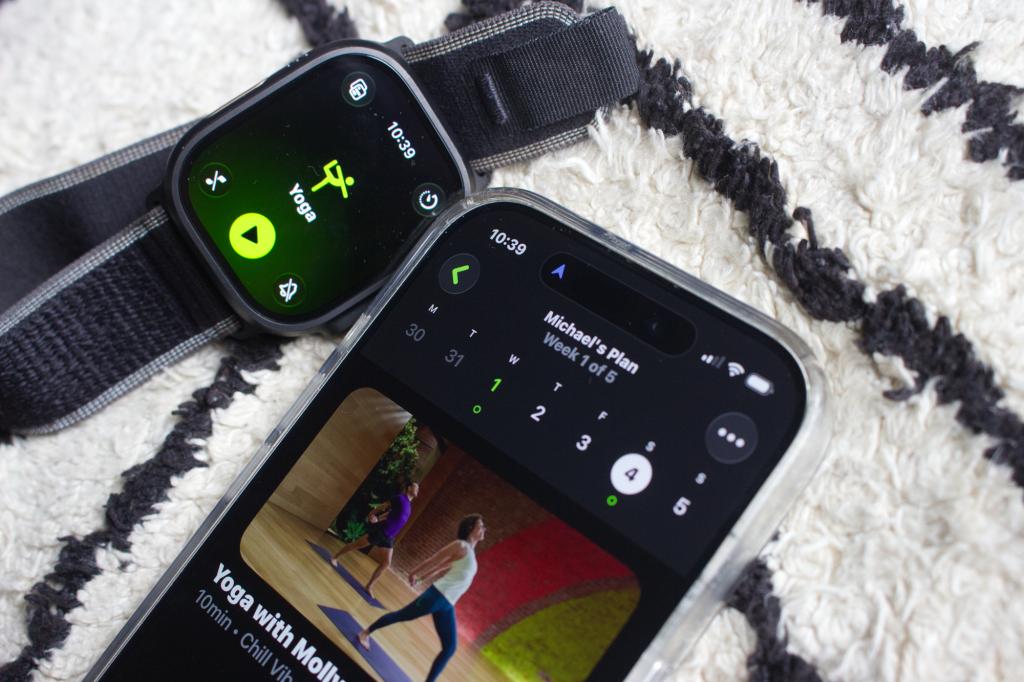
If you need a workout fix you don’t actually have to venture into the App Store at all to get one as Apple has a pretty good app to take care of that already. Fitness+ does come at an added cost, but if you like the idea of a workout app that puts the Watch to good use, that’s what you’ll get from Fitness+.
It was actually the new plans I appreciated most over everything on offer. These plans don’t pack your week with a schedule of long, punishing workouts. Instead, they’re designed to help you build and maintain good exercise habits. So instead I had 2-3, 10-minute long workouts a week to tick off, which felt a lot easier to want to free time up for.
It’s a good way to show what you can achieve in that short period of time and be more open to increasing that workout duration over time when you’re ready to do so. The 10-minute sessions of yoga or bodyweight-based workouts were still challenging enough and the welcoming approach of the trainers made the prospect of tackling a class a lot less daunting.
Keeping an eye on the ring closing competition
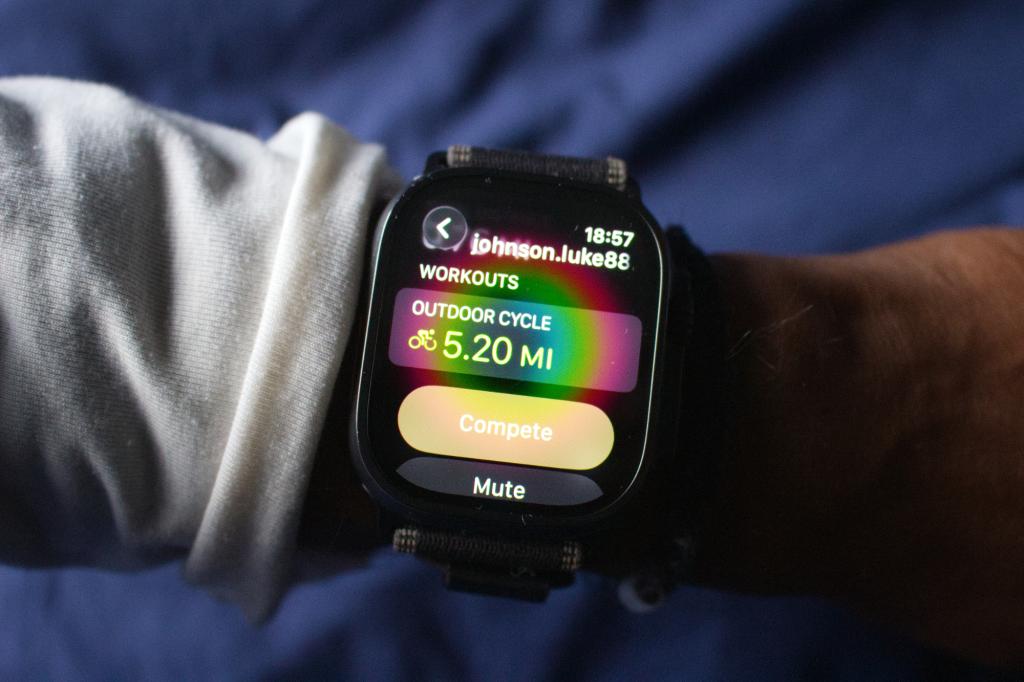
Closing your Activity rings is one of the simplest ways that Apple tries to motivate you to keep moving throughout the day. It wasn’t actually my own rings that I found myself paying most attention to though. It was more the progress of my other Apple Watch-owning friends who’d already smashed out a 5-mile bike workout before I’d even got out of bed and got into the shower.
When Apple first added the ability to see more of your friends and families efforts I admit to being a bit underwhelmed by it as a new feature.
I’ve definitely changed my tune about it over time and it did its job of giving me the kick I needed to make sure I squeezed in a workout. Even on those days when it didn’t feel possible to do it.
Getting a wake up call from my Training Load
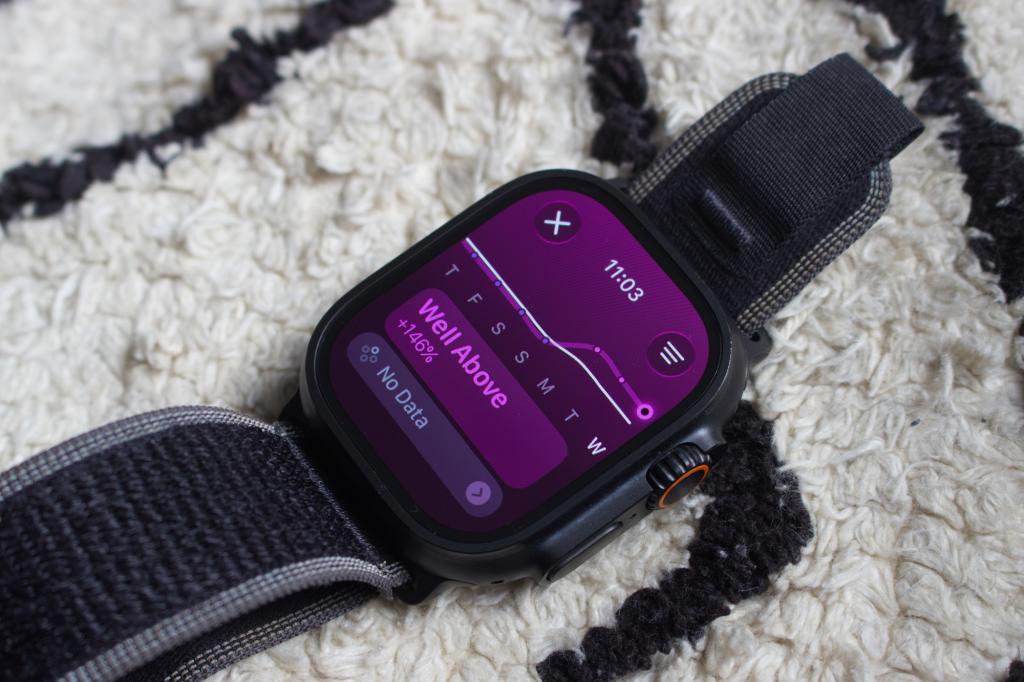
Apple introduced training load insights in its watchOS 11 software update a couple of years ago. This has been a staple feature for sports watches for some time and essentially wants to tell you how well your training is going based on the effort being put into sessions along with how long those sessions last.
These are based around any cardio-based workouts you track using Apple’s own Workout app. After each workout, Apple will rate your effort, which you can also adjust if you think the rating wasn’t quite representative of your session.
Inside of Apple’s Fitness phone app, you’ll see training load for the past week compared to the past month. This is to understand if training is steady, you’re overdoing it or you’re letting things drop all together.
This stat was the quickest way to show me when things had dropped, unsurprisingly when I eased off on holiday. It was enough to want to pick things back up and keep that training load in the good zone.
Using race route to freshen things up
I run mostly with my Apple Watch Ultra and like a lot of runners, I run mostly the same routes. If I’m not specifically training for something and have a plan to follow, then sometimes it can be a challenge to stop those running those routes from becoming uninspiring very quickly.
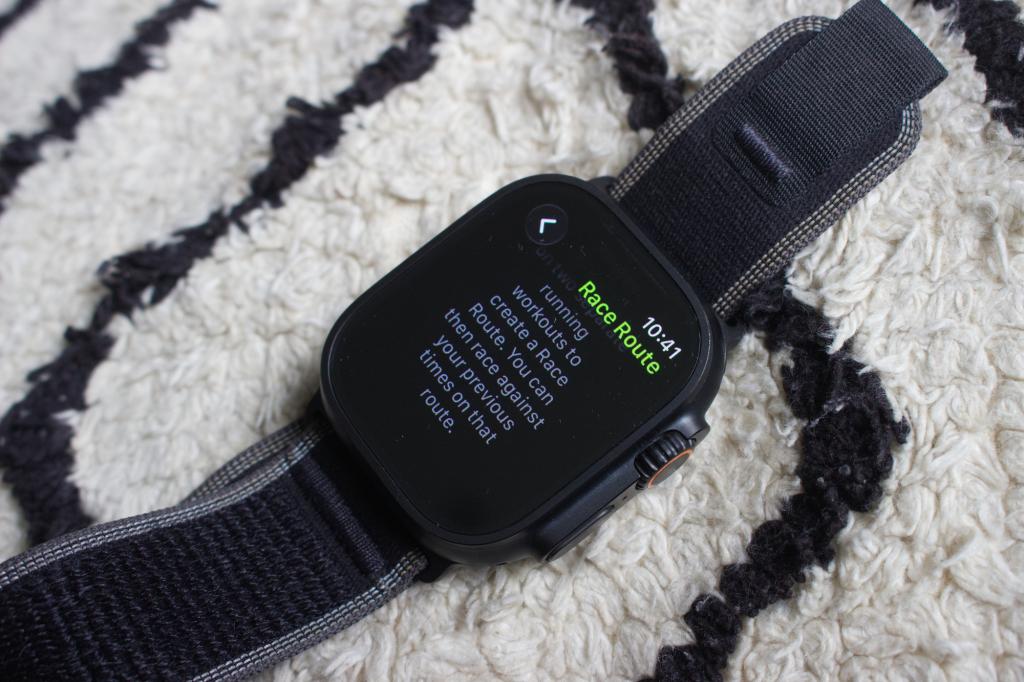
I started to make use of Apple’s new Race Route feature, which lets you race against your previous time on a specific route. You first need to record a run on that same route twice before you can then race against it. While it’s not exactly a groundbreaking running watch feature, I found it well integrated into Apple’s Workout app and was compelled to use it on a few occasions when hitting those familiar routes.
Verdict: Did the Apple Watch Ultra actually make me fitter?
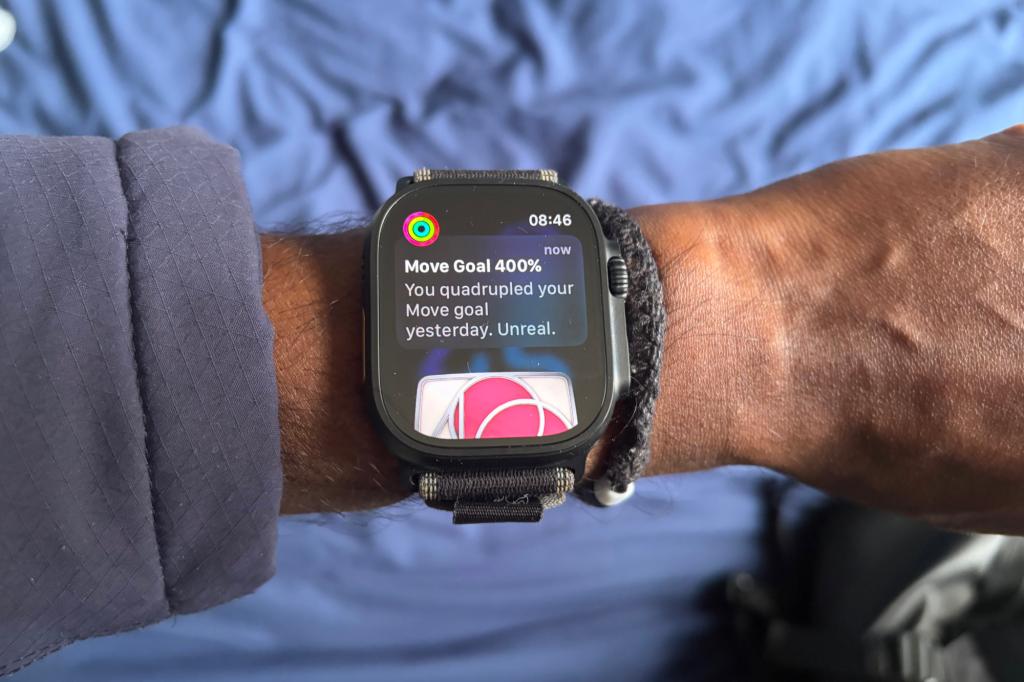
As I mentioned at the start, no smartwatch is going to do the work for you. What I was surprised about most is the features that prompted me to keep moving. Whether that was the subtle motivation from seeing others close their rings or the apps proving you don’t have to have an hour to play with every day to bank some valuable exercise time.
I think there are areas Apple can still explore to give Watch wearers either that more subtle or more noticeable push to keep active. What it offers already on the front will certainly be enough for most to prove that the Apple Watch has the smarts to be a worthy fitness companion.
Liked this? Best smart rings: we’ve tested Oura, Ultrahuman, Samsung and more


 Michael Sawh
Stuff contributor
Michael Sawh
Stuff contributor