Which Apple Watch fitness metrics matter (and which ones you can ignore)
Your Apple Watch is tracking dozens of metrics around the clock – but we've picked the ones that you actually need to pay attention to

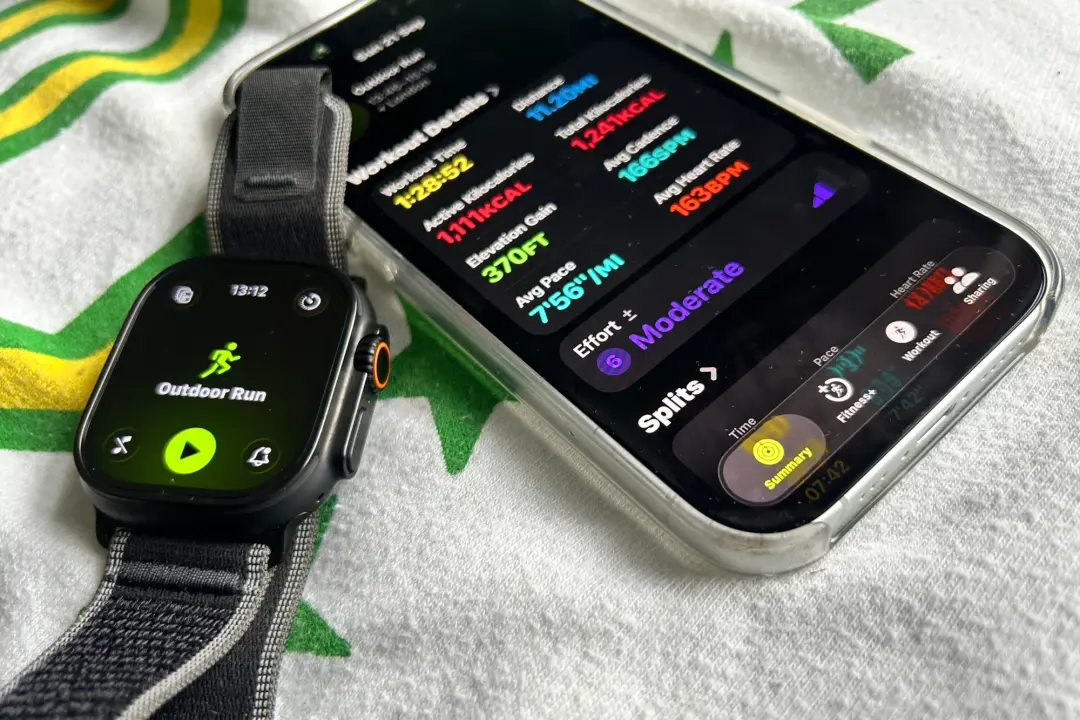
If you’re looking for your Apple Watch to be the smartwatch that can help you train for a marathon, smash your first Hyrox appearance or just join you on your next big hike, it’s well equipped to do that and more.
Tracking workouts aside, you can now look over more data to make a better sense of your training progress and how you’re shaping up to perform on the big day.
Just like picking up a more dedicated sports watch from Garmin or a Polar, Apple is hitting us with more Watch metrics than ever. If your brain is in overdrive trying to work out what those extra scores and graphs are telling you, these are the ones that make it worth peering down at your wrist or iPhone for.
Apple Watch fitness metrics to pay attention to
Cardio Fitness
Cardio Fitness, also known as VO2 Max, is a way to understand your current level of fitness.
This is scoring your body’s ability to consume and transfer oxygen to muscles that require it for exercises such as running, walking or swimming. A higher score means you’re on the right track to a fitter you.
On the Apple Watch, this fitness metric is mainly reserved for outdoor modes like running, walking and hiking. It looks at heart rate data during those types of workouts to calculate your Cardio Fitness score.
The quickest way to find your latest score is by going to the Apple Health app as opposed to the Apple Fitness app. Head to the heart rate section, and alongside scores, you’ll find a graph to show if scores are trending up or down.
Usefully, you can also turn on notifications that can alert you when those cardio fitness levels are starting to drop, and you need to jump back on that treadmill.
Heart rate
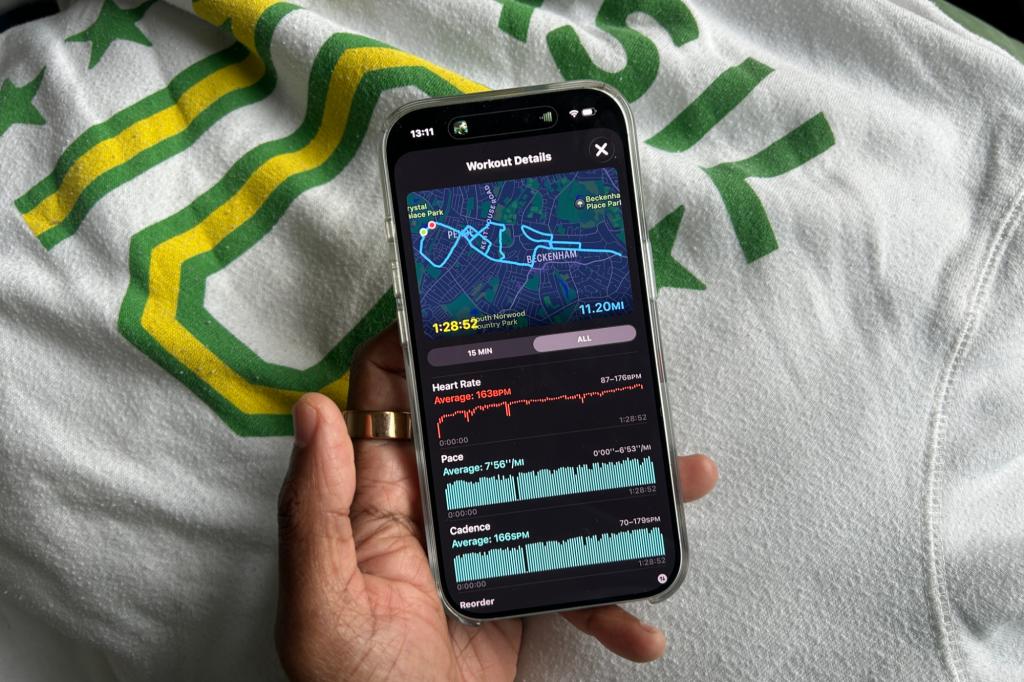
Paying attention to your heart rate is one of the simplest pieces of fitness data to look at and understand how hard you’ve been working during a workout.
There’s the number itself, which will increase as the intensity of your workout and effort to keep up increases, or drop as you recover from a punishing set before going again.
You’ll also be able to see on-screen your current heart rate zone, which can be a clear indicator of whether your heart rate has entered a zone typically associated with burning fat or one that’s helping you to build your endurance and speed.
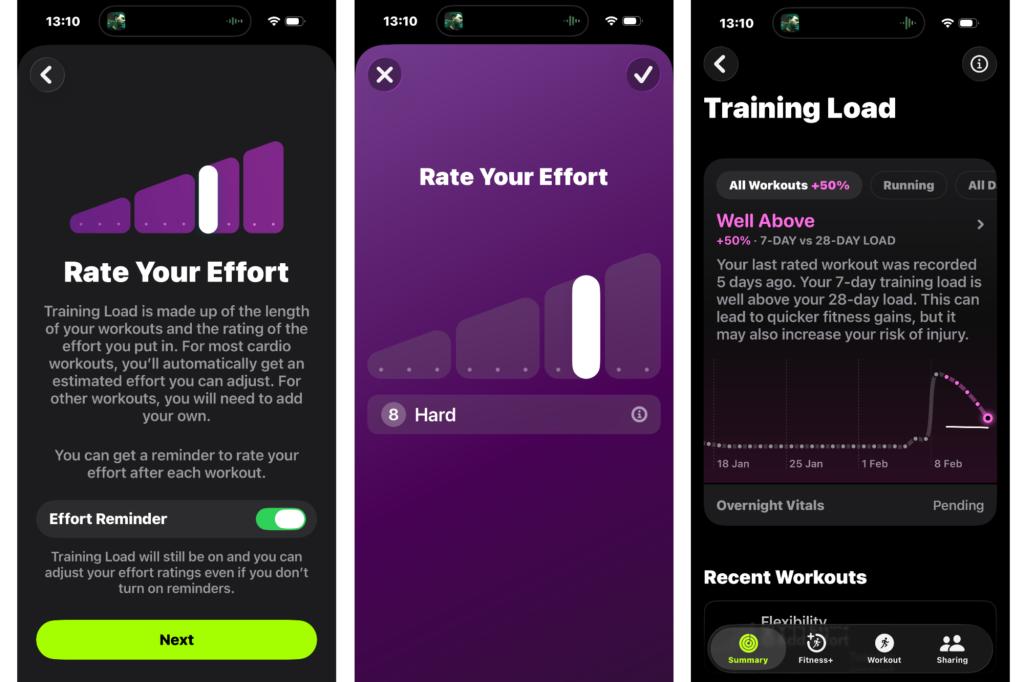
Training Load
This metric matters if you’re training specifically for an event or starting to increase the amount of training time. You can then use this load metric to make better decisions, whether you’re in good shape to exercise or should maybe consider taking another day to recover from your previous workout.
Training load is generated from effort ratings that are estimated after a workout. You can also manually adjust effort to make sure it truly represents how hard or easy you went in a session. Apple also monitors calories burned through the day and vitals from wearing your watch overnight to decide whether you’re above your usual amount of training or hitting the sweet spot.
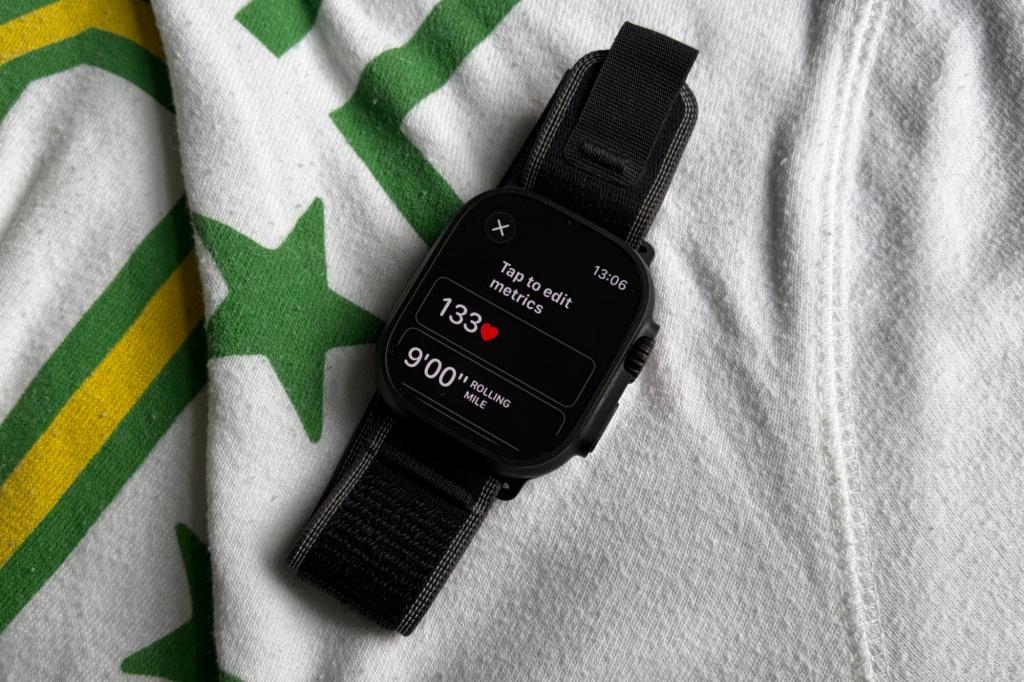
Rolling pace
If you’re using the Apple Watch to track a run (indoors, outside or trail), or going for a hike, this is a useful piece of information to absorb during tracking.
Rolling pace looks at your average speed over the last mile or kilometre recorded. The benefit is that it gives you a more stable measurement of your pace than other available pace metrics on the Watch. This is ideal if you’re doing a longer running session or hike, for example, and you’re trying to stick to a specific pace consistently throughout.
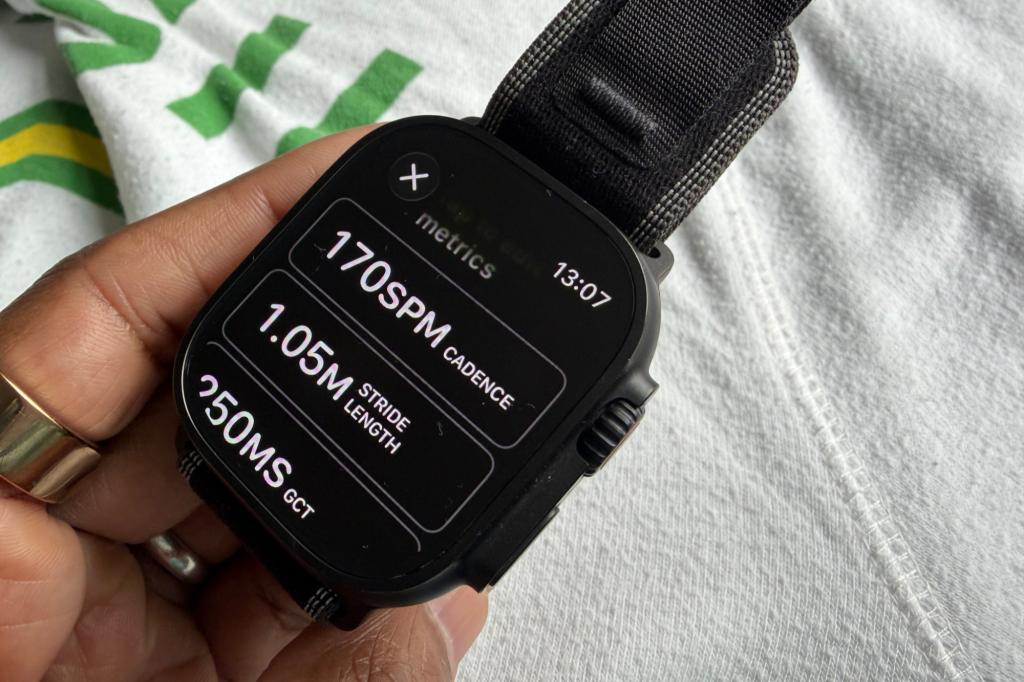
Cadence
A metric that may be familiar to some runners and cyclists, but we’re talking about the running kind here. That’s because you’ll need an additional sensor to get that hit of cycling cadence data on an Apple Watch.
On the running front, cadence is the number of steps you take in a single minute during a run. This is useful information to know because it tells how much time you spend hitting the ground as you run. The longer you spend making contact with the ground, the increase in impact you put on the body.
If you impact that ground for shorter periods, you have a high cadence, which is seen as a good thing from a running form, efficiency and technique point of view.
There’s been some debate about what the perfect running cadence is, but a good starting point is to aim for anywhere from 150-180spm (strides per minute).
Fitness metrics to ignore
Running power
This is a running-specific metric that even the most seasoned runners don’t necessarily pay attention to. In its simplest form, running power functions like heart rate, and it wants to provide a way of measuring effort during runs. It’s seen as a more reliable way of doing that versus heart rate, especially over more varied terrain. If you’re sticking to flatter, more even routes and still want to measure effort, heart rate will still do a good enough job of that for you all without adding power into the mix as well.
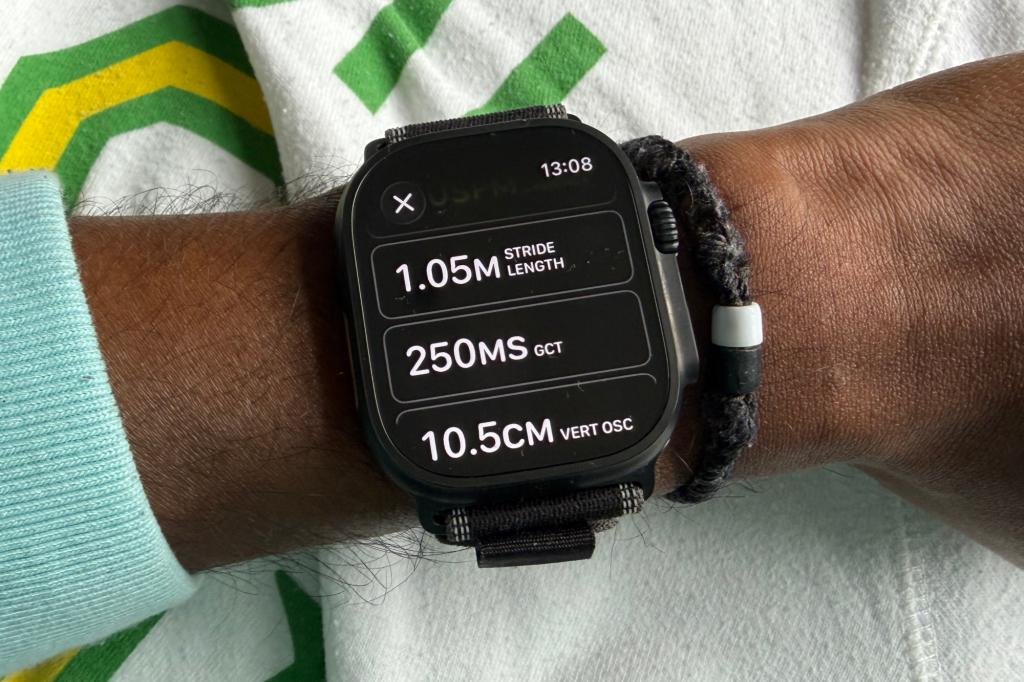
Vertical oscillation, ground contact time and stride length
These are three metrics that you scroll down to see post-run in the Fitness app. Whether you need to do that is certainly up for debate.
All three pieces of data relate to your running technique and form. So if you know what good or bad vertical oscillation, ground contact time and stride length look like, then great, this is useful information for you. While Apple does an okay job of illustrating these metrics, it would help to put the data in more context to make it useful for more runners of all levels.
Liked this? I swapped my Garmin for an Oura ring, here’s why I will be going back (for now)


 Michael Sawh
Stuff contributor
Michael Sawh
Stuff contributor