An absolute mad lad installed Mac OS on a Nintendo Wii – and it actually works
And now the Mii Channel theme is stuck in our heads

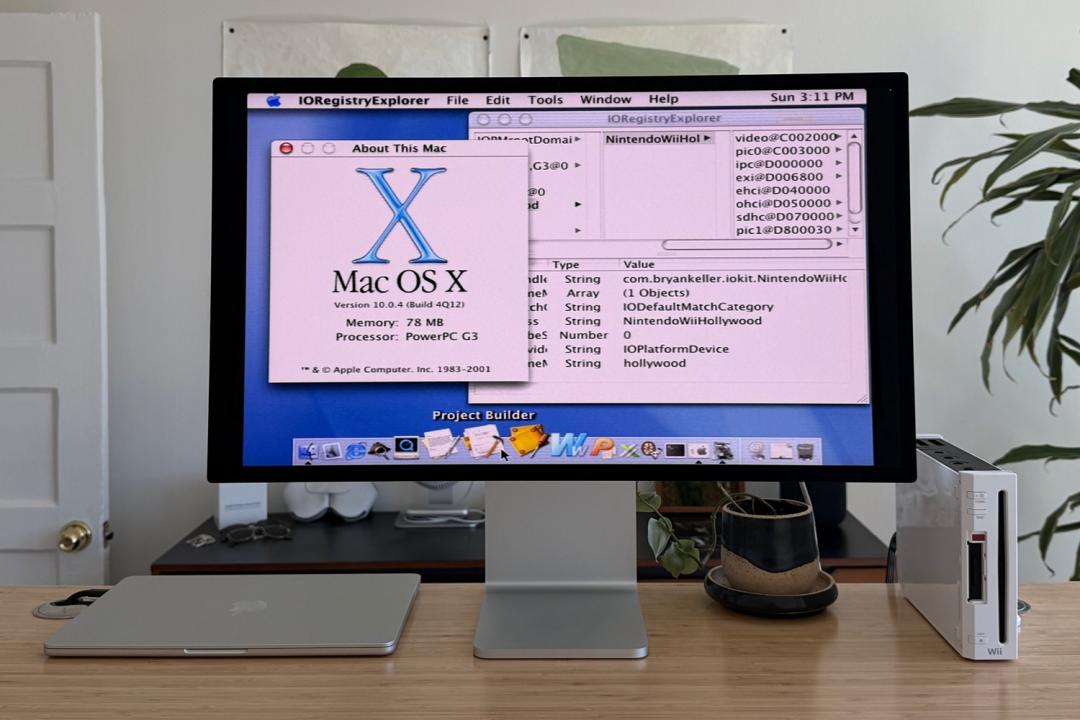
Sure, you could buy one of the best laptops if you’re after an upgrade – but have you considered installing Mac OS on your *checks notes* dust-laden Nintendo Wii instead?
- Read more: Apple’s folding phone could be called the iPhone Ultra – and the rumoured price is eye-watering
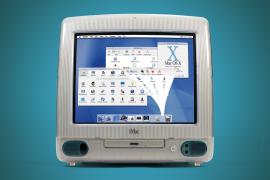
If not, why not? After all, intrepid developer Bryan Keller has just successfully ported Mac OS X Cheetah – Apple’s very first Mac OS X release from 2001 – onto the Wii, turning the ageing console into a surprisingly functional (if extremely niche) Mac.
As you can imagine, this was no mean feat, but it was made possible thanks to some shared history under the hood. The Wii runs on a PowerPC processor – specifically the 750CL – which is closely related to the chips Apple used in its G3-era Macs. That gave Keller just enough of a foundation to make the idea viable.
Getting there, though, was anything but simple.
To make it all work, Keller had to write a custom bootloader, patch the OS X kernel, and compile a modified version that could actually run on the Wii’s hardware. From there, it was a case of building key components from scratch – including drivers for the SD card slot so the system could boot, and a framebuffer driver so the interface would display properly.
There were also some other tricky problems to solve, like bridging colour differences between the Wii’s video output and OS X’s graphics code, and digging up decades-old USB support files just to get basic peripherals like a keyboard and mouse working.
The end result? A fully bootable Mac OS X installer running on a Wii, complete with working input devices. It’s not exactly fast, and it’s definitely not practical, but it does technically turn the console into a usable OS X machine.
Keller even took the project with him on holiday to Hawaii to keep tinkering – which tells you everything you need to know about the level of dedication involved.
If you fancy trying it yourself (and have a lot of patience), the full project and source code have been shared on GitHub. Keller’s blog post (via MacRumors) outlining his experience is also definitely worth checking out.


 Esat Dedezade
Contributor
Esat Dedezade
Contributor