MacBook Pro Retina Display review – hands on

13 Jun 2012

retina display macbook pro hands on review screen

MacBook Pro Retina Display – screen
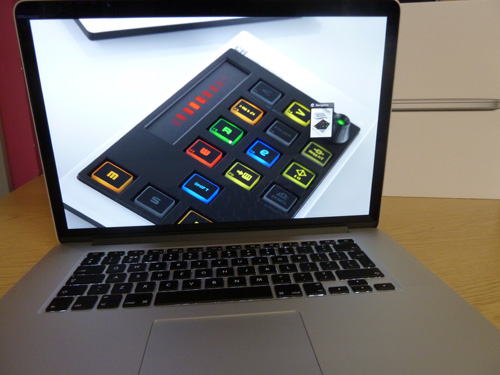
First things first: next to a last generation MacBook Pro the wider 15.4in 220ppi Retina Display on this new model is seriously impressive. If you thought you'd never look askance at your old MacBook, then we're afraid the time has come – just as the iPad 3's Retina Display made the iPad 2 drop from Most Wanted to Most eBayed in a matter of days, so it is with the MacBook Pro's extra pixels.

retina display macbook pro hands on review image

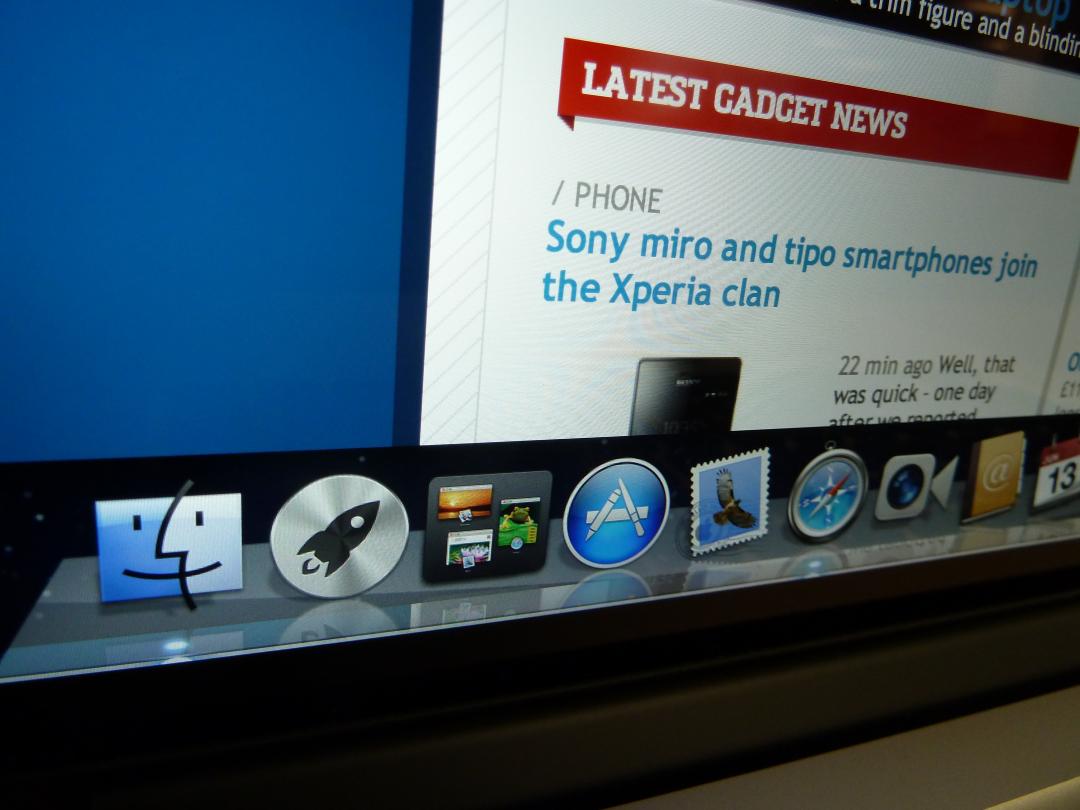
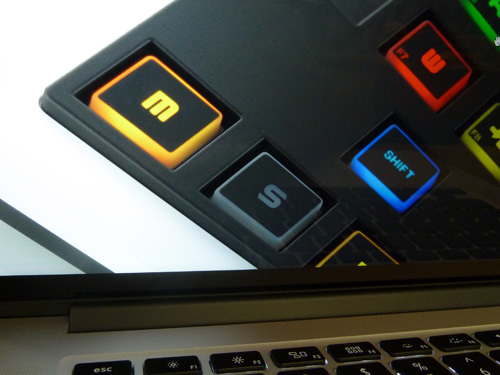
Fonts and icons on the 2880x1800px display are pin-sharp and it makes browsing on the old MacBook Pros suddenly seem a fuzzy experience. Zooming right in on high-res, print-ready images with crystal-clear details is a truly giddy experience that lower-res displays just can't match – and 1080p vids look delicious. The 178 degree viewing angle and higher contrast also won us over – though we want to keep this all to ourself for now.

macbook pro retina display hands on review close up

MacBook Pro Retina Display – design and build
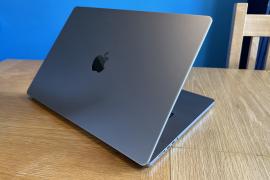
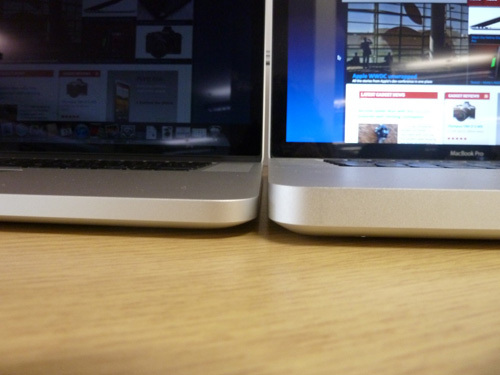
At a smidgeon over 2kg, this Retina Display MacBook Pro is the lightest MacBook Pro ever – but honestly, with the comparisons to the MacBook Air we thought it might be lighter. Still, it's certainly thinner – Apple has managed to shave 6mm off the last gen model, so it'll take up less room in your man-bag.

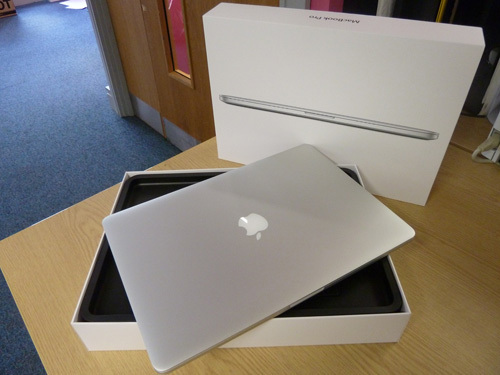
With back-lit keyboard and trackpad all present and correct, the 0.71in Retina Display MacBook Pro looks sleeker than ever – careful which friends you show this to, it's just become the most desirable slab of aluminium around.

retina display macbook pro hands on review thickness versus old macbook pro

MacBook Pro Retina Display – power and ports
Being a box fresh model, this 2.7GHz i7 model didn't even break out a sweat as we played multiple videos, played with big images and browsed the web – we can't wait to play Battlefield 3 later to try and make it squirm. And we'll test the claimed seven hours of Wi-Fi usage in our full in-depth review.

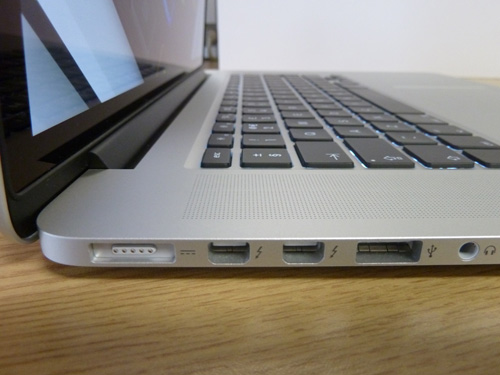
With this slim design, you might think Apple would go all minimalist on us, but luckily there are plenty of ports – despite the lack of an optical drive. You get two USB 3.0 ports, two Thunderbolt ports, a full HDMI port and SDXC card reader.

retina display macbook pro hands on review

retina display macbook pro hands on review

MacBook Pro Retina Display – verdict

This is one tasty laptop, enough to make us skip our lunch to caress it – and we don't say that very often. The Retina Display MacBook Pro is running OS X Lion for now – so all those new Mountain Lion features will have to wait too. Keep your peepers peeled for our full hardware review, where we'll see whether it's worth spending £1800 on this over a machine with similar processing power. So excuse us, we're off to test out this next gen MacBook Pro's graphical grunt – we're sure the 2.7GHz Core i7 processor won't let us down.

You might also like
New MacBook Pro – need to know
iPhone 5 photos leak
Siri is coming to the new iPad


Comments

  1. Tashy_Man

    49 weeks ago

    Hmmm....I'm a sucker for most things apple but £1800 with no optical drive and still over 2kg ? I dont think so.
    I'll stick to my "outdated" iPad 2 for on the road.......

  2. Alex U.

    49 weeks ago

    Phwoar... As I'll be off to uni in September, maybe my parents can be persuaded?

  3. cbhattarai

    49 weeks ago

    I am here to give you the information about the latest laptops. As you know that the Apple MacBook Air cost for just $799 and looking at this it is also confirmed that, you will soon get the Apple MacBook Air or Pro in much cheaper rate...

  4. Puncher

    49 weeks ago

    How come a "retina display" which is touted as having a display where the individual pixels "can't be seen by the naked eye" was 326ppi on the iPhone but now apparently is only 220ppi!! Maybe they have accounted for your eyesight fading in the 18 months or so between the two releases!

    Never believe any of Apple's marketing hype, it's always vastly overstated!

  5. rubberduck007

    49 weeks ago

    Because you view an iPad nearer to your face than a laptop, thus the ppi is less, as such a TV may be running at 1920x1080 Full HD but it has a very low ppi as you view it from across the room (looking at a HDTV close up you can see that it is crap quality - but looking at an iPad at the dame distance it is pin sharp)

  6. Puncher

    49 weeks ago

    Nope! My phone, tablet and laptop are viewed at very similar distances (it's to do with the fact that my arms are attached to my shoulders).

    It's just Apple spouting any old sh*t knowing folk will swallow it wholesale and convieniently forget what they what they were told last year!!

  7. J2ozone

    49 weeks ago

    Sorry but I hold my phone less than half the distance from my face than my laptop due to the fact I have elbows which let my arms bend. And I usually have my laptop on my lap.

  8. tomaxas

    49 weeks ago

    Hmm.. Can I ask when is the last time then you used an optical drive and for what? Man, the optical drive for laptop is the past, also if you will consider the fact, that, someone who will buy this macbook for £1800, probably already have iMac or Mac Pro, and if you don't know between Mac OS you can share an optical drive virtually: you will insert disc in to iMac or in any mac who have optical drive, and you will be able to share disc information using wireless network between them ;) And I don't see point mentioning your iPad 2, which you just can't compare with any type of laptop, because it's two different things... :/

  9. krissboo

    48 weeks ago

    So you type with your arms straight, sitting 3 feet away from your laptop?
    Strange how my arms bend when I use my laptop, oh and they bend when I'm using my phone.

Add your comment

You must be logged in to comment