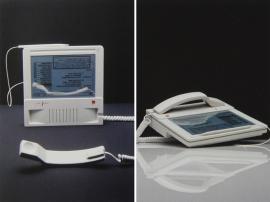
Turn your Retina Display into a CRT monitor with the Blinky text editor
Who needs pin-sharp resolution? The Blinky text editor revives the dubious pleasures of using an old CRT monitor on your shiny new Mac

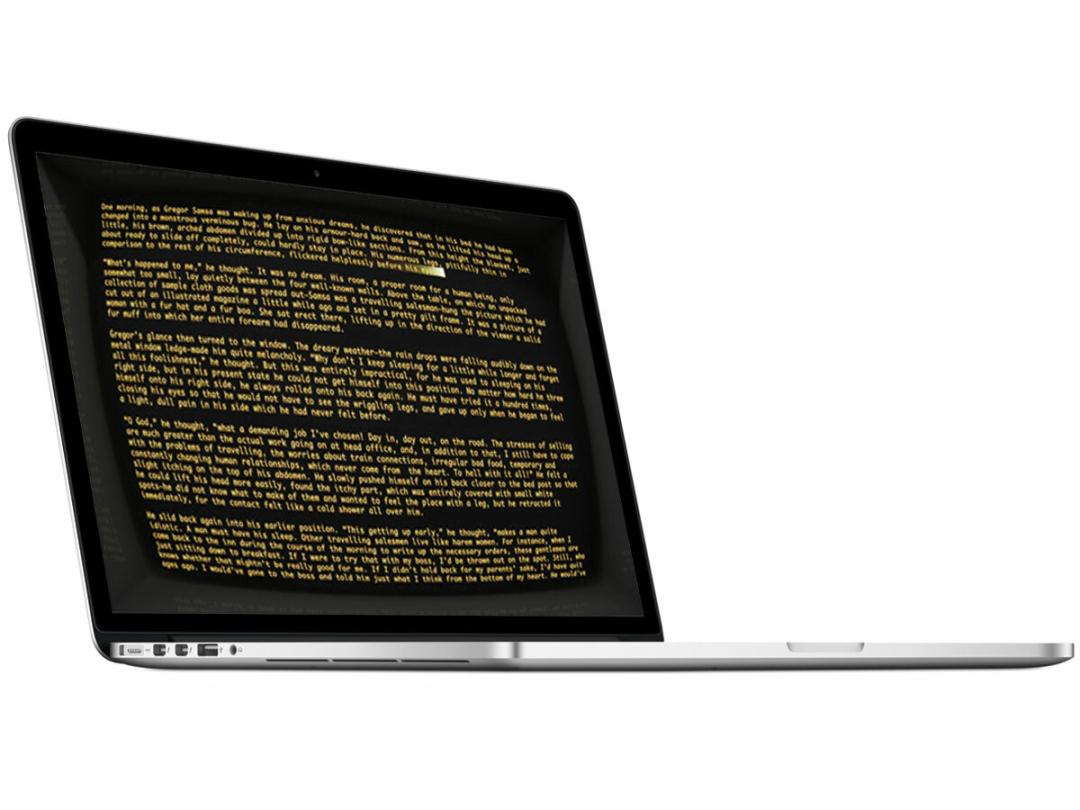
While Apple’s busily creating slimline iMacs and Retina Display MacBook Pros, some people hanker after the days of old, when text was green and monitors were bulky CRT affairs. Their prayers have been answered, in the form of the Blinky text editor app from Secret Geometry – available to download from the Mac App Store for £2.99.
Blinky replicates the experience of using an old monitor with effects adding 3D curvature to the screen, reflection, burn-in, scan-lines and the dated-looking fonts of old. It can turn your images into text-based affairs via its ‘text art’ function and there’s even a webcam feature built in for viewing friends and family in the lowest quality.
Although it sounds like ocular torture compared with Microsoft Word, the actual presentation of the menus is impressive. Within seconds you’ll have a nostalgia-tinged display that’ll go perfectly with your Instagram photos and collection of retro gadgets.
[Blinky via DesignBoom]
You might also like
Texting turns 20 – 20 amazing facts about SMS
Take a video game virtual vacation via your console


 Craig Grannell
Contributor
Craig Grannell
Contributor