Your AirTag 2 might have just updated itself – here’s how to check
Apple has pushed out a fresh firmware update for its latest item tracker, although the changelog remains a mystery...

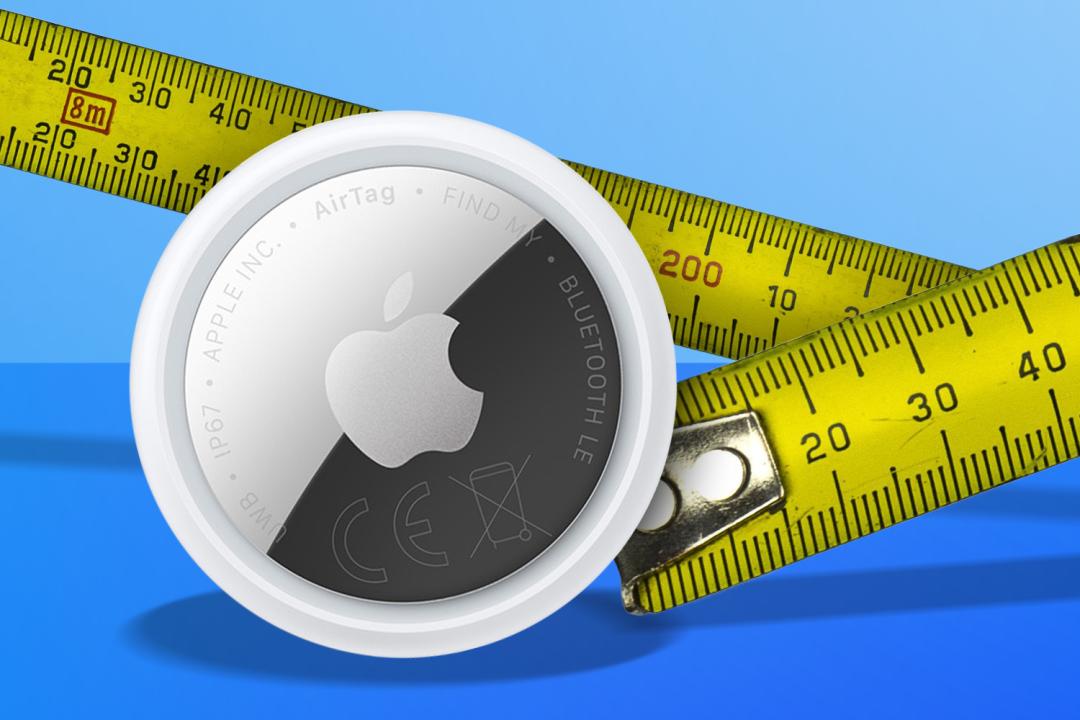
If you’re an iPhone user, chances are you’re also rocking an AirTag 2. If so, there’s a good chance it quietly updated itself without you even noticing.
- Read more: iPhone 18 Pro Max leak shows a chunkier camera bump – and it might actually be a good thing
Apple has released a new firmware update (via MacRumors) for the second-generation AirTag, bumping the tracker from version 3.0.45 to version 3.0.49. As usual, Apple hasn’t actually said what’s included yet – but these kinds of updates typically focus on bug fixes and other under-the-hood improvements.
For context, the previous AirTag 2 firmware update made one particularly important change – Apple adjusted the unwanted tracking alert sound to make rogue AirTags easier to locate when using Precision Finding, trying to balance convenience with anti-stalking protections.
Apple also appears to be rolling this update out more broadly than some previous AirTag firmware releases, rather than staggering it over a couple of weeks like it often did with the original AirTag.
As usual, there’s no magical update now button. AirTag firmware installs automatically over the air while the tracker is within Bluetooth range of a connected iPhone, so you’ll just have to let nature take its course.
If you want to check whether your tracker has updated already though, you can open the Find My app, tap the Items tab, select your AirTag, then tap its name to view the firmware version. If you’ve had no luck, keep checking over the next few days, and it should all sort itself out automatically.


 Esat Dedezade
Contributor
Esat Dedezade
Contributor