What’s new in iOS 26.4: the best features to look forward to
Smarter Apple Music tools, new emojis, and a bunch of useful fixes

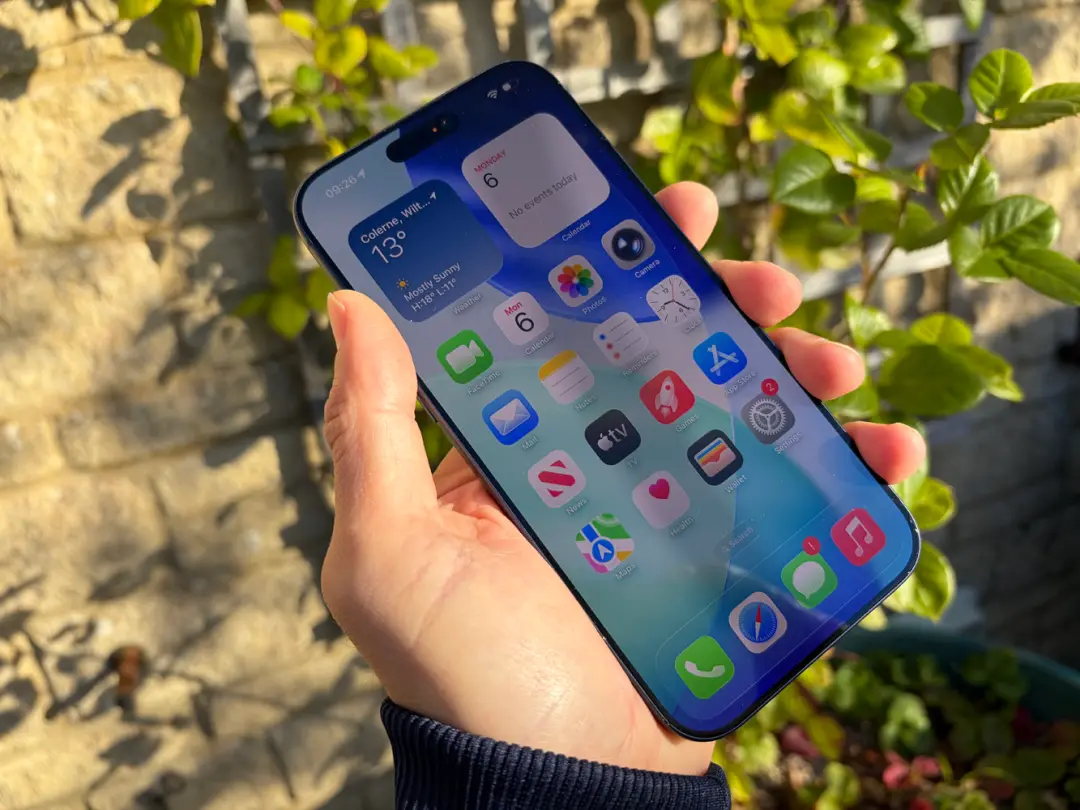
If you’re rocking one of the best iPhones, chances are you’re wondering what the new iOS 26.4 iPhone update will bring to the table.
Based on the latest beta builds and what’s been announced, Apple’s next iPhone update focuses on polishing the experience while adding a touch of AI, all while improving various things in the process.
Here’s everything you need to know.
Apple Music

Apple Music has quite a few tweaks and new features in the new iPhone update. The standout addition is an AI-powered playlist generator called Playlist Playground, which lets you create playlists from text prompts based on moods, activities, feelings, or whatever happens to enter your mind.
There’s also a new Concerts feature, which helps surface nearby live shows from artists you already listen to, while also suggesting gigs based on your habits.
Apple is also adding full-screen backgrounds for album and playlist pages, and there’s now offline music recognition in Control Center, too. That means your iPhone can identify a song even without an internet connection, then surface the result once you’re back online.
Elsewhere, Apple is adding an Ambient Music widget, giving quicker access to built-in background sound playlists for things like Sleep, Chill, Productivity, and Wellbeing.
The Podcasts app is getting native video episode support as well, with HLS streaming, easier switching between audio and video, and offline video downloads.
New emojis
Emoji fans can look forward to eight new additions in the form of a trombone, treasure chest, distorted face, hairy creature, fight cloud, orca, landslide, and ballet dancer.
None of this is exactly life-changing, but if you’re a serial emoji user, you can look forward to an expanded repertoire.
Liquid Glass gets toned down
If iOS 26’s Liquid Glass design feels a bit much for your taste, this iPhone update should help make it more bearable.
For starters, there’s a Reduce Motion option aimed at making the interface less intense. There’s also a Reduce Bright Effects setting that cuts down on bright flashes when tapping buttons.
Apple is also making subtitle and caption settings easier to access and preview while you’re watching content, making the process more streamlined.
Fixes galore
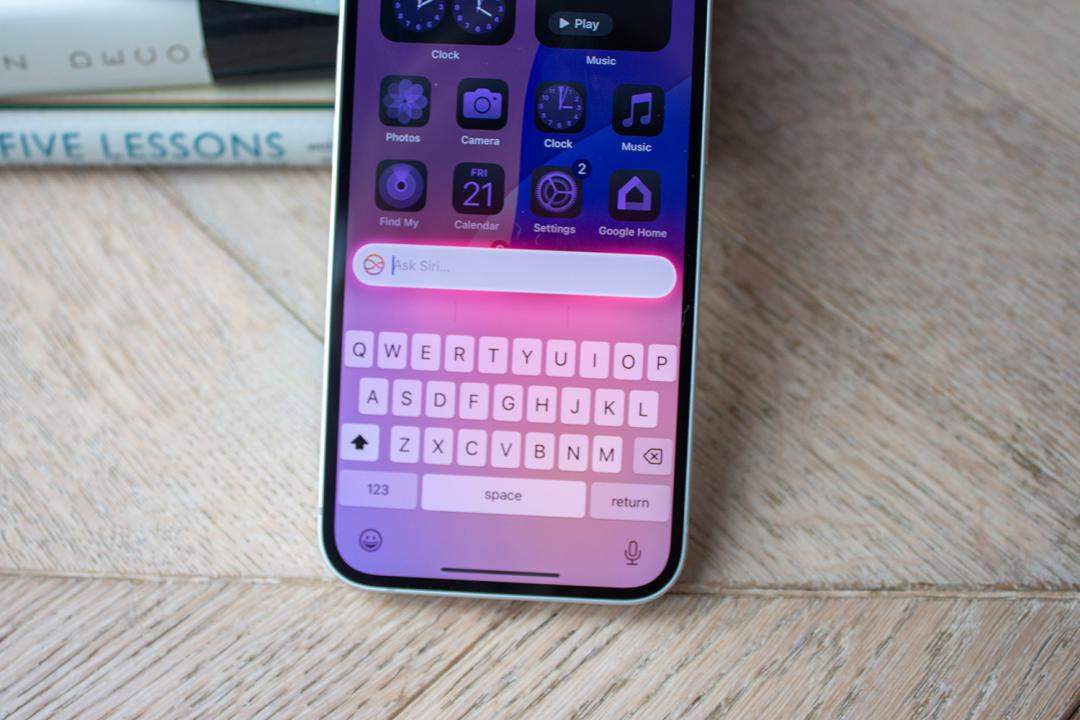
Some of the most useful features in iOS 26.4 are the least flashy. There’s a fix for the iPhone keyboard bug, for a start, which should mean far fewer annoying typos. Family Sharing is becoming less rigid, too, with adults no longer forced to use the same payment method, letting everyone add their own debit or credit card instead.
Reminders is also getting a small but practical upgrade. You’ll be able to mark reminders as urgent, and filter those urgent reminders in Smart Lists, which should make the app a bit more useful for people trying to keep on top of deadlines.
Health and security
In the Health app, Sleep now tracks your average bedtime over the past two weeks, giving you a clearer sense of how your routine is shaping your rest.
Security is getting a useful bump as well, with Stolen Device Protection now enabled by default. That should make your iPhone harder to compromise if it falls into the wrong hands, without needing to dig through settings to switch it on manually.
CarPlay is getting more AI-friendly
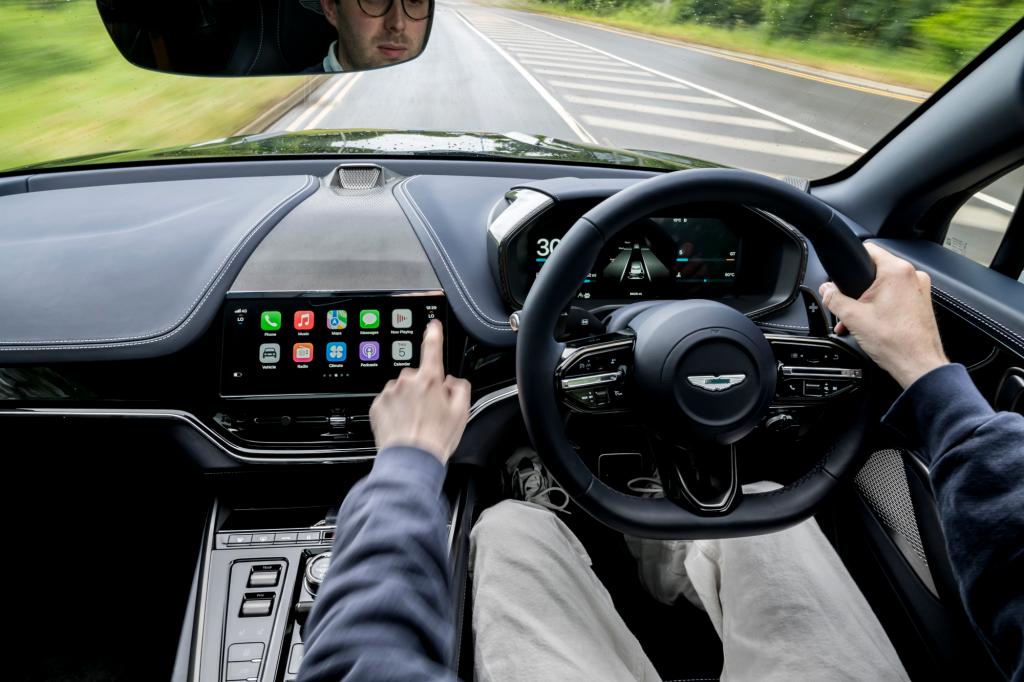
One of the more interesting under-the-radar additions is support for third-party AI apps in CarPlay, letting you use Siri alternatives like ChatGPT, Claude, and Gemini.
Non-Siri AI services won’t be able to control vehicle functions or core iPhone features though, and they can’t be summoned with a wake word – you’ll need to open the relevant app before you can start chatting.


 Esat Dedezade
Contributor
Esat Dedezade
Contributor