Fitness apps I always download first when setting up a new Apple Watch
The apps worth downloading before your first workout, from a writer who has set up more Apple Watches than they'd care to admit


Apple’s own fitness apps are pretty well-equipped to track your workouts. Whether that’s running, squeezing in a HIIT session before work in the morning, or slowing things down for a Pilates session.
The great thing about turning to Apple’s smartwatch to do that is that you’re not restricted to using the apps and software preloaded to get that workout fix
Apple’s App Store is absolutely brimming with fitness apps that can build on what Apple’s own apps offer. They’ll serve up more activity-specific data to analyse post-workout, or simply make sure your Apple Watch is better equipped to track more niche fitness pursuits.
If you’ve picked up an Apple Watch for the first time or are curious to discover the free and paid apps that can elevate your tracking time, these are the ones I download first… if they’ve not already been synced over from my last Apple Watch, that is.
1. WorkOutdoors
Price: $8.99 / £8.99
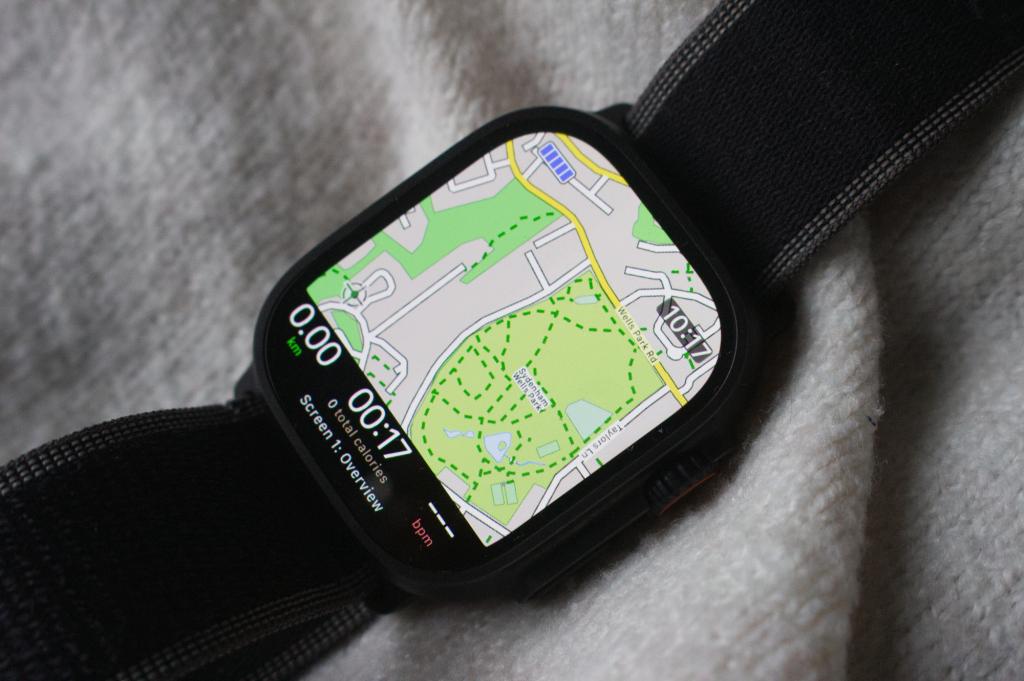
Apple now offer the ability to view Maps on the Watch, both during online and offline scenarios, but when I’m looking for richer real-time mapping for a wider range of activities, Workoutoutdoors is one of the first apps I download.
You will need to pay for it, and it’s not cheap in app terms. It’s a one-off payment, though, and it’s worth it for the mapping experience you do get. If you love having a lot of data on view, it’ll give you that too, while Apple Watch Ultra owners can also make use of the Action button support. That will save you from burrowing through the app menu to quickly start putting those mapping features to use.
2. Streaks Workout
Price: $4.99 / £4.99
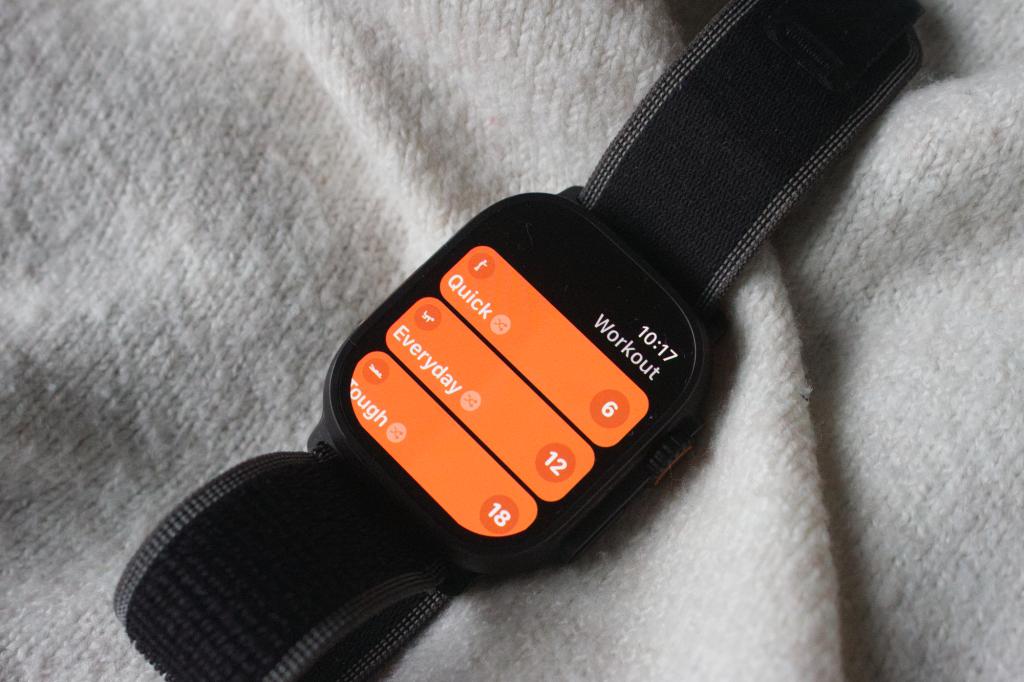
This is a great app if you want to get a quick workout in, but you have limited time to do it. You need to make a one-off payment to use it, but in return gives you access to bodyweight-based workouts that can last anywhere from six minutes up to 30 minutes.
Those shorter workouts will still get your body moving and do a great job of encouraging you to create regular workout habits. That’s all without needing any additional gym equipment nearby. It’s also a nice touch that it’s well integrated with Apple’s native Music app, if you need some added audio motivation.
3. Fiit
Price: Free (in-app purchases)
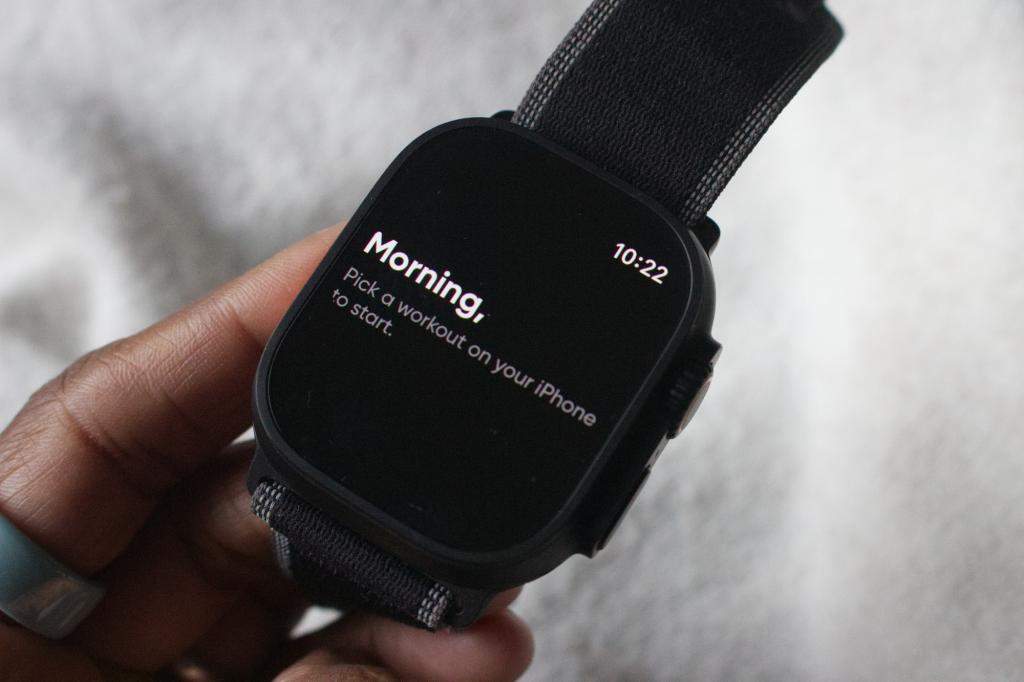
Apple already has its own great home workout app in the form of Fitness+. If you’re looking for a good alternative with a combination of no-nonsense trainers and workouts that will push you hard, Fiit is a good alternative to try out.
While you’ll need to pay to get the most complete experience, there’s a good amount of free workouts to try, covering a range of exercise types. You’ve also got slick Apple Watch support to help gauge your progress as you’re directed to get back down on the mat for another round of mountain climbers.
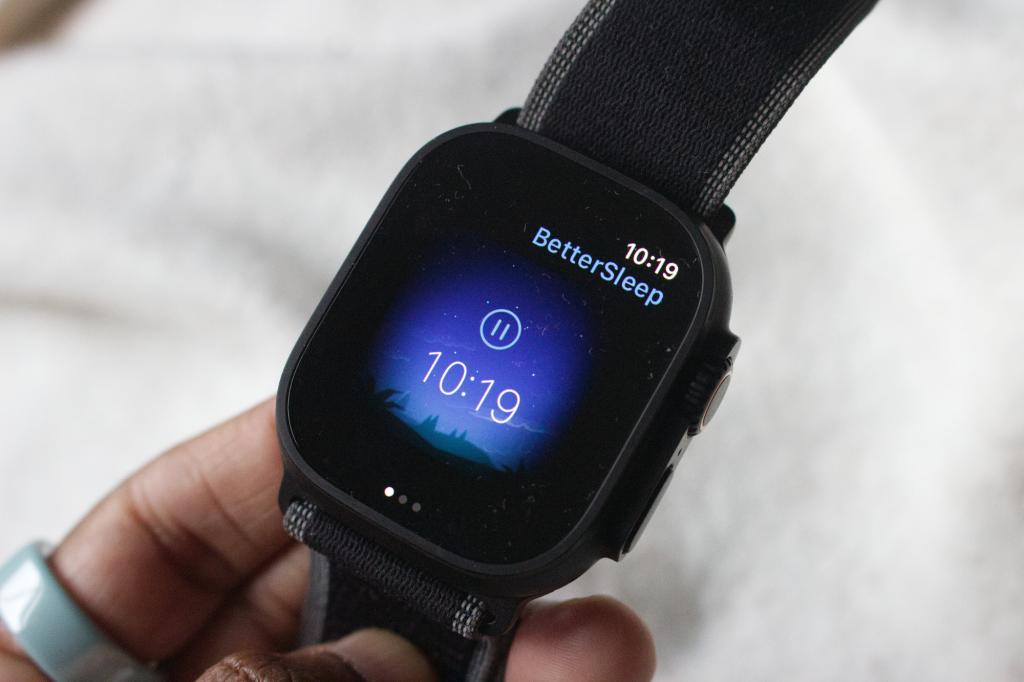
4. BetterSleep
Price: Free (in-app purchases)
This might not be a fitness app that’s going to track your performance in the gym, but we all know how important getting a good night’s sleep is. Especially to make sure you’re banking enough recovery time to be in good shape to train again.
There are a lot of sleep-aiding Apple Watch apps available, but what I like about BetterSleep is that it does offer a fair amount of its features for free. That includes sleep sounds and music that help to get you in a more relaxed and calmer state and help you drift off.
Once you’ve completed the small set of questions about your sleep in the iPhone app, it will use data from your Watch sleep data to better tailor sounds at bedtime.
5. Strava: Run, Bike, Walk App
Price: Free (in-app purchases)
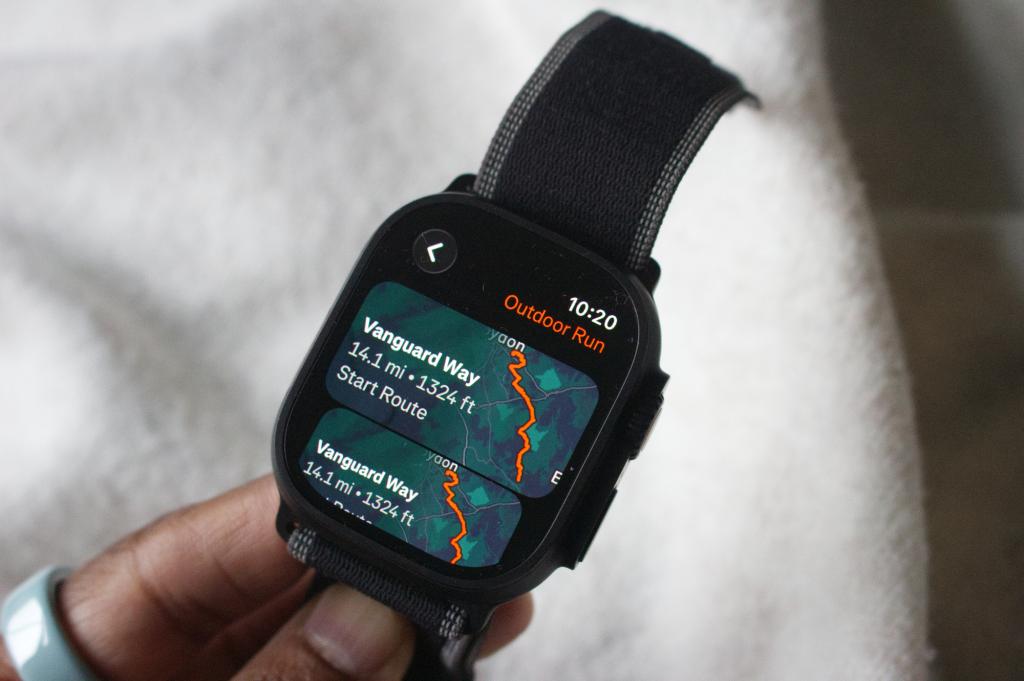
Yes, you can sync workouts to Strava via Apple’s own Workout app. If you prefer to go straight to the Kudos source, it’s easier to use the official Strava app instead.
This is still an app that prioritises offering somewhere to track your workouts across a much greater range of supported activities than when the app first launched. Strava has now added the ability to follow routes that you’ve logged previously on the app, making use of the improved mapping support now on offer on Apple’s smartwatches.
6. Stretch Club: Stretching, Yoga
Price: Free (in-app purchases)
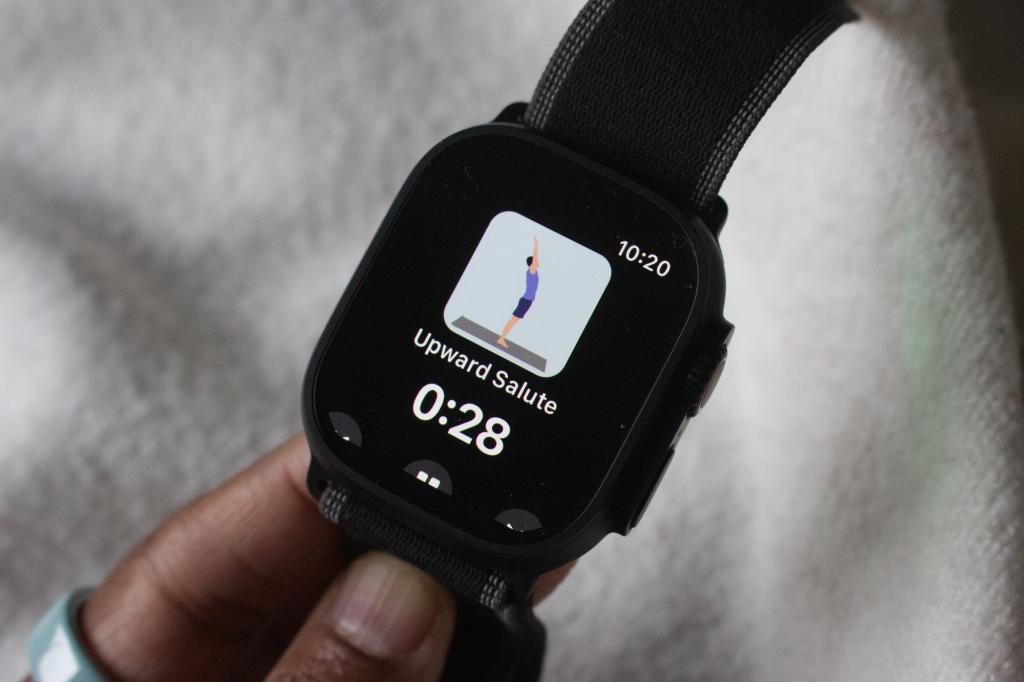
Unfortunately, my favourite stretching iPhone app doesn’t yet have an Apple Watch app to go with it. One that does give you one is Stretch Club. It’s got a clean and nicely designed companion Watch app for starters. It breaks down stretch routines, which can be dedicated to one type of stretch. There are also routines to be completed first thing in the morning or while sitting at your desk.
The Apple Watch support means you can view the routines on the Watch screen alongside tracking calorie burn and heart rate information at the same time. It’s simple, straightforward to use and while going for the pro version gets you full access, there’s plenty to keep you satisfied in the stretching department to start with, before paying more.
Liked this? As a fitness expert, this is the fitness tech I actually use (and what I ignore)


 Michael Sawh
Stuff contributor
Michael Sawh
Stuff contributor