Xiaomi Pad 8 review: my new affordable Android tablet sweet spot
Plenty of power, a brill battery, and Xiaomi hasn't forgotten about productivity


Stuff Verdict
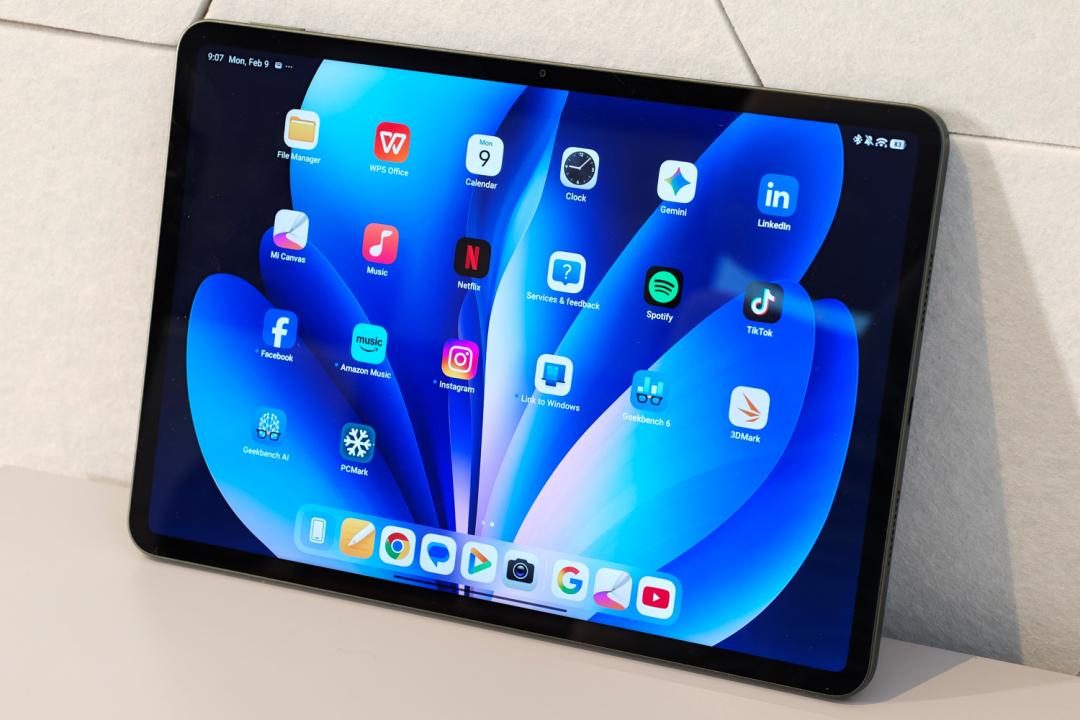
Another fantastic all-rounder Android tablet with a travel-friendly screen size. Official accessories then turn the Xiaomi Pad 8 from multimedia machine to productivity gem.
Pros
- Ample performance for most Android tablet tasks
- Strong accessory lineup makes this more than an entertainment device
- Consistently great battery life
Cons
- LCD display isn’t able to match OLED for contrast
- No fingerprint sensor unless you spring for the Pro
Introduction
Xiaomi has really stepped up its tablet game lately, bringing hardware and styling typically found on much pricier slates to the more affordable end of the spectrum. 2026 looks to continue that trend. The Pad 8 arrives with a newer version of the chip that powered its predecessor’s Pro variant – leaving room for the Pad 8 Pro to go more high-end.
Some other minor differences like storage capacity and camera pixel count aside, what’s left is a tablet that’s budget in price only. It’s as potent as the outgoing Xiaomi Pad 7 Pro, has an equally compelling set of official accessories to make it a productivity master, and an even bigger battery.
With prices starting around £399 in the UK (there are no plans for a US release) it goes directly up against the OnePlus Pad Go 2 – but has a feature set that could also tempt shoppers away from the OnePlus Pad 3, iPad Air and Samsung Galaxy Tab S10 FE+.
How we test tablets
Every tablet reviewed on Stuff is put through a series of industry standard benchmarks and tests, while our own years of experience helps us judge general performance, battery life, display, sound and camera image quality. Manufacturers have no visibility on reviews before they appear online, and we never accept payment to feature products.
Find out more about how we test and rate products.
Design & build: stick with what you know
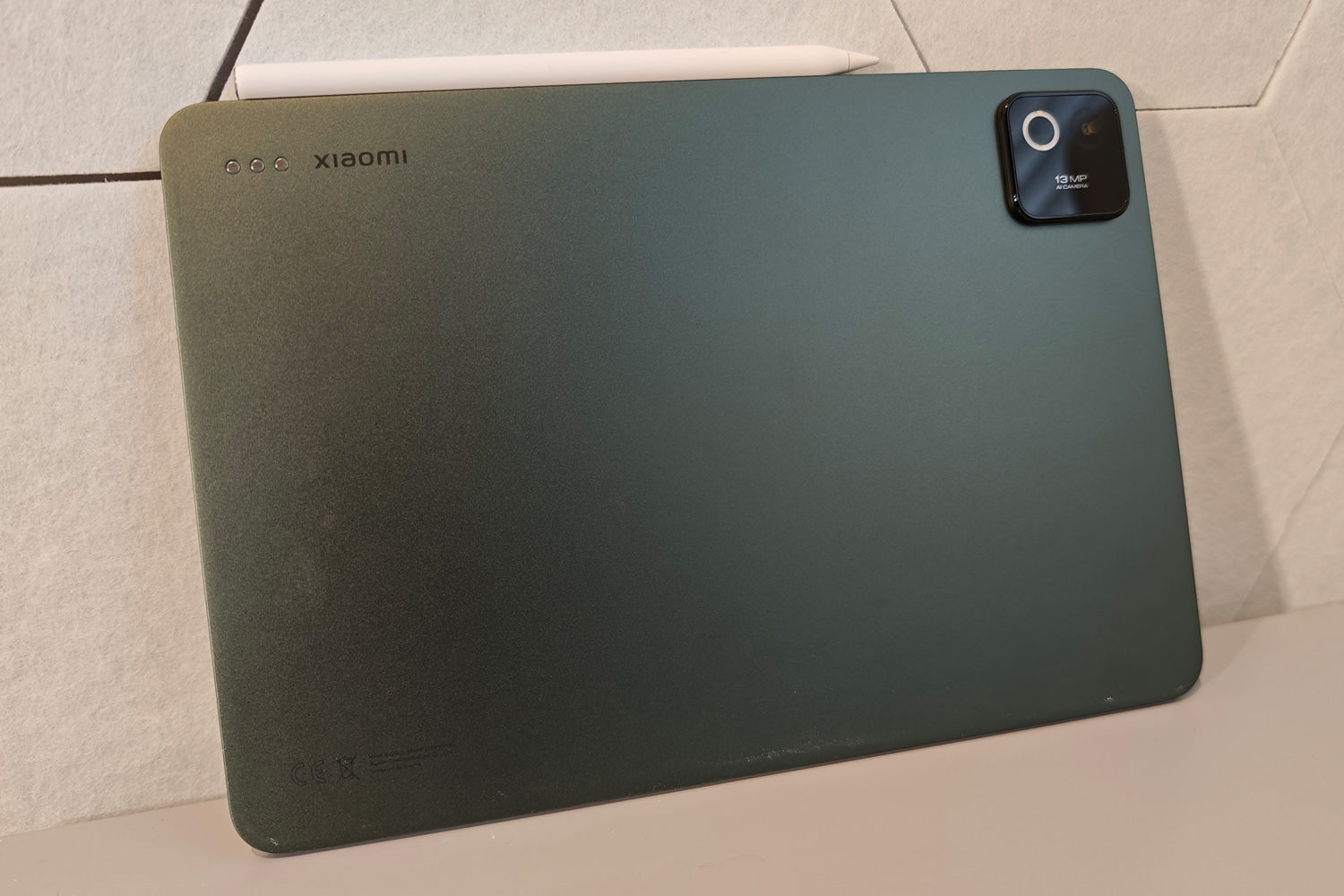
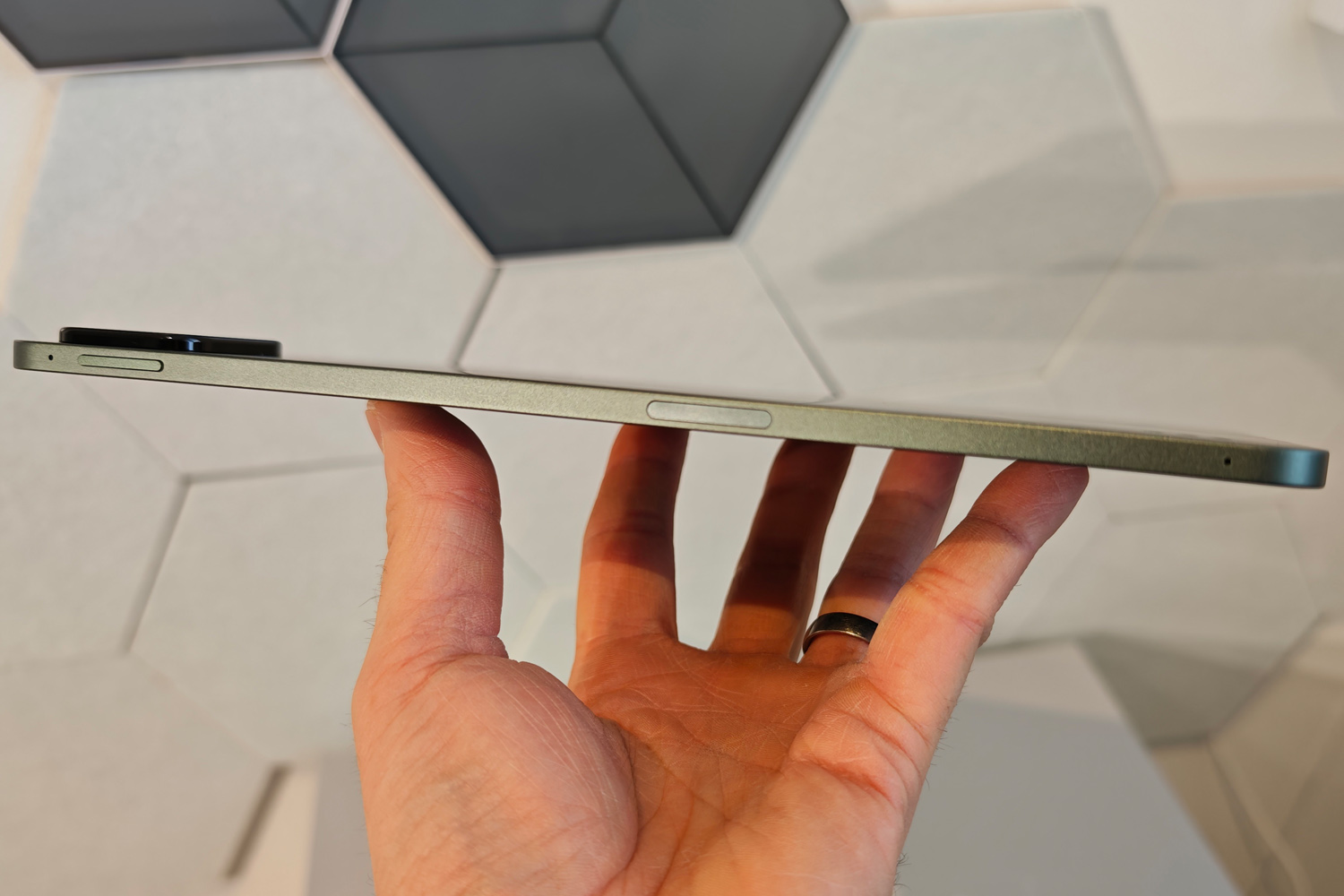
It’s a little slimmer than last year’s effort. A little lighter, too. But you’d be hard pressed to tell the Xiaomi Pad 8 apart from a Pad 7 without breaking out the callipers. The rounded corners, slender screen bezel and flat frame are unchanged, which in turn means it looks a lot like every other modern tablet. At 5.8mm it’s only a teensy bit thicker than an iPad Pro, which costs significantly more cash.
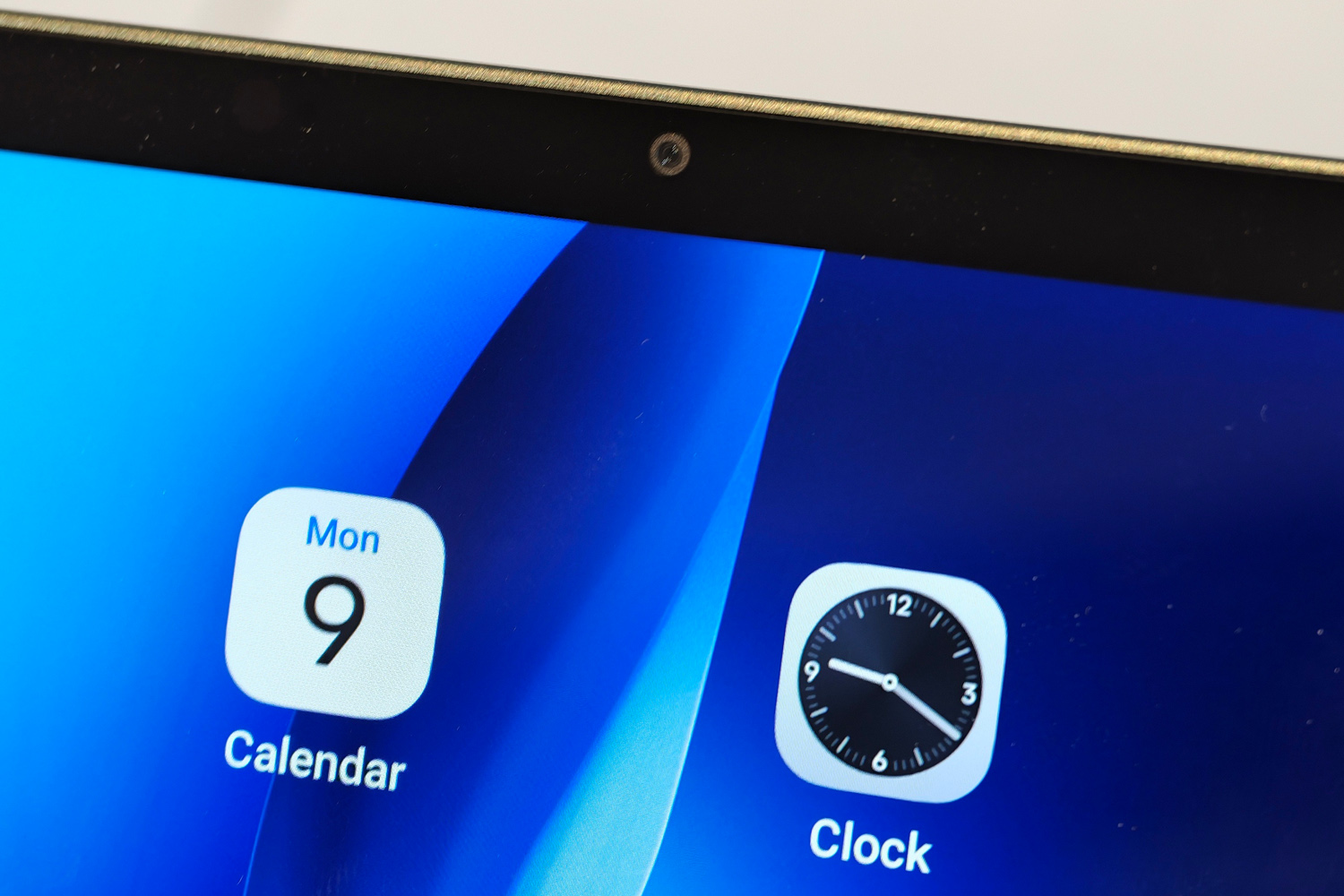
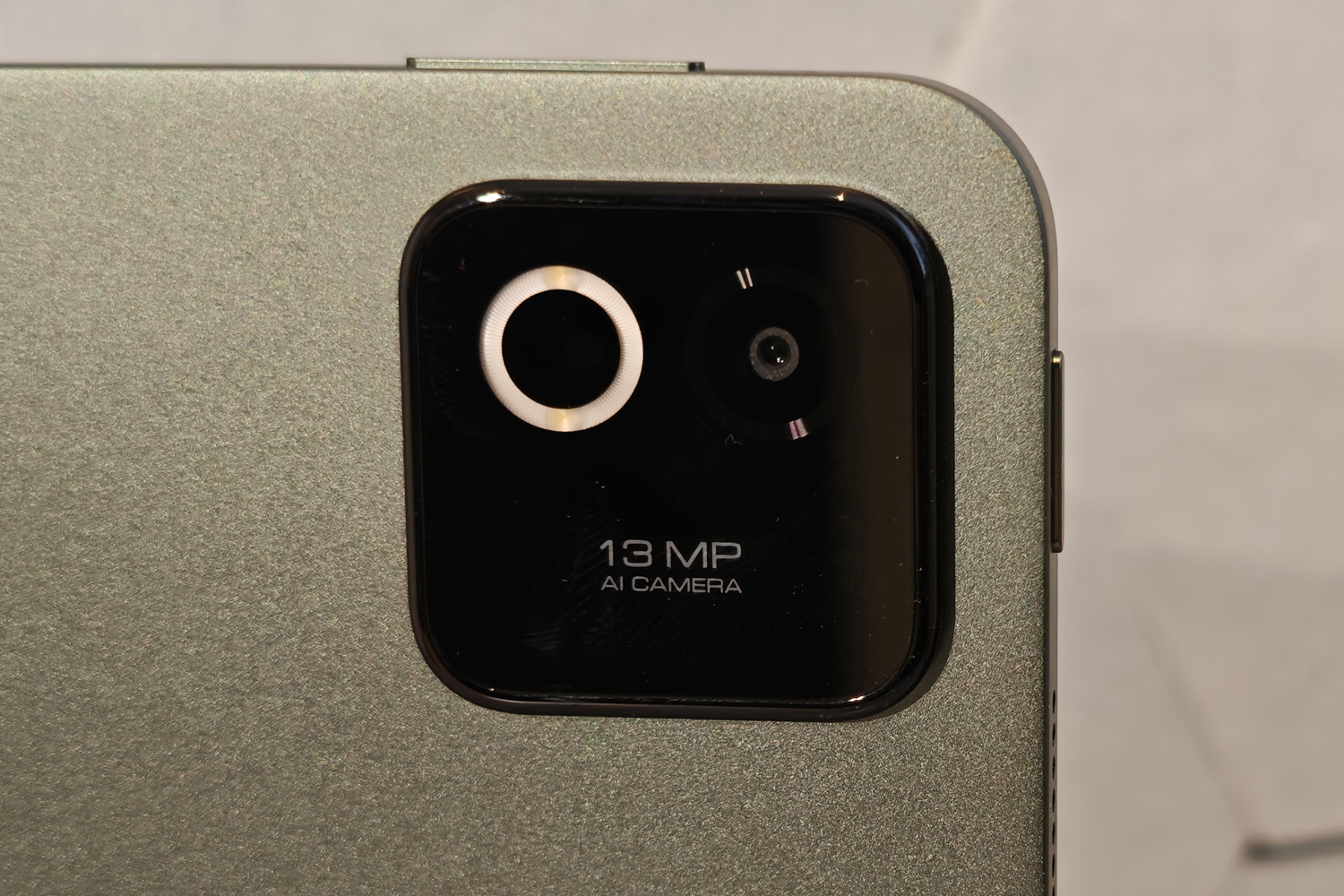
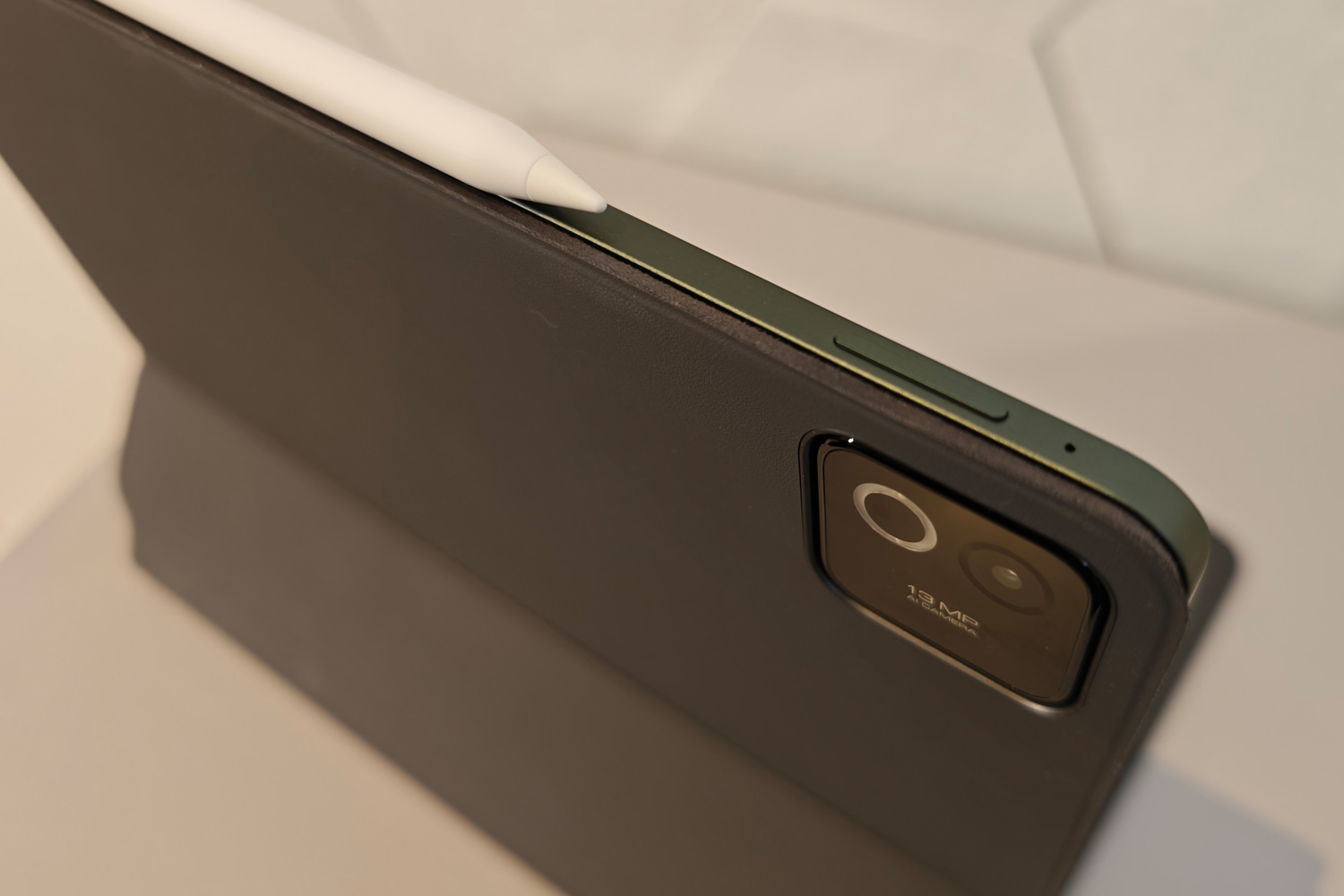
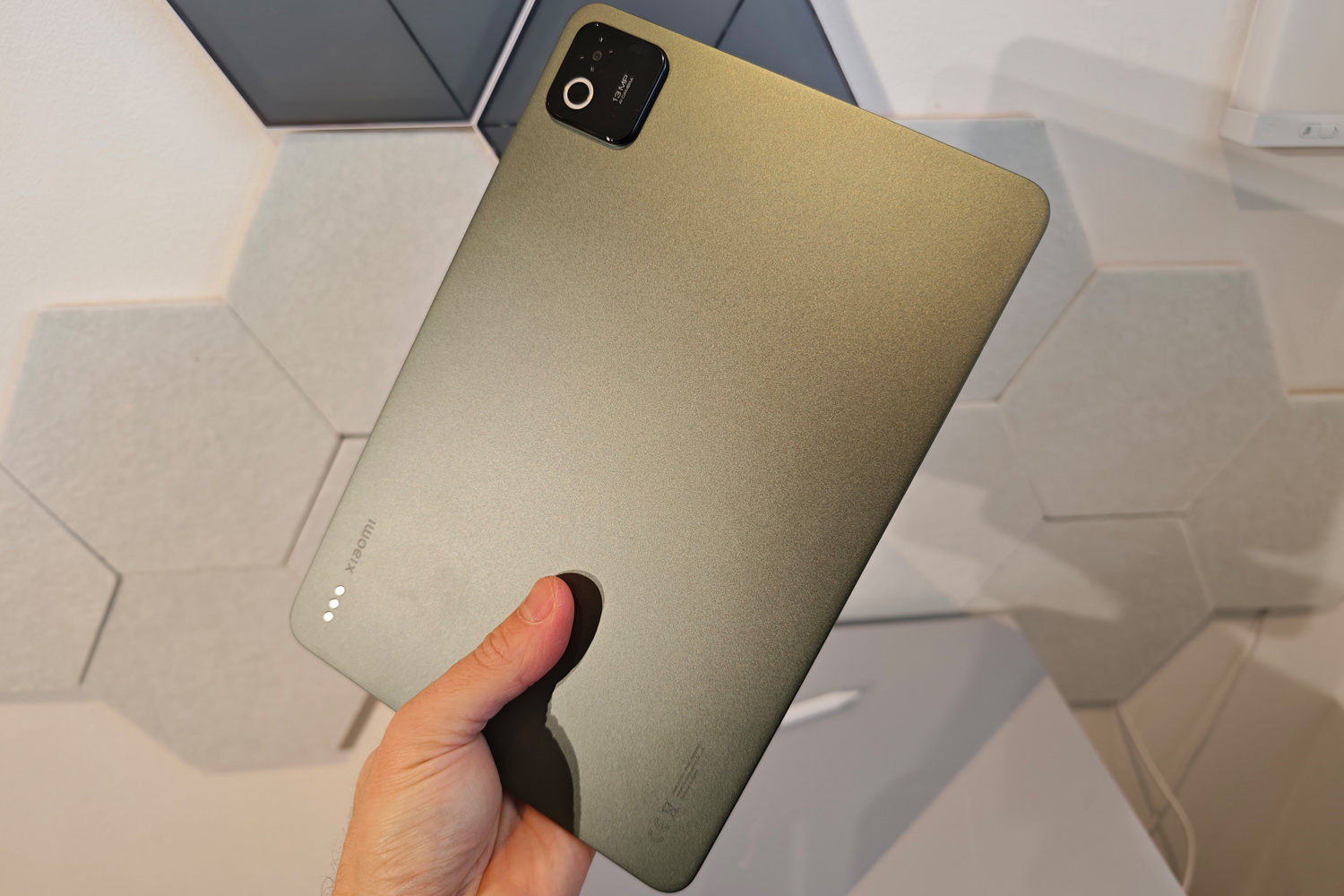
A marginally different layout for the camera module is the only giveaway; the dual tone LED flash is now more akin to a ring light, which should make for more flattering photos. There’s still only a modest 13MP snapper to the side of it, though, while an 8MP selfie cam is built into the bezel up front. Image quality is fine in good light, but quickly drops off in the dark; a mid-range smartphone will almost always do a better job.
A metal unibody build is still very nice to have at this price, where polycarbonate plastic is still common. And while the colour options haven’t changed, I like that the more characterful blue and green options stick around alongside the more basic black. The finish on my green review unit did a great job at avoiding fingerprint smudges. It feels sturdy, but there’s no official IP rating to suggest you could take it to the pool or beach without incident.
I was disappointed that the vanilla Pad 8 foregoes a fingerprint sensing power button, as I’d gotten used to it on last year’s Pad 7 Pro. Facial recognition takes its place, but only for skipping the Android lock screen. It works well enough in most lighting conditions, but you’ll still be entering a PIN or password to log into banking apps.

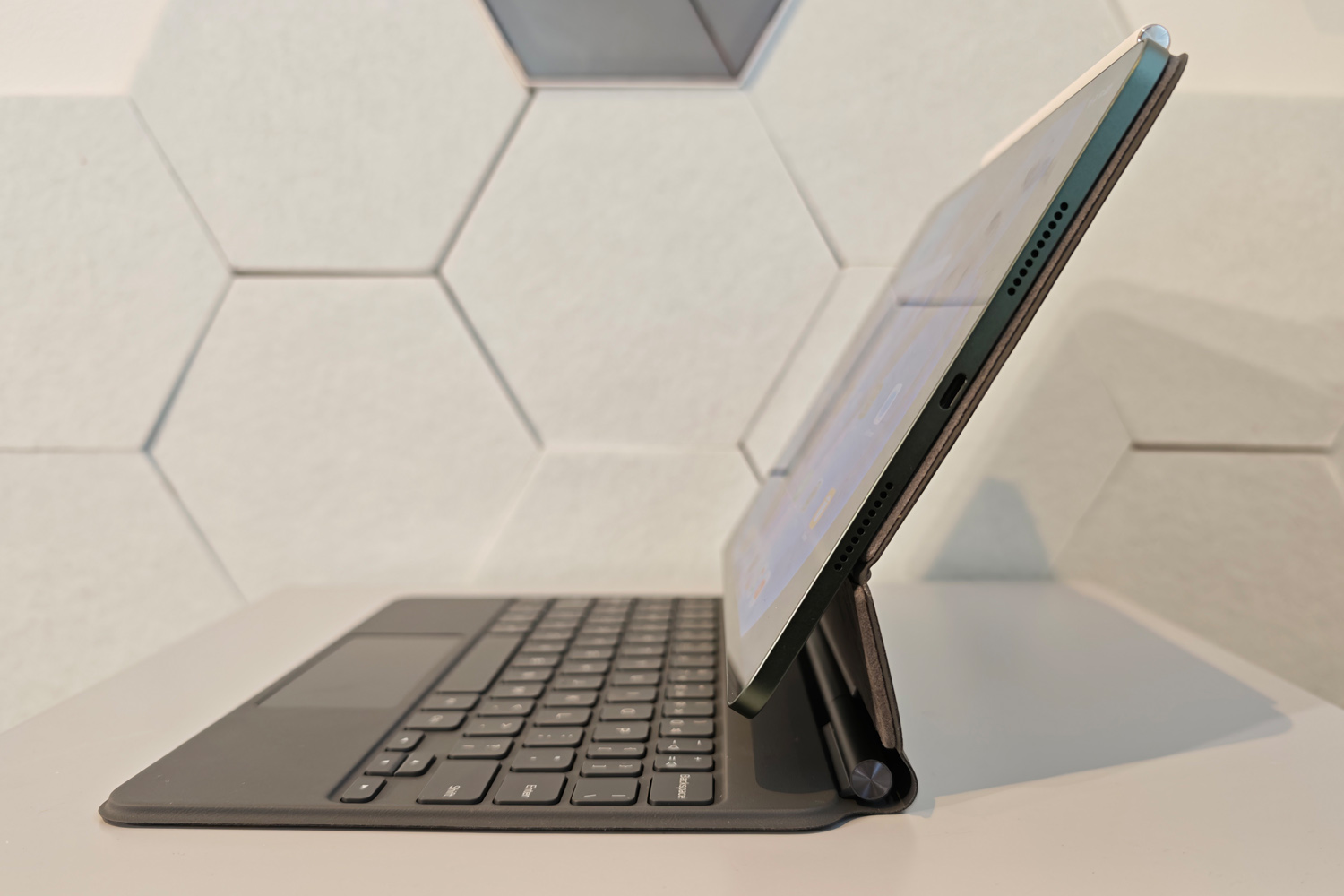
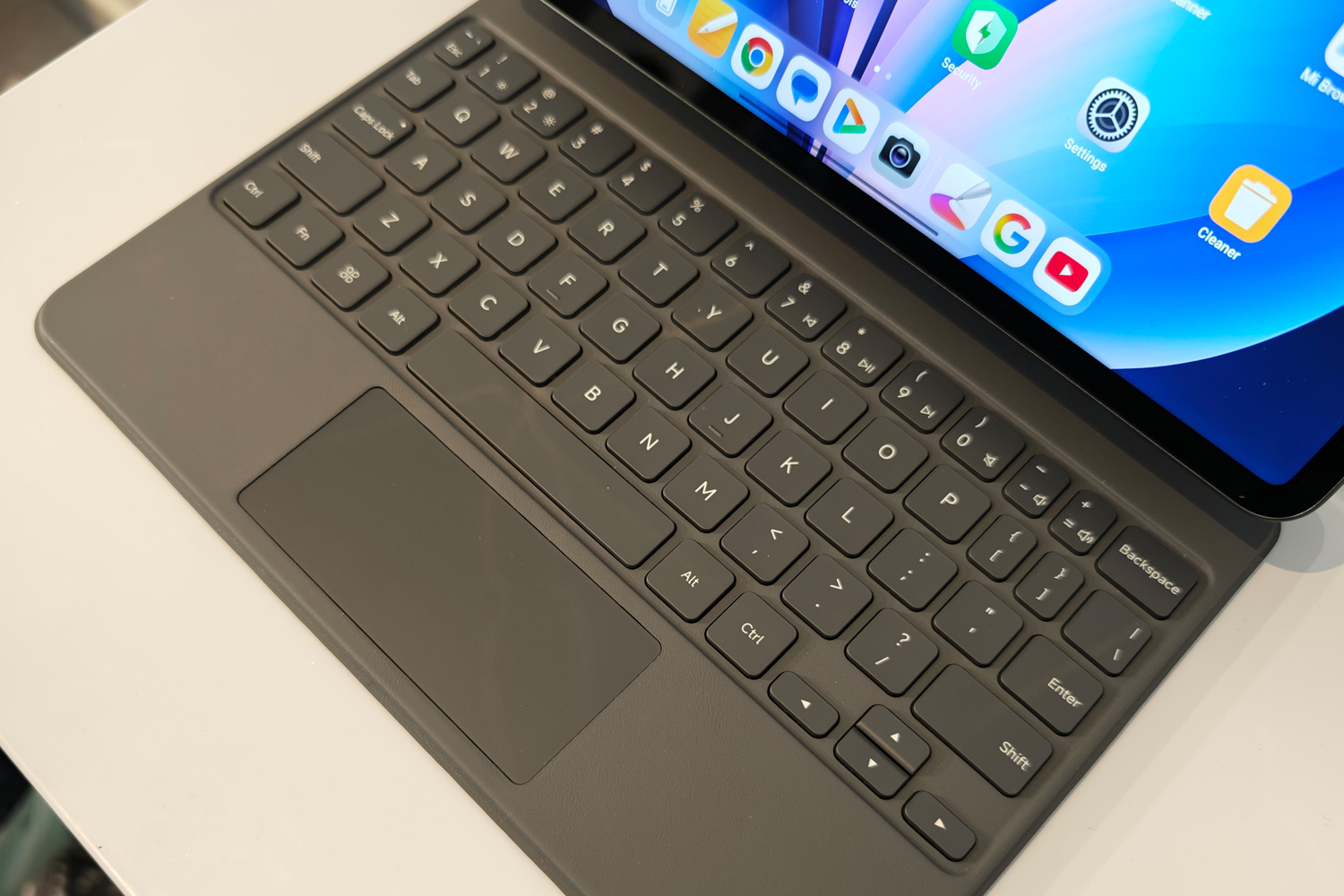
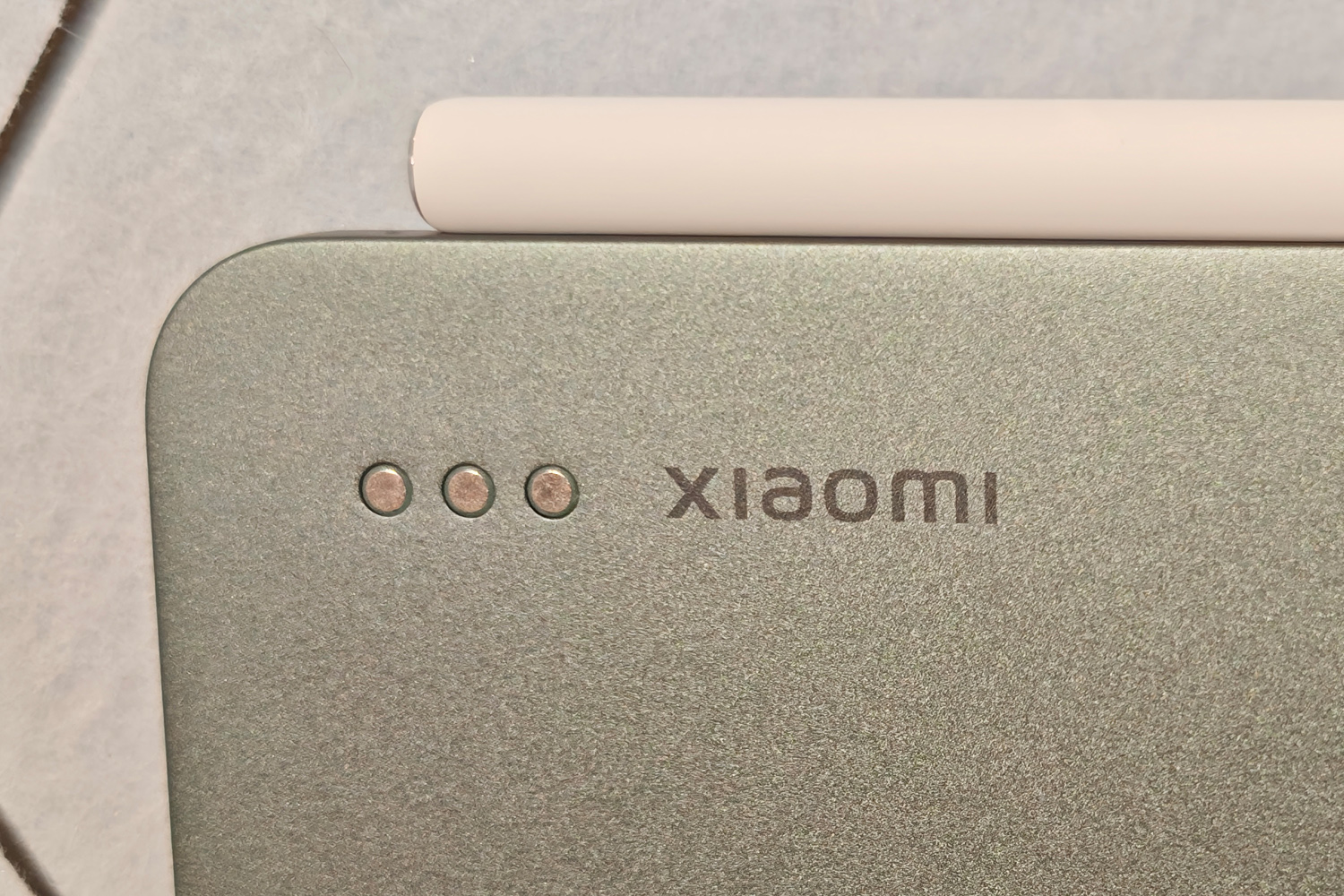
Pogo pins on the Pad 8’s rear panel let it seamlessly connect to Xiaomi’s new generation Focus Keyboard. It grips the tablet firmly with magnets, popping on and off with a firm grip, and the floating hinge styling looks properly premium – if an almost exact retread of Apple’s Magic Keyboard.
As with last year’s version, you get a full QWERTY keyboard and a glass touchpad surrounded by faux leather, with enough padding to keep the screen scratch-free when folded shut. There’s plenty of adjustment to get a decent viewing angle, the keys are surprisingly bouncy, and sensibly spaced apart. The backlight shines through each key clearly, making them easy to read at night.
I was quickly typing at full speed, and thought Android 16 coped better with a keyboard attached than previous versions did; the onscreen keyboard didn’t appear nearly as often, and the vertical toolbar that appears when you tap on a text box was great for quickly referencing Android-specific shortcuts or adding emojis.
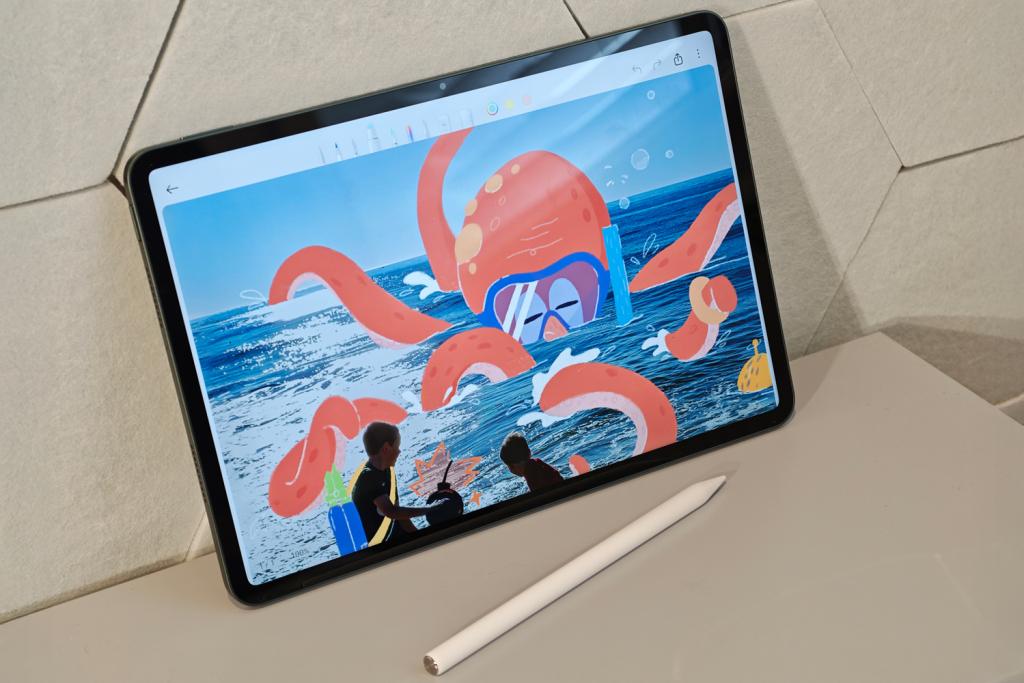
Xiaomi’s Focus Pen stylus is fully supported, docking to the top edge of the tablet and charging wirelessly when stowed. It’s touch-sensitive, opening context-sensitive menus and switching drawing tools with a press to the side. I found it as responsive and accurate to write with as an Apple Pencil.
Screen & sound: a familiar face
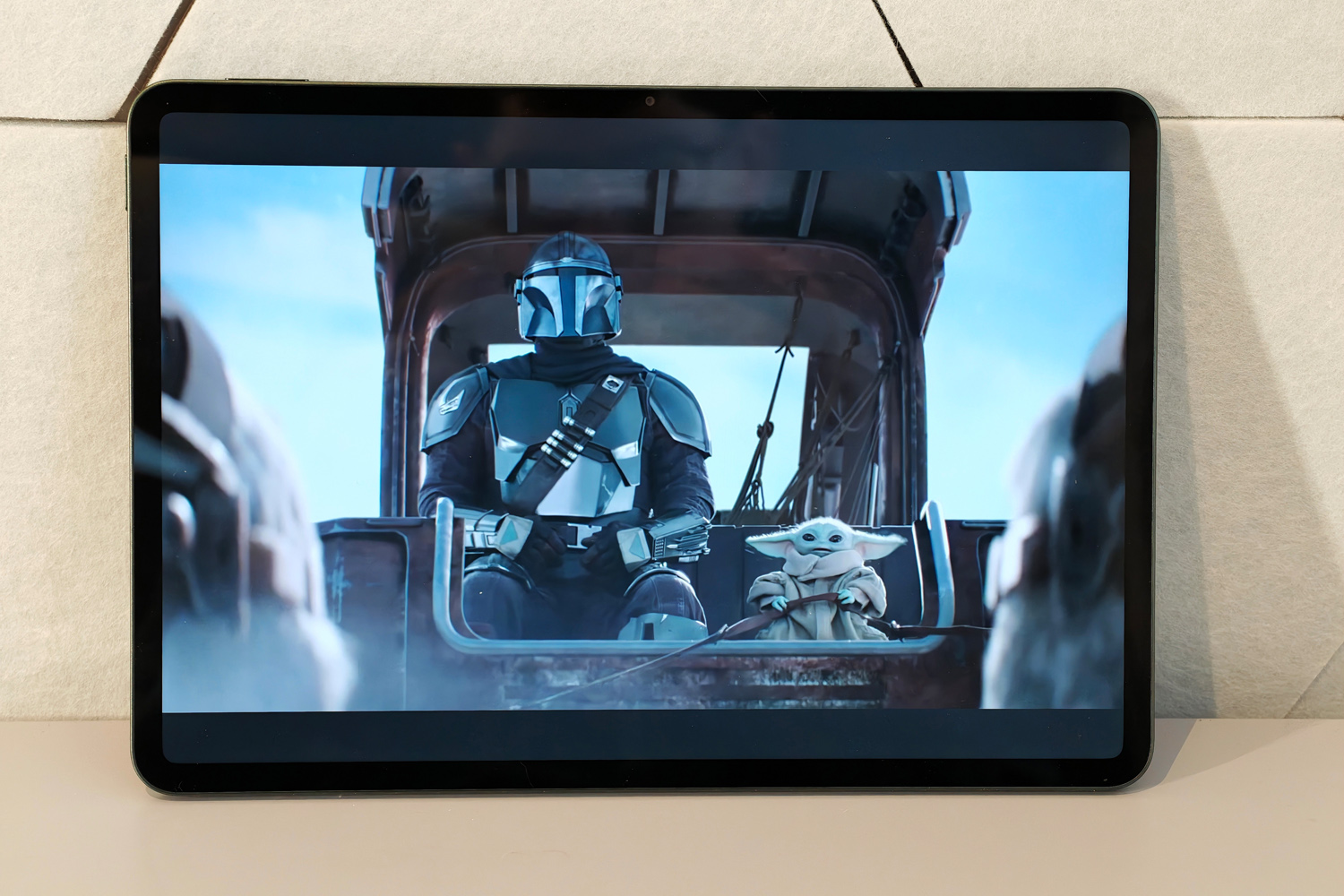
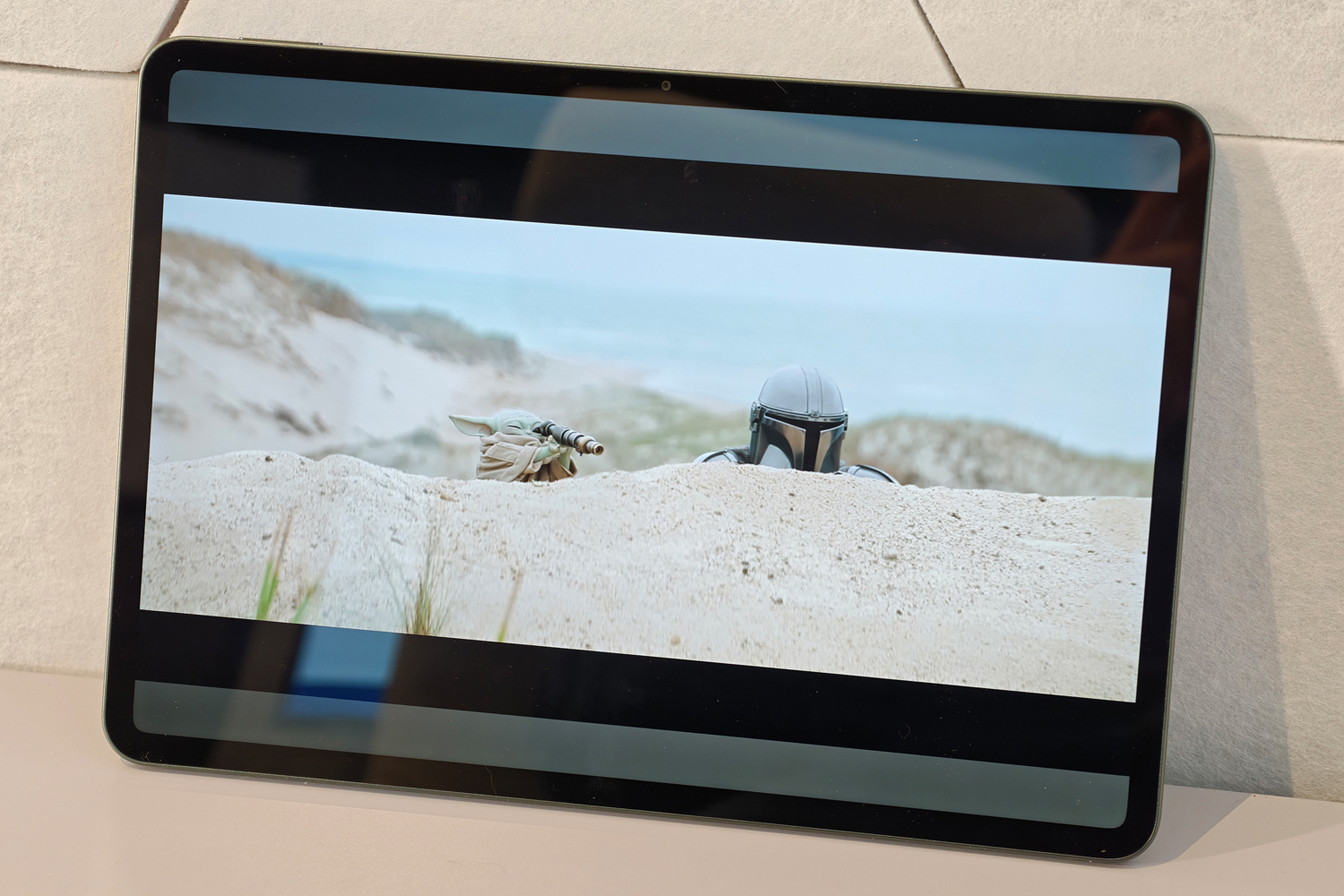
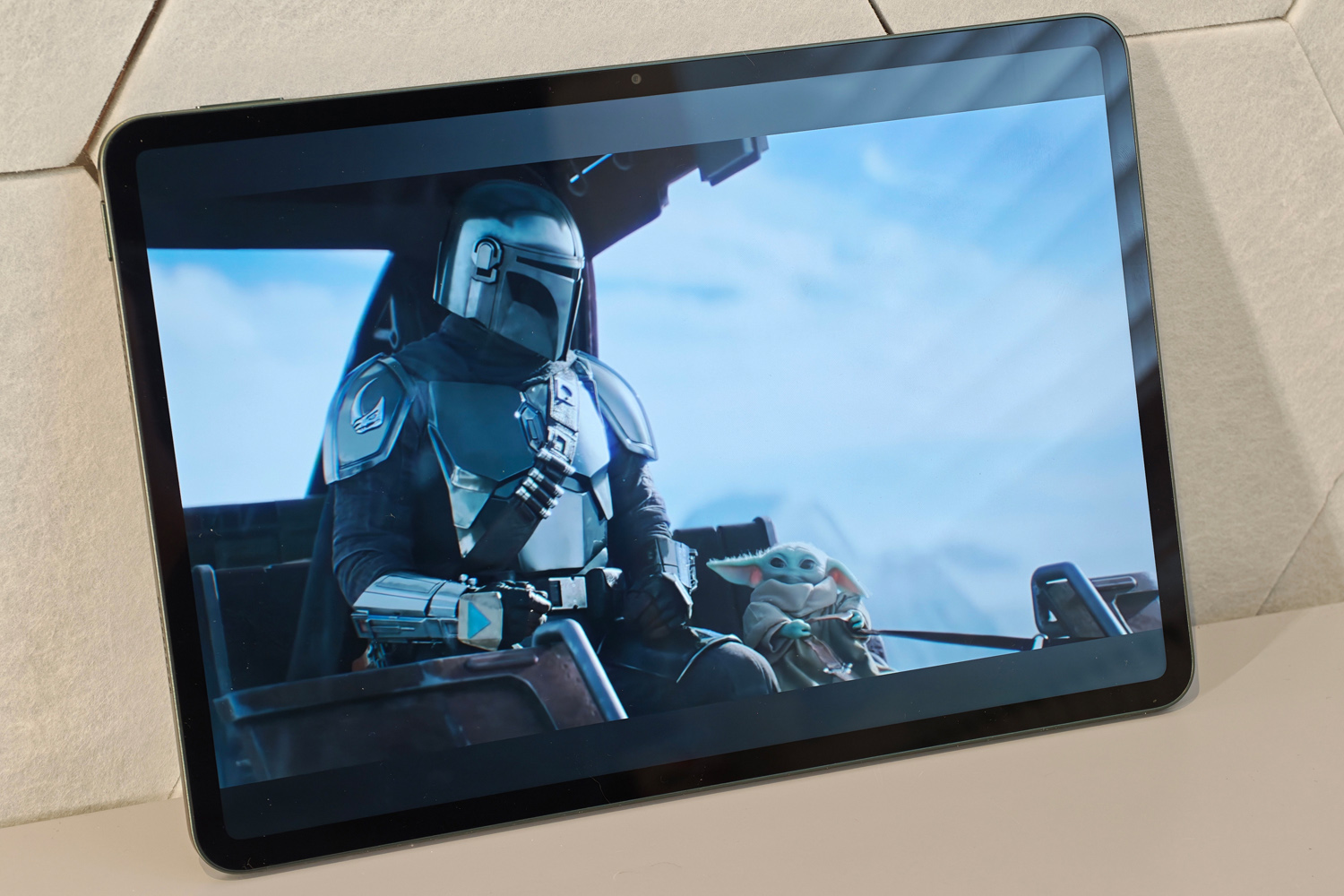
Judged purely by the spec sheets, it doesn’t seem like Xiaomi has mixed up its display offering between Pad generations. Indeed, my Pad 8 review unit looks nigh-on identical to last year’s Pad 7 Pro when placed side-by-side. That’s not necessarily a bad thing, though, as a high pixel count and decently high brightness made the old model rather easy on the eyes.
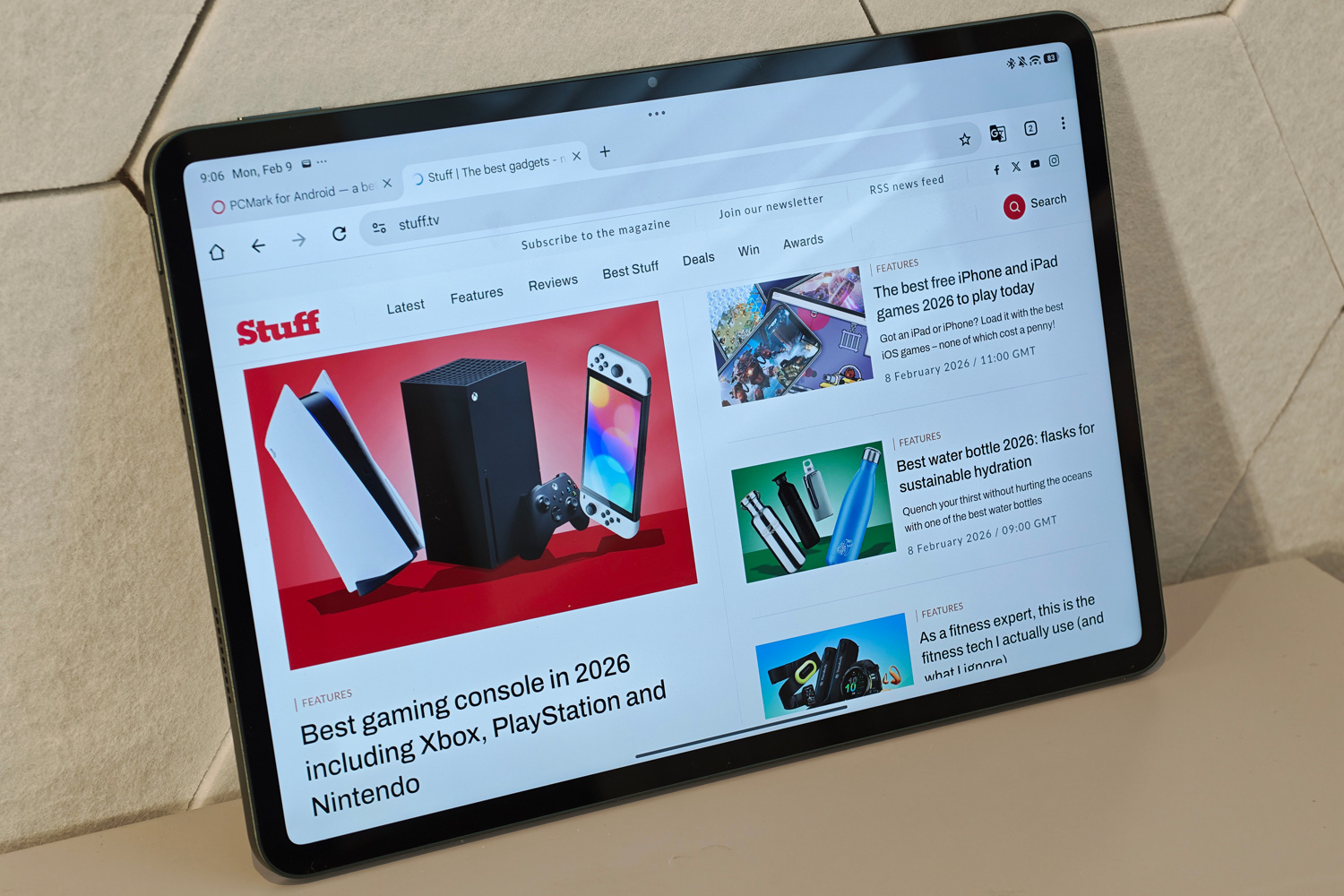
You’re still getting an 11.2in panel, which is usefully big enough for split screen multitasking without demanding to be held in two hands. The 3200×2136 resolution is impressively sharp, packing in more pixels per inch than many rivals, and the maximum 144Hz refresh rate can be gloriously smooth. 120Hz tends to be the maximum for most apps, but it’s quick to react to onscreen motion so I never felt the need to force it on permanently.
I’m still a fan of the 3:2 aspect ratio, which might mean black bars for video content, but gives more vertical space when held in landscape than the 16:9 ratio still found on other Android tablets.
We’re getting another year of LCD panel tech here – OLEDs haven’t yet dropped in price enough to make the cut in affordable tablets, unfortunately – which means contrast and black levels aren’t up to the standard of something like a Galaxy Tab S11. Samsung’s slate costs considerably more, however, and the Xiaomi isn’t a million miles behind. Images still appear nice and vibrant, with rich colours and HDR10 support. It gets usefully bright, too, which helps when taking the tablet outdoors.
I couldn’t detect any major audio upgrades, with the Pad 8’s four Dolby Atmos-approved speakers getting just as loud and with the same level of clarity as the outgoing Pad 7 Pro. As budget-minded tablets go there’s little to moan about, with a decent tonal balance that doesn’t entirely skimp on bass.
Software experience: ready for work
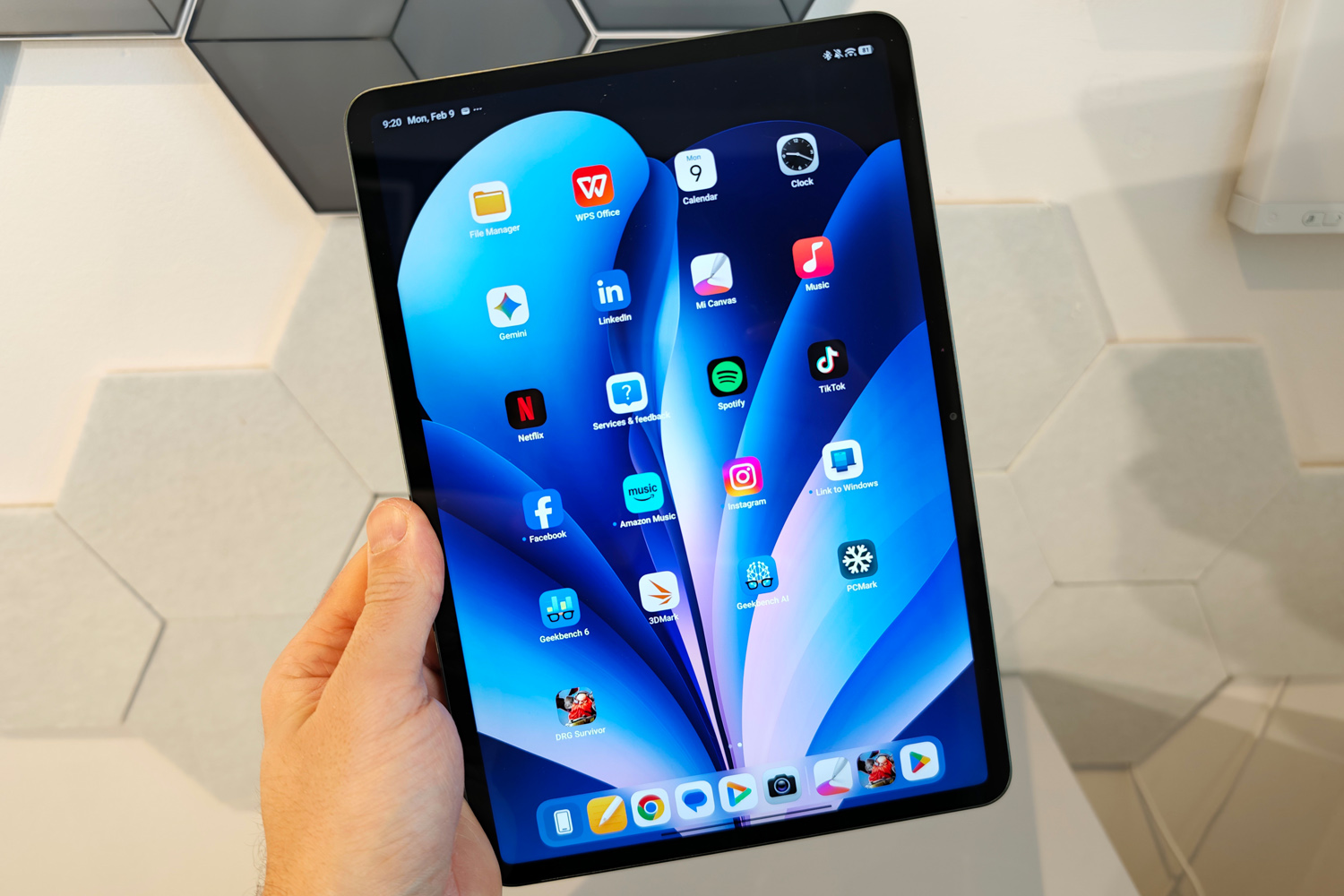
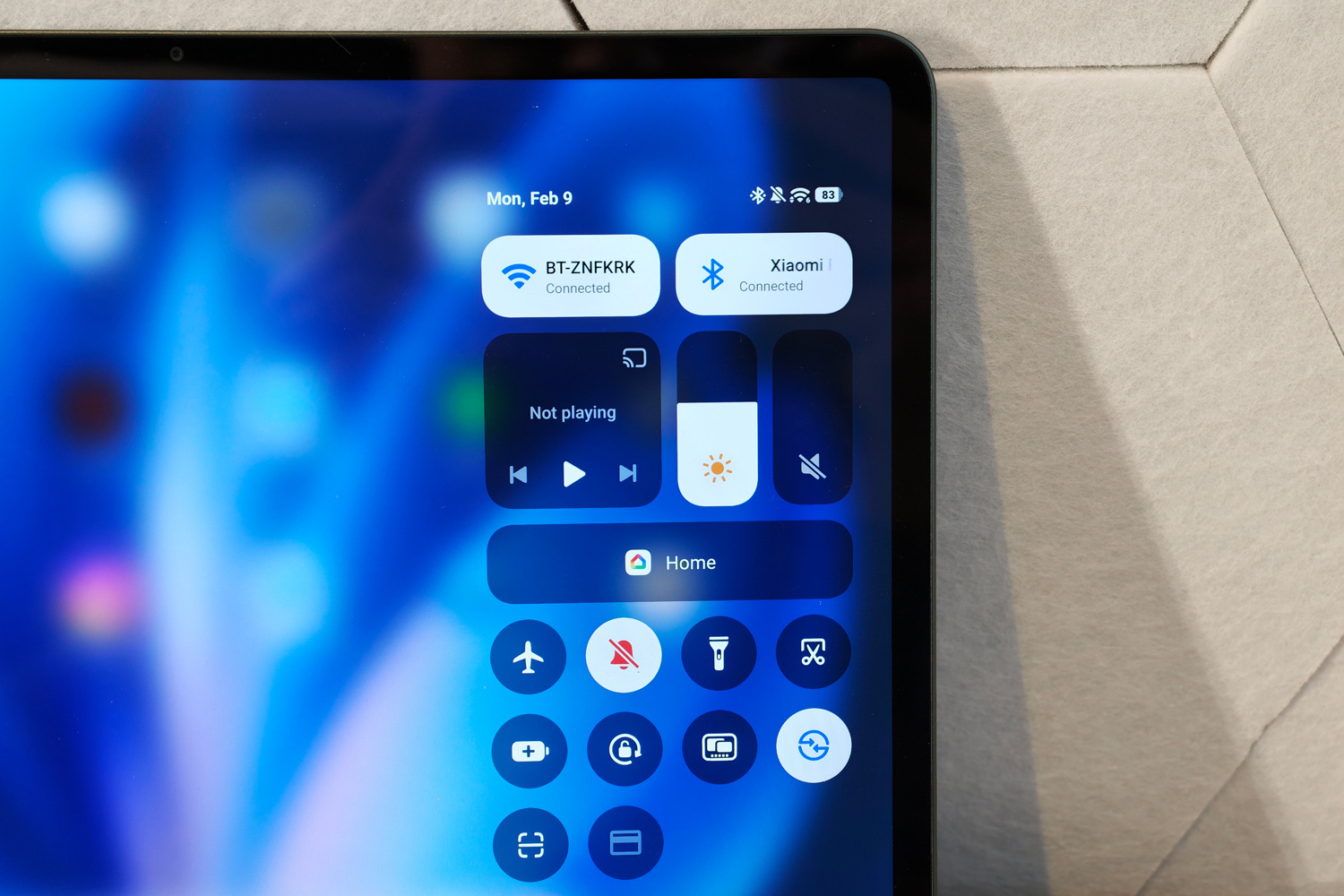
Xiaomi’s HyperOS Android UI hasn’t changed dramatically since last year’s Pad 7 Pro, but seeing how well optimised for bigger screens version 2 was, I’m not complaining. V3.0 now sits atop Android 16 and brings some minor visual upgrades, but keeps the user-friendly layout and work-friendly multitasking modes.
A floating dock that springs up from the bottom of the screen with a short swipe is standard Android tablet fare at this point, but I still liked being able to quickly open a second app in split view – then add a third in a floating window. You’re limited to a vertical split, albeit in any ratio you like, and there’s no off-screen overflow like OnePlus’ sublime Open Canvas.
The Workstation mode then wants to be the Xiaomi version of Samsung’s DeX, but it’s not quite as flexible. You’re still limited to three main windows plus a fourth floating one, and hooking up to an external screen can only mirror the tablet, not extend it.
Xiaomi phone owners will appreciate the interconnectivity smarts, though. You can duplicate a paired handset’s homescreen on the tablet, have notifications appear on both devices, share clipboard contents, and continue where you left off in compatible apps. It’s still not as tightly integrated as Apple’s handoff functionality, but it’s getting closer with each new iteration. You’re out of luck if your phone is made by another brand, though.
There’s a generous helping of home-grown apps waiting for you on first boot, with many competing directly with Google’s defaults. A lot of them have received a double helping of Xiaomi’s AI smarts: the image gallery can generatively expand photos and erase objects, the voice recorder can transcribe and summarise audio clips, and the notes app offers to summarise long documents or expand shorter sentences. None of it is life-changing, in my experience, but it works as well as rival models do on other phones. Gemini and Circle to Search both stick around, too.
Long-term software support is expected to be around four years, with a further two years of security patches thrown in for good measure. A decent offering, if not quite class leading.
Performance & battery life: what more do you want
If you’re wanting maximum bang for your buck, the Xiaomi Pad 8 won’t disappoint. It’s packing a Qualcomm Snapdragon 8s Gen 4 chipset, which instantly gives it a power advantage over budget rivals that use MediaTek silicon. My review unit came paired with 8GB of RAM and 128GB of storage.
It absolutely romped home in synthetic tests, with scores that were in many cases double what the OnePlus Pad Go 2 managed with a Dimensity 7300 Ultra processor. The year-on-year gains aren’t huge, admittedly, with the Pad 7 Pro’s Snapdragon 8s Gen 3 not being too far behind. A OnePlus Pad 3 has them both licked, courtesy of a Snapdragon 8 Elite, but costs far more.
Those numbers translate to snappy real-world performance, whether I was using one app at a time or multi-tasking with two or three at once. You’re not left waiting around for windows to open, apps scroll smoothly, and it doesn’t need to reload windows when switching between apps as often as I expected given the amount of memory. Creative types will be happy to hear drawing apps and the like were perfectly responsive too.
| Xiaomi Pad 8 benchmark scores | |
|---|---|
| Geekbench 6 single-core | 2138 |
| Geekbench 6 multi-core | 6381 |
| Speedometer 3.1 | 18.6 |
| PCmark Work 3.0 | 14,972 |
| Geekbench AI | 3846 |
| 3Dmark Wild Life Extreme | 4635 |
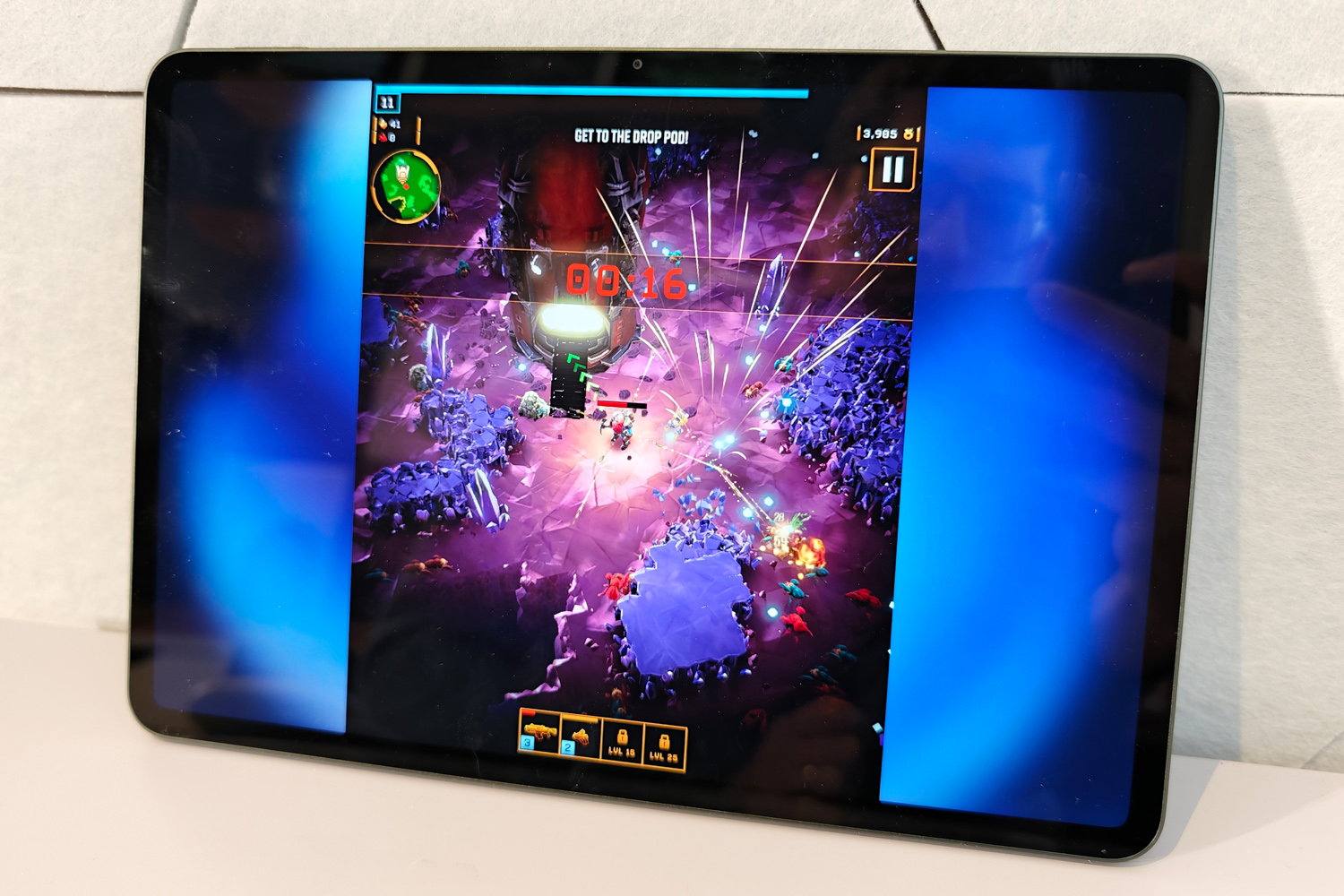
I wouldn’t call the Pad 8 a gaming powerhouse, but it’ll comfortably hit smooth frame rates in modern 3D Play Store releases like Red Dead Redemption. Performance didn’t tank after a prolonged play session, either.
Games do take their toll on battery life, but the Xiaomi Pad 8 can still put in a strong shift. That’s partly down to the 9200mAh battery, which while not colossal as far as Android tablets go, is a welcome step up from the older Pad 7 Pro’s 9950mAh cell. Even with the more power-hungry chipset, it got through multiple days of typical use. Spend a lot of time streaming videos and it should still last an entire day before needing a trip to a plug socket. A good showing all round that compares favourably against rivals.
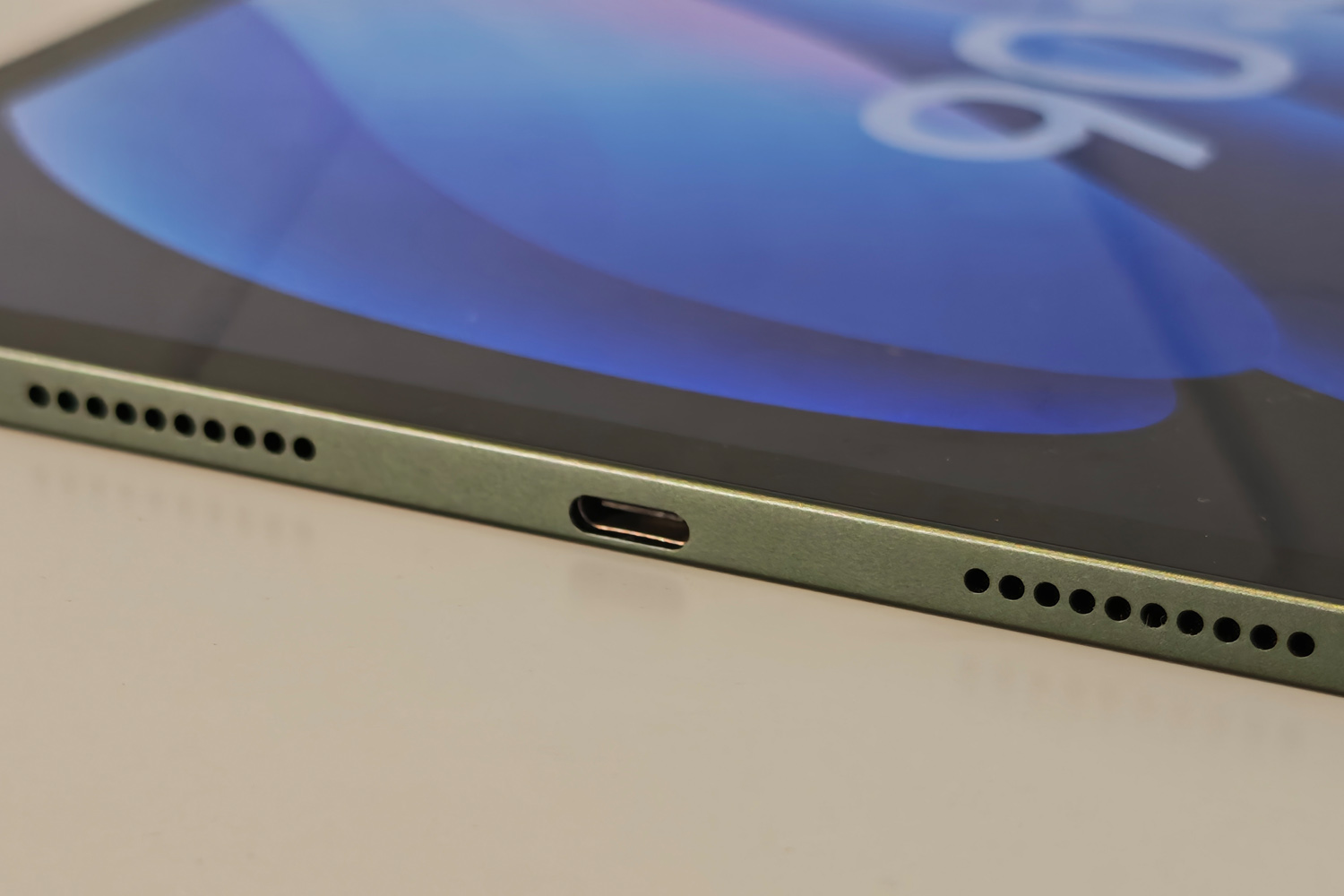
45W charging over USB-C isn’t too shabby either, even if it’s a step down from the Pad 8 Pro’s 67W maximum.
Xiaomi Pad 8 verdict
It might not be a massive step forward from the previous generation (which at the time of writing was still doing the rounds online, and at a healthy discount from the original RRP) but the Xiaomi Pad 8 has done just enough to eclipse its affordable Android tablet rivals. There’s considerably more power here than the OnePlus Pad Go 2, and a more up-to-date operating system than you’ll find with sub-brands Redmi or Poco.
Getting an LCD screen rather than an OLED isn’t a dealbreaker at this price, and the lack of a fingerprint sensor is a minor grumble when the facial recognition works so consistently. HyperOS is more productivity-minded than ever, and Xiaomi’s accessory game is very strong.
If Android has all the apps you need, this can be a capable work machine; if not, be prepared to spend considerably more to trick out an iPad with a keyboard and stylus.
Stuff Says…
Another fantastic all-rounder Android tablet with a travel-friendly screen size. Official accessories then turn the Xiaomi Pad 8 from multimedia machine to productivity gem.
Pros
Ample performance for most Android tablet tasks
Strong accessory lineup makes this more than an entertainment device
Consistently great battery life
Cons
LCD display isn’t able to match OLED for contrast
No fingerprint sensor unless you spring for the Pro
Xiaomi Pad 8 technical specifications
| Screen | 11.2in, 3200×2136 LCD w/ 144Hz |
| CPU | Qualcomm Snapdragon 8s Gen 4 |
| Memory | 8GB RAM |
| Cameras | 13MP rear 8MP front |
| Storage | 128GB on-board |
| Operating system | Android 16 w/ HyperOS 3 |
| Battery | 9200mAh w/ 45W wired charging |
| Dimensions | 251x173x5.8mm, 494g |


 Tom Morgan-Freelander
Deputy Editor
Tom Morgan-Freelander
Deputy Editor