Poco Pad M1 review: a bargain tablet that’s a little too familiar
Poco keeps it in the family with its first wallet-friendly slate


Stuff Verdict
An affordable Android tablet that punches above its weight on styling and battery life. The Poco Pad M1 is a decent performer and isn’t short on productivity-minded accessories either.
Pros
- Large, high res screen and punchy speakers great for multimedia
- Long-lasting battery
- Sleek styling and high quality peripherals
Cons
- Charging speeds are pretty sluggish
- Off-angle viewing isn’t the greatest
Introduction
Poco has carved out a niche as parent company Xiaomi’s affordable smartphone specialist, but budget tablets have up to now been stablemate Redmi’s domain – at least outside of its native China. The Poco Pad M1 is looking to change that, with competitive specs and a very appealing price.
Dig a little deeper, though, and you’ll quickly clock this as essentially a rebadged Redmi Pad 2 Pro. With near-identical software and only small shifts in styling, it falls almost entirely on price as to which one takes the lead. The Redmi will set you back £269 in 6GB/128GB guise, while the Poco Pad M1 starts at $329 (roughly £249) for the same specs. The UK and Europe get the former, while the latter is heading to the US only, so there’s no direct internal competition.
Neither slate exists in a vacuum, of course. Does the Poco have what it takes to challenge the value-minded OnePlus Pad Lite, as well as Amazon’s current crop of Fire tablets?
How we test tablets
Every tablet reviewed on Stuff is used as our main device throughout the testing process. We use industry standard benchmarks and tests, as well as our own years of experience, to judge general performance, battery life, display, sound and camera image quality. Manufacturers have no visibility on reviews before they appear online, and we never accept payment to feature products.
Find out more about how we test and rate products.
Design & build: test your metal
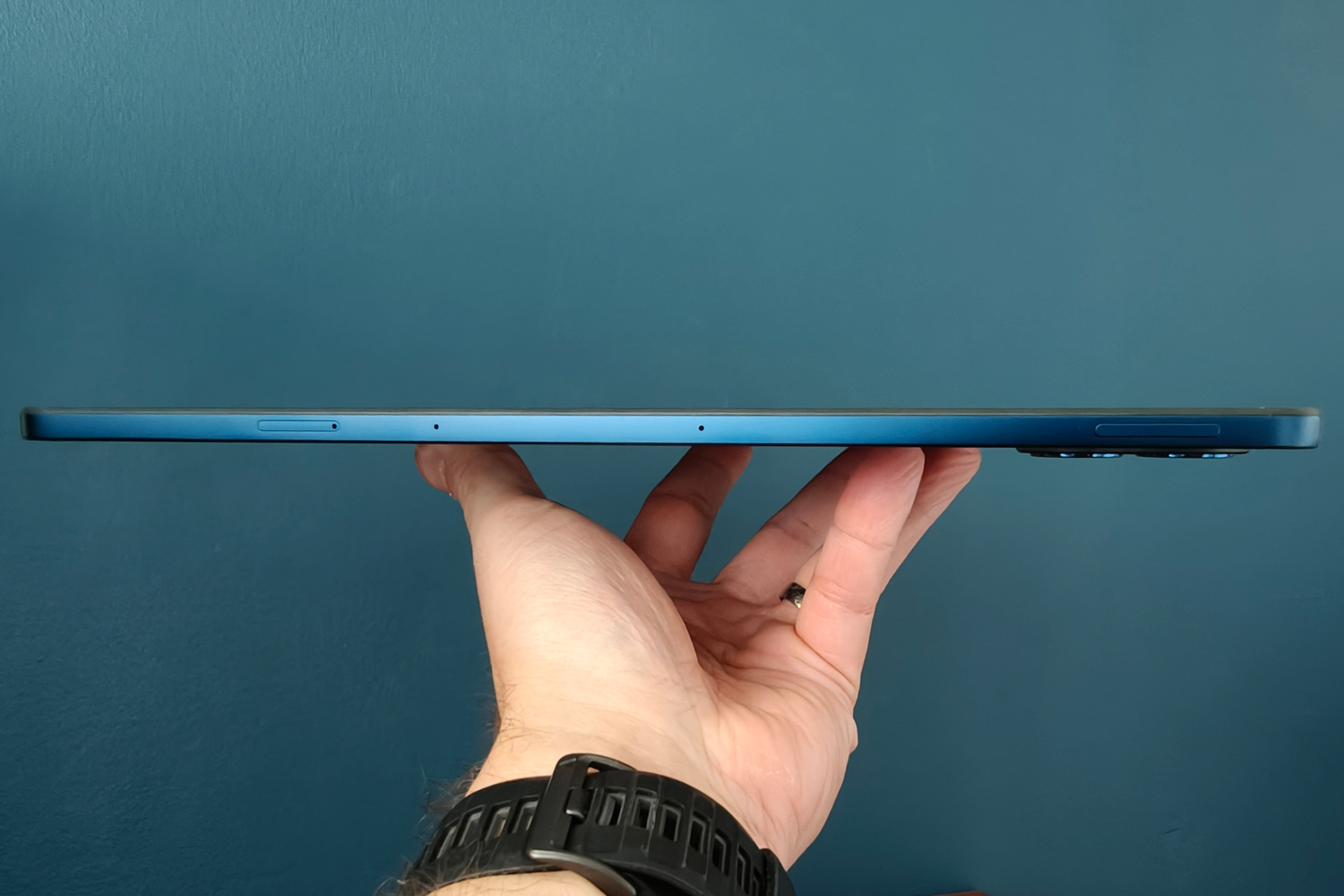
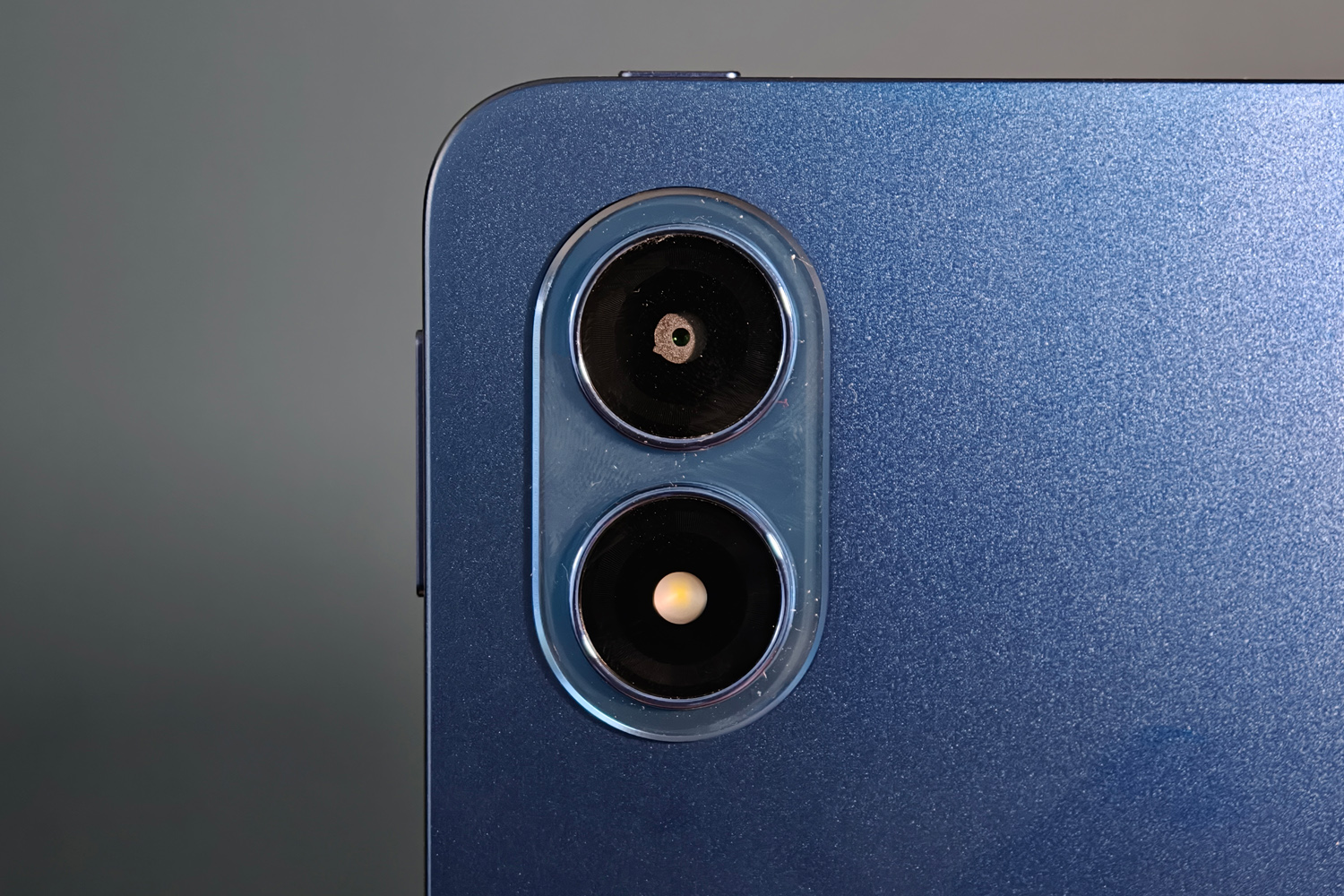
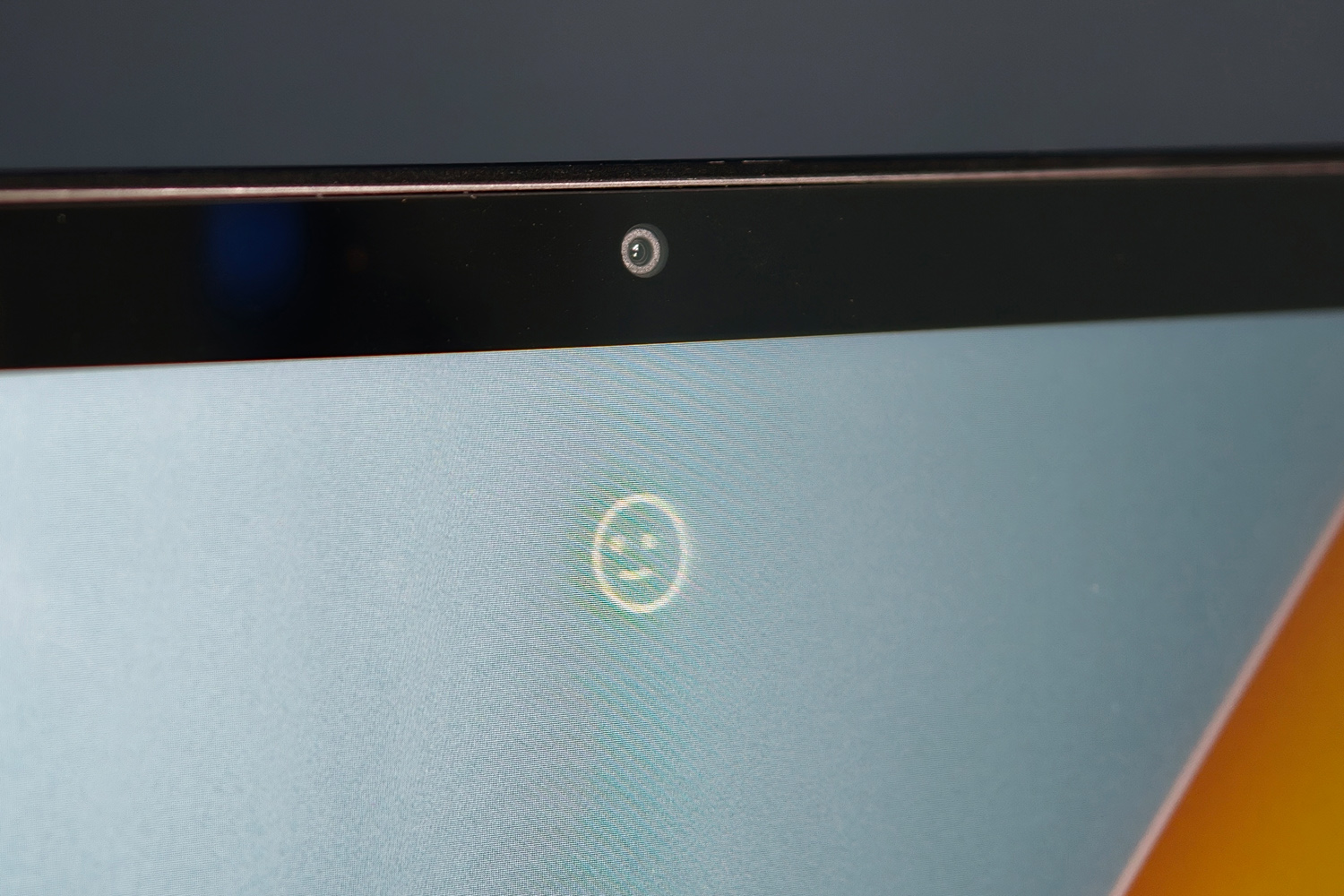

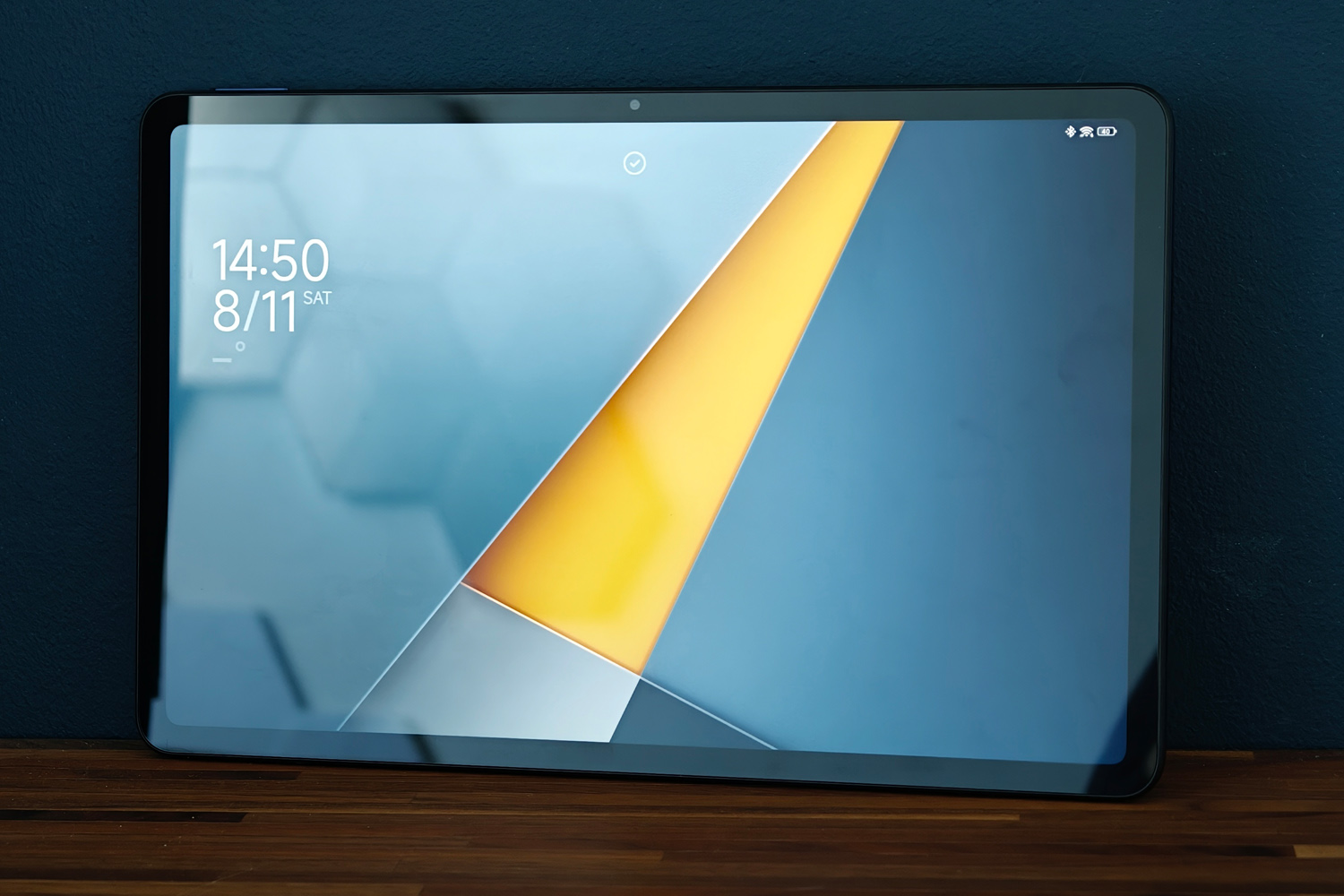
I doubt Poco’s design team had to put in any overtime before signing off the Pad M1’s styling. It’s pretty typical tablet fare, with a mostly plain rear and flat sides that are practically industry standard at this point. Even the sets of neatly machined speaker grilles look a lot like the Xiaomi Pad 7 Pro I reviewed at the start of 2025. On the other hand, being able to directly compare it with pricier fare is an achievement.
While a bit thicker than its higher-end cousin, and with chunkier display bezels, the metal construction helps it stand out from the budget alternatives. My blue review unit looks especially slick, with a polished finish that doesn’t immediately pick up fingerprints the moment you take the tablet out of its box.
It’s light enough to use one-handed in either orientation, though the selfie camera being placed half-way along the tablet’s longer side suggests it’s primarily designed for landscape. The 16:10 aspect ratio is definitely more multimedia-friendly than productivity-focused rivals with 3:2 displays.
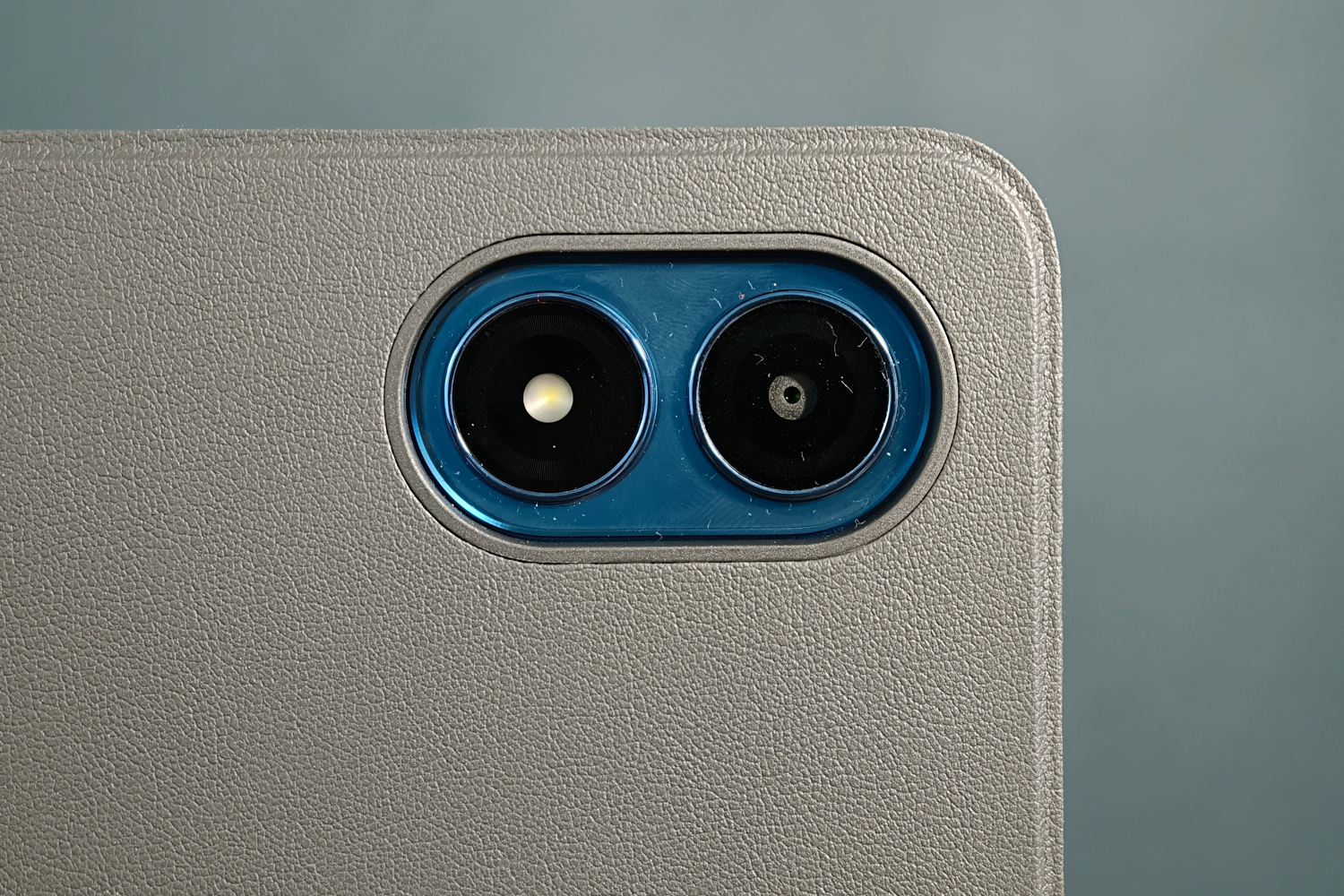
The pair of 8MP cameras deliver the sort of image quality you’d expect from an affordable tablet, and video recording tops out at a modest 1080P and 30fps. They’ll do in a pinch when you’ve not got your phone, but are best reserved for document scanning and video calls.
The front camera is also your only option when it comes to biometrics. With no fingerprint sensor, it means you’ll always need to use a PIN or password for banking apps and the like.

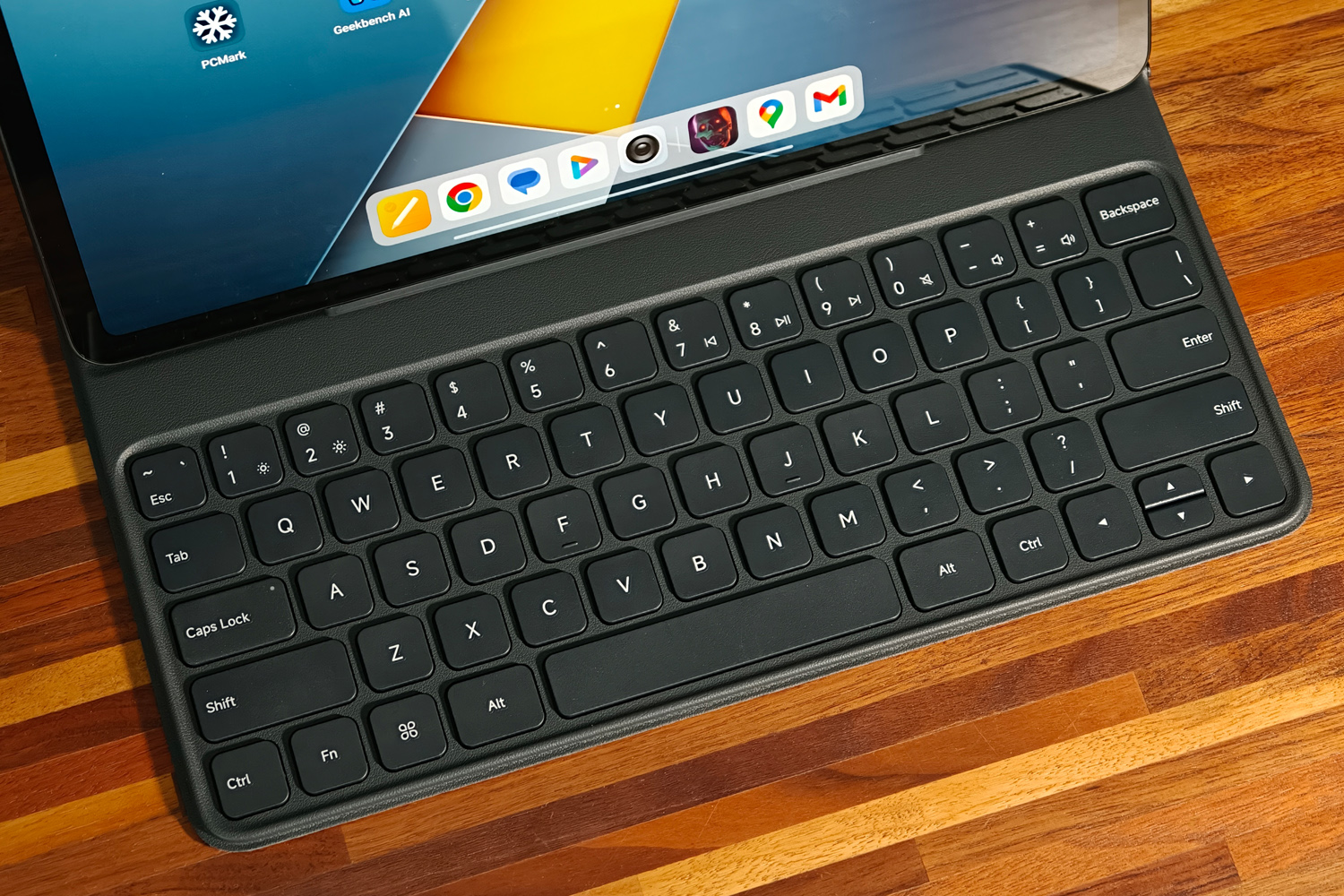
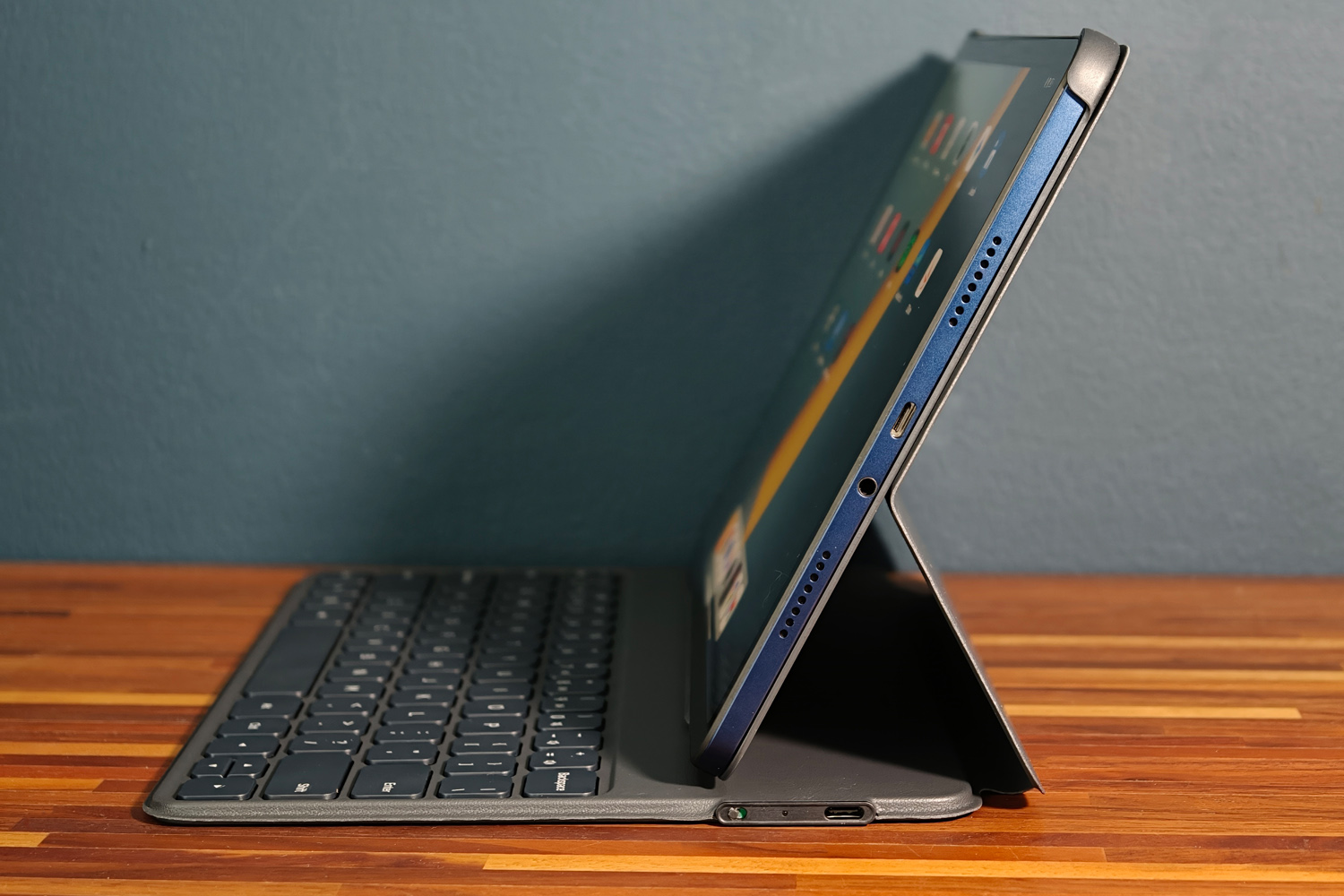
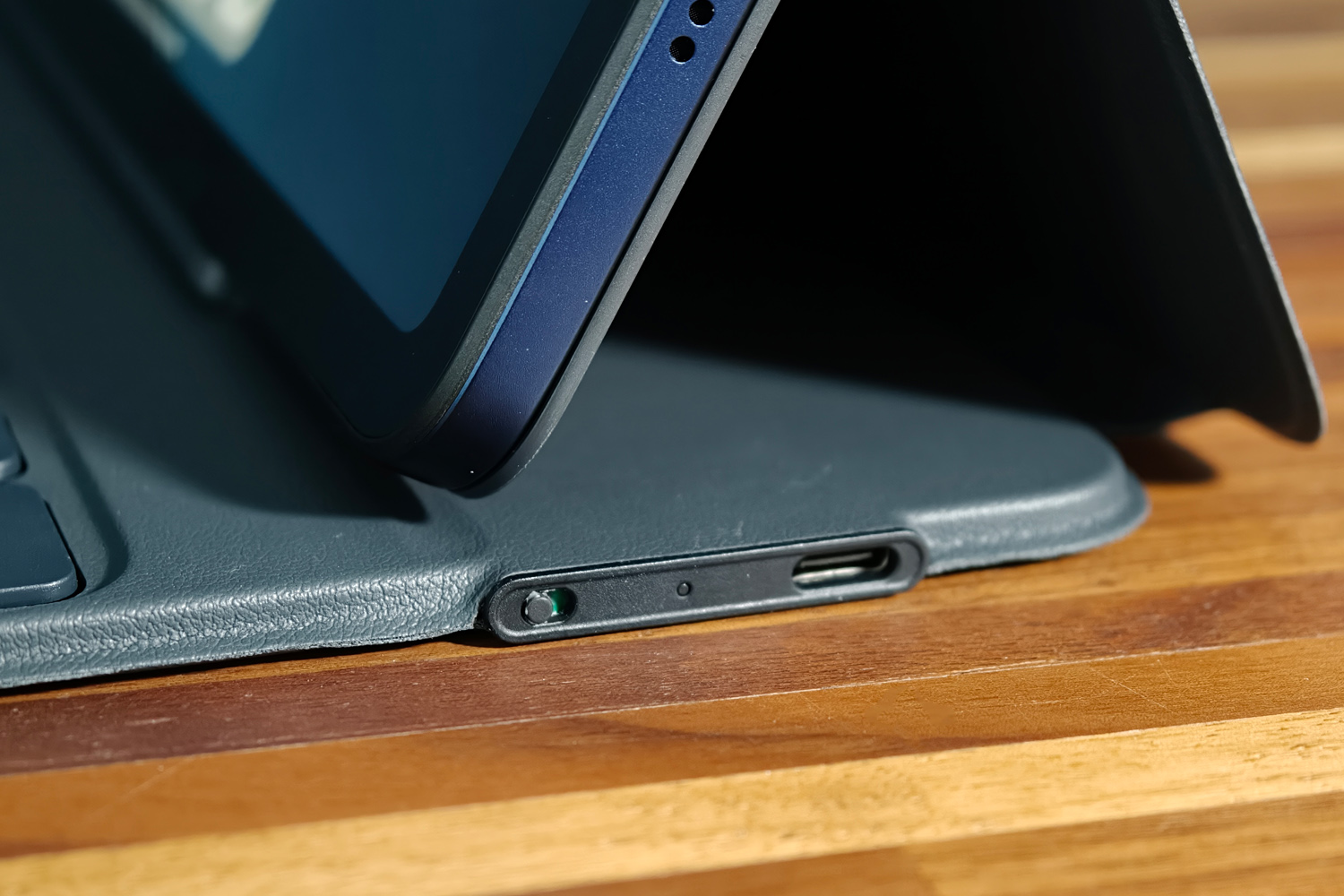
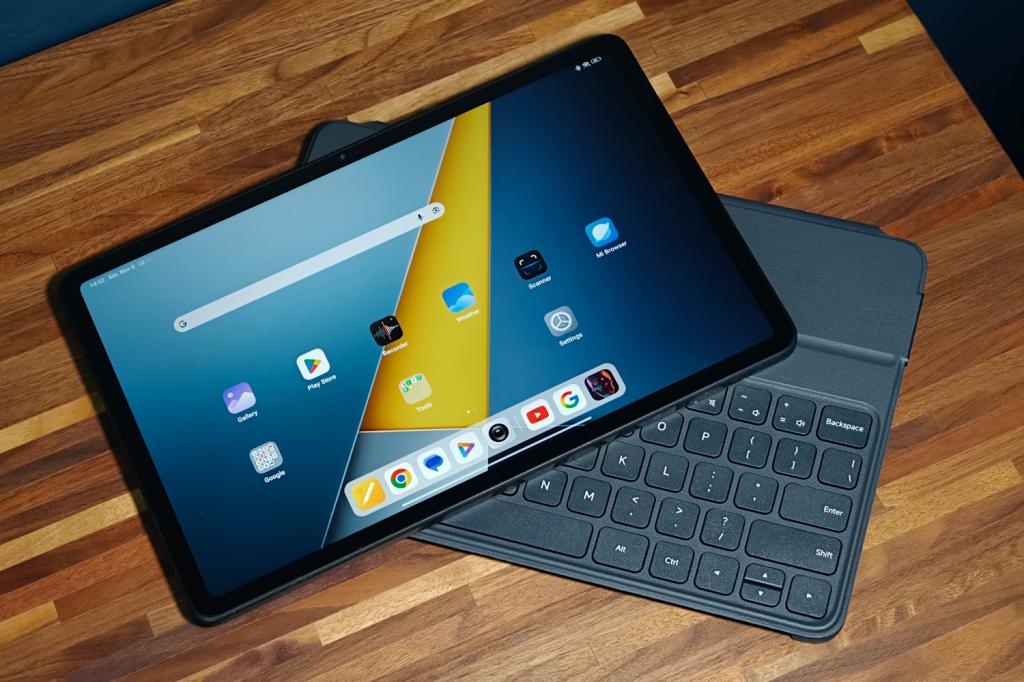
The official keyboard cover is worth factoring into the purchase price if you want to get any proper work done on the Poco Pad M1. It grips the tablet securely and has plenty of padding to protect it from accidental impacts. The faux leather finish feels nicer than you’d think given the cost, too.
Magnets automatically wake the screen when you open it up, hold it in place at an angle that’s ideal for desktop working, and send it to sleep again when you close it. You can’t adjust it to different angles like Xiaomi’s pricier Pad 7 Pro keyboard, though. It also pairs over Bluetooth, rather than pogo pins, which means you’ve got to charge it separately from the tablet.
The full compliment of QWERTY keys aren’t backlit and there’s no touchpad, but there’s a decent amount of key travel and everything is spaced nicely apart. Extremely tight economy plane seats aside, I had no trouble tapping out emails and documents on it.
Screen & sound: size matters
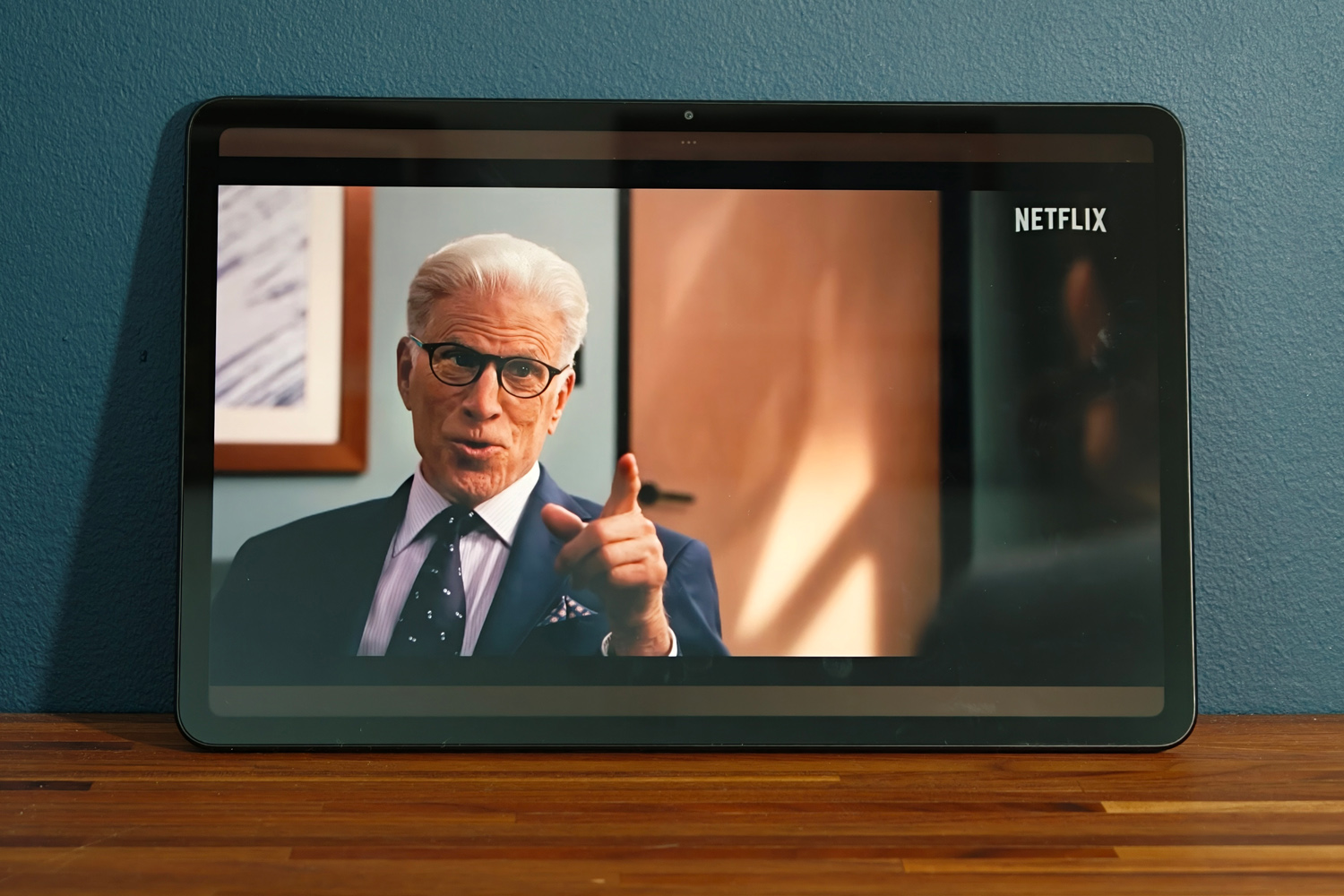

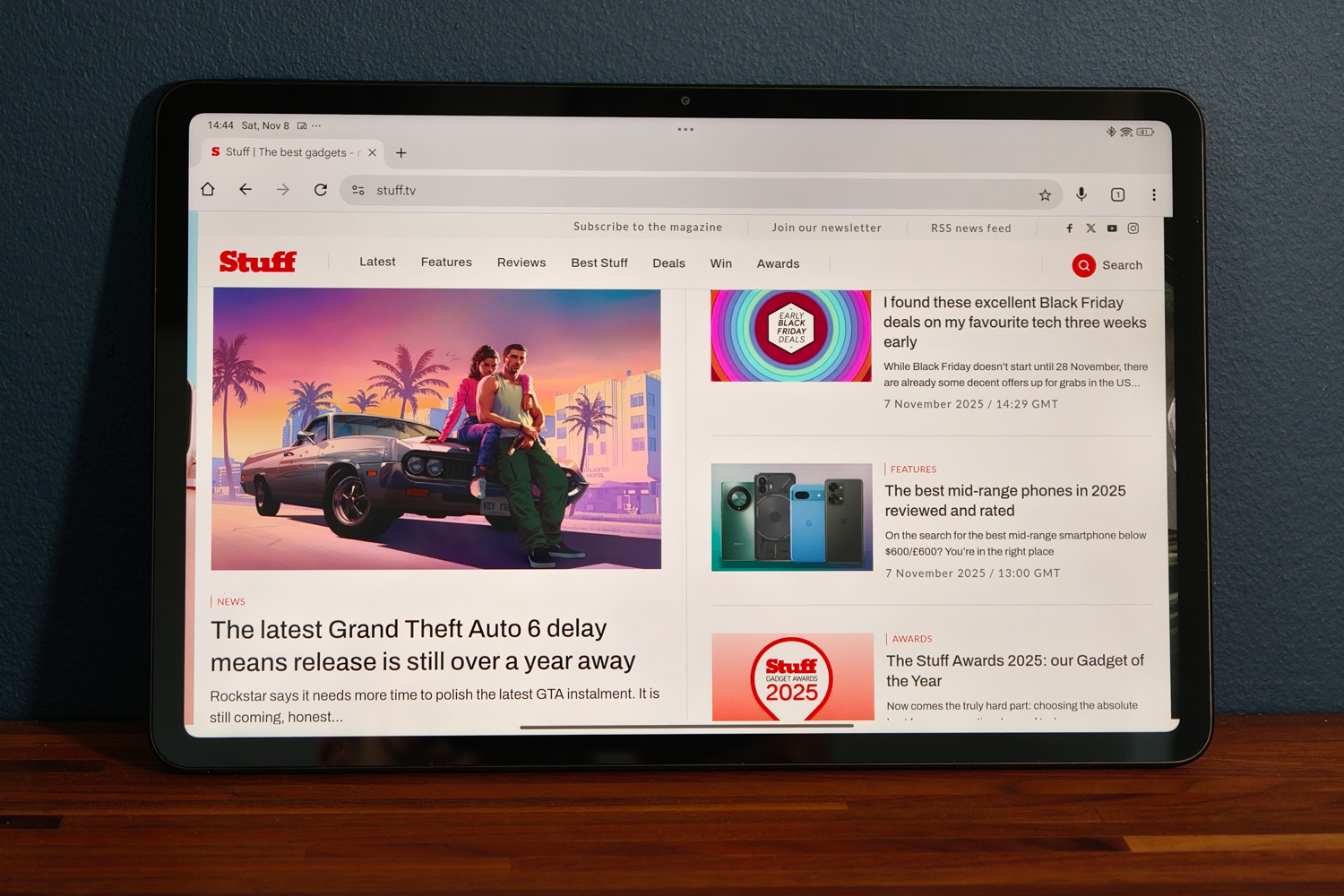
The Pad M1’s sizeable 12.1in screen looks plenty sharp enough at arms’ length, packing enough pixels into its 2560×1600 panel that even tiny fonts are crisp and legible when reading ebooks. The better-than-Full HD resolution gives images and videos a solid step up from a 1080p tablet once you find compatible content.
An adaptive 60-120Hz refresh rate gives smooth scrolling for the most part, though there were a few apps that didn’t seem to trigger the automatic switchover. If you want to force them on, you’ve got to go 120Hz all the time, and swallow a small hit to battery life.
That Poco has stuck with LCD panel tech isn’t a huge surprise, as large AMOLED tablets typically demand more cash than this. It can’t compete with pricier rivals for black depth or contrast as as result, and colours aren’t quite as vivid either. The Saturated colour mode does give everything a boost if you like your visuals to be a bit punchier. There’s also an adaptive mode that reacts to ambient light quite convincingly.
There’s Dolby Vision streaming support, but not HDR10, so YouTube will only come through with standard dynamic range. It’s not like the screen is short on brightness, maxing out at 600 nits in the sunlight mode (and a more manageable 500 nits indoors). However, even with things cranked off-angle viewing isn’t the greatest. This works best as a solo viewing experience for the most part.
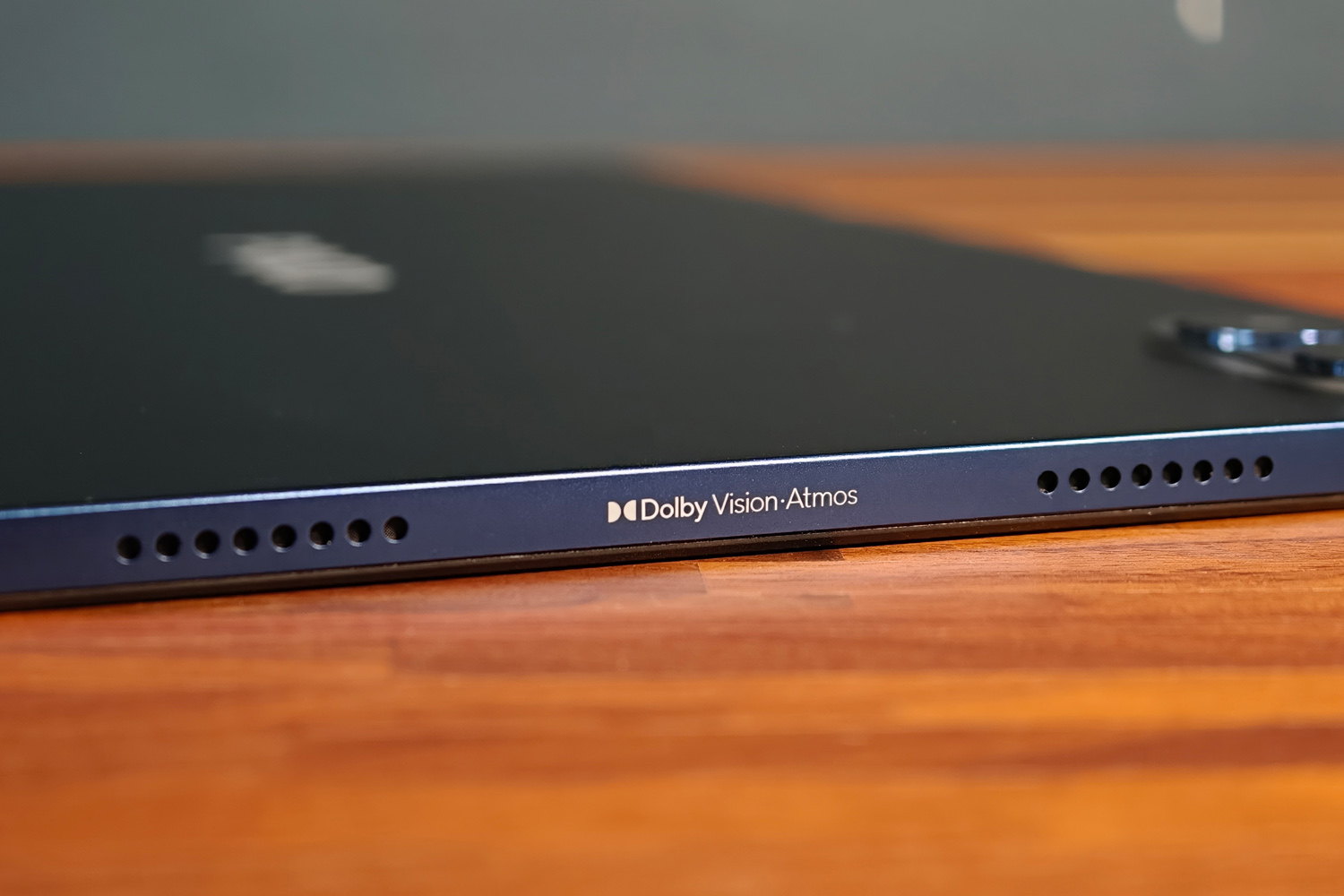
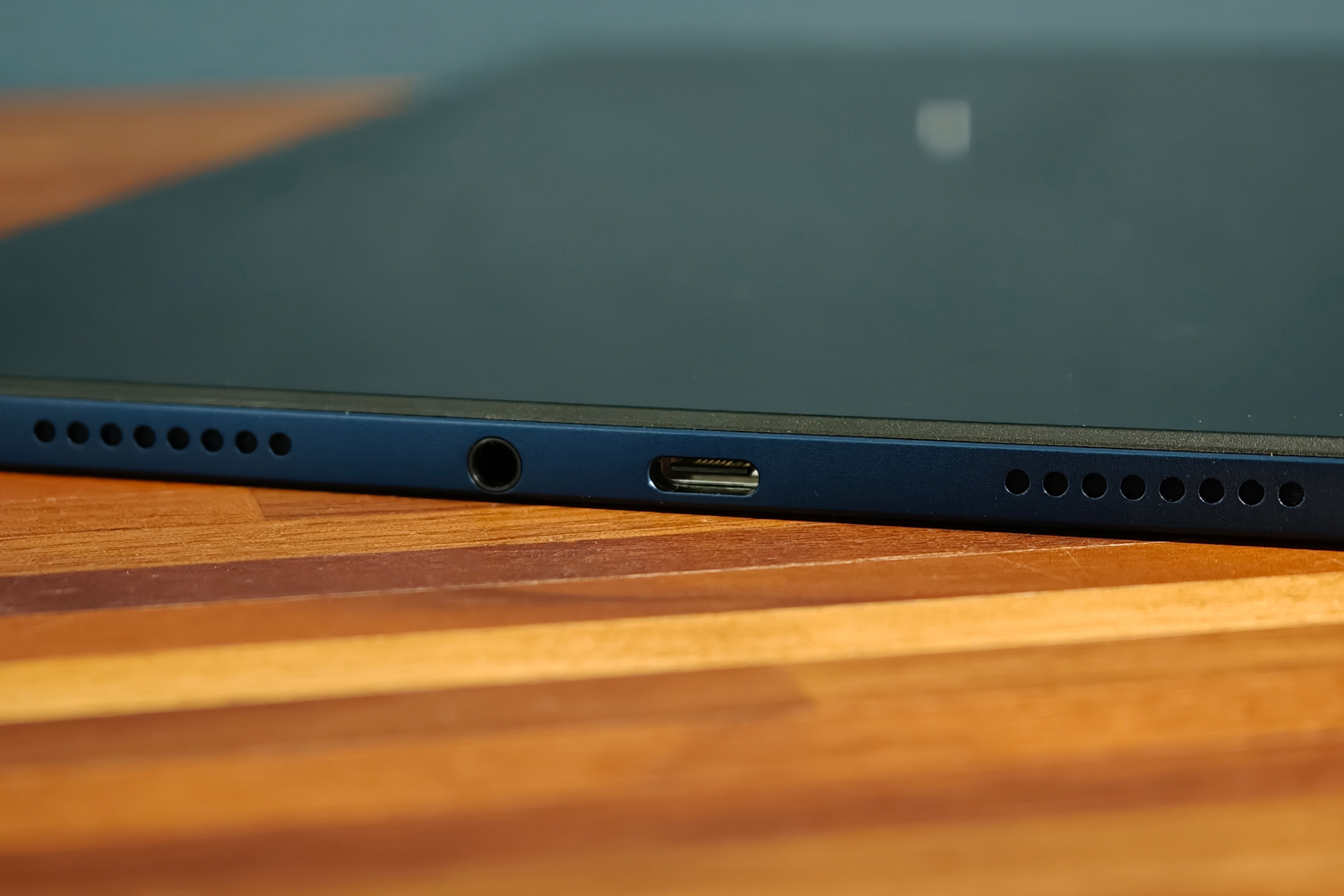
The opposite is true when it comes to sound: the Dolby Atmos-approved stereo speakers get properly loud. I’m not entirely convinced by the “300%” boost, which flattens the audio, but stick to sensible levels and vocals come through very cleanly for a budget tablet. The Poco Pad M1 also gets a thumbs up for including a 3.5mm headphone port.
Software experience: keeping tabs on you
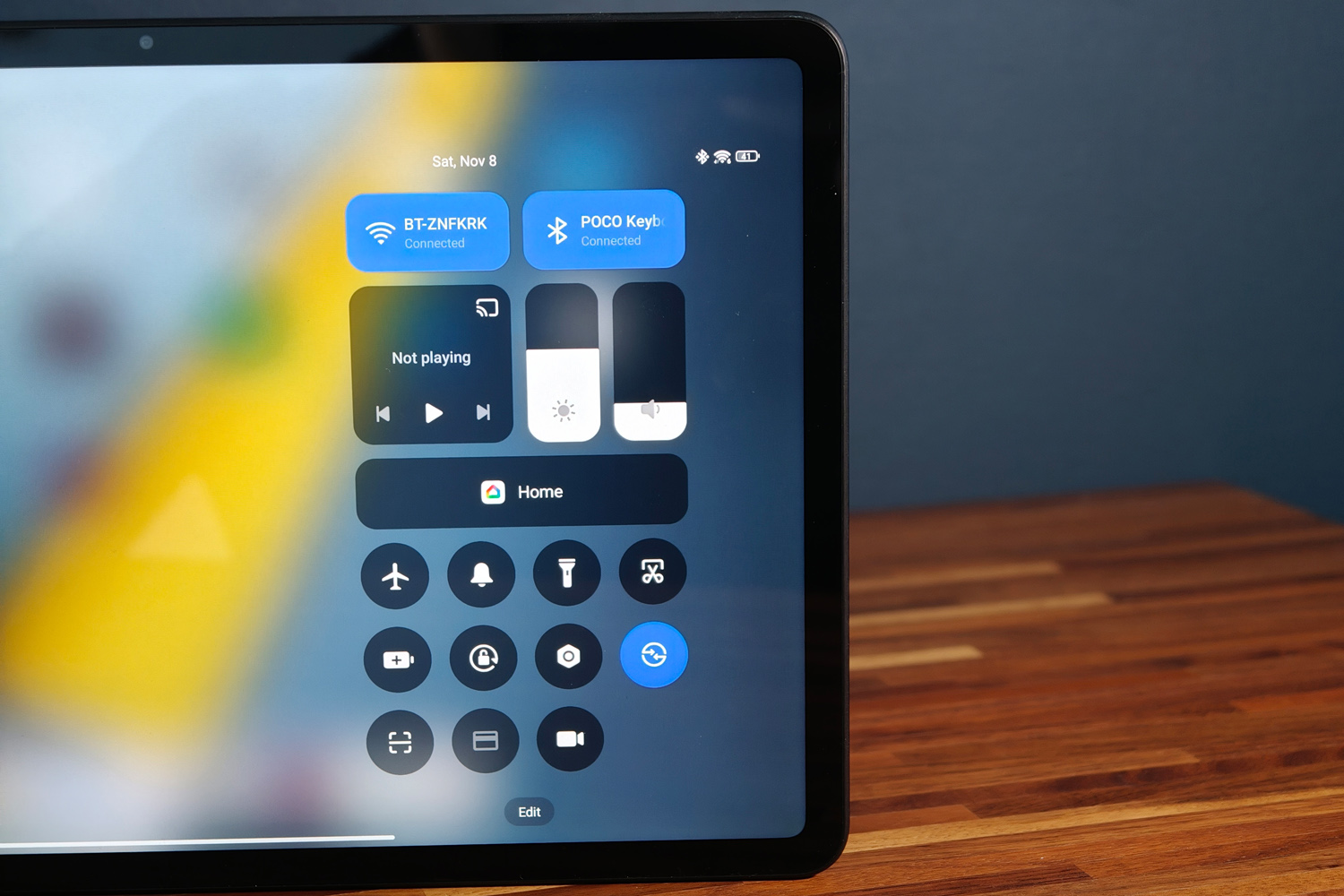
Parent company Xiaomi has moved most of its phones across to HyperOS 3.0, but its tablet range largely still uses v2.0 of the Android skin. The Poco Pad M1 is no exception, although an update is promised – at some point in the future.
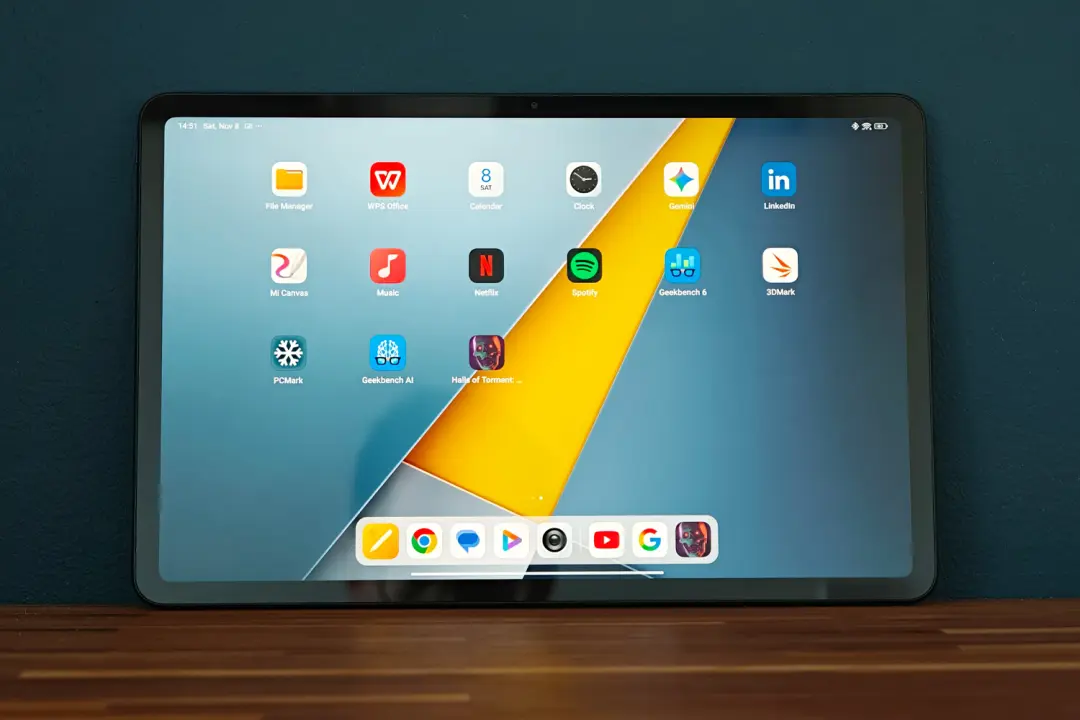
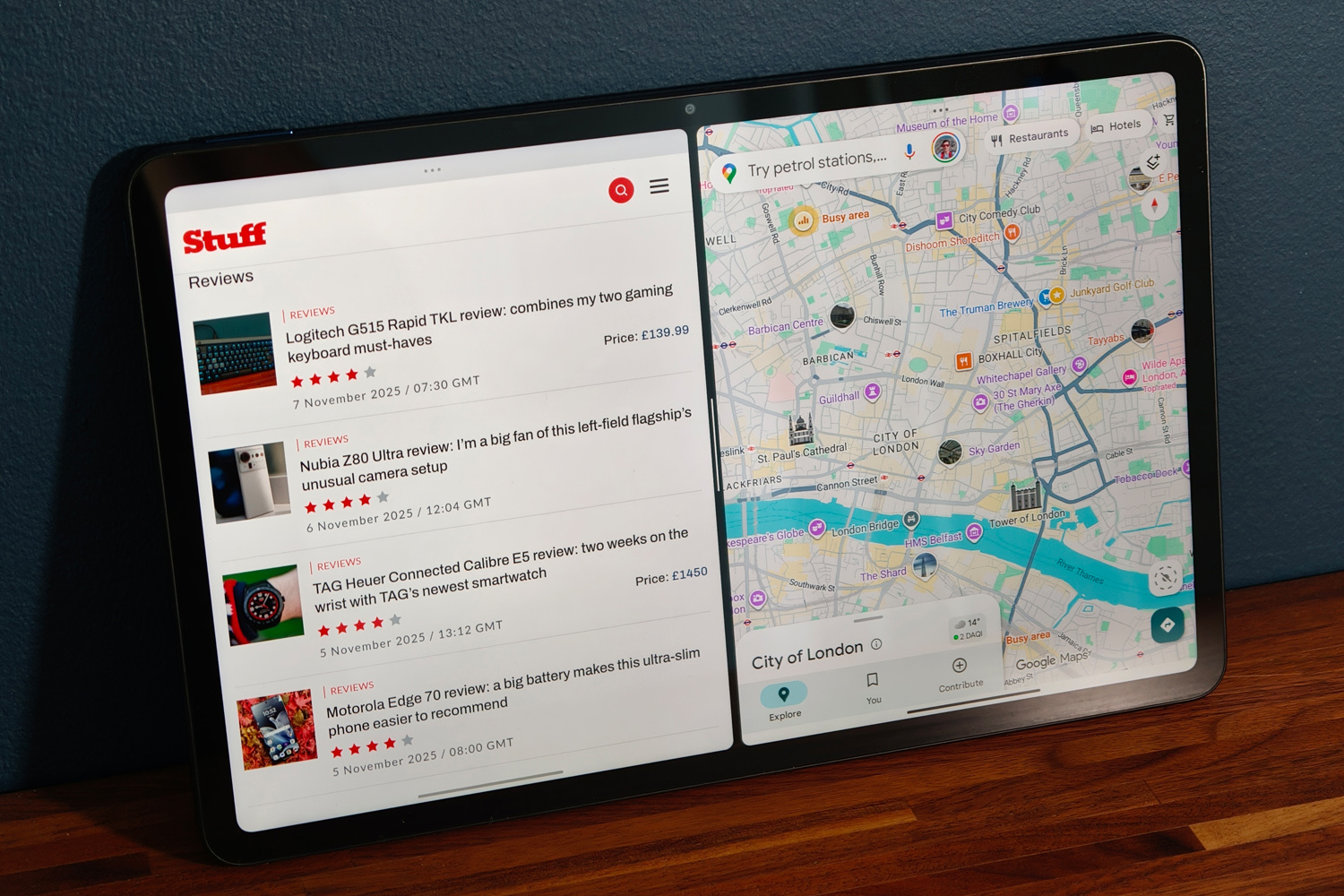
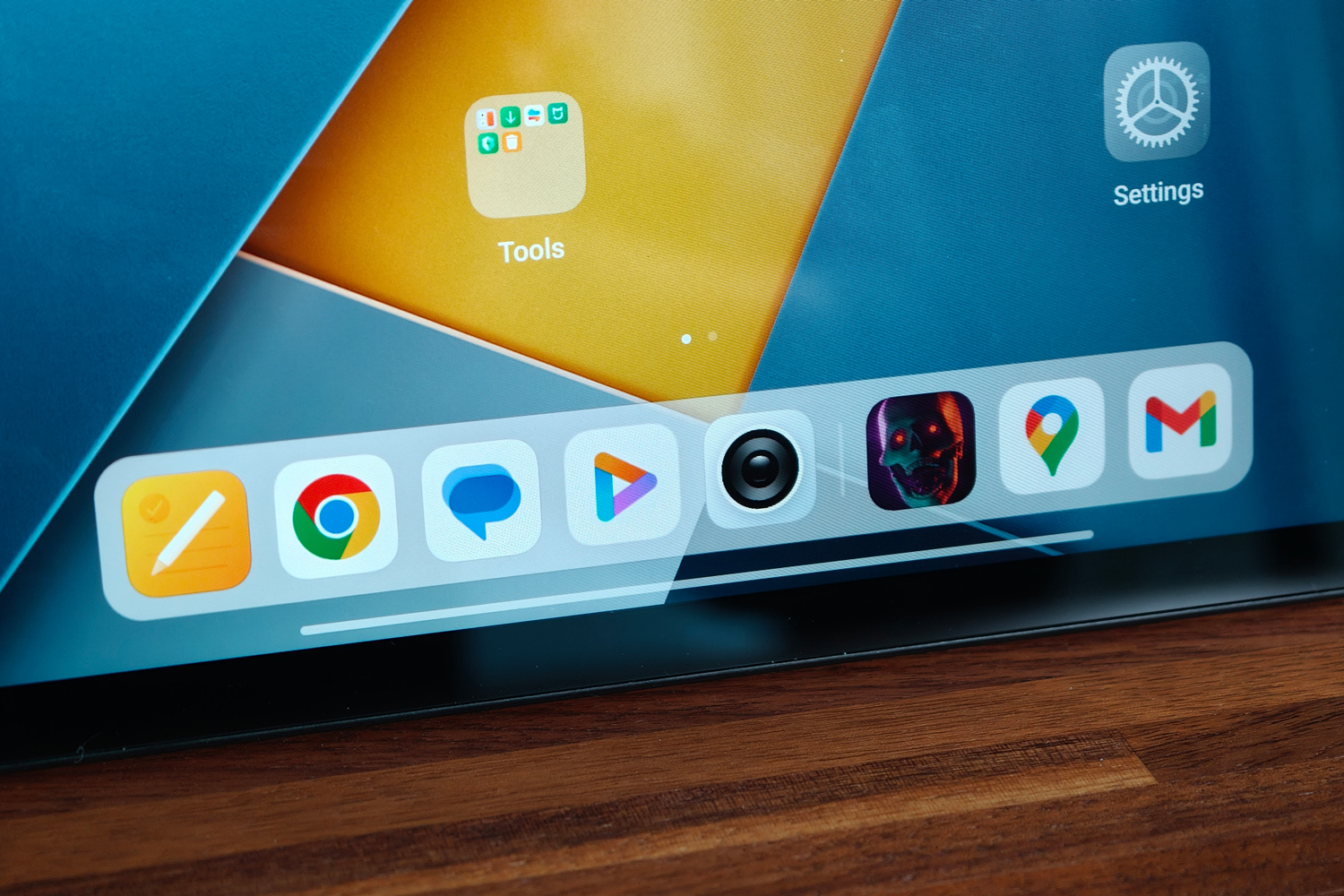
The interface is largely unchanged from the Xiaomi Pad 7 Pro, with pastel-like icons scattered across multiple home screens rather than tucked away in an app drawer. A short swipe up from the bottom edge revealed the floating dock that’s all but standard for modern Android tablets, with the ability to drag apps to the edge of the screen for side-by-side multitasking, or into the centre to open them as floating windows.
Poco hasn’t added a bunch of its own pre-installed apps – and has largely kept third-party bloat in check, which isn’t always a given on budget slates. A few Xiaomi defaults clash with Google’s, but not nearly to the extent of Samsung’s latest Galaxy Tabs. There are a bunch of interconnectivity modes and features if you also own a Xiaomi smartphone, but as I don’t I wasn’t able to try ’em out.
I like that you aren’t bombarded with AI-infused apps and features here. Circle to Search and Gemini voice assistant are both present, but the voice recorder doesn’t offer to transcribe or summarise my ramblings, and I’m not constantly prompted to “polish” my emails. The image gallery app has a handful of basic tools, but avoids generative fakery. Sometimes simple really is best.
Performance & battery life: on the money
This is the first tablet I’ve tested with Qualcomm’s mid-tier Snapdragon 7s Gen 4 silicon. My review unit sees it paired with 8GB of RAM and 256GB of on-board storage, but there’s also a cheaper 6GB/128GB variant in certain territories. The chipset is basically a speed bump over the previous generation, sticking with eight CPU cores and Adreno graphics.
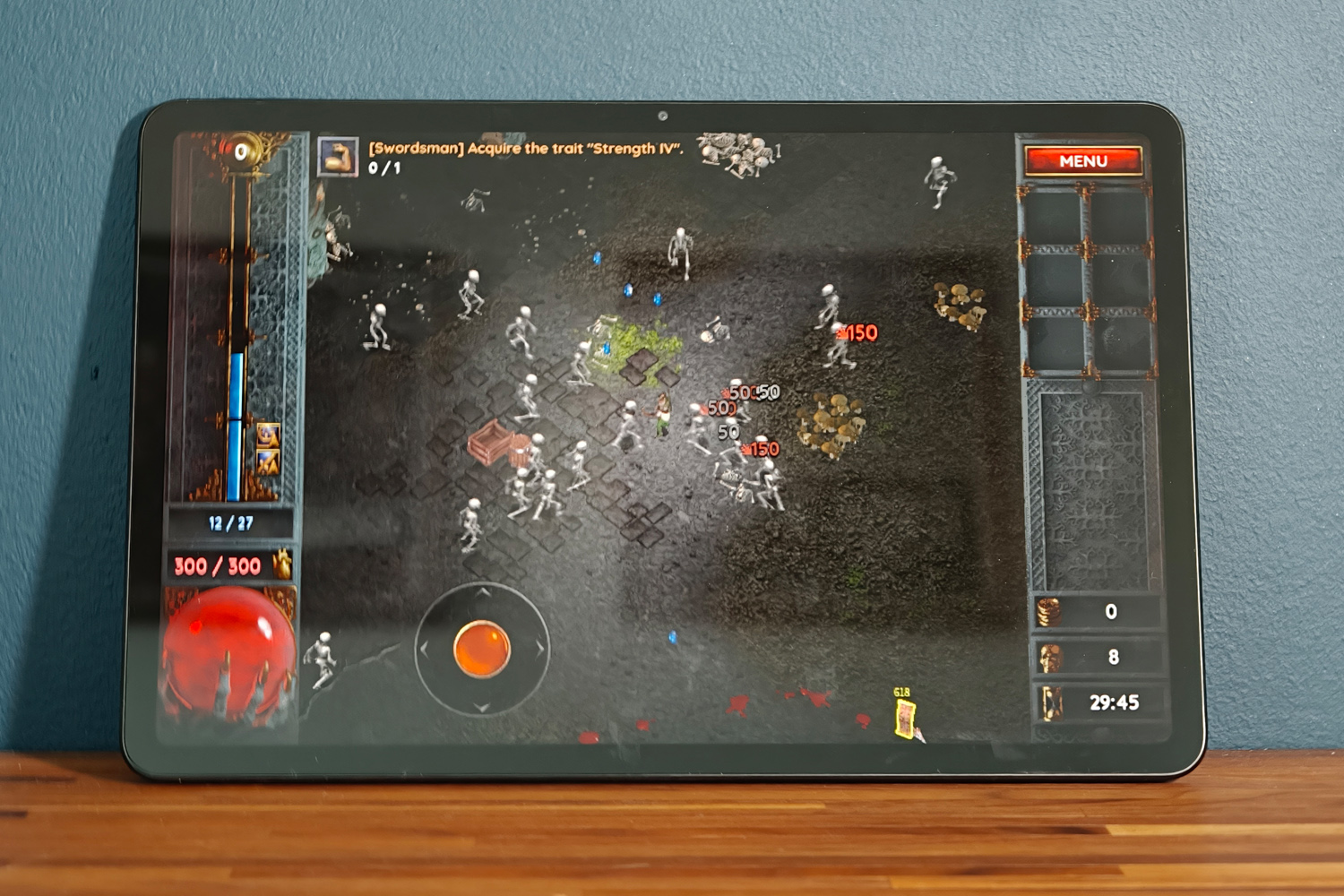
Performance is bang on what I’d expect for the cash as a result, with Android feeling pretty smooth and apps being largely responsive. More demanding ones could be a little stuttery or slow to react at times, but it was rare. My usual 3D benchmarks were blocked from running, but gaming in general was never a slog. While intense games would default to lower detail settings, and I was rarely in danger of maxing out the 120Hz refresh rate, it coped just fine with most Play Store titles.
Importantly it does all this without pushing temperatures skywards, and was never in danger of needing to throttle performance. That’s pretty much all you can ask for from a tablet costing this much.
| Poco Pad M1 benchmark scores | |
|---|---|
| Geekbench 6 single-core | 1238 |
| Geekbench 6 multi-core | 3242 |
| Speedometer 3.1 | 11.3 |
| PCmark Work 3.0 | 14,016 |
| Geekbench AI | 1707 |
Poco has fitted a huge 12,000mAh battery inside the Pad M1; that’s a few thousand milliamps more than you’ll find in a typical budget 12in tab. Combined with a relatively efficient mid-tier chipset, this puts in an impressive performance when away from the mains. In typical use – a mix of web browsing, video streaming, gaming, productivity and social scrolling – I got close to 13 hours of use. That compares very favourably with rivals costing twice the price.
Charging speeds aren’t quite so impressive, topping out at 33W and needing three full hours to complete a full refuel. This is definitely a tablet I’d charge overnight, rather than on the fly.
Poco Pad M1 verdict
While being able to rifle through the parts bins of other Xiaomi sub-brands certainly helps, the Pad M1 is still a sterling effort on the level I’d expect from Poco. This doesn’t feel like a truly budget tablet, with styling, build quality and battery life that place it more towards the mid-range.
While the screen, cameras and chipset give the game away, there’s still enough oomph here that it gets my recommendation over the similarly affordable OnePlus Pad Lite. Whether you should pick one over the equivalent Redmi – if it’s sold in your country – solely depends on which is cheaper when you head to the checkout.
Stuff Says…
An affordable Android tablet that punches above its weight on styling and battery life. The Poco Pad M1 is a decent performer and isn’t short on productivity-minded accessories either.
Pros
Large, high res screen and punchy speakers great for multimedia
Long-lasting battery
Sleek styling and high quality peripherals
Cons
Charging speeds are pretty sluggish
Off-angle viewing isn’t the greatest
Poco Pad M1 technical specifications
| Screen | 12.1in, 2560×1600 LCD w/ 120Hz refresh |
| CPU | Snapdragon 7s Gen 4 |
| Memory | 12GB RAM |
| Cameras | 8MP rear, 8MP front |
| Storage | 256GB on-board |
| Operating system | Android 15 w/ HyperOS 2 |
| Battery | 12,000mAh w/ 33W wired charging |
| Dimensions | 280x182x7.5mm, 610g |


 Tom Morgan-Freelander
Deputy Editor
Tom Morgan-Freelander
Deputy Editor