Apple TV (2015) review
No longer a hobby — Apple's new set-top box means business

For years, certain pundits remained convinced an Apple telly was on the way.
Instead, Cupertino’s most famous company only made dinky streaming boxes it referred to as a ‘hobby’. And although former Apple CEO Steve Jobs said in Walter Isaacson’s 2011 biography that he’d “cracked” television, rivals in subsequent years blazed past Apple’s stubbornly unchanging kit.
With this 2015 release, we still don’t get a telly, but Apple TV is no longer a hobby. Instead, it’s far closer in nature to a headless iPhone — a powerful streaming device that builds on what went before with an App Store and Siri. On stage in September 2015, Tim Cook enthused this would be the future of television, but has Apple done enough to compete in the present?
Little black box
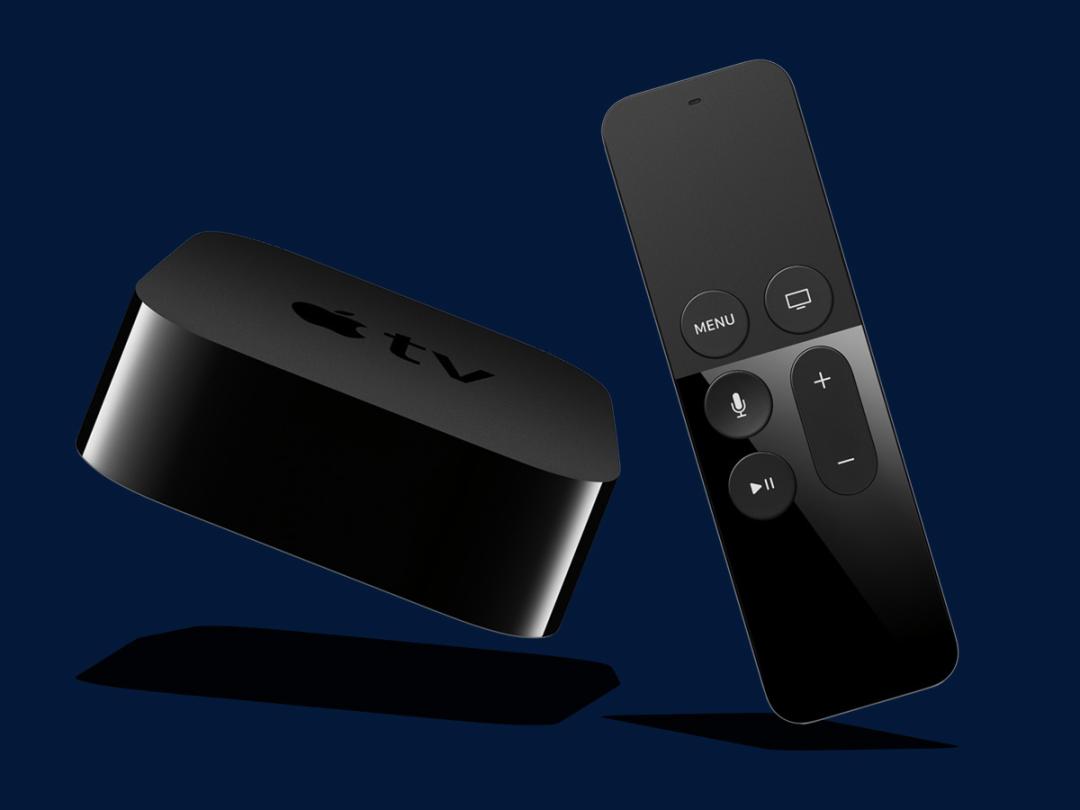
Like its predecessor, the new Apple TV is a small black puck, albeit one that’s now thicker and heavier than before. It retains HDMI and Ethernet ports, but loses optical audio, so you may need a breakout box to listen to music piped to an amp without having your telly on. A USB-C port is intended for ‘service and support’.
The device’s innards are more interesting. The new Apple TV boasts an A8 chip (akin to the one in an iPhone 6), and an iFixit teardown found 2 GB of RAM inside. It’ll cope with 1080p H.264 video, but not 4K – which you’ll find in Amazon’s Fire TV. Until 4K becomes properly widespread, that doesn’t bother me much; for now, this Apple TV’s guts make it suitably nippy.
As you’d expect, set-up is simple. In fact, if you’ve an iPhone, just turn on Bluetooth and plonk it next to the Apple TV, then wait a minute for the two devices to get pally. Confirm your Apple ID username and password on the iPhone and you’ll be good to go.
Roku around the clock › Roku streaming stick review
Remote control
The old Apple TV remote was simple but limited, and didn’t compare favourably with Amazon’s Voice remote. Apple’s response is the Siri Remote, a disarmingly light Bluetooth controller with six buttons (Menu, Home, Siri, Play/Pause, and volume up and down), a built-in microphone, a glass touchpad, and a Lightning port for charging.
It’s easy to find the remote the wrong way up if you’re not paying attention. After extended use, you’ll come to recognise the different feel of the unit’s lower end and touchpad. What might prove trickier is getting used to actually working with the controller. The remote is not unpleasant to hold, but swiping the touchpad doesn’t afford enough precision when navigating on-screen.
This annoyance is compounded by a baffling lack of support for the iOS Remote app and Bluetooth keyboards. Typing is an inexplicable chore, I can only imagine Apple’s engineers don’t input passwords often. When you realise you can tap for smaller movements, things improve, but it still feels like a step sideways rather than forwards from the previous remote.
Finding your voice
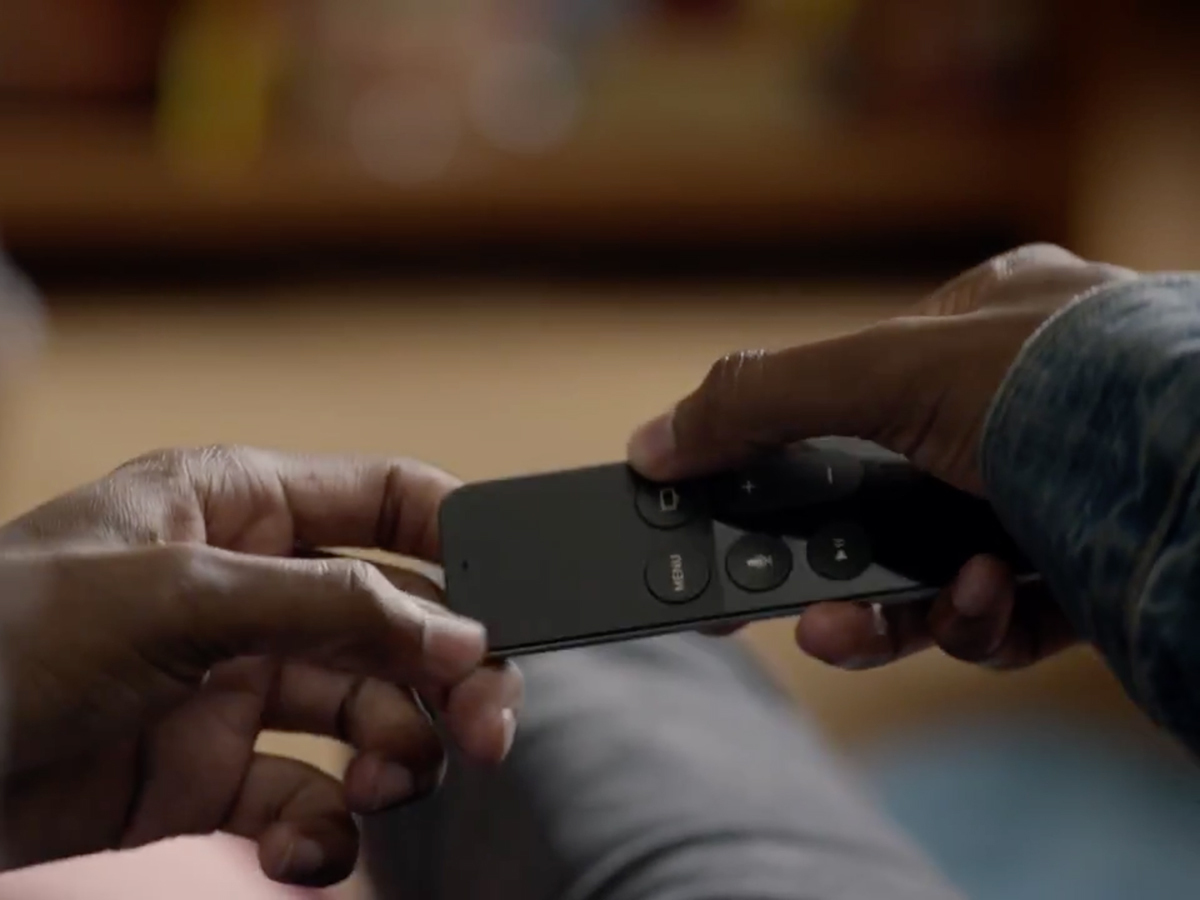
The Siri Remote is far better when it comes to the ‘Siri’ bit, which also points at its future potential. Specifics sometimes stump it — say ‘Depeche Mode’ and Siri will (perhaps aptly) respond with ‘depression mode’ and apologise that it can’t surf the web. But it’ll quickly return weather reports and sports scores, along with selections of films or TV shows when inquiring about genres or famous stars.
In the future, Siri will be properly impressive as ‘universal search’ rolls out, saving you the hassle of figuring out where to watch something. Now, though, you’re merely shoved towards iTunes and Netflix content in the UK. Staggeringly, Apple Music isn’t yet supported anywhere. US users are better off too, with Siri also supporting Showtime, HBO and Hulu.
When watching a show, Siri shines. You can skip forwards and backwards by set amounts, and toggle subtitles. You can ask “What did she say?” and watch as Siri rewinds your show a bit and turns on subtitles. And Siri doesn’t talk all over everything either — the feature is blissfully silent on Apple TV.
Casting call › Google Chromecast Review
Everybody’s appy now
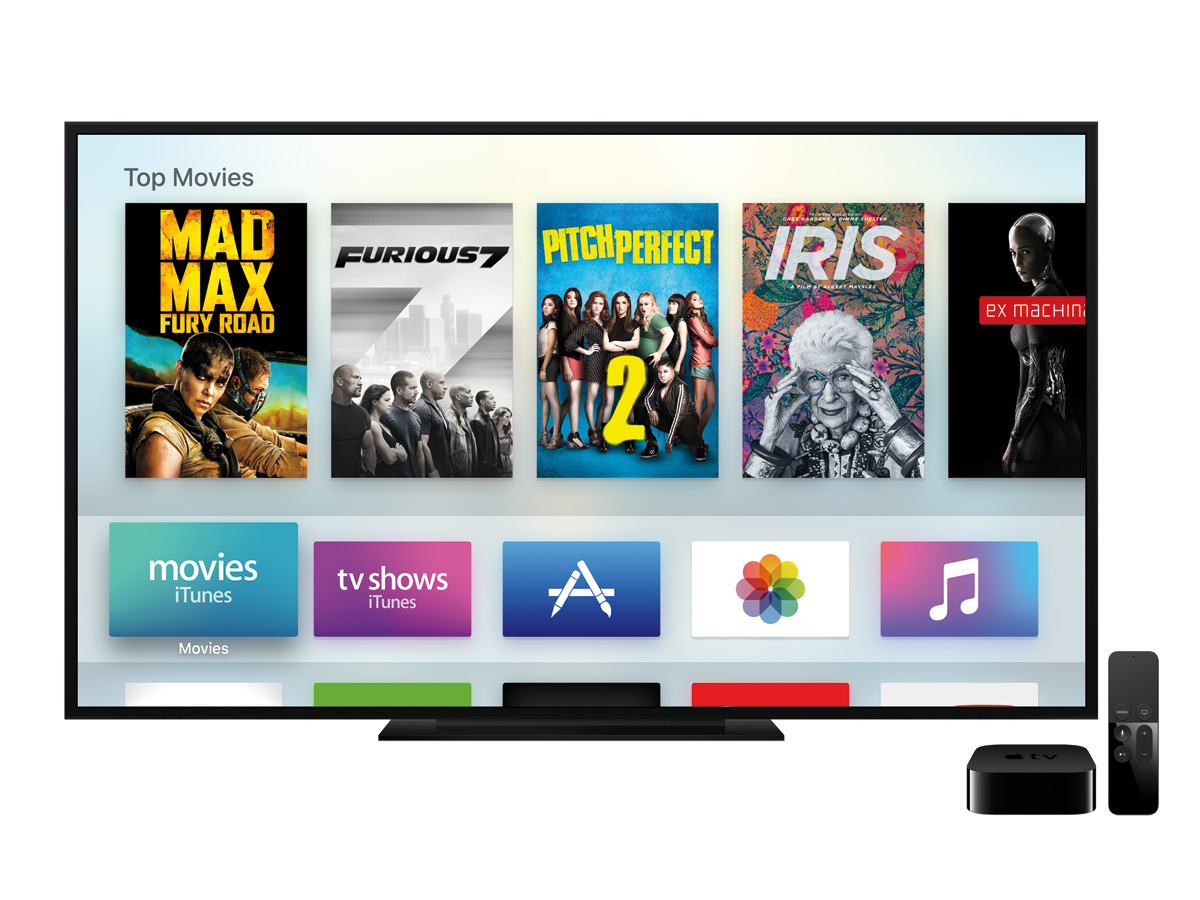
On first powering up your Apple TV, the Home screen proves to be blissfully sparse. You get icons for Films, TV Programmes, App Store, Photos and Music in a bar across the top. Beneath those: Search, Computers and Settings. No longer is there preferential treatment for specific third-party services over others, and nor must you periodically head to Settings to turn off all the new channels Apple’s foisted on you.
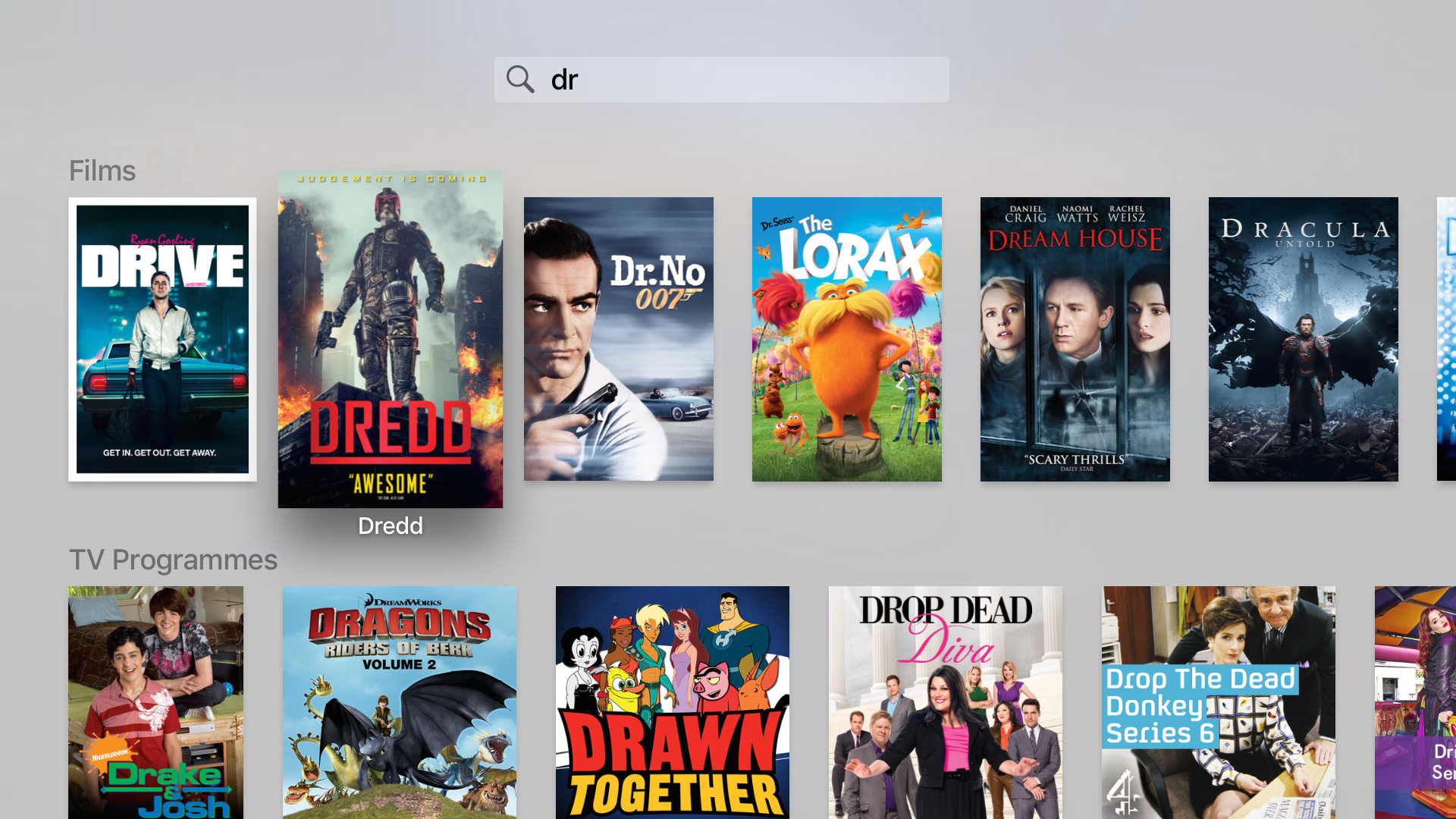
You’ll notice two newcomers in the defaults: Search and App Store. The former is a text-based means of finding content in the iTunes Store. Given how awful the remote is for typing, you might not use it much. But third party apps — beyond those from a handful of Apple partners — have been bewilderingly absent from Apple TV, and so seeing App Store excites.
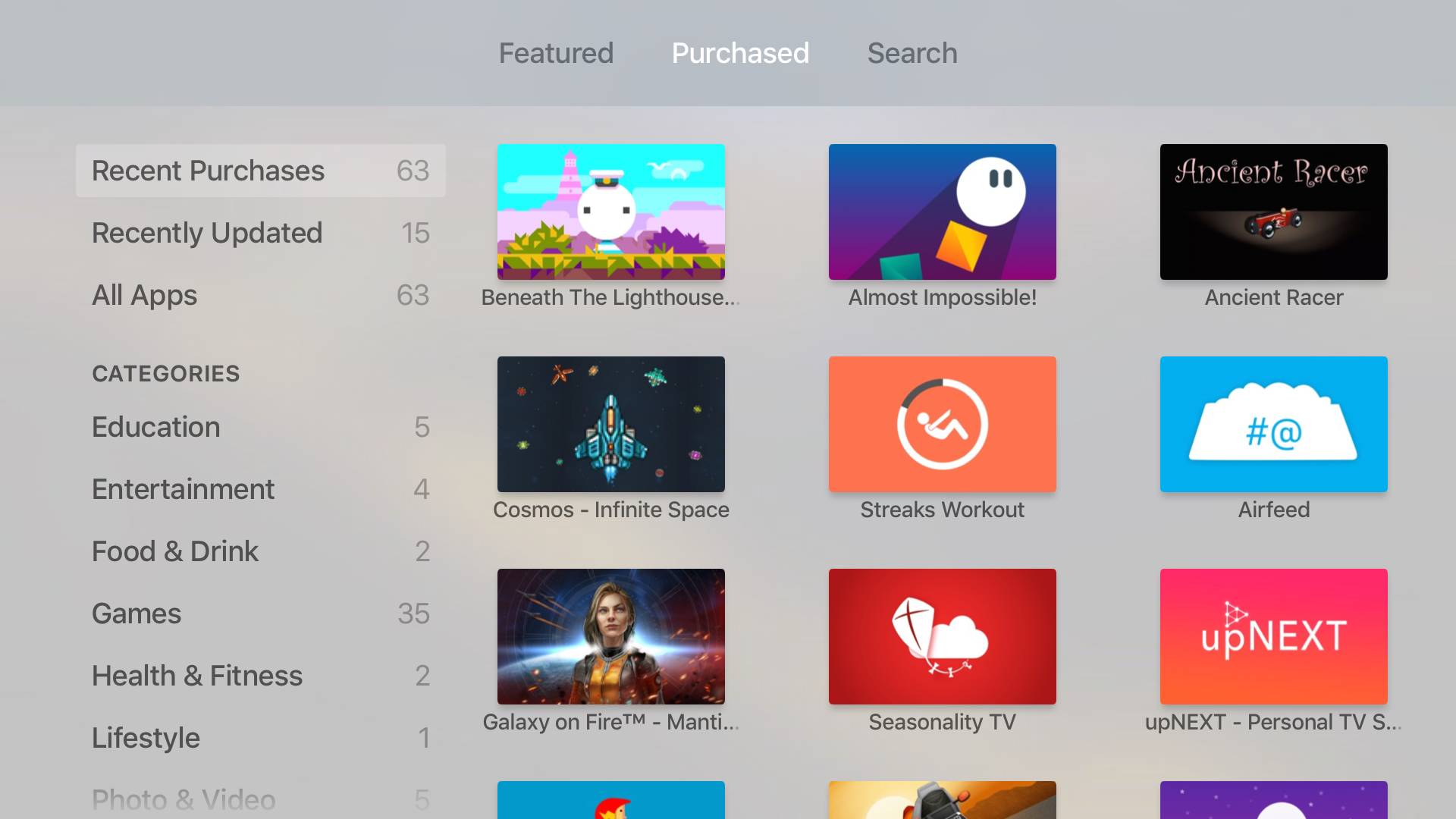
Devs can now create standalone tvOS titles or add support to existing universal apps. Those you already own appear in the Purchased tab, and you may find dozens there if you’ve a large iOS apps library. Installing apps is painless, and if you have accounts in multiple geographic regions, the Home screen no longer only shows those owned by the active account. However, switching accounts still requires delving deep into Settings. I wonder whether Apple could have simplified that process, and also offered user accounts, so each family member could have their own app layout.
There’s not an app for that
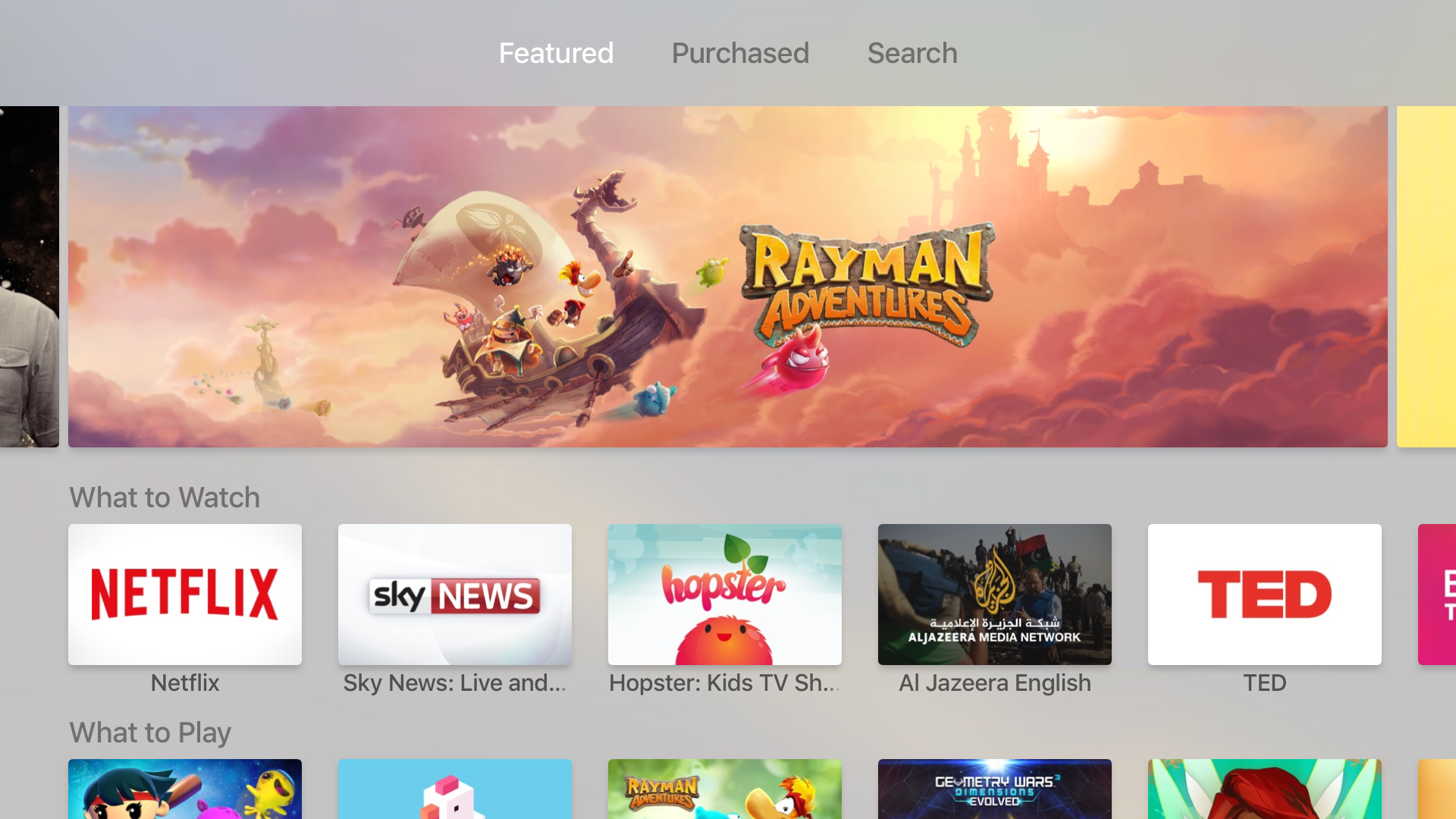
A bigger downside is the nature of the App Store itself, where discoverability is dreadful. You either choose from Apple’s recommendations or perform searches. There are no categories to explore and no means to browse elsewhere, even in iTunes.
This compares badly to Roku and Amazon kit, and you have to wonder whether Apple’s trying to hide a dearth of apps. Several searches suggest that isn’t the case. The launch line-up is quite impressive, but there are holes. Apple’s partnerships appear to be very US-focused, and so while UK users get Netflix, TED and Vimeo, there’s no BBC iPlayer or All 4.
Worse still, Amazon Prime Instant doesn’t offer a native app and the online retail behemoth’s ban on Apple TV sales means that it’s unlikely to offer one anytime in the future. At least, its iPhone and iPad apps support AirPlay.
Also, NOW TV was initially NO TV, which was astonishing given that it’s a default UK app on the older Apple TV. An App Store NOW TV app has now arrived, with a refreshed UI and similar functionality to what you got previously; but this nonetheless felt like a glaring oversight for British users.
TV streamers › The best smart TV streaming boxes of 2015
Pretty as a picture
The Apple TV interface has had a noticeable revamp. Instead of icons on black, everything’s now atop lighter backgrounds, which feels a mite less oppressive. Pretty much the entire interface is desperate to dance for you, though, and these animations prove irksome even when you discover and activate Reduce Motion in the Settings app.
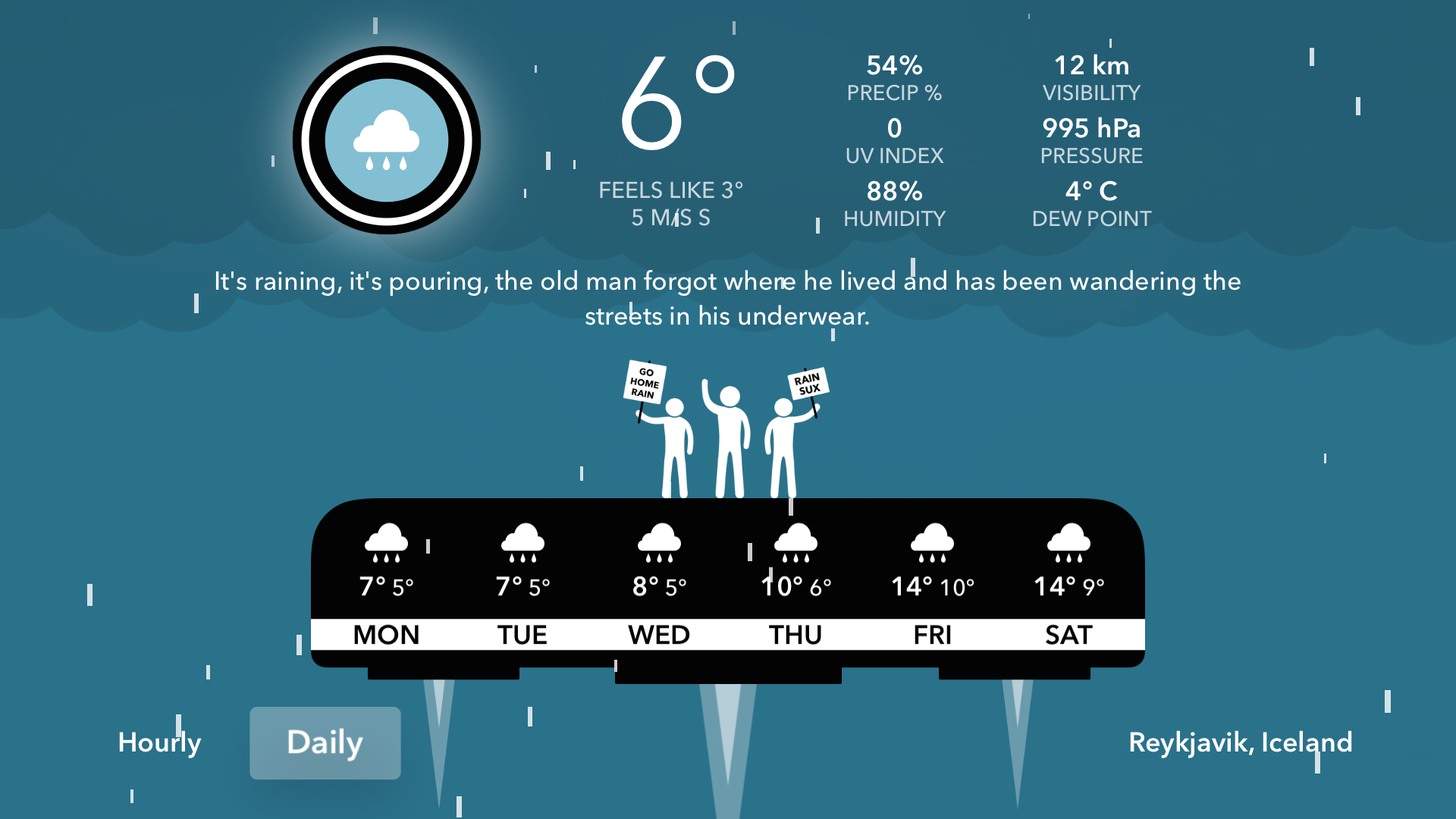
When delving into apps, the majority are improved. For instance, Netflix’s homepage is vastly superior to what you got on the third-generation Apple TV. Third-party apps also enable a kind of creativity and playfulness that was absent on the old Apple TV — CARROT Weather’s oddball illustrated forecasts from a malevolent AI beat the dull menus served up in the older model’s The Weather Channel app.
Not everything works: displaying a TV show’s episodes as a set of horizontally scrolling thumbnails looks pretty, but is less usable than a simple text-based list; and only showing Home screen app names when they’re selected is unhelpful.
Telly addict? › The 25 best things on Amazon Prime Instant Video
Playing the game

Much has been made of Apple TV’s potential regarding games. Despite this, it’s hard to get past the impression Apple largely sees games as a bullet point in a feature list.
This shows in the Siri Remote, which can be quite literally a pain when it comes to playing games. Its cramp-inducing form was clearly designed for very quick and occasional interaction rather than extended gaming, and both the trackpad and Play/Pause (which doubles as a second gaming button) require heavy presses for actions.
For one-thumb gaming, this is OK. I racked up one of my highest Canabalt scores in my first go on the Apple TV, thanks to the clarity provided when playing on the big screen, and Alto’s Adventure plays similarly well and looks gorgeous to boot. The new Rayman game, which has more complex (if still quite simple) controls, technically works fine, but everything feels odd squashed into a tiny touchpad.
It will be interesting to see how Apple’s U-turn in making Siri Remote support mandatory (rather than preferred) plays out. Can Guitar Hero can work under Apple’s restrictive rules?
Space wars

Some developers, though, have already deftly dealt with the controller’s limitations. Twin-stick shooter Geometry Wars 3: Dimensions Evolved becomes a single-stick avoid ’em up, the game itself dealing with targeting and shooting. This forces new strategies and is a very different — albeit not inherently worse — experience than you get with a proper controller, even if the Siri Remote occasionally fails with subtler movements.
Similarly, gorgeous space combat effort Galaxy on Fire 3: Manticore Rising makes great use of the remote’s accelerometer and gyro for moving your ship, swipes then being used to trigger boosts and rolls. I also enjoyed Nitrome’s Beneath the Lighthouse; it has you thumb circles on the touchpad to rotate the screen, and feels like it was made for the system.
Still, if you’re really into games, you’ll want to pick up a £40 SteelSeries Nimbus controller, to ensure you won’t be stuck with watered-down experiences. Elsewhere, two of Apple’s other limitations prove more problematic: only a single Game Center account is supported at any one time (not great for families or multiplayer), and maximum app bundle sizes of 200 MB can really slow things down.
Racer Asphalt 8, for example, becomes the modern-day equivalent of a Commodore 64 tape multiloader, needing to grab track data before you can race. Fortunately, Apple’s insistence on iCloud crossplay for universal apps is better — Geometry Wars pleasingly started at the precise point where I’d left it on my iPad.
Get these › 20 best iPhone 6s and iPhone 6s Plus apps
Apple TV Verdict
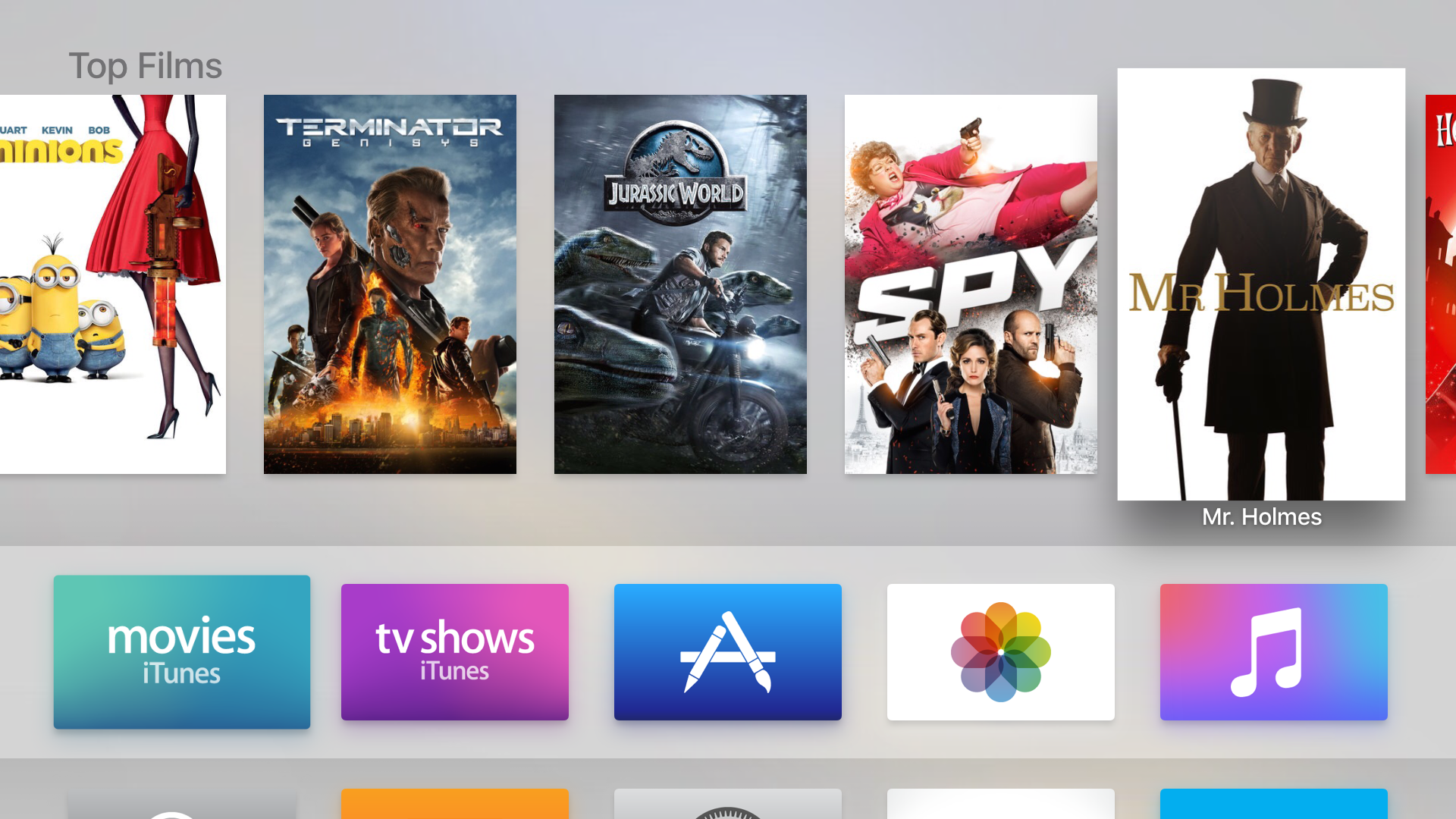
In all, then, this new Apple TV is a bit of a mixed bag, and fairly expensive compared to the competition. Rather than promising the future of television, it provides something awfully akin to existing competing boxes. Fortunately for Apple, it does so in a broadly usable and robust manner.
If you’re already heavily invested in the Apple ecosystem, it’s a good buy — an extensible and more powerful version of its predecessor. If you’re considering upgrading, be mindful of what channels are available, and think whether you want or need apps and games.
For gamers, the Apple TV won’t replace a console, but it’s not meant to. Yet arm yourself with a Nimbus controller and it could quickly become an interesting addition to your set-up, especially for checking out indie fare.
For everyone else, the Apple TV’s harder to recommend over its rivals, being more expensive and less open. We’ve seen this story play out before though.
If Apple TV manages to get even a fraction of the support of its iOS cousins, it’ll soon be drowning in top notch apps and games in a manner its rivals could only dream of. It’s just not quite there yet.
Binge watch these › The 35 best things to watch on Netflix right now
Stuff Says…
Finally wrenched into the present, this Apple TV is a solid update that’s brimming with potential.
Good Stuff
Third-party games and apps
Stable and responsive
Siri could be a game-changer
Very fast, easy set-up
Bad Stuff
Lacking some key apps
Siri Remote can irk
No 4K support


 Craig Grannell
Contributor
Craig Grannell
Contributor