Acer Aspire S3 review
The Aspire S3 sets the bar high. With a better screen, more storage and USB 3.0, Acer’s Ultrabook would be perfect

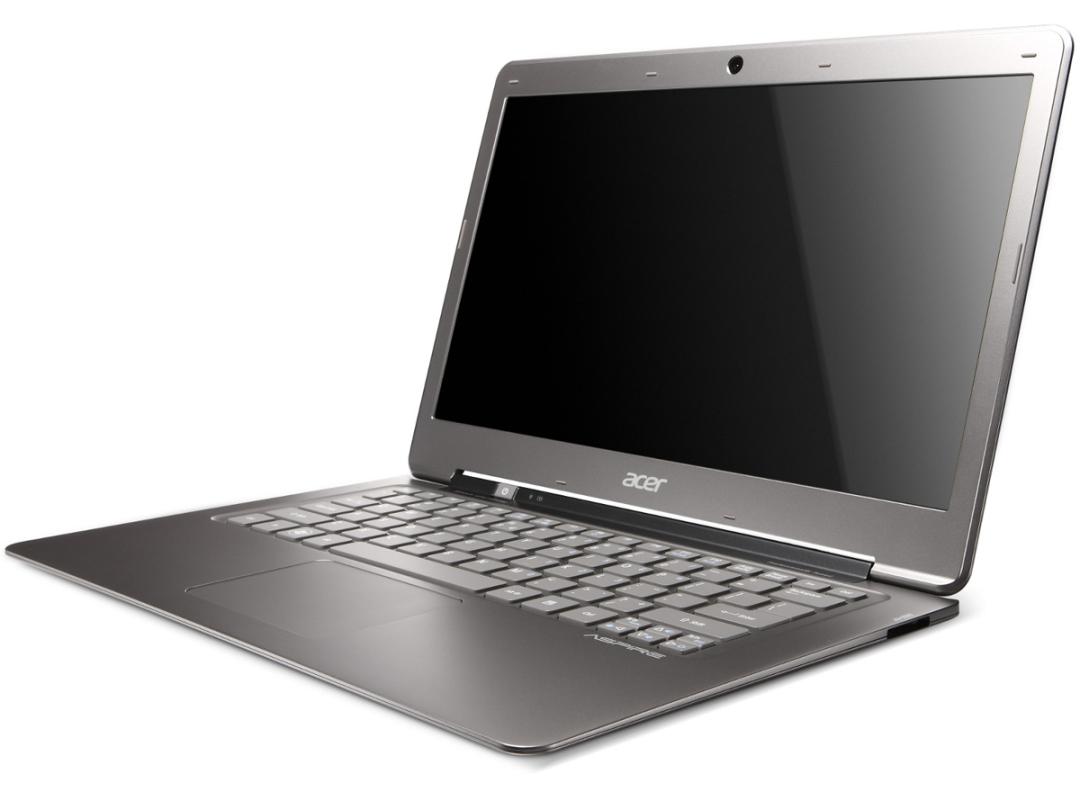
The MacBook Air may be the reigning champ in the razor-thin laptop stakes, but what if you’d rather run Windows? Acer’s S3 is thin, light, packs a more powerful CPU, and costs less. Could this be the laptop (sorry, ‘Ultrabook’) you’ve been waiting for?
With its impressively svelte profile, the Acer Aspire S3 looks set to make a worthy Windows-flavoured contender to the Macbook Air and like Apple’s slimline machine, the Aspire S3 measures just 17mm at its widest point and tapers away to razor-like edges. According to the official Stuff callipers of justice, you couldn’t slip a wafer-thin mint into the difference in girth between the two. Let’s hope the German courts don’t take too much of an interest.
MacBook Air vs Acer Aspire S3
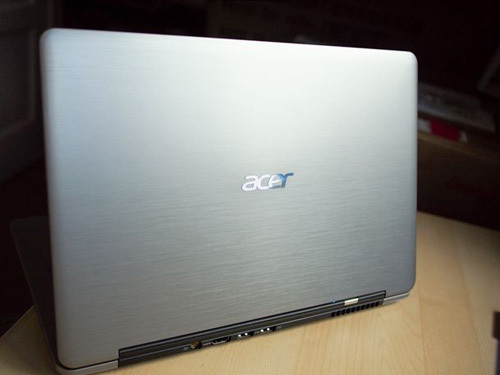
The S3 might not have the the Apple’s aluminium unibody, but the metal lid is classy and the plastic body doesn’t feel at all cheap. However, the screen hinge could be sturdier – the downside of Acer’s S3 being so damned light is that the lid is the heaviest part, which means the Ultrabook can wobble a bit when resting on your lap.
However, the plastic chassis pays off when it comes to the weigh-in, with the Acer S3 tipping the scales at 170g less than the 13.3in Air. By way of comparison, that still makes it slightly heavier than a Sony Vaio Z or Toshiba’s forthcoming Portégé Z830 – but even in the top-whack specification we tested (with Intel Core i7 and a 320GB HDD) the Acer is still £400 cheaper than either one and £450 than a similarly skilled top-end MacBook Air. Granted the Air comes with a 256GB SSD, but the S3’s solid-state cache means you won’t notice the usual speed difference.
Acer Aspire S3 screen test
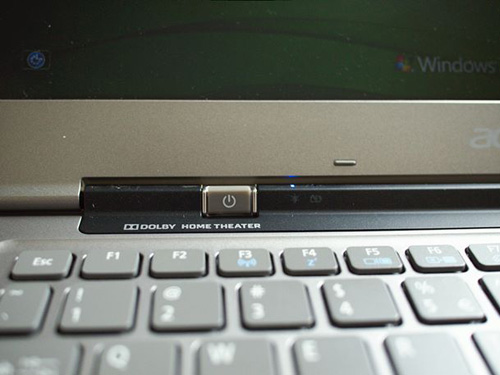
For many, that £450 premium is still worth it for the Mac’s crisper screen, big SSD and unibody wonderment. The S3’s 13.3in screen is big enough, but not as vibrant as the Air’s, and has a blue colour cast that needs to be tuned out with Intel’s calibration tool. Viewing angles aren’t great either, but as long as you turn the backlight up and keep the screen face-on, it’s not a disaster.
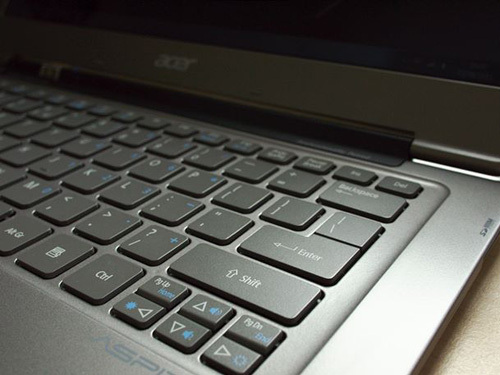
The chiclet keyboard isn’t the most responsive around, and keys require a purposeful tap to register, but it’s well spaced out and solid under the touch. Splitting the return key in two and offering the top half to another command was an odd choice, so prepare to get used to aiming a little lower than usual.
Acer S3 performance and battery
Purring under the bonnet of the Aspire S3 is Intel’s Core i7 CPU (the MacBook Air’s stock processor is the inferior, but still blisteringly quick, Core i5). The S3’s Core i7 isn’t a real quad-core, but thanks to hyperthreading (a smart way of making a single chip operate like two separate devices), the i7 can handle more processes at once than the Core i5. Great for multi-tasking and video encoding… even gaming (with the details turned down). It does mean the fan is always audible, mind, and the base can get a little hot.
Acer has tweaked the Windows settings to make the device better at waking up from standby. In Deep Sleep mode, the battery will last for 50 days, yet be up and running Windows within six seconds. (We actually timed it starting faster than that.)
The lifespan of the power cell is dependent on the LED backlight. Turn it up, and you’ll get a crisp, clear display for the next three to four hours. Turn it down and the S3 will loop a 1080p video for nearly seven hours, but you might be seeing spots afterwards.
What? No USB 3.0 for the Aspire S3?
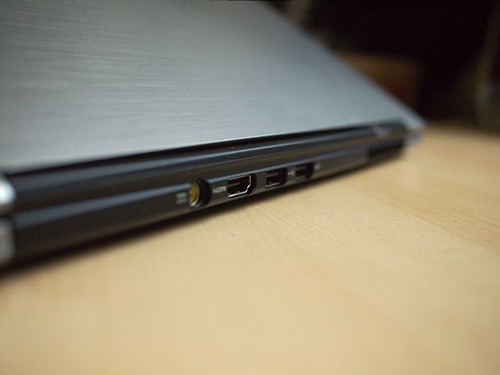
By sticking the connections round the back, Acer’s found room for a full-size HDMI port and two USB slots. There’s nothing to rival the MacBook Air’s Thunderbolt – those USB ports are old-fashioned 2.0. You do get an SD card reader and a combination headphone/mic socket, but we’d gladly sacrifice the S3’s card reader for some supercharged USB 3.0 connectivity. Shame.
What’s Thunderbolt? Find out here
Acer is certainly looking to the future when it comes to the all-important OS, with the brand prepping for the app-style interface of next year’s Windows 8. There’s a tablet-like newsreader – newsXpresso – included in the pre-installed Aspire bundle, as well as Acer’s own social/sharing/UPnP media-server software, Clear.fi. Both feel like they’d work better with a touchscreen, but the S3’s responsive touchpad does the job.
Acer Aspire S3 Ultrabook verdict
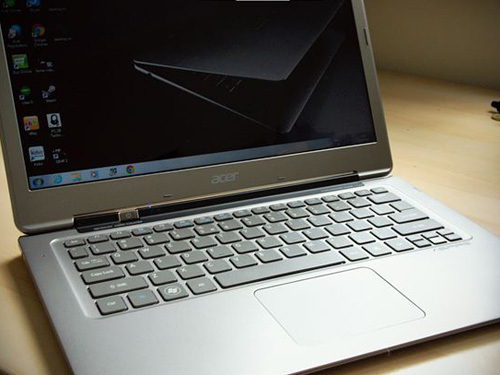
Should you buy an S3 Ultrabook? Well, yes. Unless you don’t. The MacBook Air remains the better built machine, has the sharper screen and has high-speed Thunderbolt for express file transfer. Spec it up to the Acer’s numbers, though, and it also costs £450 more than the S3. While that could be seen as money well spent (much of it pays for the all-solid-state memory and Apple laptops have a healthier resale value than their peers), Acer’s svelte Ultrabook is still worth considering. After all, with a similar spec, the MacBook Air is a tad slower than the S3. And that’s not all.
The S3’s considerable processing grunt and supercharged wake times are impressive specs to find in a laptop under two centimetres thin and weighing just 1.3kg. It runs Windows natively and has a full HDMI port. It can sleep for nearly two months and be ready to pounce into Windows in under six seconds. Yes, it costs a lot, but the Acer Aspire S3, like a slightly flawed diamond, is still worth waving your wallet towards. Just don’t expect perfection.
Stuff Says…


 Stuff Staff