An Apple AirPods Max 2 update unlocks new features – but there’s a catch
Apple’s new headphones already have firmware waiting in the wings

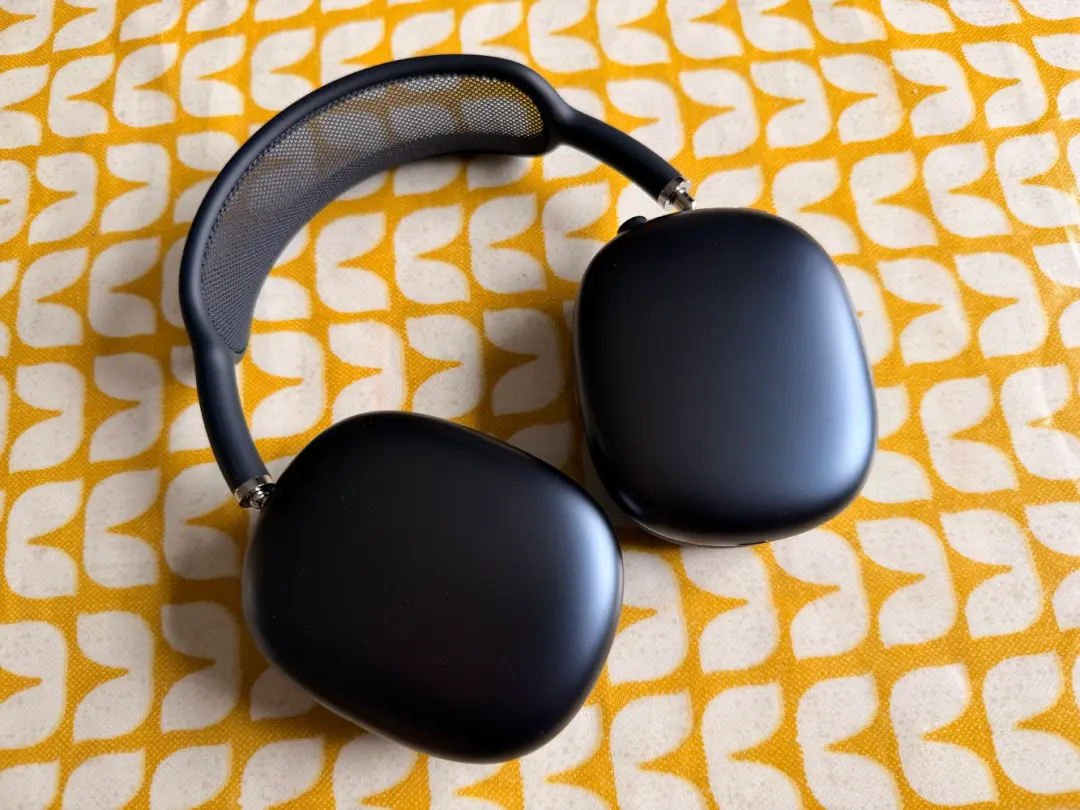
A new AirPods Max 2 update is already rolling out, providing Apple’s shiny new headphones with improved extra features – but it’s not as easy to install as you might think. Before we get on to that, though, here’s what the update brings to the table.
- Read more: 50 years of Apple: the greatest products ever, ranked – here are numbers 30–21 in our countdown
Version 8E251 is rolling out ahead of release (via MacRumors), and while Apple doesn’t say exactly what’s changed, it’s likely focused on tuning the new H2 chip-powered features
Those include Live Translation, Adaptive Audio, Loud Sound Reduction, and Voice Isolation – all of which are new to this version thanks to the chip upgrade.
If you’re hoping to install that update yourself, though, nothing’s changed. The AirPods Max update process is just as annoying and unintuitive as it ever was.
If these are your first pair of AirPods Max, there’s no clear way to force the update. Instead, you need to have the headphones connected to your iPhone, iPad, or Mac over Bluetooth, make sure that device is on Wi-Fi, plug the AirPods Max 2 into power via USB-C, and then leave everything alone for about half an hour.
After that, reconnect and check the firmware version. If it hasn’t updated, restart them and try again.
To be fair, most people won’t ever notice this happening as AirPods firmware updates tend to install quietly in the background without any input.
But if you’re the kind of person who actually wants to make sure you’re on the latest version before using a brand-new pair of pricey headphones, the experience will feel more convoluted than it should be.


 Esat Dedezade
Contributor
Esat Dedezade
Contributor